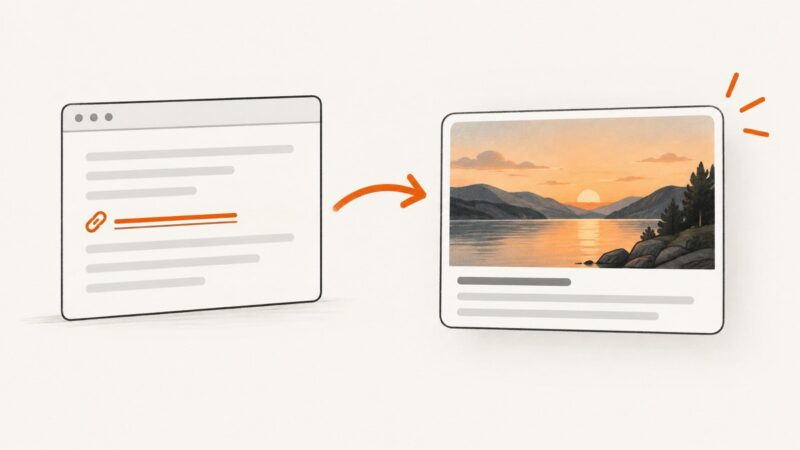
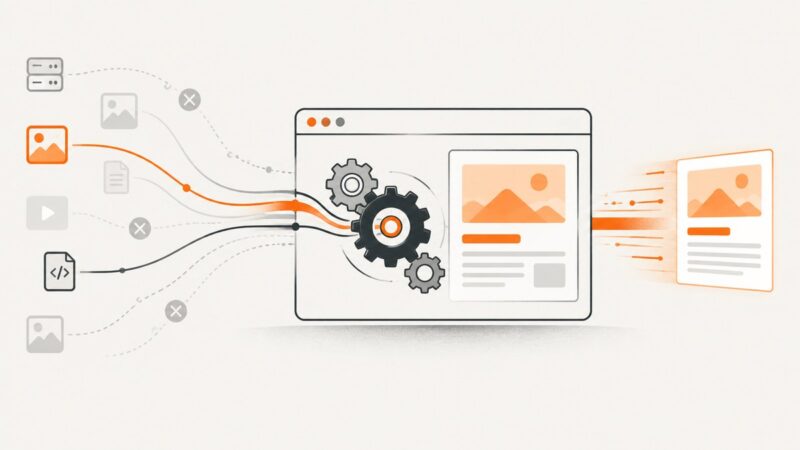
How Website Screenshots Can Support Marketing Strategy
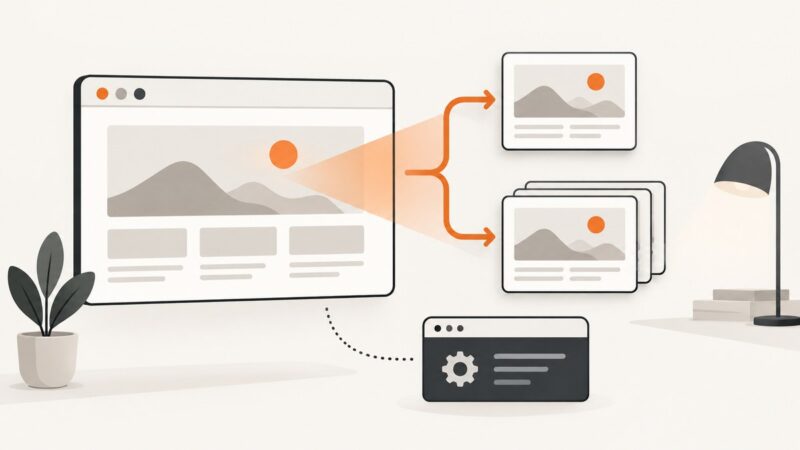
Use website screenshots to make product value tangible, improve conversion decisions, and measure which visuals persuade your audience.
Blog
How to take clean screenshots, turn HTML into images and PDFs, run headless browsers, and give AI agents eyes. Written by the team that builds ScreenshotNeo.
Use website screenshots to make product value tangible, improve conversion decisions, and measure which visuals persuade your audience.
Compare the best open-source documentation tools by workflow, contributor needs, hosting model, search, versioning and maintenance.
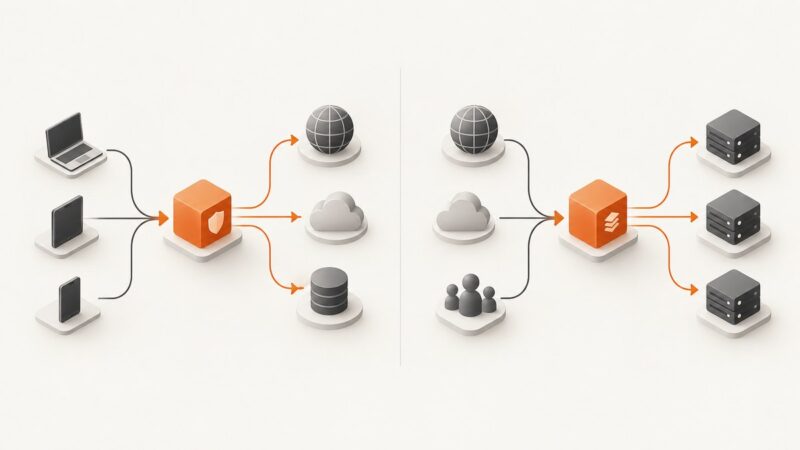
A forward proxy represents clients accessing external resources; a reverse proxy represents backend services receiving client requests. Learn how each works, when to use it, and how to configure NGINX.
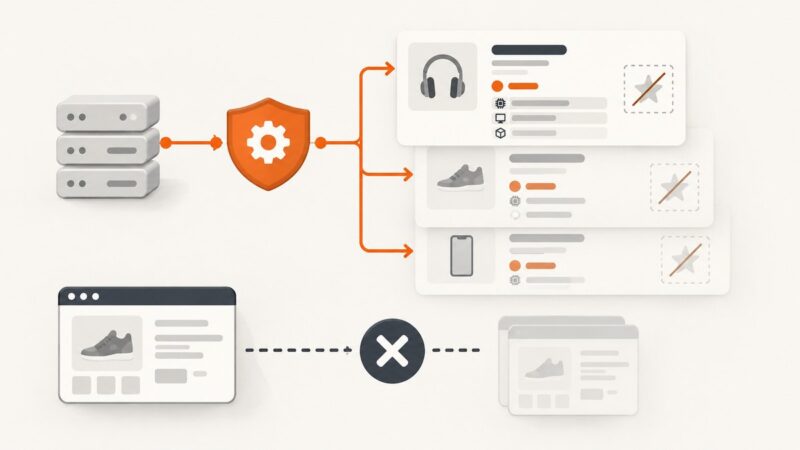
Use Flipkart’s authorized Seller API for listing names, prices, and specs, understand why ratings are absent, and avoid prohibited page scraping.
Fix Python Requests SSLError errors by identifying the certificate, hostname, CA, proxy, or client-certificate problem and applying the right secure remedy.
Run web captures from a terminal with a documented CLI, secure credentials, reusable options, CI patterns, troubleshooting, and a ScreenshotNeo shortcut.
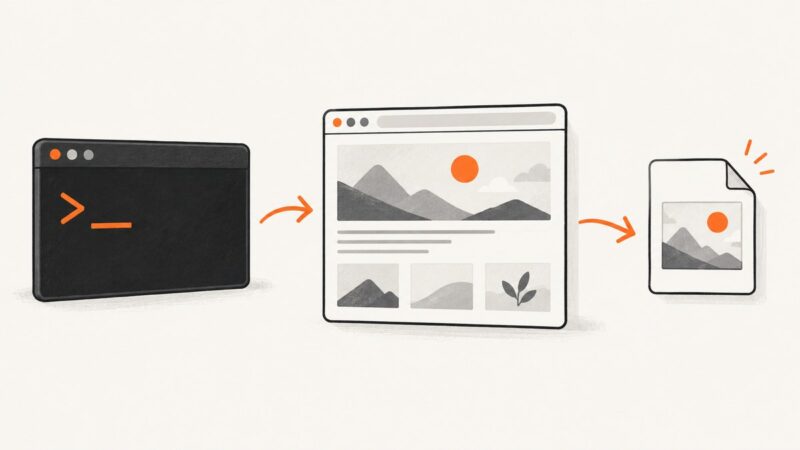
Capture a public website from its URL with a free browser tool or an API. Compare options, choose the right settings, and troubleshoot blank or incomplete screenshots.
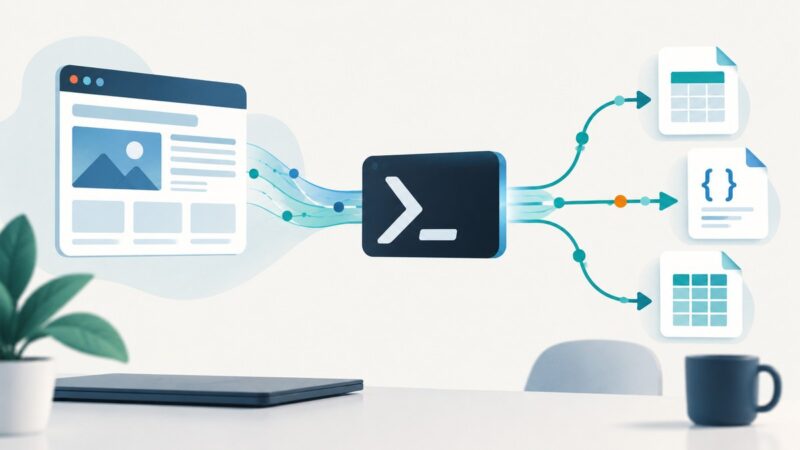
Build a reliable PowerShell scraper with timeouts, cookies, pagination, HTML parsing, validation, and CSV or JSON export.
Build a useful, auditable email database from public web data while documenting provenance, consent, objections, and campaign limits.
Build separate ingestion and question-answering workflows in n8n with Qdrant, embeddings, evaluation checks, and production troubleshooting.
Speed up Playwright scrapers by waiting for the right content, trimming safe-to-skip requests, managing browser resources, and measuring results.
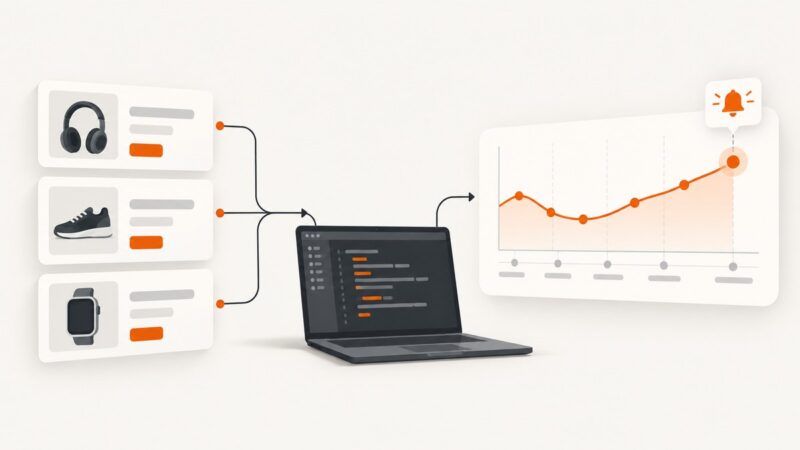
Build a price tracker that records comparable prices, spots meaningful changes, and alerts you without mistaking missing data for a price drop.
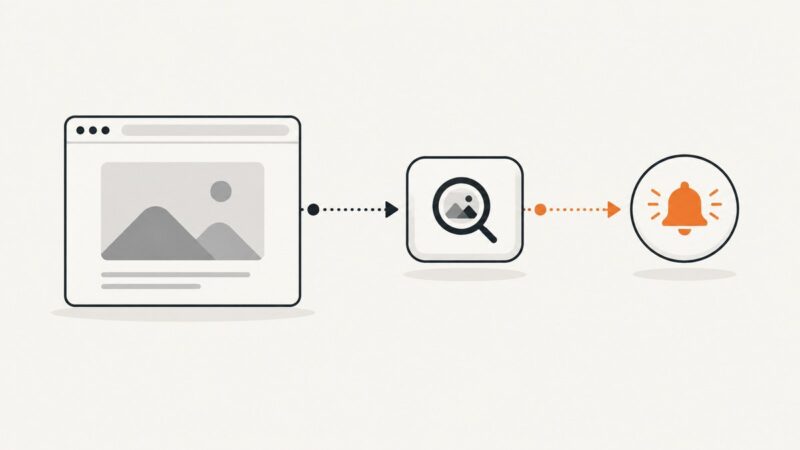
Learn how to detect broken website images, distinguish HTTP errors from network failures, and deliver reliable webhook alerts with runnable code.
Wait for the page’s used web fonts and relevant content to finish loading before capture. Here are runnable Playwright and Puppeteer examples, troubleshooting steps, and ways to make screenshots repeatable.
Capture Django pages with a real browser, choose between one-off screenshots and visual regression tests, and learn when Django’s test client is enough.
Fix missing og:image previews with server-rendered tags, image checks, duplicate cleanup, platform debugging, and cache refresh steps.
Missing emoji in a screenshot usually means the browser cannot find a suitable glyph font. Diagnose the rendered font, verify the capture runtime, and load a supported font before capture.
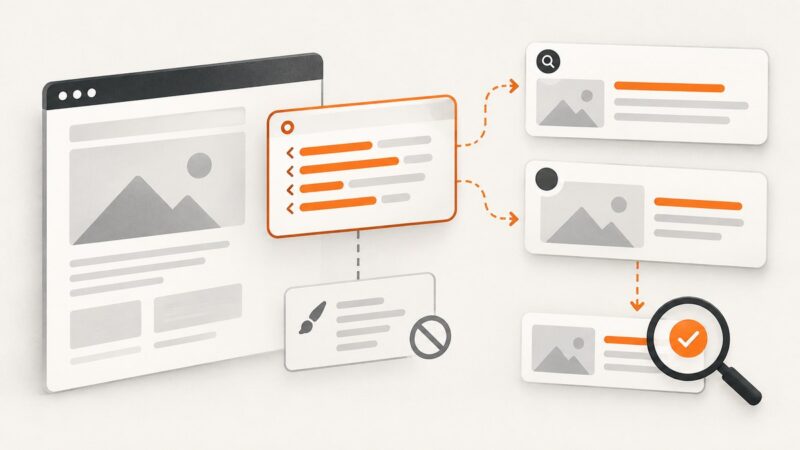
Learn which HTML metadata controls search and social previews, why CSS cannot replace it, and how to validate reliable preview output.