How to Scrape Data From Google Maps: Business Listings and Place Details
Google Maps Platform terms restrict scraping or exporting Maps content. Learn when to use Places API, what you may store and display, and how to choose a compliant data source.
Blog
How to take clean screenshots, turn HTML into images and PDFs, run headless browsers, and give AI agents eyes. Written by the team that builds ScreenshotNeo.
Google Maps Platform terms restrict scraping or exporting Maps content. Learn when to use Places API, what you may store and display, and how to choose a compliant data source.
Scrapy crawls and orchestrates requests; Beautiful Soup parses markup. Learn which fits your project, how to combine them, and practical code.
Capture an entire scrollable webpage in Java with Playwright, or use Selenium and Chrome DevTools when your existing stack calls for it.
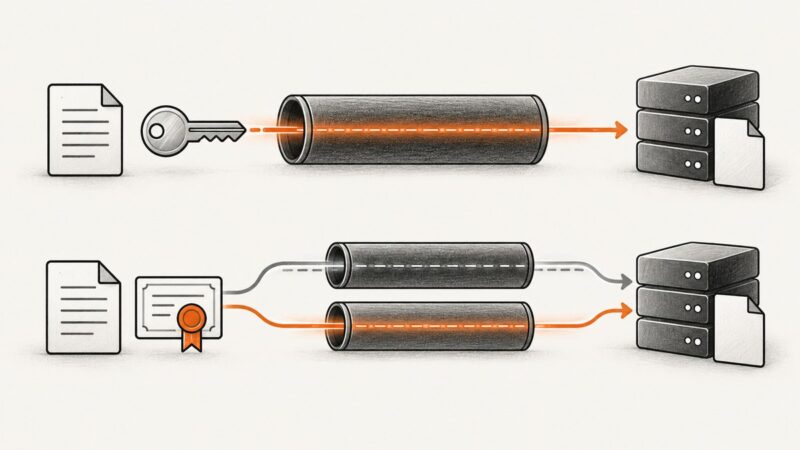
SFTP and FTPS solve secure file transfer differently. Compare security, ports, firewalls, authentication, compatibility, and operations before choosing.
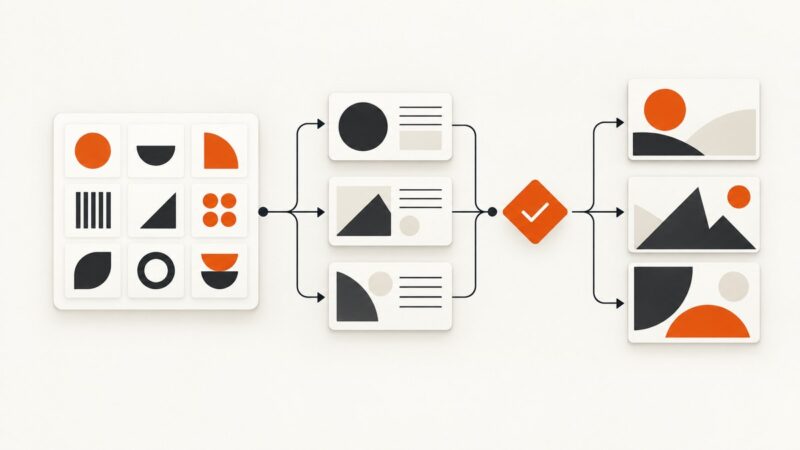
Build a practical brand system with approved assets, constrained templates, review rules, and a workflow your marketing team can run without a designer on every request.
Wait for the page state your screenshot needs, not just navigation. Learn reliable Capybara and Selenium patterns for custom elements in Ruby.
Learn how to fetch HTML, select the right table, normalize rows, preserve links, handle irregular markup, and export clean data with BeautifulSoup or pandas.
Choose Prawn for PDFs laid out in Ruby, or a Chromium renderer for existing HTML and webpages. This guide covers pagination, setup, readiness, and troubleshooting.
Brand protection combines legal rights, product safeguards, monitoring and response. Learn how to build a practical program and avoid common pitfalls.
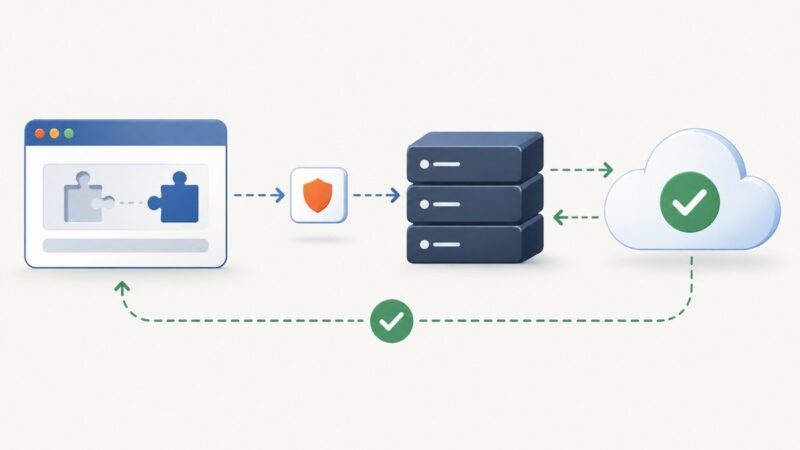
A CAPTCHA response is a short-lived token from a browser widget. Learn how to collect it, verify it on your server, handle failures, and protect the action it gates.
Capture, annotate, merge, compress, and automate screenshots and PDFs with practical Windows and browser workflows.
Wait for a custom element to register, then verify its real render-ready signal before capturing a page with Playwright or Puppeteer.
Learn how to identify a website’s rendered colors and fonts with Chrome DevTools, CSS Overview, and repeatable browser automation.
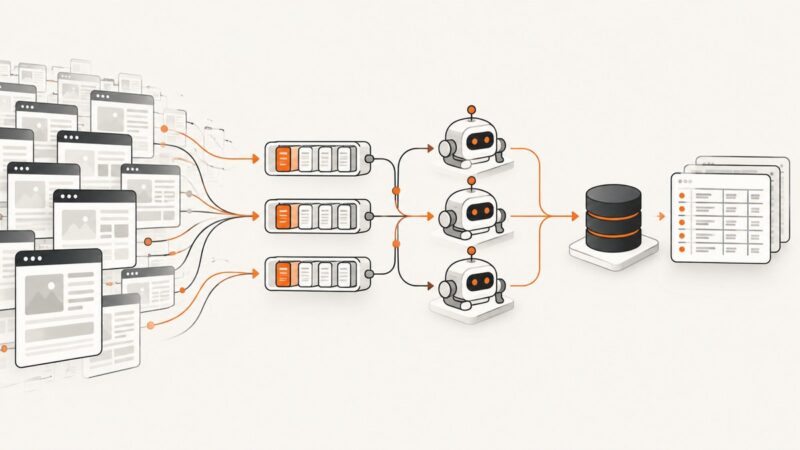
Scale web scrapers safely with measurement, per-domain limits, AutoThrottle, partitioned workers, durable queues, and practical Scrapy patterns.
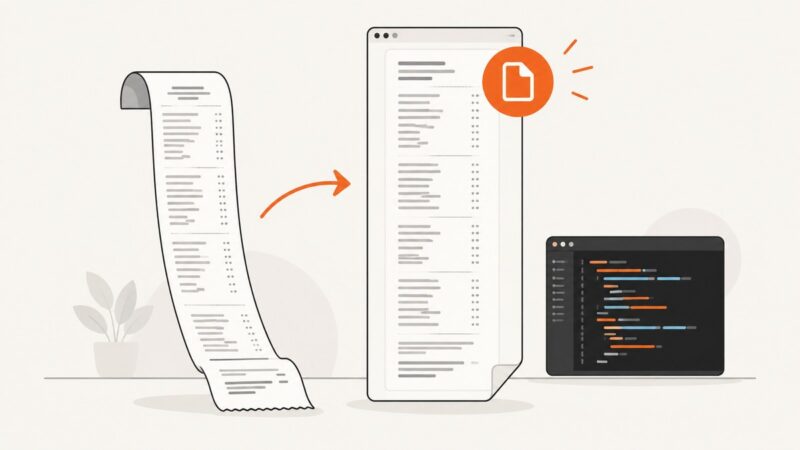
Create a single tall PDF page in Go by setting explicit dimensions, choosing suitable units, and managing margins and content overflow.
Choose and pin the right headless-browser Docker image for Playwright, Puppeteer, Browserless, CI, production, and arm64 deployments.
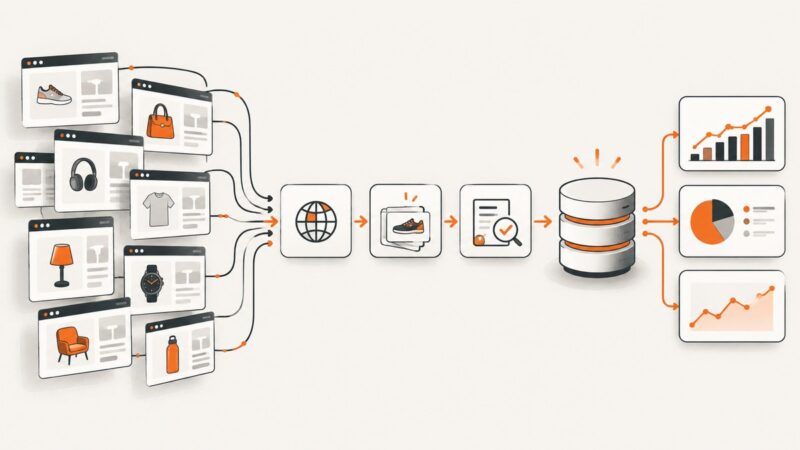
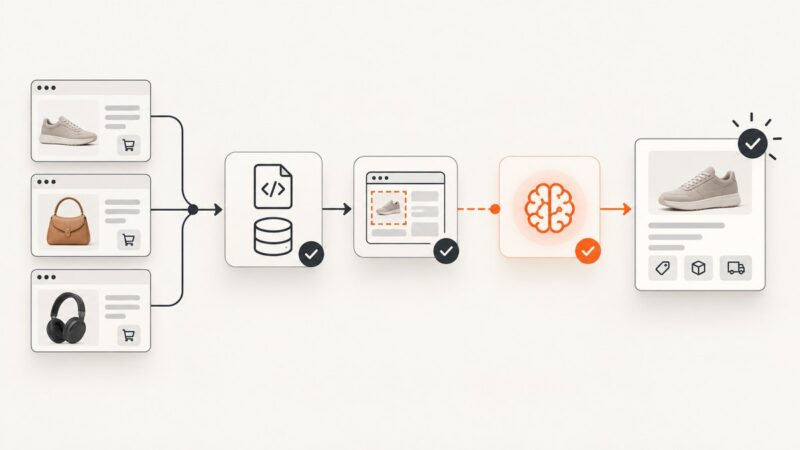
Extract product data reliably by checking structured data and APIs first, then using selectors and an LLM only as a validated fallback.
Use Wappalyzer or BuiltWith for a quick scan, then verify the clues in page source, scripts, cookies, and response headers.