Screenshot API CLI Tools: Capture Websites from the Command Line
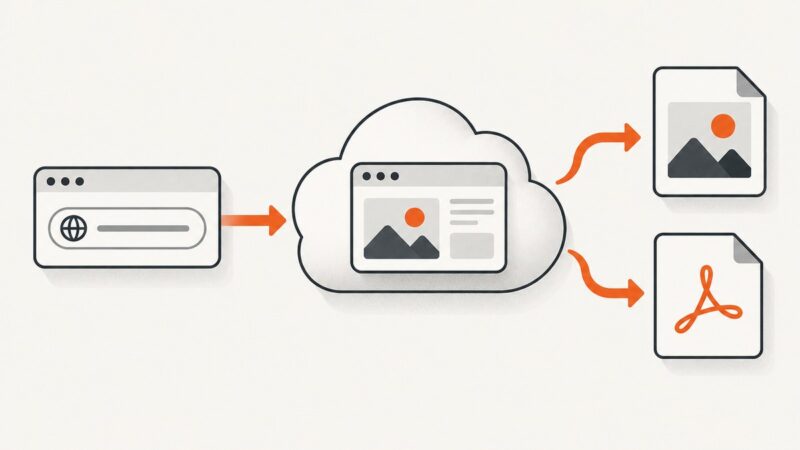
Compare CLI tools, screenshot APIs, and Playwright, then build a reliable command-line workflow for viewport, full-page, and element captures.
Blog
How to take clean screenshots, turn HTML into images and PDFs, run headless browsers, and give AI agents eyes. Written by the team that builds ScreenshotNeo.
Compare CLI tools, screenshot APIs, and Playwright, then build a reliable command-line workflow for viewport, full-page, and element captures.
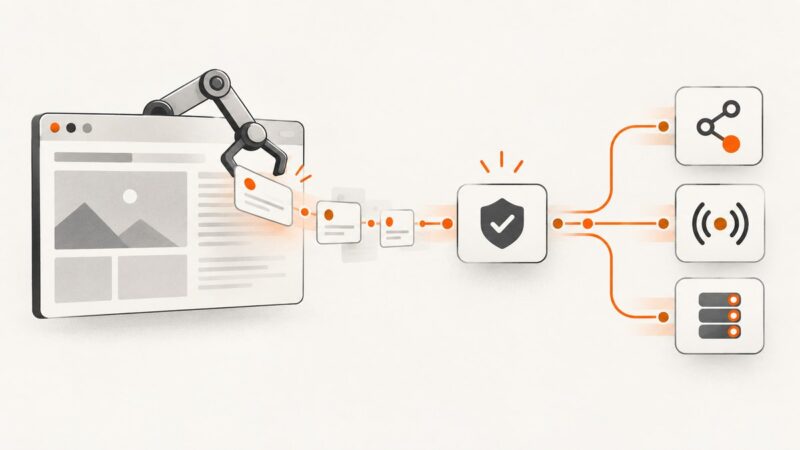
Build a reliable browser-automation pipeline that captures live JavaScript data, validates events, and republishes them through APIs, WebSockets, or queues.
Use CSS attribute negation or Cheerio’s .not() method to select elements missing an attribute, with examples for empty values, scope, and runtime limits.
A governed archive helps your business retain, find, protect, and eventually dispose of records according to their purpose and applicable requirements.
A quota error might be a temporary rate limit or a depleted monthly allowance. Learn how to tell the difference, recover safely, and prevent avoidable failures.
Compare Browserless, Zyte, Bright Data, ScrapingBee and ScreenshotNeo by control, rendering, pricing, reliability and workflow fit.
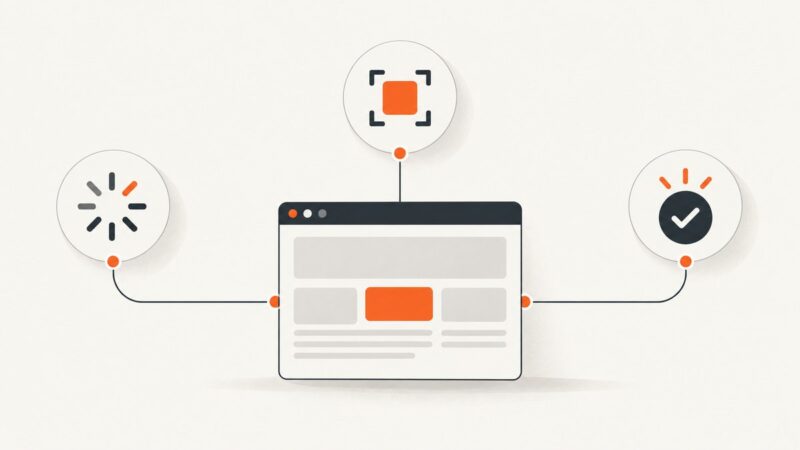
Build less flaky browser automation with condition-based waits, stable locators, isolated state, retrying assertions, and evidence-driven debugging.
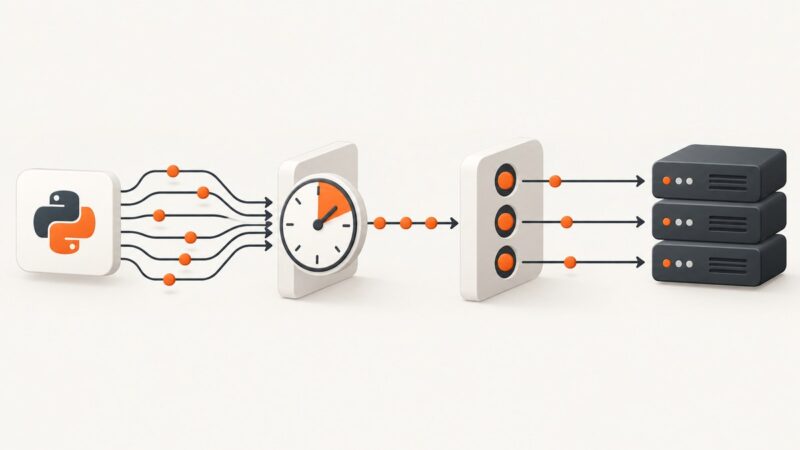
Use separate controls for request rate and concurrency in asyncio, with runnable patterns for aiolimiter, semaphores, retries, and production workloads.
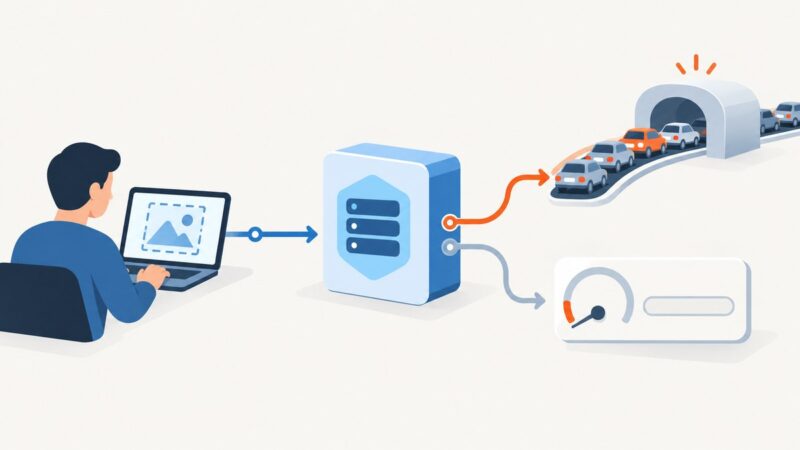
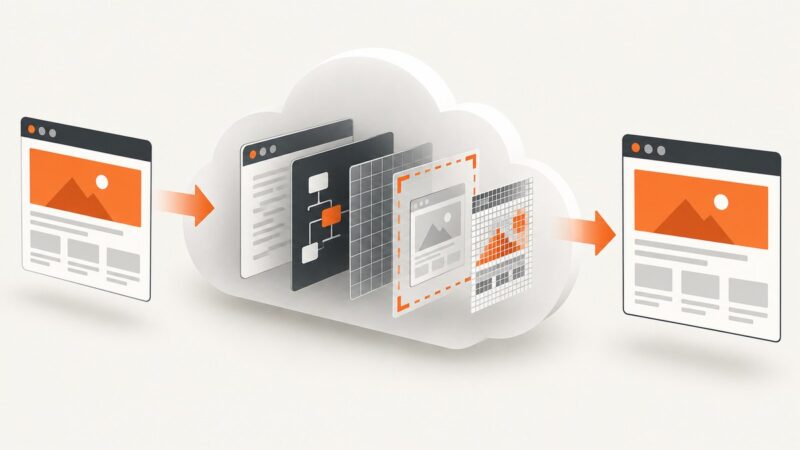
Speed up website screenshots by choosing the right capture scope, readiness checks, image settings, and API architecture.
Browserbase provides managed cloud browsers; Nextbrowser is now a local desktop workspace. Compare deployment, scale, cost, and the right fit.
Build browser session replay around the outcome you need: diagnose failures, preserve visual evidence, author tests, or reproduce execution.
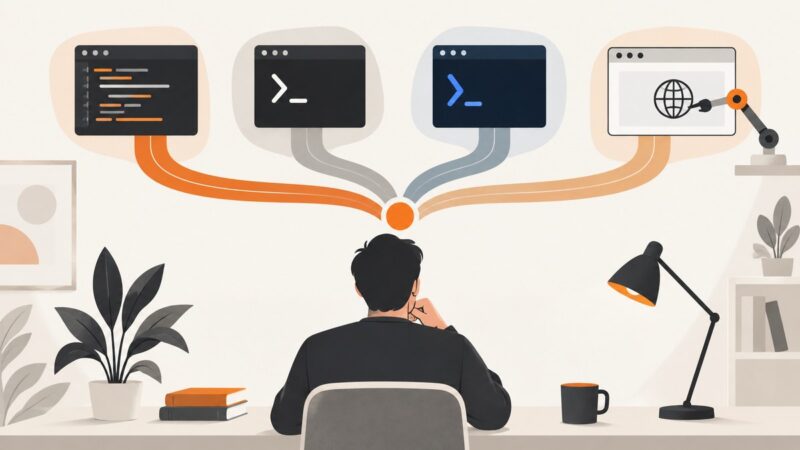
Choose the right automation approach with practical Python, Bash, PowerShell, Playwright, Selenium, safety guidance, and a ScreenshotNeo shortcut.
Learn how to evaluate Google Maps scraper APIs, use Places API safely, and build a compliant local-business lead workflow.
Most screenshot APIs run headless Chromium, but Playwright can use Firefox or WebKit. Learn how engines, versions, fonts and waits change pixels.
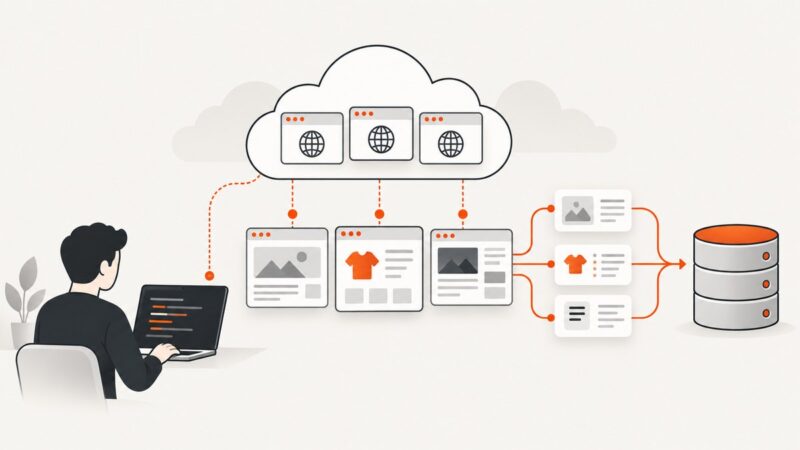
Learn how to scrape JavaScript-rendered pages with Puppeteer, wait for reliable page states, choose selectors, handle errors, and extract useful data.
Calculate an animated GIF’s total pixel resolution from its canvas, frame count, and per-frame rectangles with ImageMagick commands and scripts.
Generate page-specific Open Graph images in Astro from route or content data, then add their public URLs to each page’s metadata.
Harden Apache 2.4 on Linux with a tested baseline for patches, TLS, access control, request limits, logging, WAFs, and safe rollbacks.