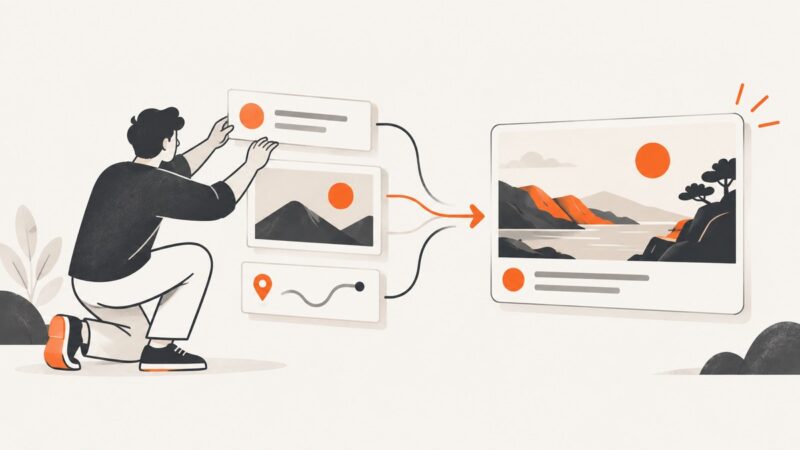
Workflow Automation for Creative Asset Generation
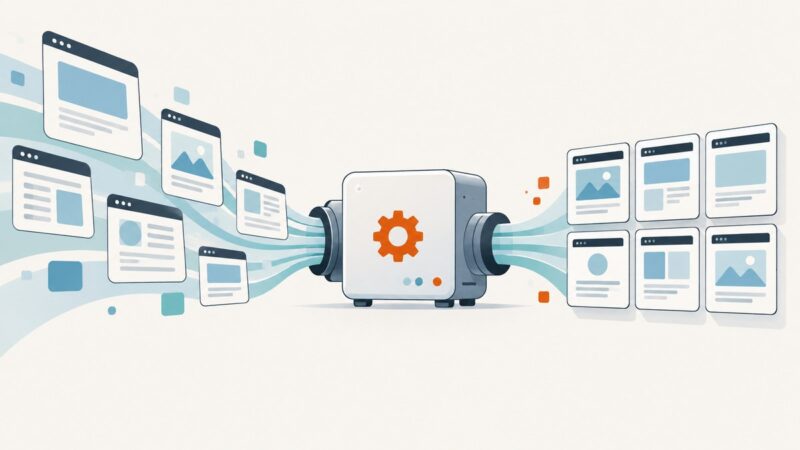
Build a reliable pipeline for generating, reviewing, and routing creative assets, with batch workflows, template automation, runnable examples, and operational guidance.
Blog
How to take clean screenshots, turn HTML into images and PDFs, run headless browsers, and give AI agents eyes. Written by the team that builds ScreenshotNeo.
Build a reliable pipeline for generating, reviewing, and routing creative assets, with batch workflows, template automation, runnable examples, and operational guidance.
Computer use lets an AI agent interpret screenshots and request clicks, typing, and scrolling. Here’s how the loop works, what it can do, and how to make it safer.
Automate website screenshots with Playwright or a hosted API. Learn how to capture the right page state, handle dynamic content, save images, and debug failures.
Learn how headless browsers work, choose Playwright, Puppeteer or Selenium, and build reliable browser automation with runnable examples.
Use Playwright for .NET to capture repeatable mobile screenshots from an ASP.NET site, with device presets, full-page output, troubleshooting, and an API alternative.
Learn how to create and edit images in ChatGPT, then automate the same workflow with OpenAI’s Images and Responses APIs.
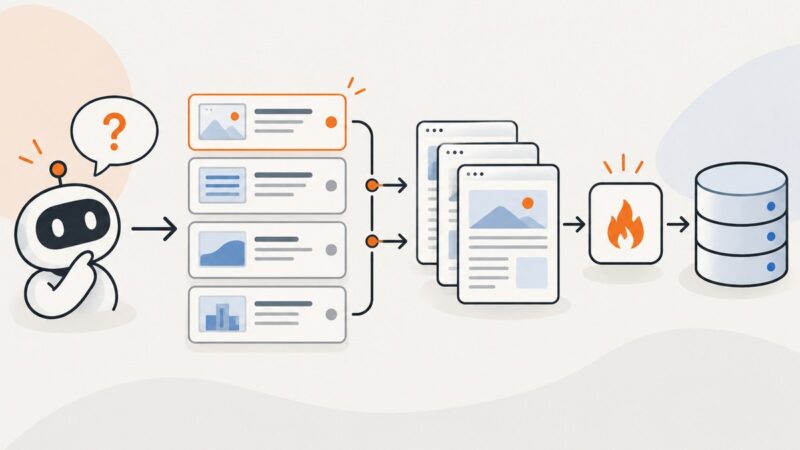
Firecrawl is best for known sites and structured ingestion; Tavily is best for fresh web discovery. Learn when to use each—or combine them.
Learn how to capture many URLs with a screenshot API, handle queued jobs and partial failures, and save each image reliably.
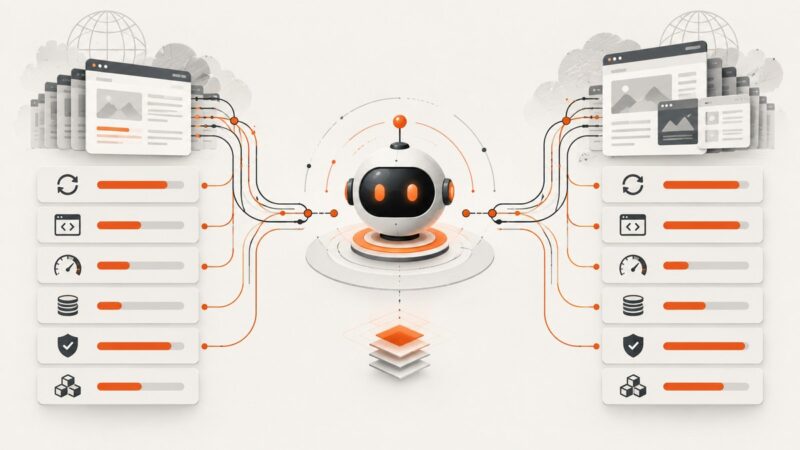
Compare Parallel Extract and Apify Web Fetch for AI agents, including freshness, JavaScript support, latency, cost, reliability, and implementation.
Connect a web scraping API to an automation workflow with a native integration, authenticated HTTP request, or webhook, then map results and handle errors safely.
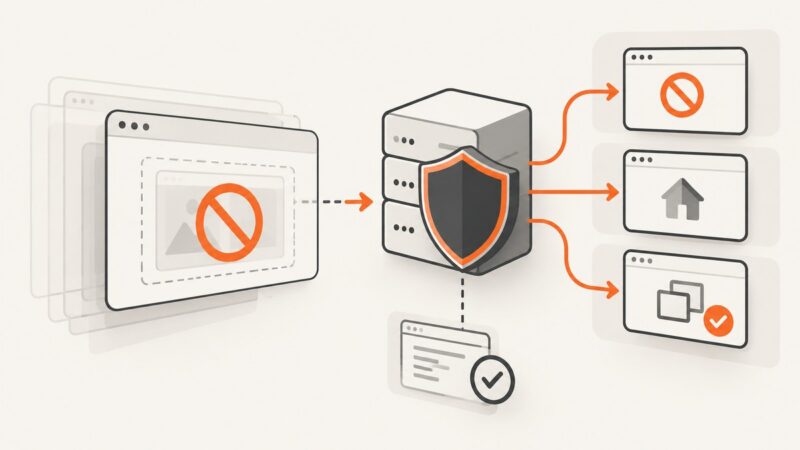
Add and verify X-Frame-Options in Nginx, choose DENY or SAMEORIGIN, and use CSP frame-ancestors for modern allowlists.
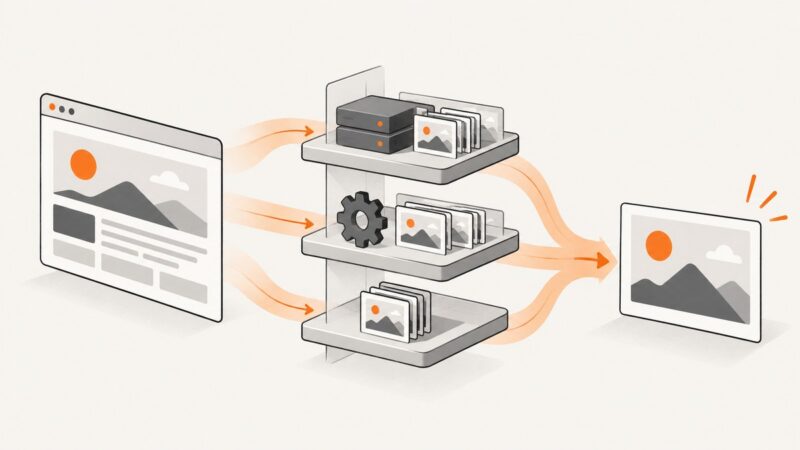
Design cache layers for browser APIs and screenshots with correct freshness, privacy, readiness, invalidation, and cost controls.
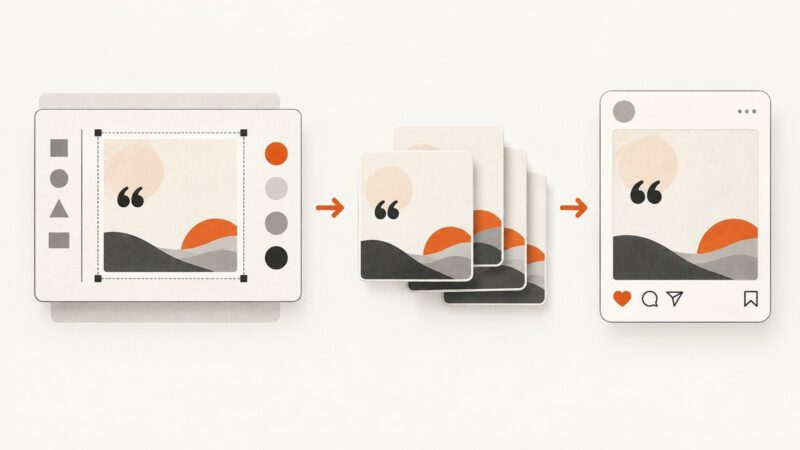
Build a repeatable quote-image workflow: prepare a reusable design, generate image files, and publish them through an Instagram-compatible path.
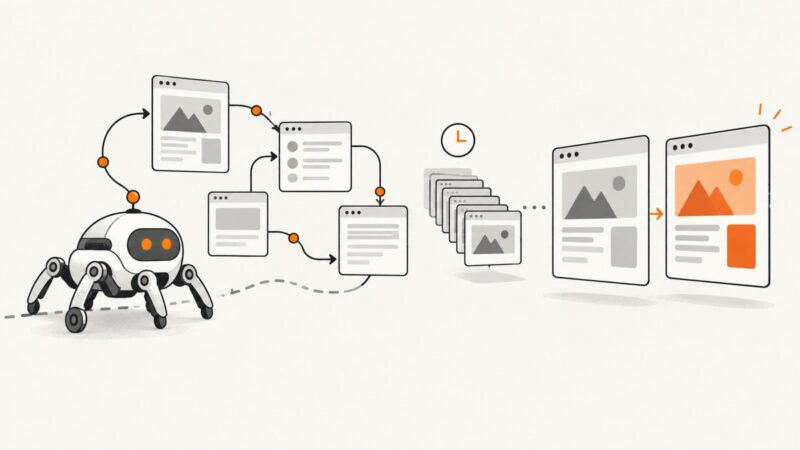
Learn how to build reliable website change monitoring with crawler APIs, snapshots, diffs, scheduling, alerts, and ScreenshotNeo captures.
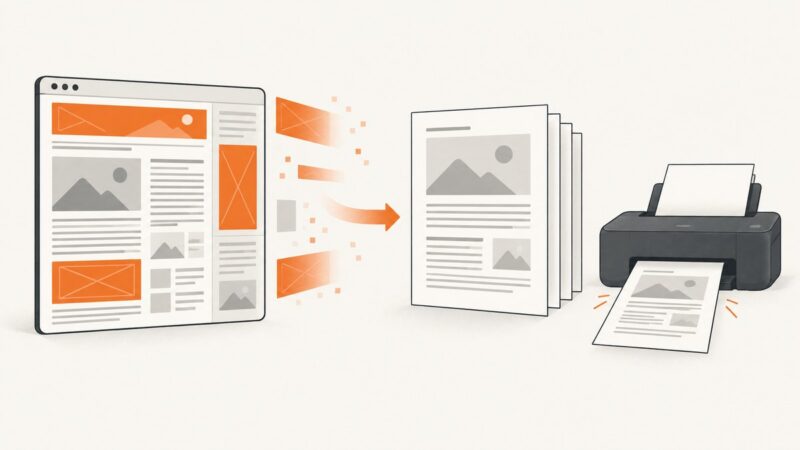
Use your browser’s simplified print view to remove page clutter before saving a PDF. Learn the desktop and mobile steps, layout controls, and limits.
Learn how to inspect a website’s browser requests, safely replay authorized calls, and document the contract in OpenAPI.
Build reliable webhook handling for async screenshot and image generation jobs, with provider specific verification, retries, idempotency, and recovery.
Keep a Puppeteer browser running while workers disconnect, then reconnect safely with its WebSocket endpoint, lifecycle controls, diagnostics, and production patterns.