How to Take Screenshots with MCP
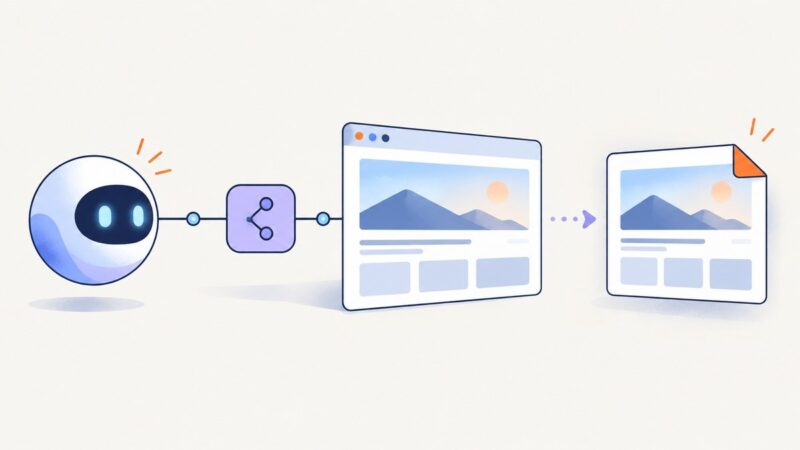
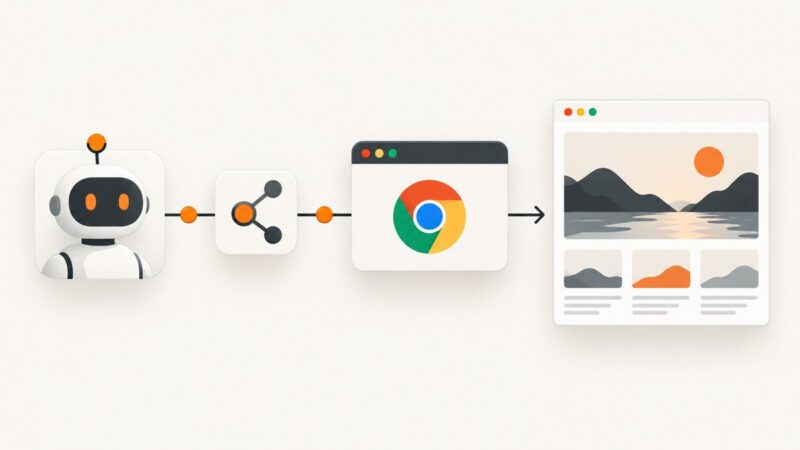
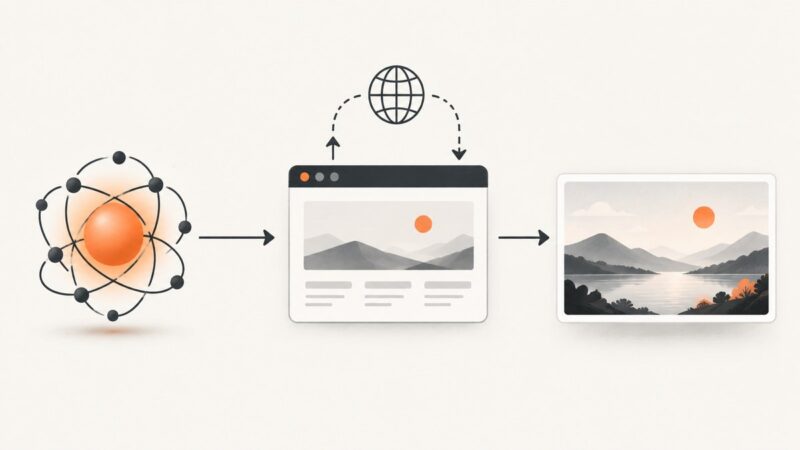
Use Playwright MCP to capture a viewport, full page, or element. Learn the setup, tool options, troubleshooting, and when a screenshot is better than a snapshot.
Use Playwright MCP to capture a viewport, full page, or element. Learn the setup, tool options, troubleshooting, and when a screenshot is better than a snapshot.
Connect Zen Browser to Claude Code, Cursor, or another MCP client with zen-mcp, then troubleshoot sessions, security, and screenshots.
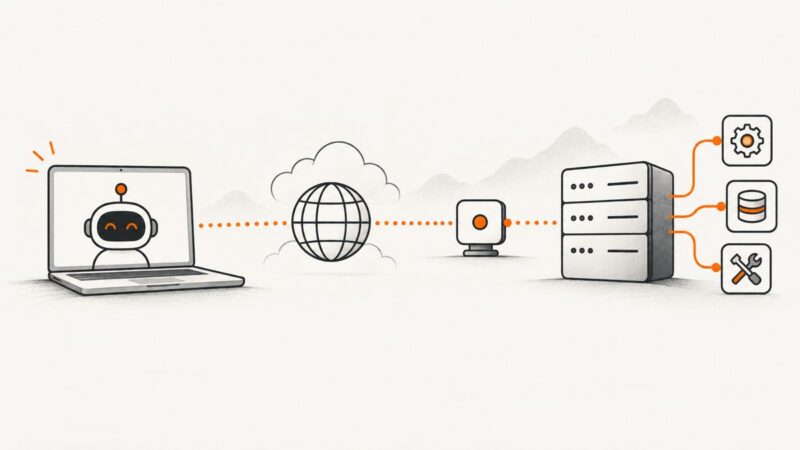
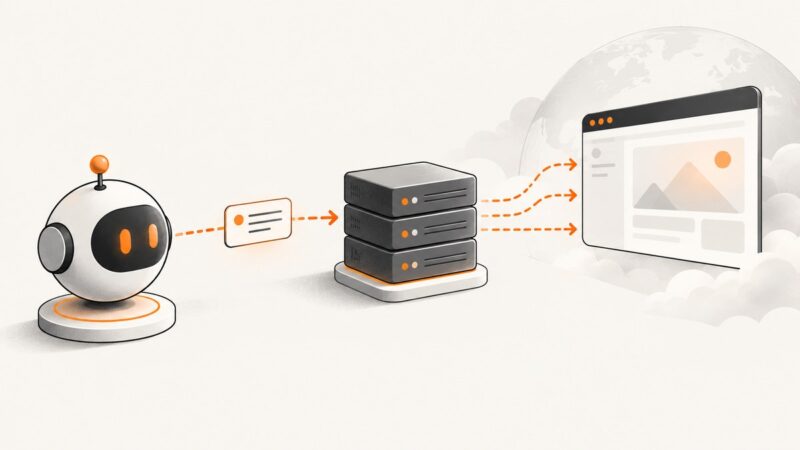
Connect an MCP client to a remote server with the right endpoint, transport and authentication. Includes TypeScript, JSON, Python, Node.js and cURL examples.
Connect an MCP client to a running Flutter app, capture screens, automate taps, handle web limits, and create repeatable test artifacts.
Compare Playwright MCP and Chrome DevTools for agents, with setup examples, security guidance, workflows, and a ScreenshotNeo option for clean screenshots.
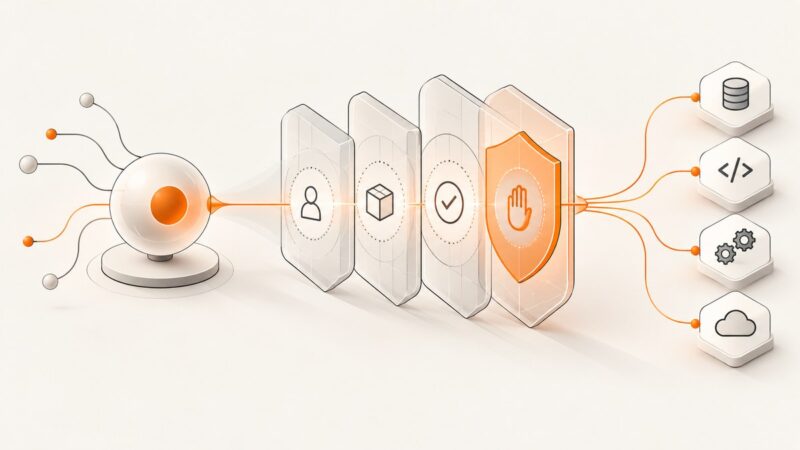
Secure MCP servers with practical controls for authorization, prompt injection, isolation, tool integrity, approvals, monitoring, and version-aware OAuth.
Use Playwright MCP to capture viewport, element, and full-page screenshots, save files, troubleshoot failures, and automate captures with agents.
Set up Chrome DevTools MCP, control viewport and formats, troubleshoot failures, and capture reliable Chrome screenshots with an AI agent.
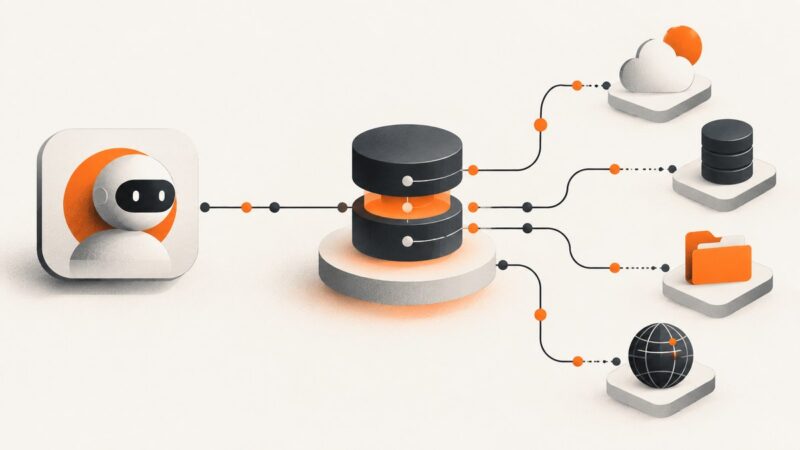
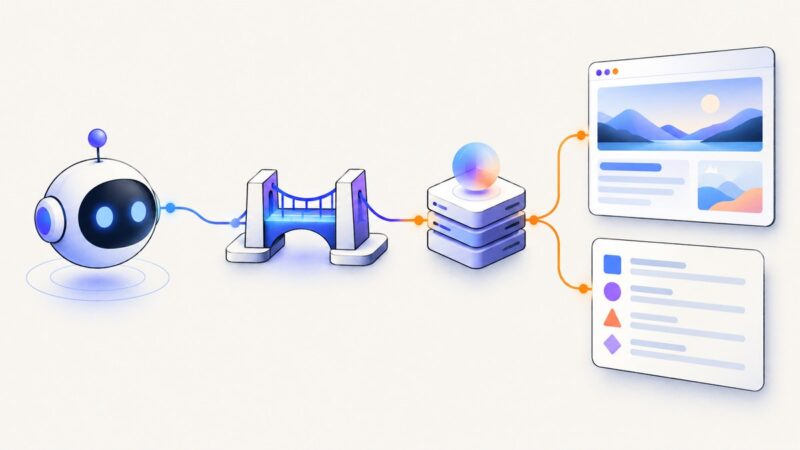
MCP is the protocol; an MCP server implements it and provides tools, resources, or prompts. Learn how the parts fit, how requests flow, and what to check before deploying.
Connect Playwright MCP to an AI client, choose headless or persistent sessions, and understand what stealth can—and cannot—do against bot detection.
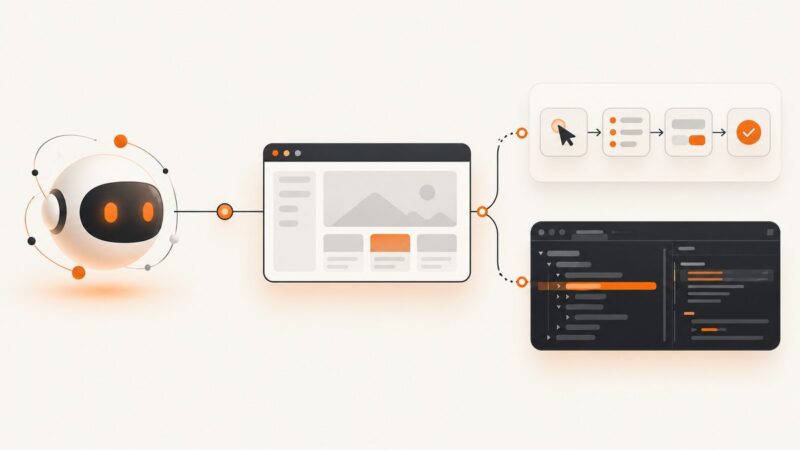
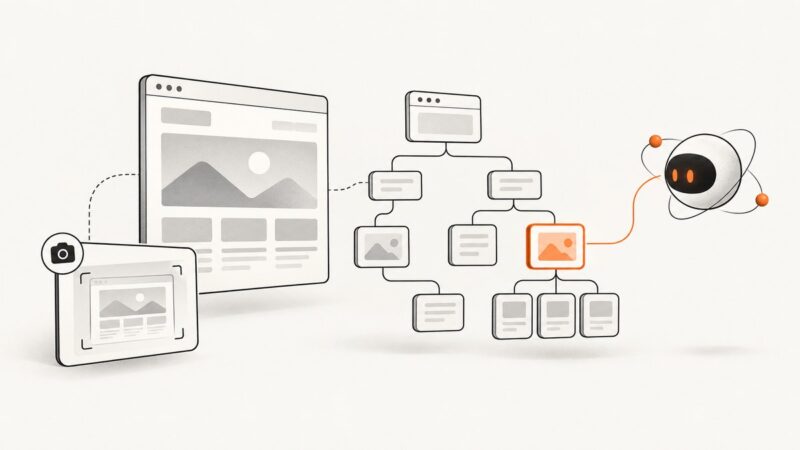
Use Playwright MCP to inspect pages as accessibility trees, target current element refs, and choose when a visual screenshot is the better tool.
Configure Playwright MCP over HTTP, distinguish the MCP URL from browser endpoints, and troubleshoot remote browser automation reliably.
Build a first AI agent in Python or JavaScript, then add tools, state and workflows. Learn what free inference really means and how to inspect a run.
Learn how ScreenshotOne MCP works, choose hosted or local setup, connect AI clients, call its tools, and decide when a direct screenshot API fits better.
AI needs a browser or desktop runtime to capture a website screenshot. Learn how to use Playwright, computer use, and a screenshot API.
AI is the broad field; an AI agent uses AI to pursue a goal, call tools, and act on results. Learn how to tell them apart and when agents help.
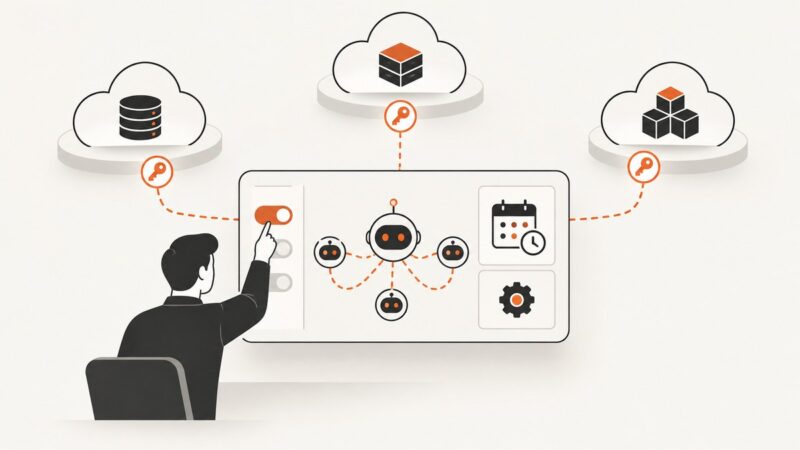
AI Agent Studio is vendor-specific. Follow the correct Oracle, ServiceNow, Trimble, Salesforce, or Google access path without mixing procedures.
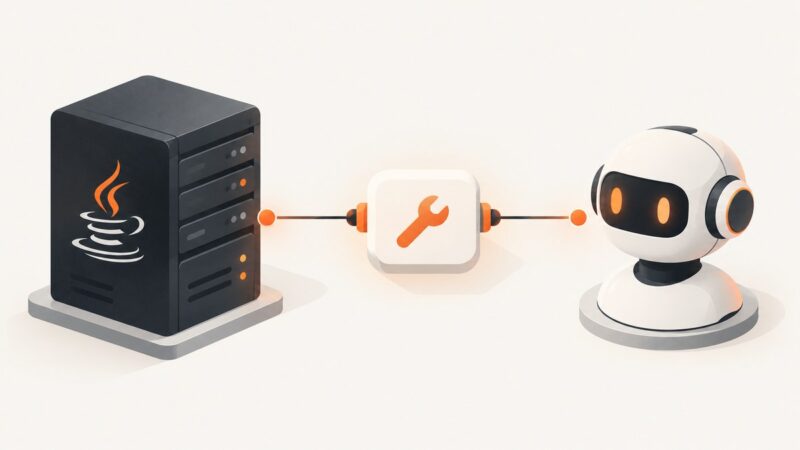
Build a Java MCP server with the official SDK, choose the right transport, register a tool, and handle security and deployment.