How to Get Figma Screenshots with MCP
Use Figma MCP to inspect designs, capture live UI into editable layers, export assets, and troubleshoot remote and desktop setups.
Use Figma MCP to inspect designs, capture live UI into editable layers, export assets, and troubleshoot remote and desktop setups.
Configure Chrome DevTools MCP, navigate to a page, and capture viewport, full-page, or element screenshots with the right format and safety settings.
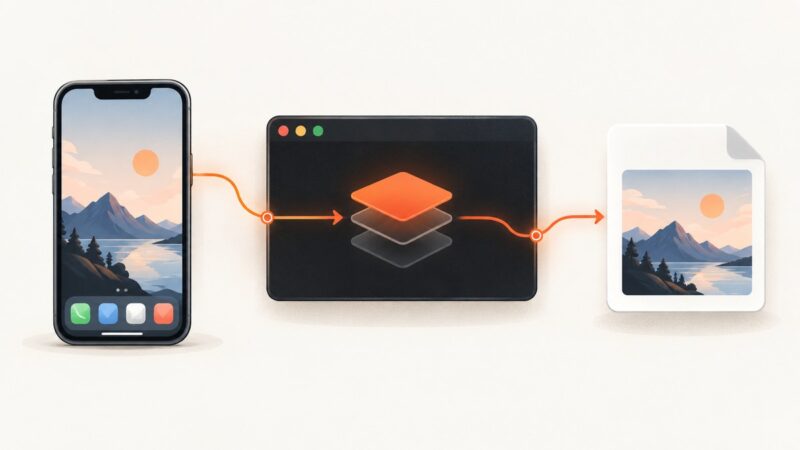
Use MCP to capture repeatable iOS Simulator screenshots, select devices, control output, troubleshoot failures, and automate the raw simctl workflow.
Build a useful AI agent without an API bill using local models, Python tools, free hosted quotas, and a practical testing plan.
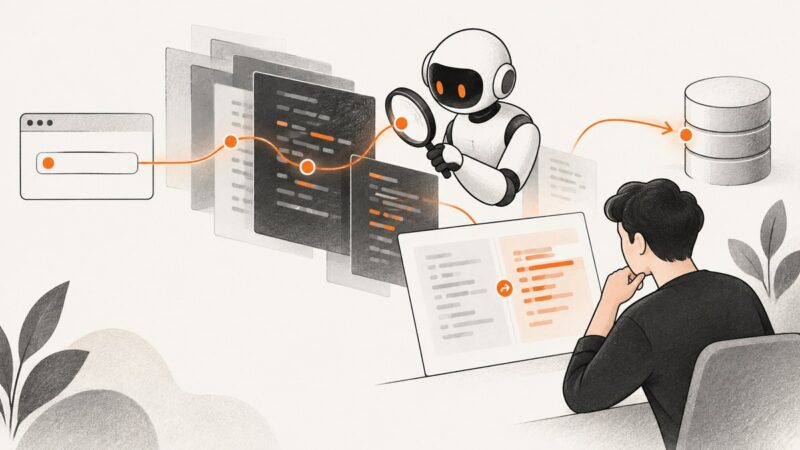
Learn how AI agents can help scan code, validate findings, and propose fixes—and how to keep deterministic checks and human review in the workflow.
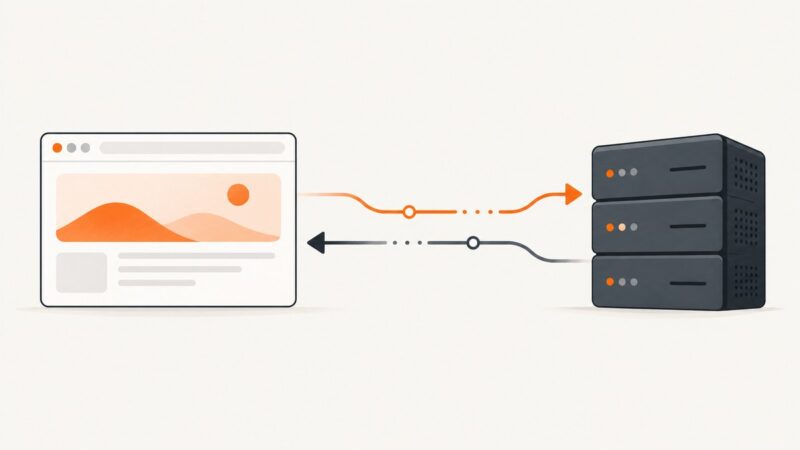
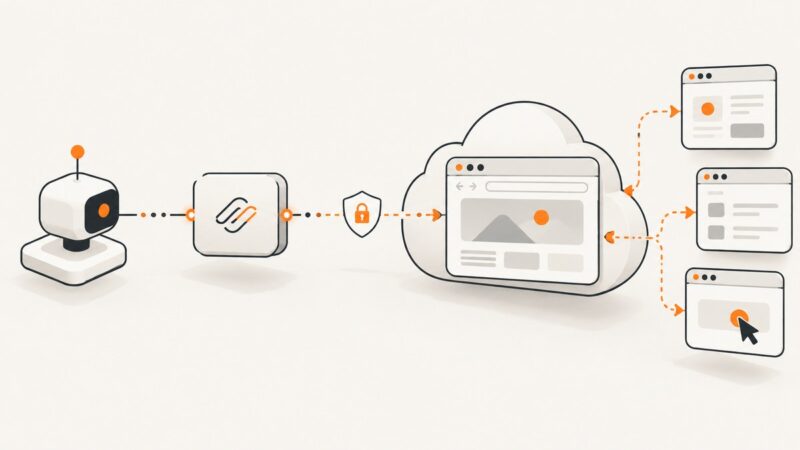
A browser tab usually acts as an MCP client, while the server runs on an HTTP endpoint. Here’s how to connect them, configure CORS and protect the endpoint.
Connect local Ollama models to Playwright MCP, configure browser access, and build the tool-call loop that turns browser results into useful answers.
Learn the model, tool, instructions and run loop behind a reliable AI agent, with complete Python code, safety checks and evaluation steps.
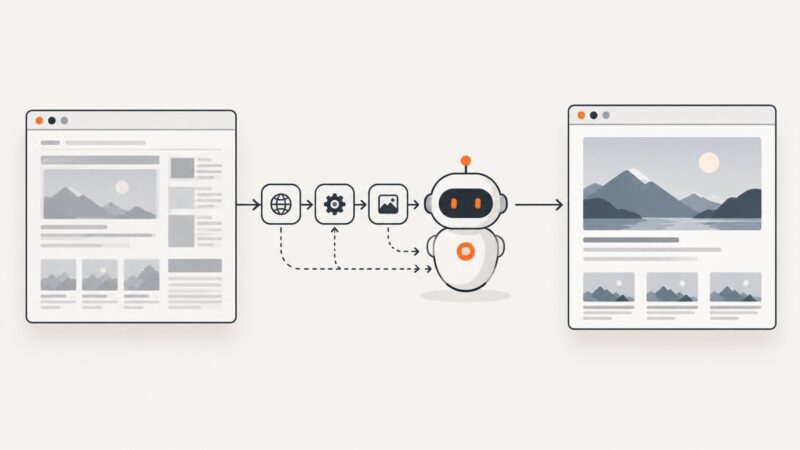
Connect Playwright MCP to an AI client, navigate and inspect a page, then interact with browser elements safely. Includes setup, configuration, troubleshooting, and a screenshot API option.
Install BrowserStack MCP locally or remotely, connect it to Cursor, VS Code, Cline, or Claude Desktop, and run browser automation safely.
Connect an MCP coding agent to Microsoft Edge, a signed-in profile, or a WebView2 app. Compare launch and auto-connect setups, configure clients, and troubleshoot the connection.
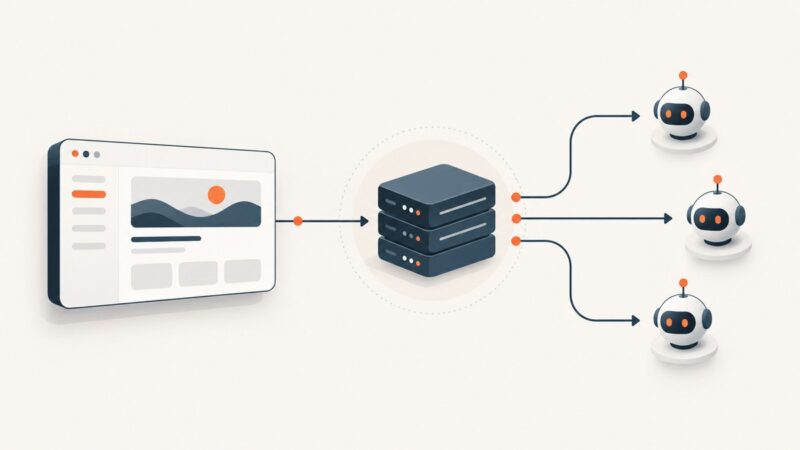
Connect an MCP client to a browser automation server, configure a Playwright example, and understand the browser, session, and security choices that shape it.
Build a task-management MCP server with Microsoft’s Node.js and Azure workflow, test it with GitHub Copilot Chat, and choose the right path for your stack.
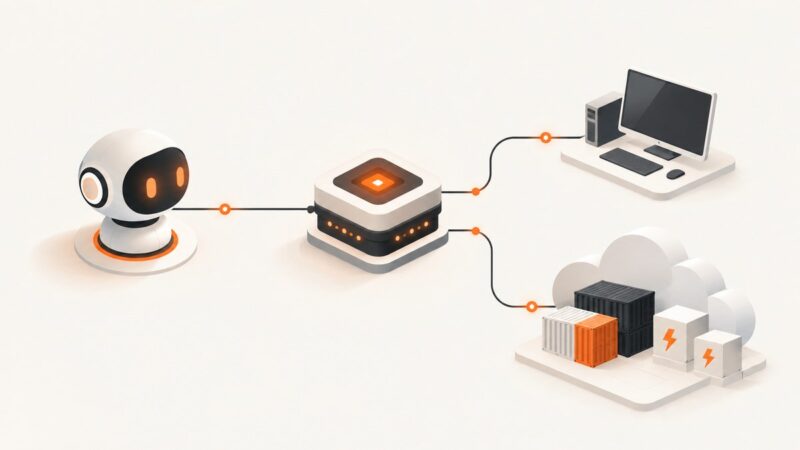
MCP servers are not serverless by definition. Learn how stdio and Streamable HTTP affect hosting, scaling, sessions, security, and cost.
Compare genuinely hosted free tiers with local Playwright MCP, then connect a browser safely and automate screenshots, research, and testing.
Find Browser Use’s official GitHub MCP setup, choose local stdio or hosted HTTP, configure your client, and troubleshoot common connection issues.
Add a remote MCP endpoint to a Next.js App Router app with the TypeScript SDK, then secure it and test it with an MCP client.
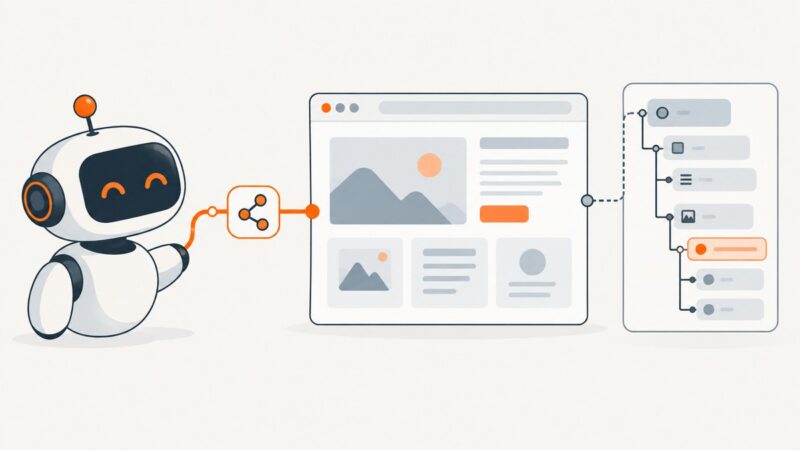
Set up Microsoft Playwright MCP, connect it to an MCP client, and automate browser tasks with accessibility snapshots. Includes profiles, security, and Azure’s remote option.