How to Diagnose ECONNREFUSED Errors in Selenium WebDriver
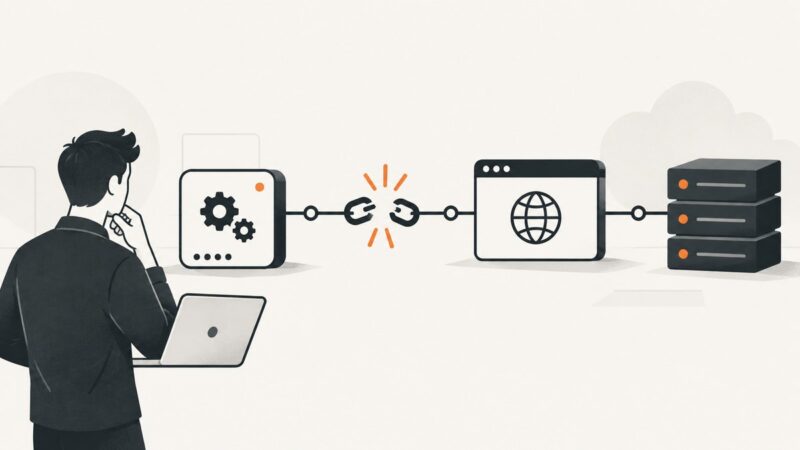
Find the refused Selenium endpoint, distinguish local from Grid failures, and fix ports, containers, drivers, proxies, and CI startup order.
Puppeteer, Playwright, Selenium and headless Chrome, and what they take to run well.
Find the refused Selenium endpoint, distinguish local from Grid failures, and fix ports, containers, drivers, proxies, and CI startup order.
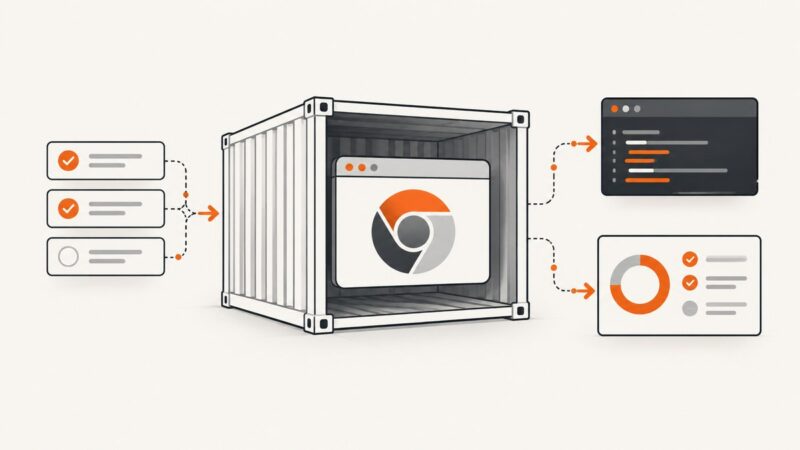
Build a repeatable Docker image for Karma and Headless Chrome, configure browser paths and sandboxing, and fix common CI failures.
Cypress’s /__/ runner URL and /#/ hash route come from different places. Learn how baseUrl, relative paths, and app routing determine the final URL.
Capture browser console output and uncaught JavaScript exceptions in headless Chrome with Puppeteer, Playwright, DevTools, and CI-ready logging.
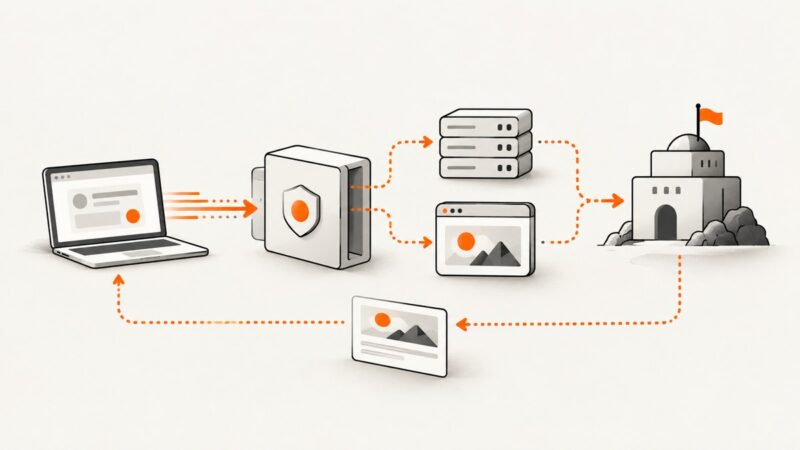
Learn how web unblocker APIs retrieve protected pages, when JavaScript rendering helps, and how to handle retries, proxies, challenges, limits, and cost.
Pin Chromium, record the rendering environment, and review browser upgrades so screenshot diffs stay explainable.
Replace Puppeteer’s deprecated old Headless mode with unified Chrome Headless, or deliberately select chrome-headless-shell when legacy behavior is required.
A practical, complete checklist for securing microservice identity, APIs, secrets, delivery pipelines, observability, and resilience.
Find out why Chrome output stays empty under IIS, how to diagnose the process chain, and how to fix it with bounded PHP execution.
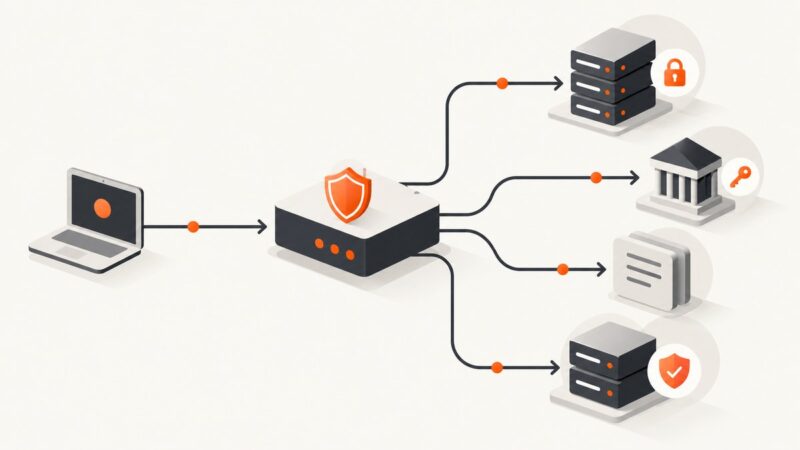
OAuth tokens belong on protected resource endpoints. Learn where to require them, how to validate claims, and how to handle protocol endpoints safely.
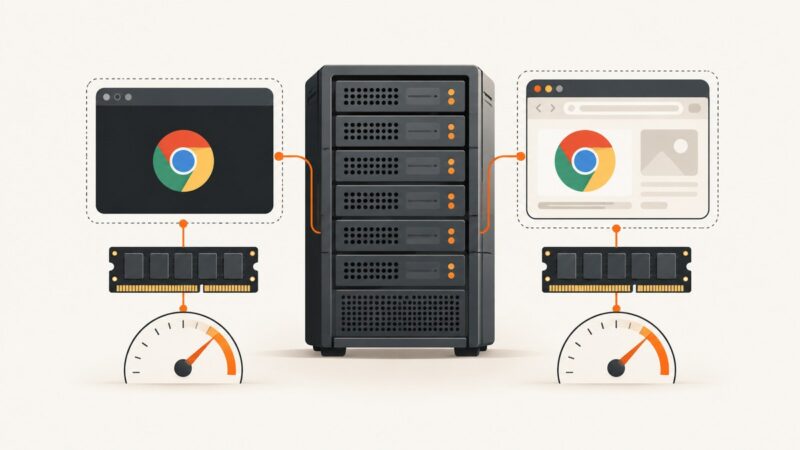
Headless Chrome has no universal savings percentage. Learn what changes, what older evidence shows, and how to benchmark RAM and CPU correctly.
Build a secure OAuth 2.0 screenshot integration with bearer tokens, refresh handling, authenticated pages, runnable code, and production fixes.
Scale Playwright scraping safely with bounded concurrency, isolated contexts, Browserless sessions, retries, proxy configuration, and operational limits.
Learn how to build reliable visual UI tests with Playwright, screenshot APIs, baselines, diffs, troubleshooting, and CI practices.
PhantomJS renders one instant, not a sequence of GIF frames. Learn why, how to capture motion with FFmpeg, and when to use ScreenshotNeo.
PhantomJS and Chrome use different controls for viewport, crop, full-page capture, and pixel scale. Align those settings before comparing screenshots.
Treat Chrome’s “unknown error” as a symptom. Use this Docker triage guide to identify version, sandbox, memory, protocol, GPU, and cleanup failures.
PhantomJS, Chrome, and Firefox use different browser engines and rendering pipelines. Learn how to isolate DOM, timing, CSS, and screenshot differences.