Webpage Screenshot Archive: Find, View, and Save Captures
Find archived webpage captures, save a page with the Wayback Machine, understand replay gaps, and make a current screenshot when you need one.
Step-by-step guides to capturing the web: screenshots, full pages, elements, devices and more.
Find archived webpage captures, save a page with the Wayback Machine, understand replay gaps, and make a current screenshot when you need one.
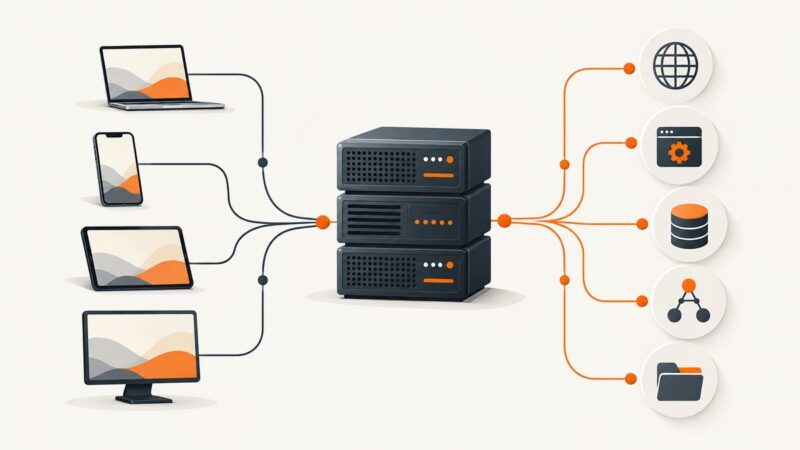
A server is a system that provides resources or services to clients. Learn how servers handle requests, how their roles differ, and what keeps them reliable.
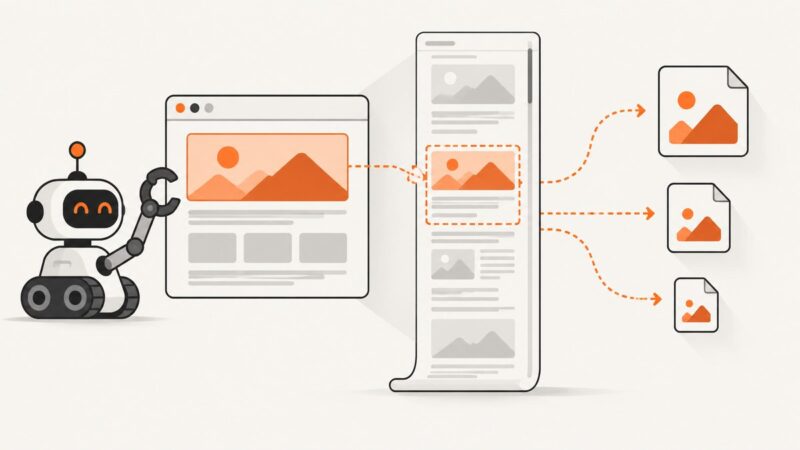
Learn when to capture the visible viewport, a page element, or the full page, with Firefox, Playwright, and Chrome DevTools examples.
Learn how BrowserStack Percy visual regression testing works, how to integrate it with CI, choose coverage, review diffs, and avoid noisy failures.
Learn how the antodippo/flight-scraper Go project queries Kayak, emails results, handles scheduling, and where a managed capture API fits.
Learn every Playwright screenshot option, from full-page and element captures to masking, animation control, formats, scaling, and visual tests.
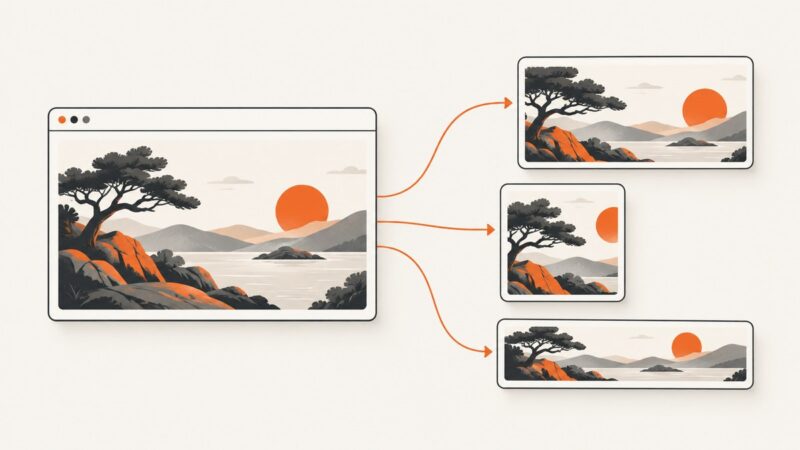
Design website thumbnails that stay clear when cropped, load quickly, and appear correctly in Open Graph previews and search.
Learn how to choose a page-specific preview image, add Open Graph metadata, and check how platforms may display it—without assuming one tag controls every result.
Compare website screenshot software, hosted APIs, Playwright and Puppeteer, with runnable code, capture options, troubleshooting and cost guidance.
Learn how website screenshot generators work, capture a page with Playwright, and choose between browser automation and a screenshot API.
Learn how OG image testers inspect tags, image files, and platform previews—and how to fix stale, missing, or inaccessible social cards.
A link preview is a summary card for a URL. Learn how apps create one, how to add Open Graph metadata, and how to troubleshoot missing previews.
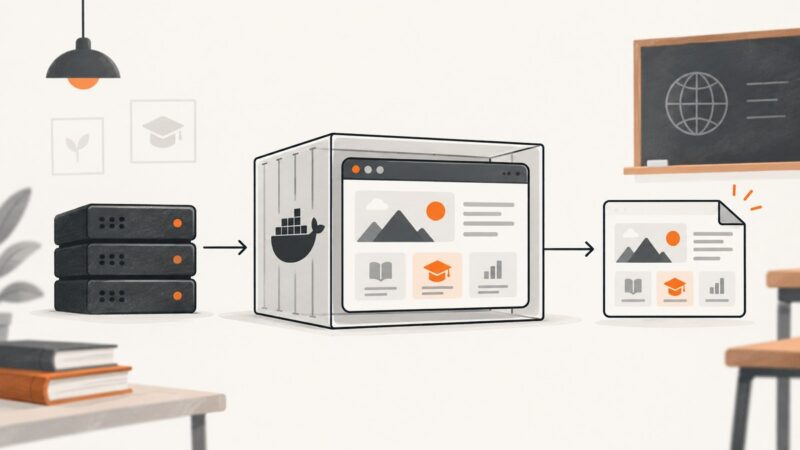
Compare browser automation, self-hosted Docker APIs, and hosted screenshot services for education workflows, with runnable setup guidance and privacy checks.
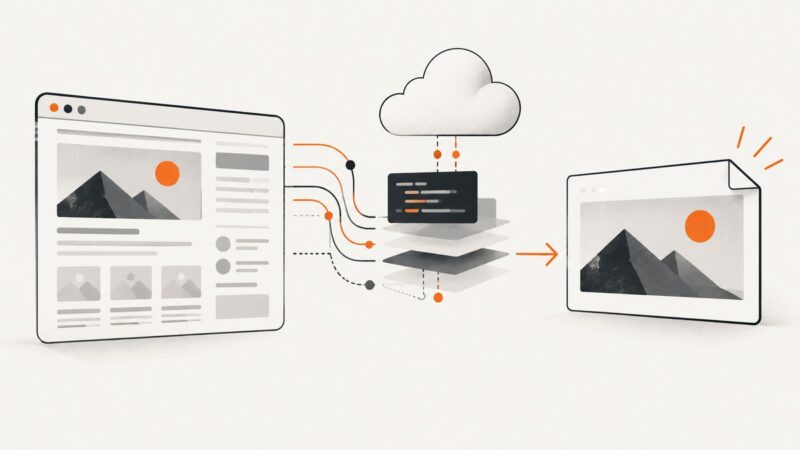
Learn how screenshot APIs turn URLs into images or PDFs, which rendering and delivery options matter, and how to build a reliable capture workflow.
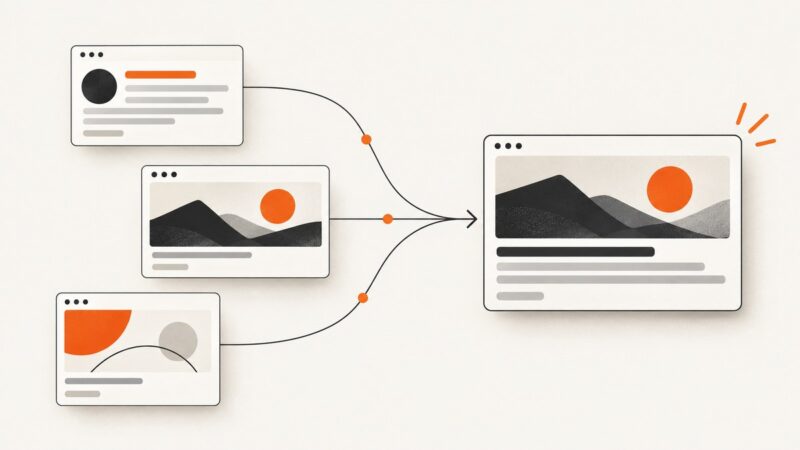
Explore practical Open Graph image examples, choose a reliable canvas size, and add metadata that helps social platforms represent your page.
Learn how to collect product reviews responsibly, analyze them with Python, and avoid misleading samples, access problems, and compliance mistakes.
Generate a 1200×630 Facebook Open Graph image, add correct metadata, preview the card, and automate images for every page.
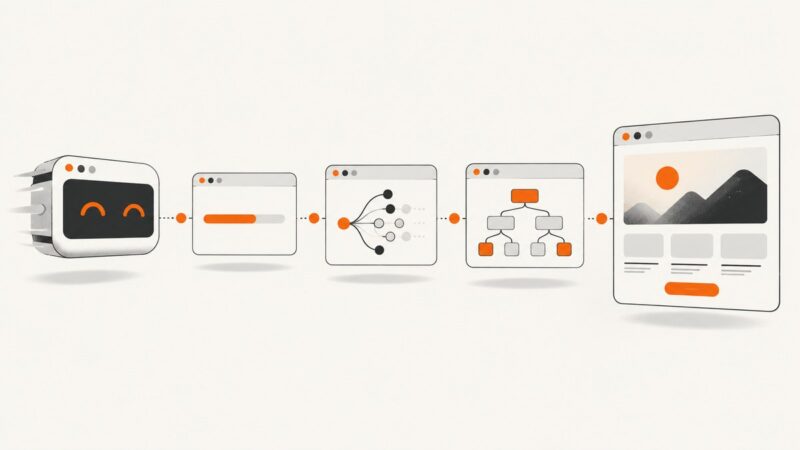
Learn what Puppeteer’s four waitUntil values actually wait for, how to choose one, and how to combine navigation waits with selectors.