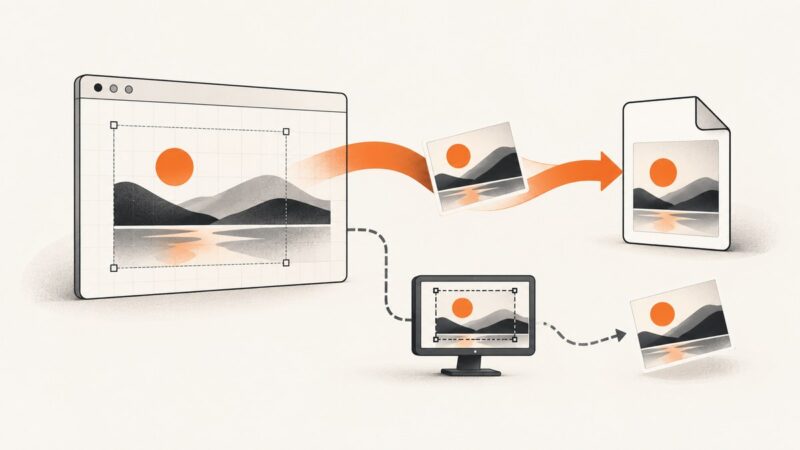
How to Trigger a Website Screenshot Download
Learn how to download an image already rendered in a canvas, capture a user-selected screen, and choose the right approach for screenshots of other URLs.
Learn how to download an image already rendered in a canvas, capture a user-selected screen, and choose the right approach for screenshots of other URLs.
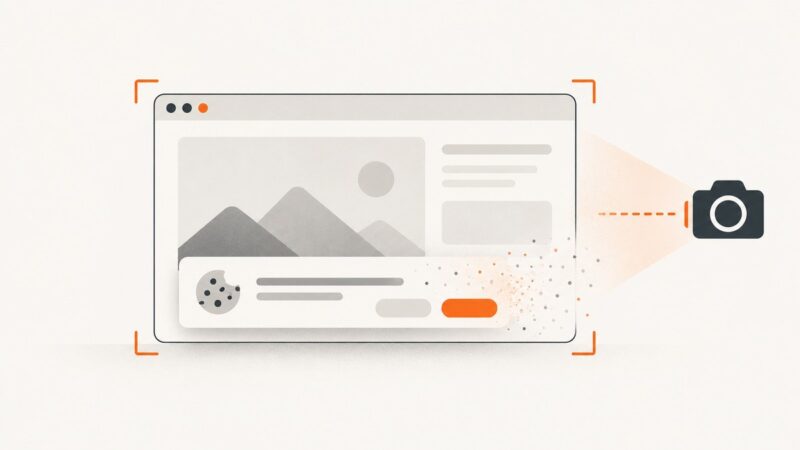
Remove cookie banners from Selenium screenshots by clicking consent controls, restoring consent state, or hiding overlays safely before capture.
Capture a visible Wikipedia article on Windows, Mac, iPhone, or Android. Learn when scrolling capture works and when to save the page as a PDF instead.
Use wkhtmltoimage to save a URL or local HTML page as an image. Configure output, viewport, cropping and JavaScript waits, and troubleshoot common rendering issues.
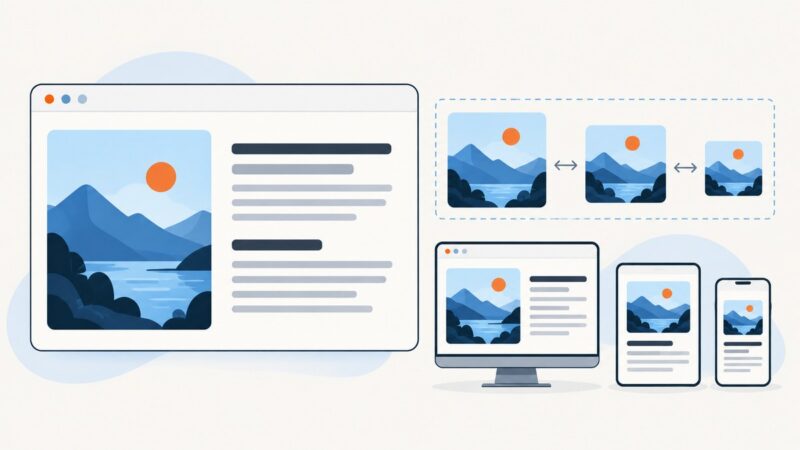
Capture a website at phone-sized dimensions with Chrome, Firefox, Playwright, or ScreenshotNeo, including full-page and element screenshots.
Capture a visible page, a selected region, or a full webpage on Linux with Firefox, GNOME Screenshot, headless Firefox, or Puppeteer.
Learn the Pixel button shortcut, scrolling Capture more screenshots, alternative gestures, storage, troubleshooting, and a developer-friendly API option.
Capture an entire scrollable screen on a Pixel with Android’s built-in Capture more feature. Learn the steps, requirements, alternatives, and fixes when it’s missing.
Capture an entire webpage in Firefox with the built-in Screenshot tool, keyboard shortcuts, troubleshooting tips, and an automated API option.
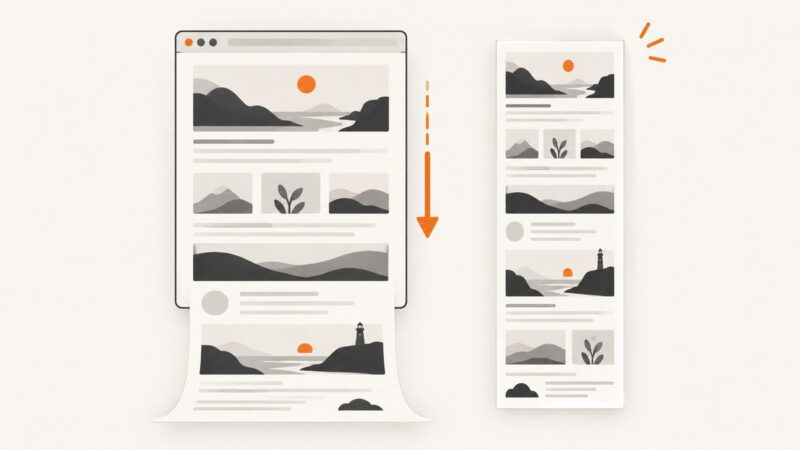
Capture a full webpage from Chrome DevTools, Firefox’s Web Console, or browser automation, with practical steps for lazy content, sizing, and troubleshooting.
Learn every built-in Mac shortcut for website screenshots, full-page alternatives, clipboard workflows, troubleshooting, and an API option for automation.
Learn the right CSS for left-aligned images, text wrapping, flex layouts, responsive sizing, RTL writing modes, and common fixes.
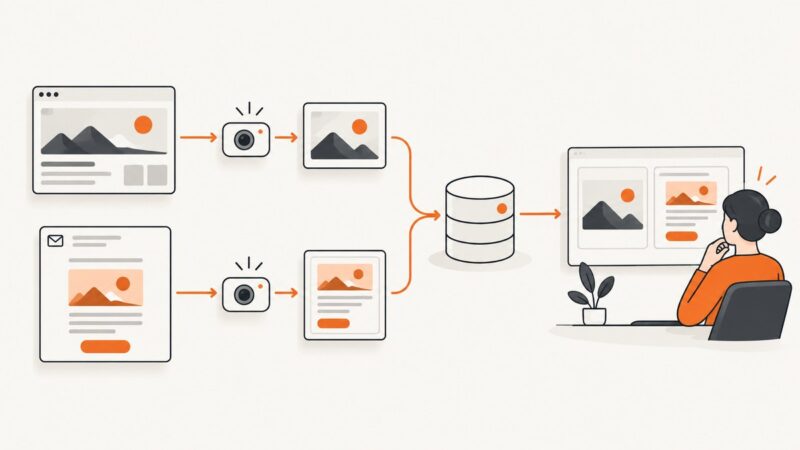
Build a secure, repeatable CMS preview screenshot pipeline with Playwright, draft-mode auth, storage, retries, and ScreenshotNeo.
Capture any webpage on a Samsung Galaxy, including a full scrolling page, with button shortcuts, Scroll capture, fixes, and a developer API option.
Learn how to inspect A, AAAA, MX, TXT, CNAME and DNSSEC records with dig, nslookup and browser tools, then verify propagation.
Use Playwright to capture an entire rendered Remix route, handle lazy content, choose output options, troubleshoot failures, and automate screenshots reliably.
Remove cookie banners from Playwright screenshots by clicking consent, reusing storage state, or hiding the banner only during capture.
Automate webpage screenshots for newsletter workflows, or render newsletter HTML for email-client QA. Choose the right capture method, then schedule, store, and review it reliably.