How to Fix Missing Fonts in Headless Chrome Screenshots on Linux
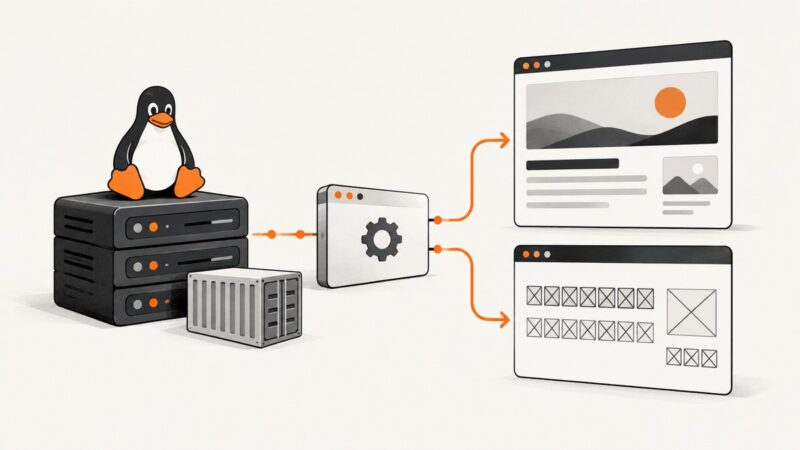
Fix tofu boxes, fallback fonts, and inconsistent Headless Chrome screenshots with Fontconfig checks, Docker packages, and repeatable CI verification.
Fix tofu boxes, fallback fonts, and inconsistent Headless Chrome screenshots with Fontconfig checks, Docker packages, and repeatable CI verification.
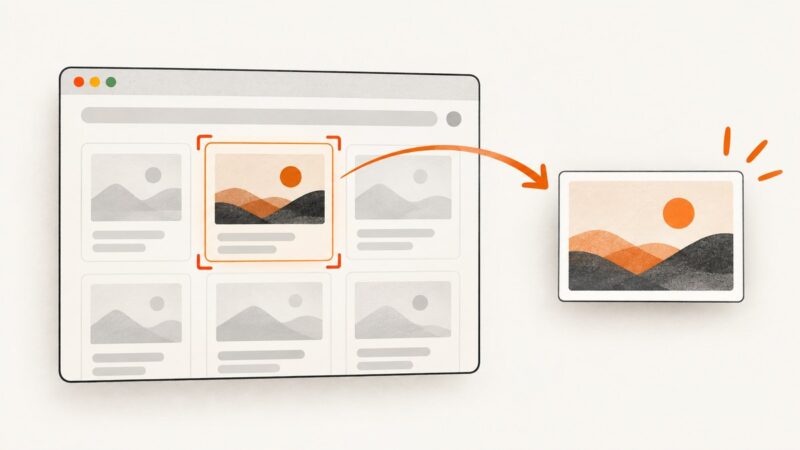
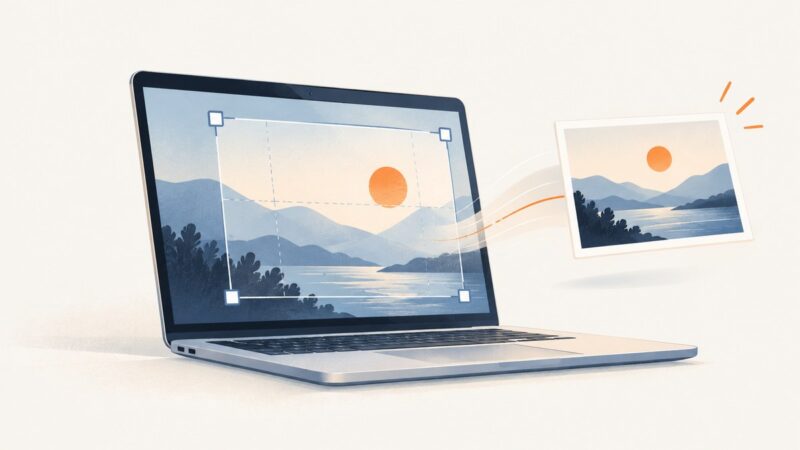
Capture one DOM element with Selenium in Python or Java, save PNG or bytes, fix common errors, and compare a hosted API alternative.
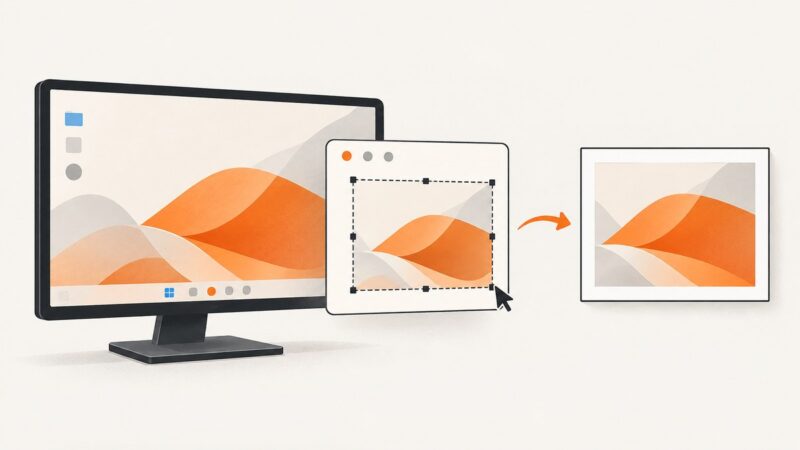
Capture a Windows screen or selected rectangle in PowerShell with System.Drawing, then save it as PNG, JPEG, or another supported image format.
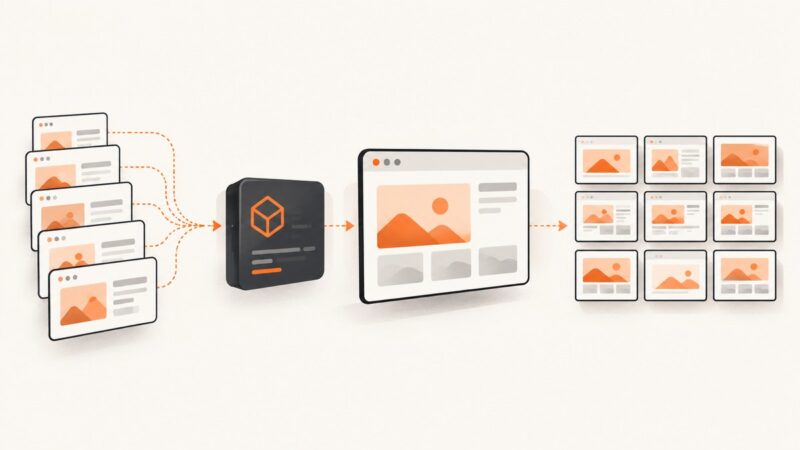
Capture a list of URLs reliably with Playwright in Node.js, with full-page options, stable filenames, bounded concurrency, retries, and CI tips.
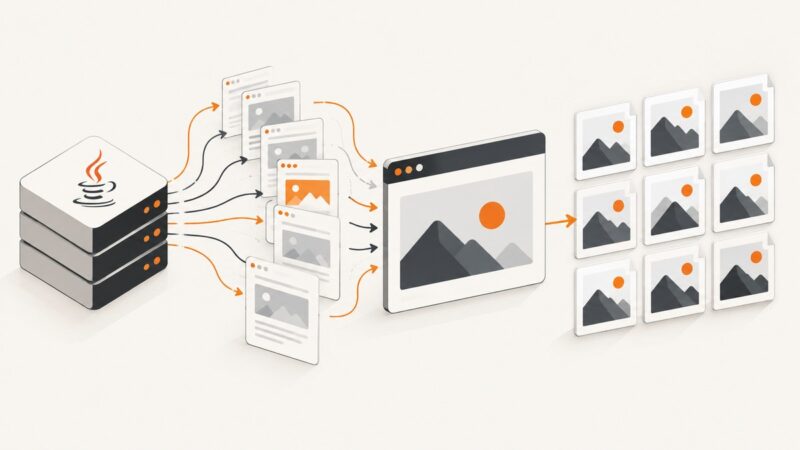
Capture many URLs reliably with Playwright in Java using bounded concurrency, full-page options, stable filenames, retries and production troubleshooting.
Choose PNG, JPEG, or WebP for Playwright screenshots. Learn how file extensions, quality, transparency, locator captures, and visual-test snapshots affect the result.
Capture the visible portion of a scrollable element with Playwright, control its scroll position, handle lazy content, and troubleshoot reliable screenshots.
Find out why a shared page shows no image, the wrong image, or an old one. Check its metadata, crawler access, image file, and platform cache.
Capture one DOM element as PNG, JPEG, SVG, Blob, canvas, or pixels with dom-to-image, including filters, fonts, cross-origin fixes, and troubleshooting.
Capture a website as an animated GIF with an endpoint built for recording, then save and validate the result. Includes cURL, Python, Node.js, wait options, and troubleshooting.
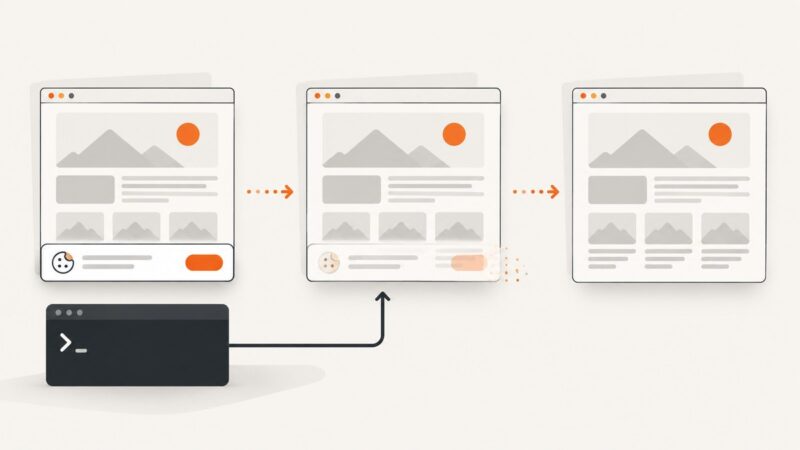
Hide or remove cookie banners in wkhtmltopdf with targeted CSS, JavaScript timing, diagnostics, and a hosted ScreenshotNeo alternative.
Remove a cookie banner from a wkhtmltoimage screenshot with a targeted CSS rule or post-load script. Learn when cookies and site settings are the better choice.
Capture your desktop with PyAutoGUI, save the Pillow image, or limit it to a region. Includes setup notes, troubleshooting, and a browser screenshot alternative.
Learn how AI OG image generators work, how to create a 1200×630 social preview, and how to add it to your page metadata.
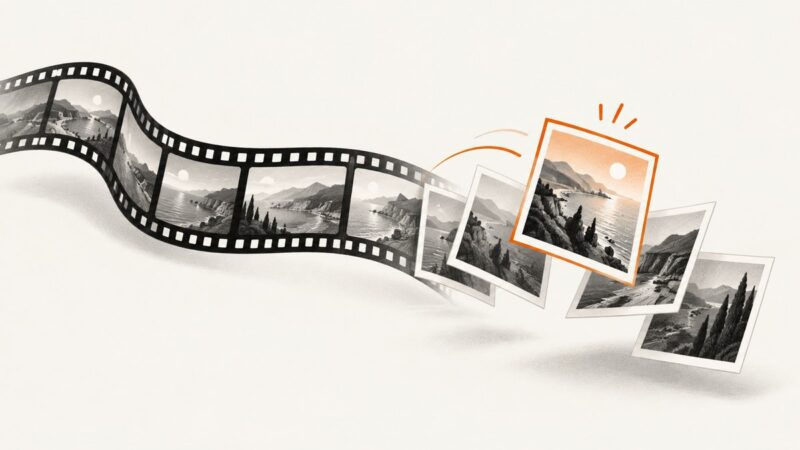
Extract a still or a batch of images from video with FFmpeg, Premiere Pro, or Python/OpenCV. Choose the right frame, format, and workflow for your project.
Capture a Reddit thread on iPhone, Android, Windows, or with an automated API, including long-page options, privacy checks, and troubleshooting.
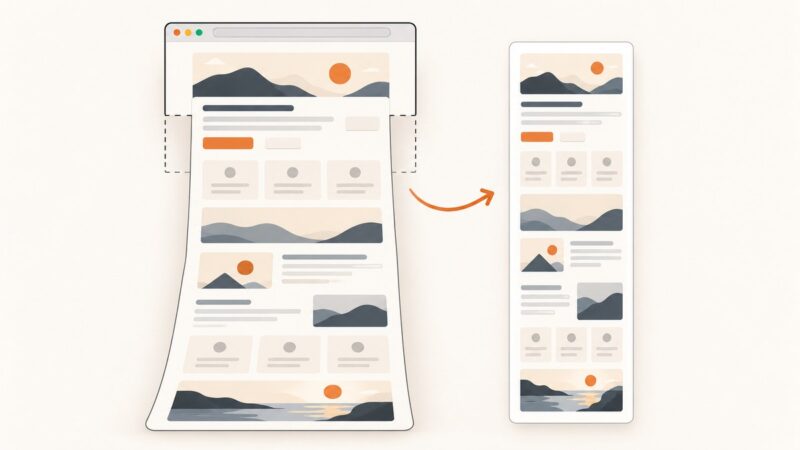
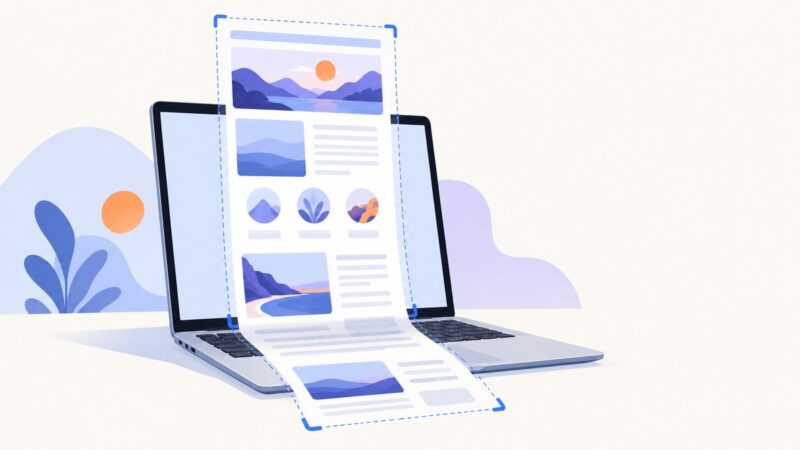
Save a full webpage as a PNG in Firefox, Edge, or Chrome, capture one element, and troubleshoot missing content in full-page screenshots.
Learn Chromebook shortcuts for screen, region, window, and full-page website screenshots, plus an automated ScreenshotNeo option for developers.