Screenshot API for Nuxt: Quick Start and Examples
Build a Nuxt screenshot API with a server route, browser rendering, validation, themes, security controls, and a hosted ScreenshotNeo option.
Build a Nuxt screenshot API with a server route, browser rendering, validation, themes, security controls, and a hosted ScreenshotNeo option.
Build deterministic desktop, mobile, and dark-mode email screenshots with Playwright, Puppeteer, CI artifacts, visual diffs, or an API.
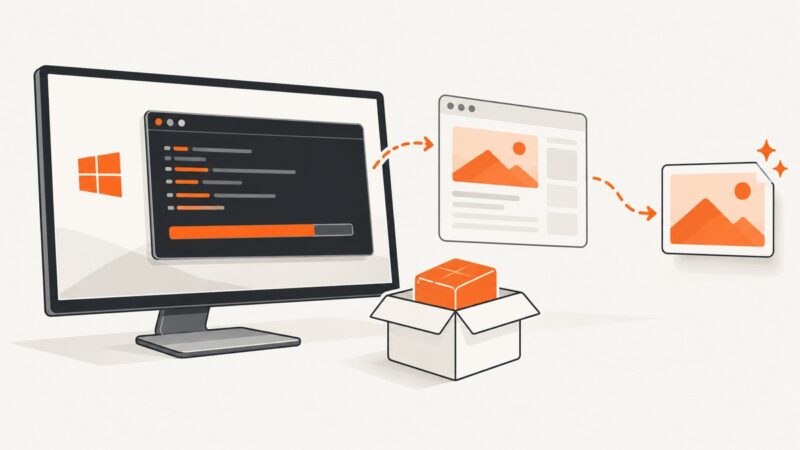
Install wkhtmltoimage on Windows, fix PATH errors, automate captures, and understand security limits with complete command examples.
Learn how to find sitemap files, traverse sitemap indexes, extract and validate URLs, and build a respectful target-discovery pipeline.
Build reliable landing-page visual checks with Playwright: capture stable screenshots, compare them with reviewed baselines, and diagnose CI failures.
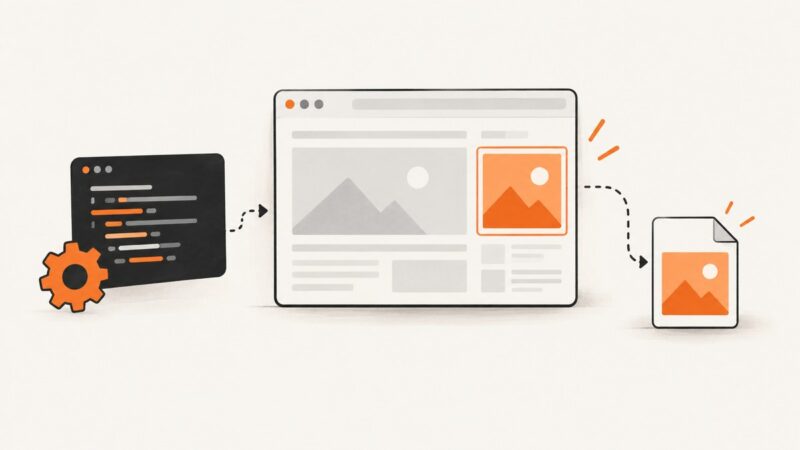
Convert HTML into PNG, JPEG, or WebP in Python with Playwright. Learn setup, capture options, troubleshooting, and when a hosted screenshot API fits better.
Use java.awt.Robot to capture a screen or selected rectangle, save it as PNG, and handle display coordinates, permissions, headless environments, and high DPI.
Block unwanted pop-up windows, diagnose JavaScript-driven behavior, and handle notification prompts in Chrome, Edge, and Firefox.
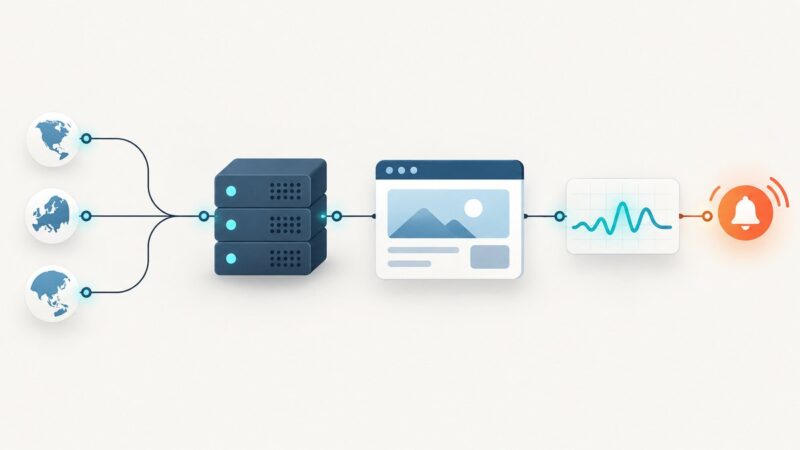
Build website monitoring scripts that detect outages, slow responses and broken user journeys with HTTP probes, Prometheus and Playwright.
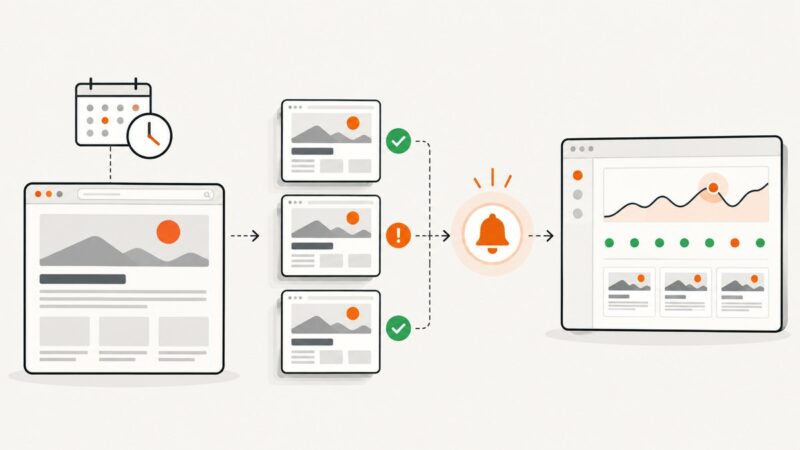
Build scheduled browser probes that capture pages, detect visual changes, store evidence, and alert on uptime or rendering failures.
Choose native scheduled reports for recurring dashboard snapshots, or use Playwright for a custom capture workflow. Here are the setup steps, runnable code, and fixes for common failures.
Capture Nuxt pages below the fold with Playwright, wait for dynamic content, and avoid common screenshot failures in CI.
Pair Lighthouse’s SEO findings with repeatable Playwright screenshots so you can review what pages showed during an audit and compare changes over time.
Build repeatable browser captures for checking ad rendering, with metadata, failure handling and clear limits on what a screenshot can prove.
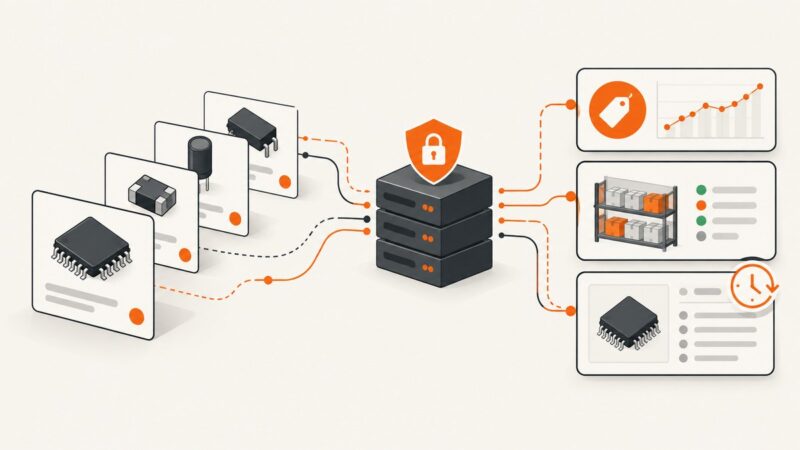
Use DigiKey’s Product Information API for compliant, current pricing, stock, and specifications—without scraping the public website.
A reliable workflow for cleaning, validating, deduplicating, and storing scraped data without losing the raw evidence or running out of memory.
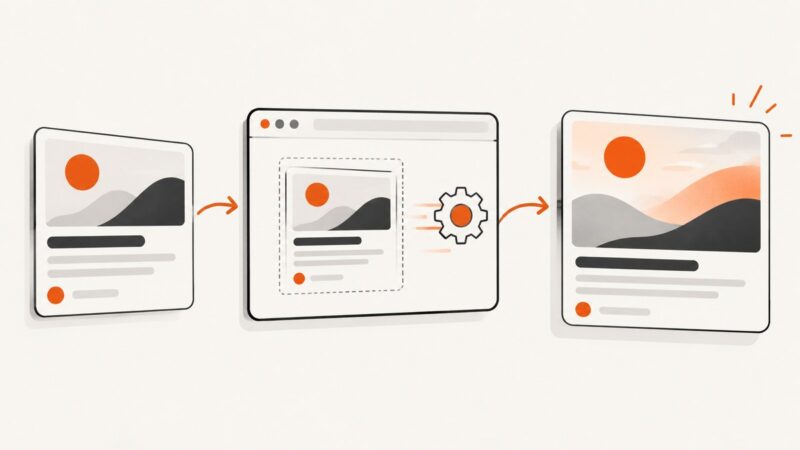
Build consistent 1200×630 social cards with Playwright, correct Open Graph metadata, cache-safe URLs, and a hosted ScreenshotNeo option.
Create page-specific Open Graph images in ASP.NET Core with SkiaSharp, stable URLs, correct metadata, caching, and production troubleshooting.