How to Store Website Captures in a Database
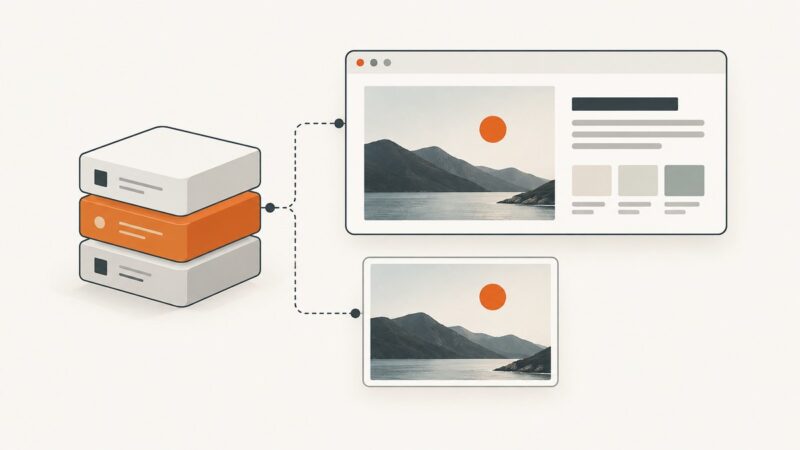
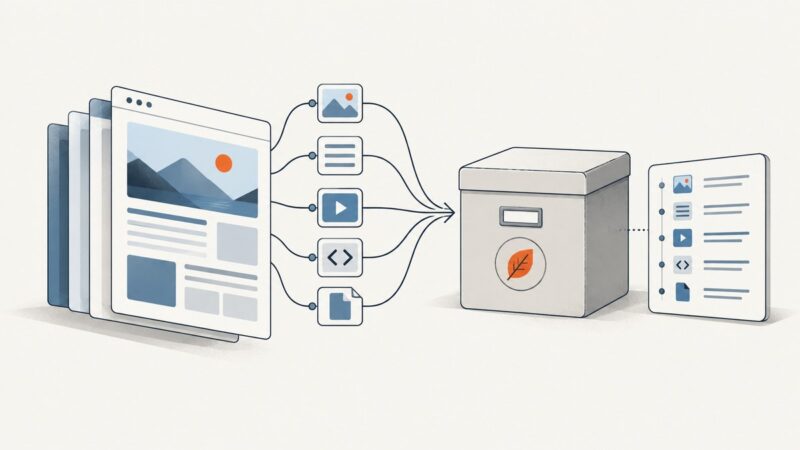
Preserve complete website captures in WARC files, then use a database to catalog, search, version, and manage them.
Preserve complete website captures in WARC files, then use a database to catalog, search, version, and manage them.
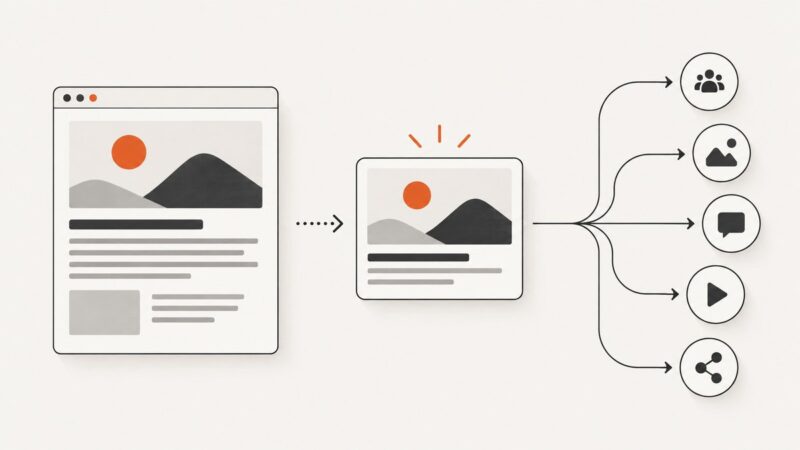
Create Ghost social card images at the site or post level, understand image processing, and automate reliable previews with practical theme guidance.
Run reliable Lighthouse audits, understand lab versus field data, automate checks in CI, and turn findings into measurable performance fixes.
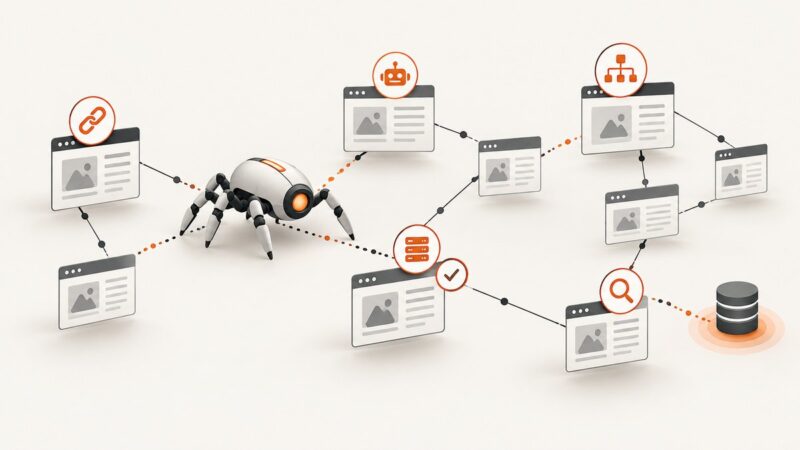
Learn how to scope a crawl, find technical SEO issues, compare sitemaps, and validate indexing with Search Console.
Learn which access methods are documented for Google AI Mode, Perplexity, and ChatGPT, and how to capture your own observations without confusing them with permission to scrape.
Capture authenticated pages in Ruby with Ferrum, Selenium or Capybara, then automate clean screenshots with ScreenshotNeo.
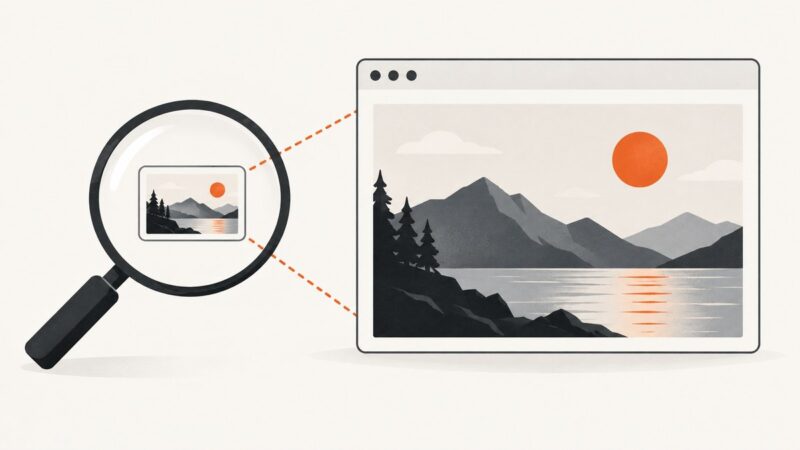
Google’s Custom Search JSON API returns image thumbnails and hosting-page links, not a documented full-size image URL. Here’s how to request results and what to use instead.
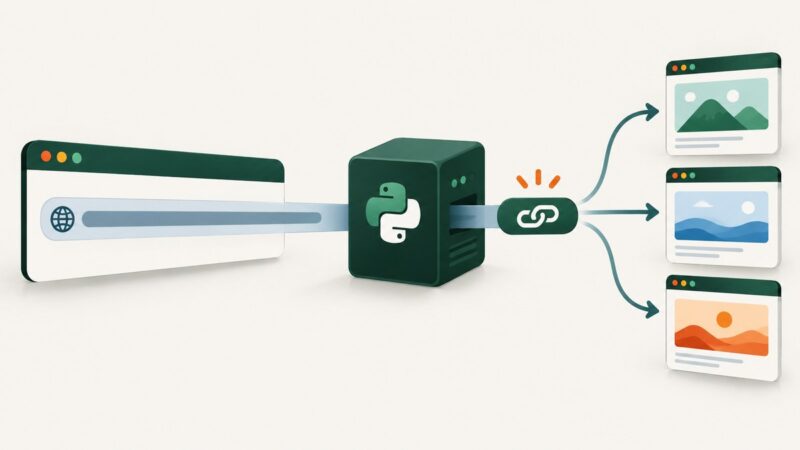
Build a production-ready Django URL shortener with validation, collision-safe codes, redirects, security controls, analytics, and deployment guidance.
Sanity’s Presentation Tool provides a live, clickable website preview—not a saved screenshot. Learn which workflow fits and how to capture an image separately.
Fetch multiple web pages concurrently with Python asyncio and aiohttp, parse their HTML, and handle limits, errors, retries, and memory safely.
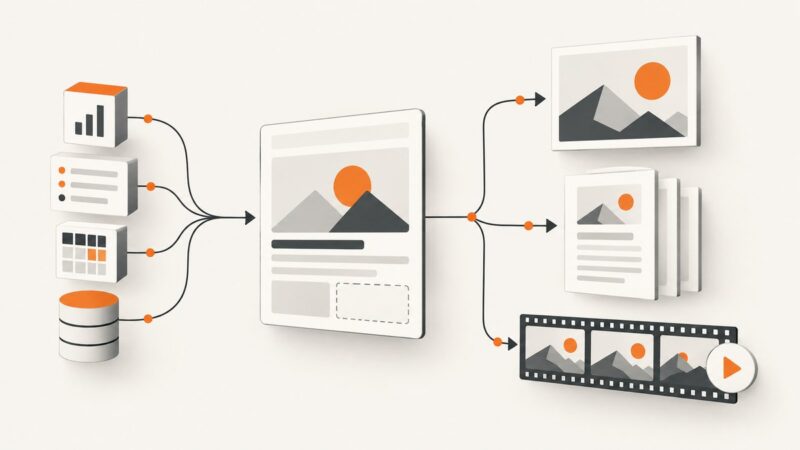
Build a reusable template, map data into its fields, and render images, PDFs, or videos through an API. Here’s a practical workflow, runnable examples, and provider guidance.
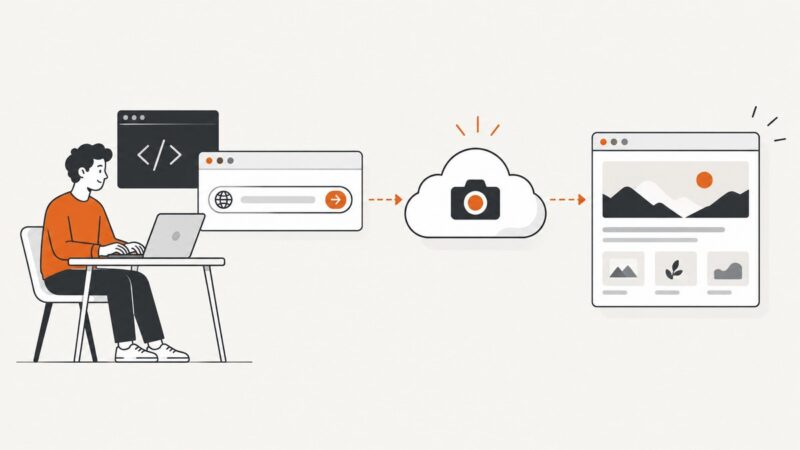
Capture a website manually or in code with free tools, APIs, full-page options, troubleshooting, and a practical ScreenshotNeo workflow.
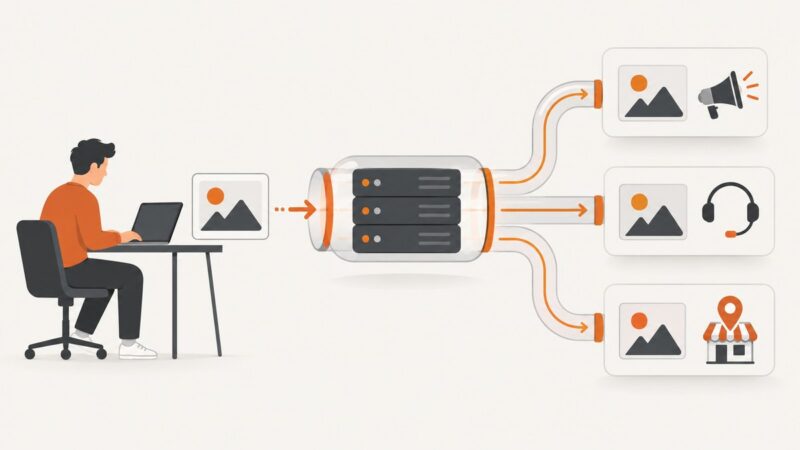
A practical guide to uploading, replacing, processing, and deleting brand images across Apple Ads, Zendesk, and Google Business Profile APIs.
Stop form spam with layered defenses: server-side verification, rate limits, WAF rules, honeypots, moderation, and monitoring.
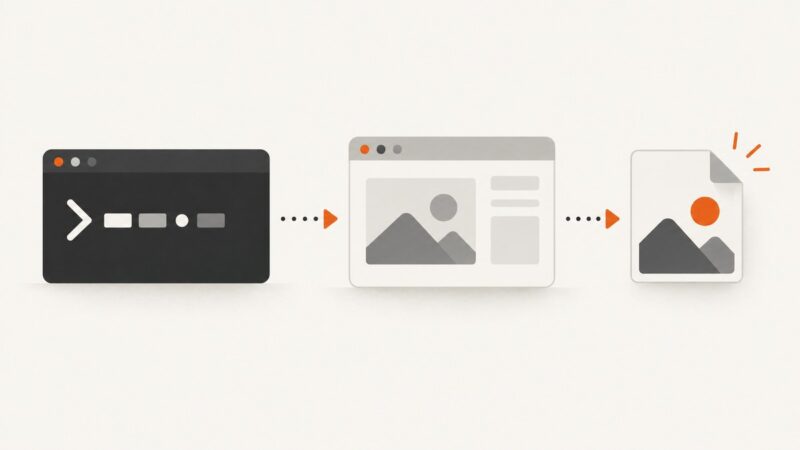
cURL can download image files, but it cannot render a webpage. Learn when to use cwebp, when to use Playwright, and how to save a rendered page as WebP.
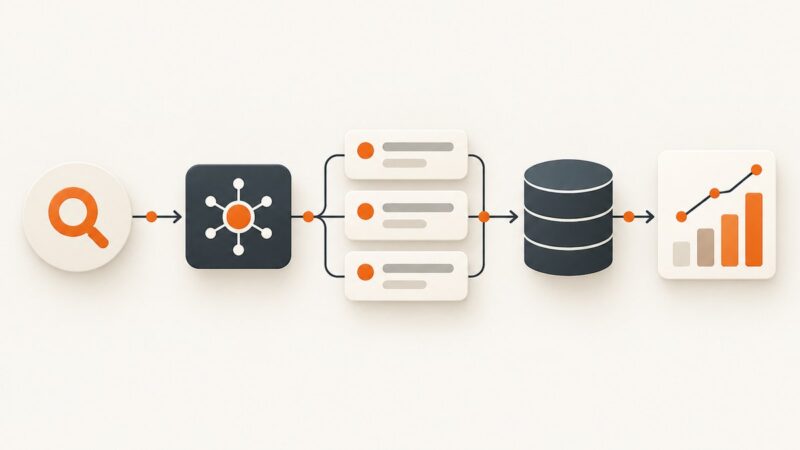
Learn how to collect structured search results with APIs, paginate safely, handle quotas, compare providers, and build reliable production pipelines.
Learn what “protected” means, which captures are allowed, how Windows and Mac tools behave, and when to use an authorized export or ScreenshotNeo.
When Python requests returns empty HTML, the data may be rendered in a browser or fetched later. Learn how to use Playwright, Selenium, and response capture to collect and validate it.