How to Take Screenshots in Django
Capture Django pages with a real browser, choose between one-off screenshots and visual regression tests, and learn when Django’s test client is enough.
Capture Django pages with a real browser, choose between one-off screenshots and visual regression tests, and learn when Django’s test client is enough.
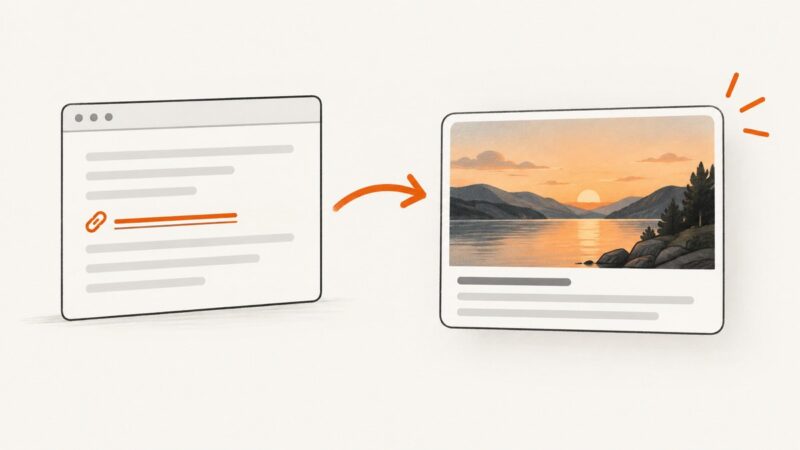
Fix missing og:image previews with server-rendered tags, image checks, duplicate cleanup, platform debugging, and cache refresh steps.
Missing emoji in a screenshot usually means the browser cannot find a suitable glyph font. Diagnose the rendered font, verify the capture runtime, and load a supported font before capture.
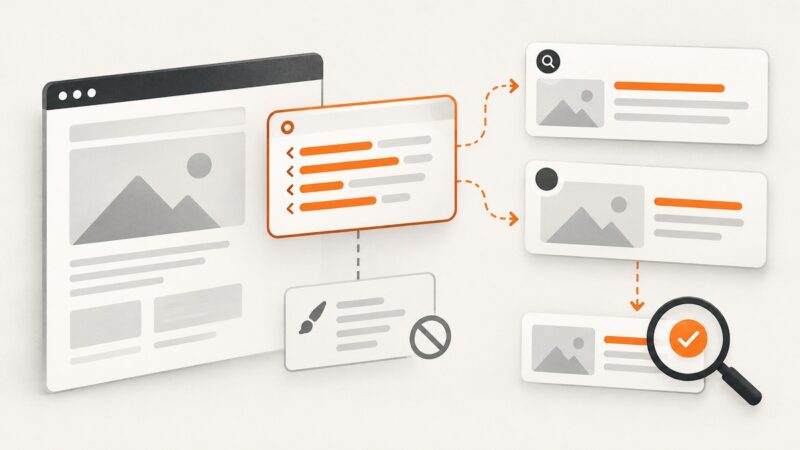
Learn which HTML metadata controls search and social previews, why CSS cannot replace it, and how to validate reliable preview output.
Build a maintainable Node.js IMDb pipeline with official datasets, the licensed API, Cheerio and Puppeteer—plus ratings joins and troubleshooting.
Run reliable recurring website screenshots with cron and Playwright, including timezone, logging, failures, and a hosted ScreenshotNeo option.
Preview personalized email variants with representative subscriber data, test sends, and cross-client rendering checks before launch.
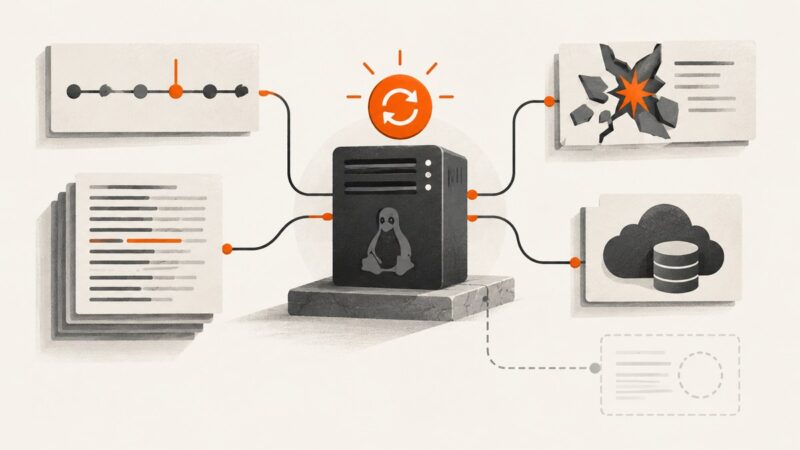
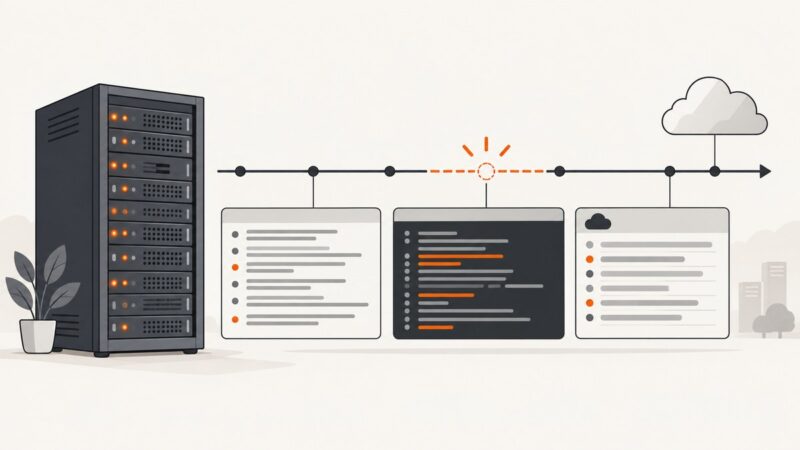
Use boot history, the previous boot’s journal, crash evidence and cloud records to investigate an unexpected Linux reboot—and learn what the logs can’t prove.
Find RSS or Atom feeds, fetch them efficiently, parse entries safely, handle caching and failures, and build a reliable scraper.
Learn how to capture external URLs, Bubble pages, and individual elements as images or PDFs, with plugin guidance, troubleshooting, and an API option.
A practical guide to extracting JSON, JSON-LD, API responses, and rendered data reliably, with validation, provenance, and browser examples.
Build a Python client for YouTube’s documented Data API to collect channel uploads, video titles, views, durations, and other metadata—without scraping YouTube pages.
Capture a webpage from your terminal with Playwright CLI, choose viewport, element, or full-page output, and troubleshoot common rendering issues.
Build a structured Google Flights search in Python, parse fares and flight times safely, and understand parameters, limits, and alternatives.
Learn when to export a canvas bitmap with JavaScript and when to capture its rendered appearance with Playwright, Selenium, or ScreenshotNeo.
Build a Scrapy crawler that renders JavaScript with Playwright only when needed, while keeping Scrapy scheduling, parsing, and resource controls.
Idealista’s terms restrict automated copying without written permission. Start with its Search API, and use a controlled crawler only when your authorization covers it.
Build a reliable Node.js metadata extractor with Metascraper, browser-rendered HTML, fallbacks, custom rules, validation, and production troubleshooting.