How to Find Elements by CSS Selectors in Selenium
Use Selenium’s CSS selector locator to find one or many elements, wait for dynamic content, and troubleshoot selectors that stop matching.
Blog
How to take clean screenshots, turn HTML into images and PDFs, run headless browsers, and give AI agents eyes. Written by the team that builds ScreenshotNeo.
Use Selenium’s CSS selector locator to find one or many elements, wait for dynamic content, and troubleshoot selectors that stop matching.
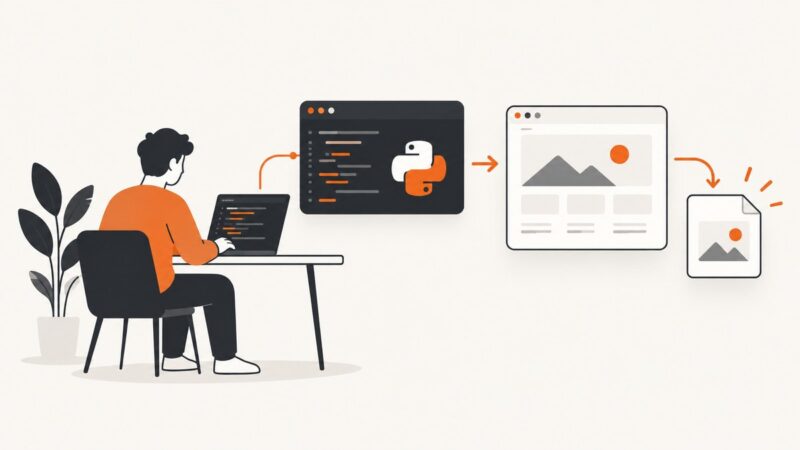
Use Playwright to capture a website from Python, save viewport, full-page, or element screenshots, and handle formats, timing, and common failures.
Generate branded invoice and receipt PDFs from JSON with templates, validation, tax controls, QR codes, delivery, and reliable batch processing.
Learn what antidetect browsers actually provide, how to connect Playwright, and how to choose profiles, fingerprints, proxies, security controls, and APIs.
Clear cached files to fix stale pages and broken layouts. Follow safe steps for Chrome, Firefox, Edge, and Safari without deleting passwords or bookmarks.
Stateful systems retain context between requests; stateless systems handle each request independently. Learn the trade-offs, scaling patterns, and examples.
Learn how to collect Apple product page data responsibly, parse permitted HTML and JSON-LD, and handle JavaScript rendering, errors, and change tracking.
Understand how Docker containers and virtual machines differ in architecture, security, performance, cost, and operations—and when to use each.
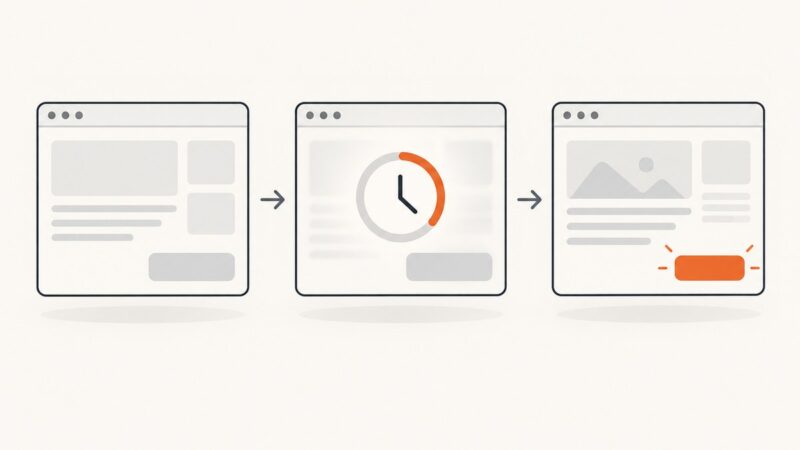
Set CSS viewport dimensions before navigation, choose the right capture mode, and avoid mobile, scaling, and full-page screenshot mistakes.
Use a browser proxy to open and capture blocked pages, understand limits, and automate reliable screenshots when VPN routing is not enough.
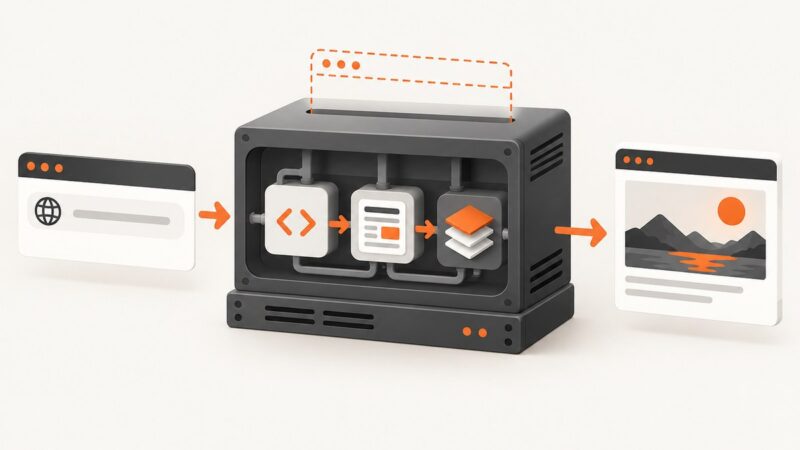
Capture a website from PHP with a hosted screenshot API or Spatie Browsershot. Compare setup, full-page options, security and troubleshooting.
Learn three practical ways to run JavaScript on an open web page: DevTools, bookmarklets, and browser extensions, with security limits and code.
Use Playwright to start a chat, wait for the assistant’s reply, and save a structured transcript. Includes runnable code, reliability guidance, and troubleshooting.
Launch Brave with Playwright by setting its executable path, then choose a temporary or persistent profile. Includes JavaScript, Python, setup, and troubleshooting.
Learn how to add editable blank text fields in Canva, Adobe Express, and Photoshop while preserving templates for reuse and collaboration.
Add images, external links, anchors, bookmarks, and attachments to HTML or Python PDF templates with reliable WeasyPrint and ReportLab patterns.
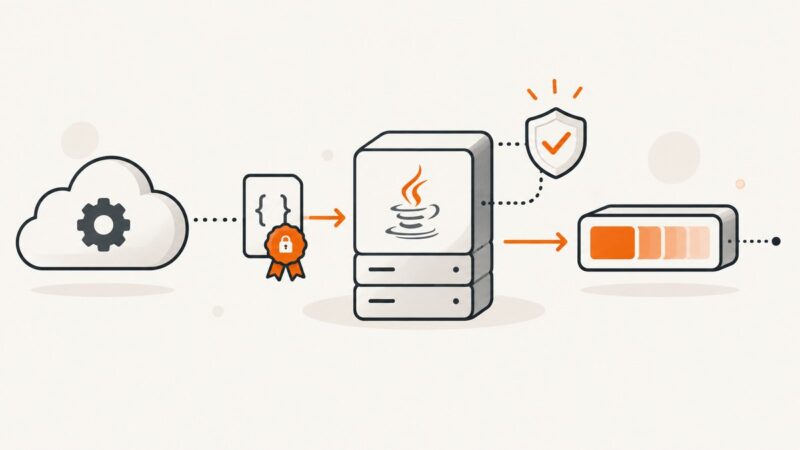
Build a Java webhook endpoint that verifies signatures, handles duplicate deliveries safely, and acknowledges events before slow work begins.
Learn ID selectors in CSS and JavaScript, escape unusual IDs, handle duplicates, and capture selected elements reliably.