How to Fix Snipping Tool When Screenshots Do Not Appear
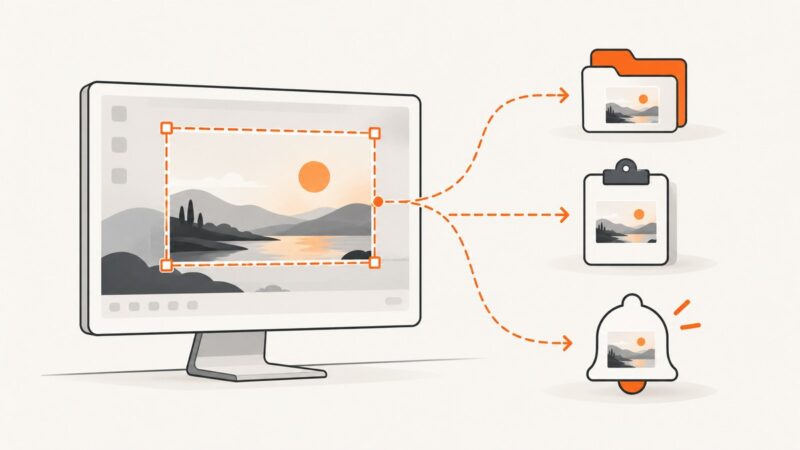
Find missing Snipping Tool screenshots fast: check saved files, clipboard copies, notifications, shortcuts, settings, and reliable alternatives.
Blog
How to take clean screenshots, turn HTML into images and PDFs, run headless browsers, and give AI agents eyes. Written by the team that builds ScreenshotNeo.
Find missing Snipping Tool screenshots fast: check saved files, clipboard copies, notifications, shortcuts, settings, and reliable alternatives.
Capture the part of a news story on screen or save the full article. Follow the steps for iPhone, Android, Windows, or Chromebook.
Save Selenium’s current browser window as a PNG, check whether the write succeeded, and choose file, bytes, base64, or element capture for your workflow.
Compare newsletter screenshot APIs by HTML support, browser controls, webhooks, pricing and reliability, then choose the right fit.
Learn the Wayland image-capture protocols, buffer lifecycle, compositor compatibility, cursor handling, and reliable client implementation.
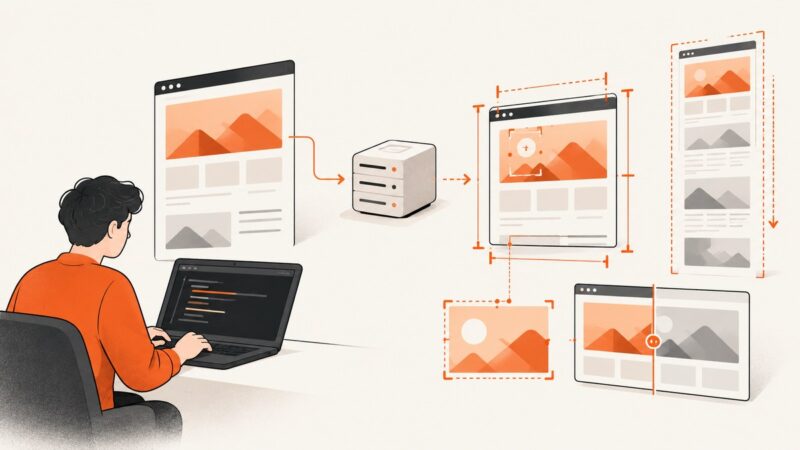
Compare website screenshot software, hosted APIs, Playwright and Puppeteer, with runnable code, capture options, troubleshooting and cost guidance.
Learn how website screenshot generators work, capture a page with Playwright, and choose between browser automation and a screenshot API.
Opera’s built-in Snapshot is the best place to start for most screenshots. Use FireShot when you need batch capture, more export options, or a dedicated annotation workflow.
Render PDF pages in a browser with PDF.js: workers, canvases, HiDPI scaling, CORS, lazy rendering, troubleshooting, and production patterns.
Compare Safari screenshot extensions for full-page captures, visible areas, editing, privacy, and difficult pages on Mac, iPhone, and iPad.
Chrome Headless Shell is Chromium’s standalone older headless browser. Learn when to use it, how to launch it with Puppeteer, and when unified Chrome is a better fit.
A practical test plan for screenshot APIs: HTTP contracts, image correctness, full-page behavior, selectors, visual diffs, failures, and CI.
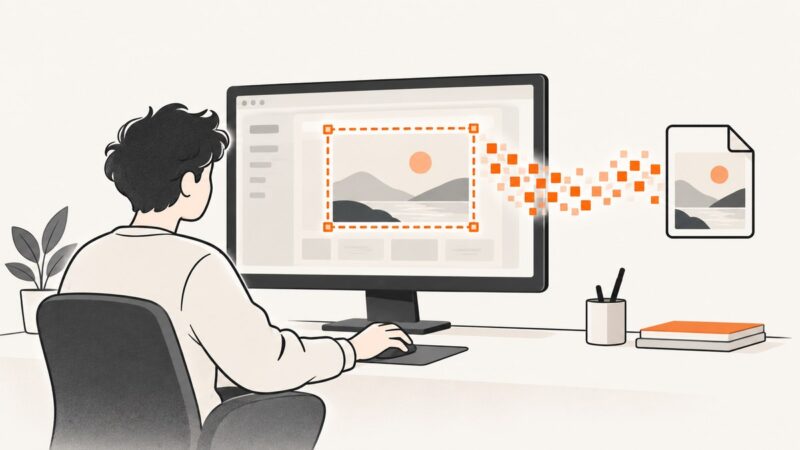
Capture full screens, regions, and windows in Python with Pillow, MSS, or PyAutoGUI. Learn the platform limits, permissions, and fixes for common failures.
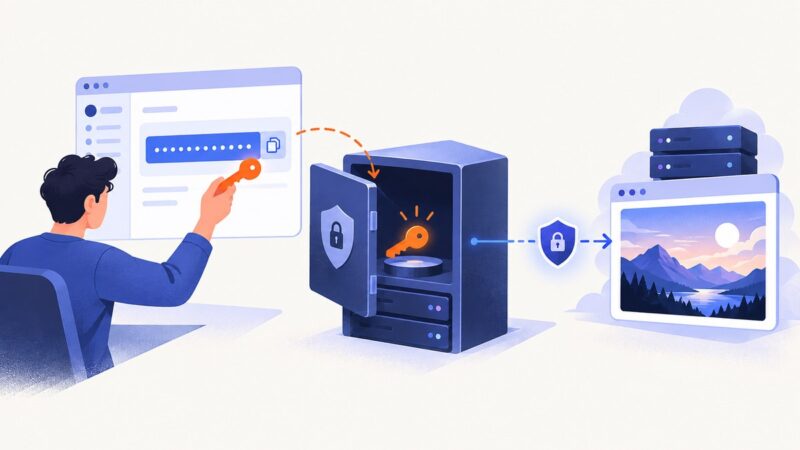
Learn where to get a screenshot API key, how to store it safely, proxy requests, sign public links, rotate leaks, and use ScreenshotNeo securely.
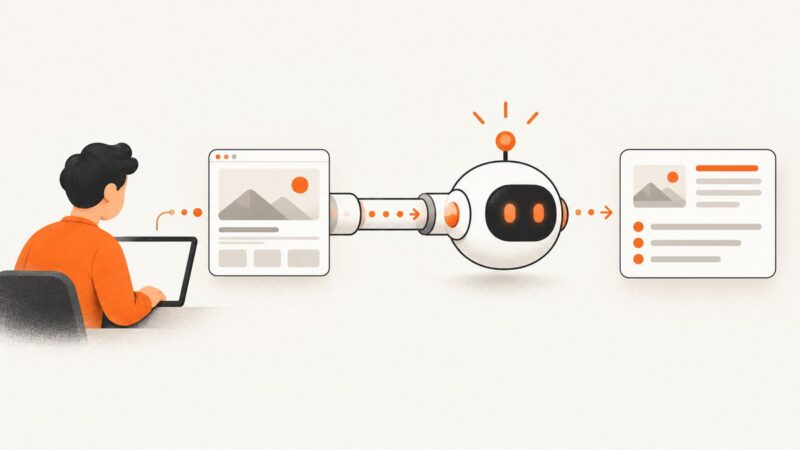
Learn how to attach, format, and automate screenshots for AI agents, with runnable API examples and reliable capture guidance.
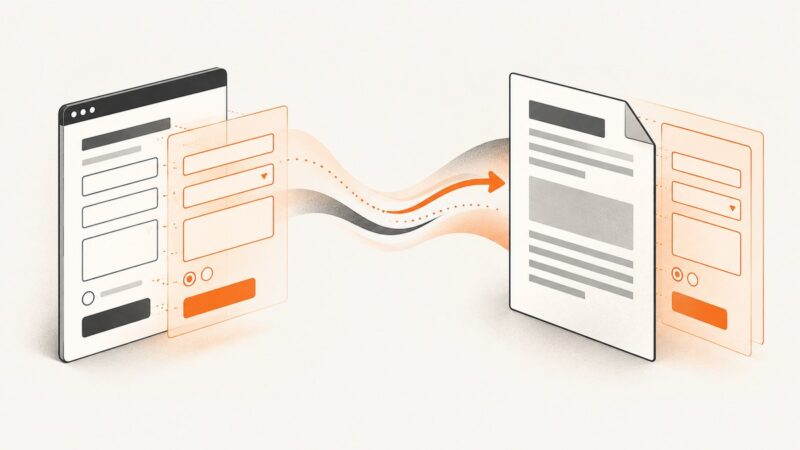
Learn the difference between HTML-to-PDF rendering, AcroForm creation, and form filling, with implementation paths, code, testing, and troubleshooting.
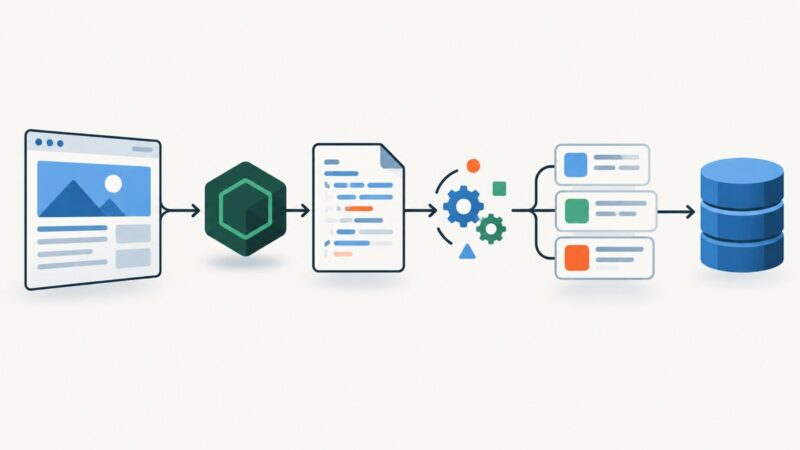
Learn how to fetch, parse, validate, and scale Node.js scrapers with node-fetch, Cheerio, cookies, retries, limits, and JavaScript rendering guidance.
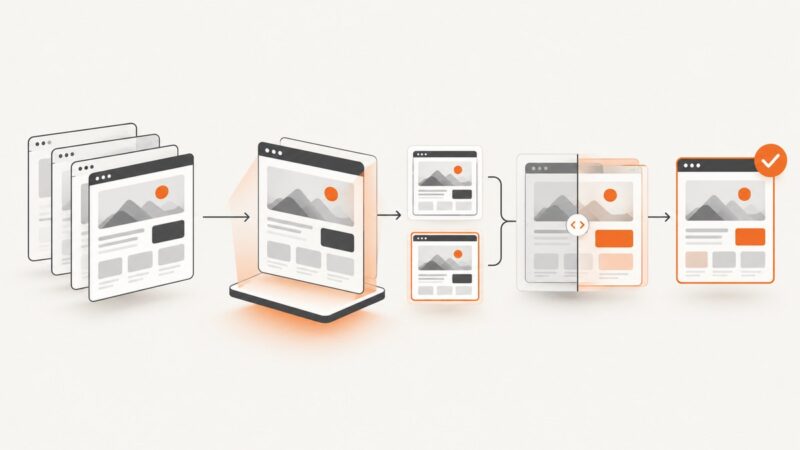
Compare screenshot APIs, Playwright assertions, and hosted visual review tools for QA testing, with setup guidance, costs, and practical trade-offs.