HTML to Image API: A Complete Developer Guide
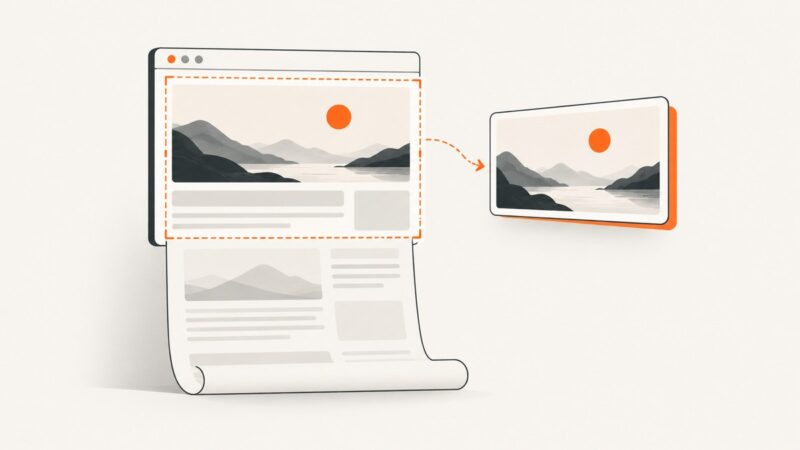
Learn how HTML to Image APIs render HTML, CSS, URLs and templates, with runnable code, options, troubleshooting and production guidance.
Blog
How to take clean screenshots, turn HTML into images and PDFs, run headless browsers, and give AI agents eyes. Written by the team that builds ScreenshotNeo.
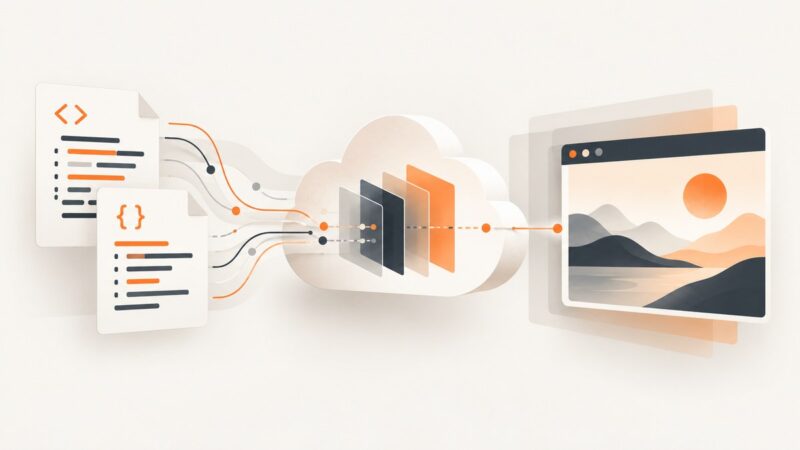
Learn how HTML to Image APIs render HTML, CSS, URLs and templates, with runnable code, options, troubleshooting and production guidance.
Use WebDriver BiDi’s browsingContext.captureScreenshot command to capture a viewport, full page, or element. Learn the inputs, runnable examples, and common fixes.
Find machine-readable public proxy lists, scrape them with Python, validate safely, and understand why free proxies often fail or expose your data.
Learn how OG image testers inspect tags, image files, and platform previews—and how to fix stale, missing, or inaccessible social cards.
Automate repeatable portfolio screenshots with Playwright, stable viewports, full-page and element captures, visual checks, and a hosted API option.
Capture one DOM element by hand with DevTools, automate it with Playwright, or generate an in-page image with html2canvas. Compare setup, fidelity, and common fixes.
Learn what “AI that takes screenshots” means, how computer-use agents work, and how to capture clean website images with an API.
Choose a screenshot API for brand monitoring by checking capture fidelity, repeatability, quotas, and failure handling. Then build the scheduling, visual comparison, and alerts around it.
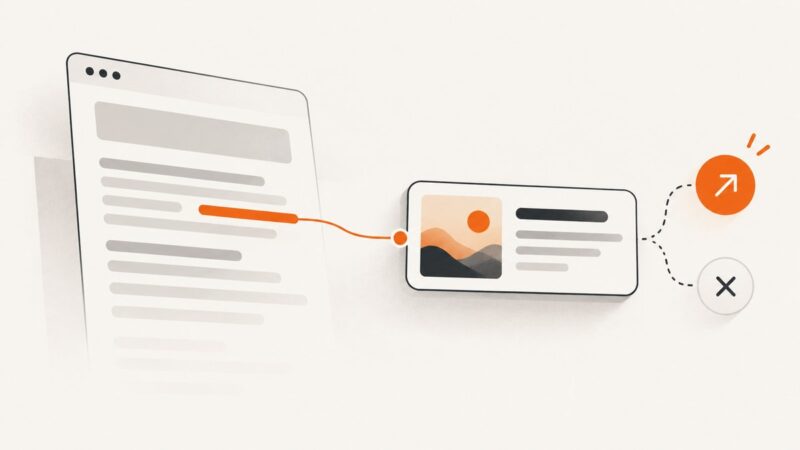
A link preview is a summary card for a URL. Learn how apps create one, how to add Open Graph metadata, and how to troubleshoot missing previews.
Use short, descriptive, lowercase filenames with hyphens. Learn when to include dates or sequence numbers, how naming affects search and accessibility, and how to automate it.
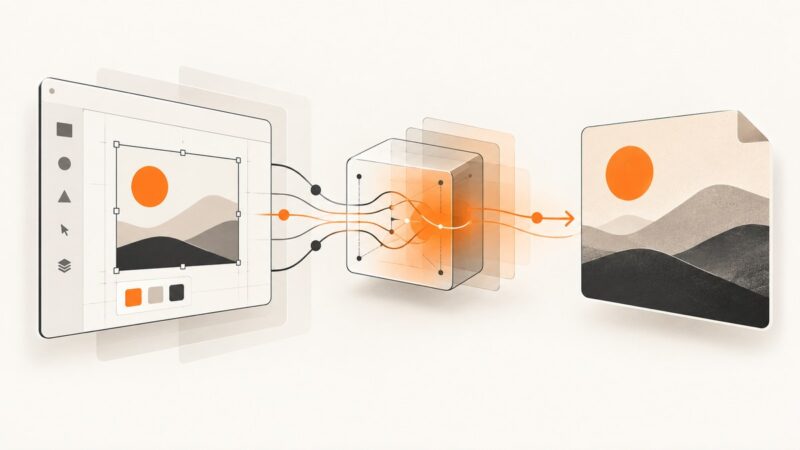
Render Figma frames as PNG, JPG, SVG, or PDF with the Images API, handle temporary URLs, errors, scaling, and automation.
Compare Playwright and hosted PDF APIs, then build reliable report generation with layout controls, troubleshooting, and a practical ScreenshotNeo option.
Compare Cheerio, Puppeteer, Playwright and Crawlee, with runnable Node.js examples, production guidance, troubleshooting and compliance notes.
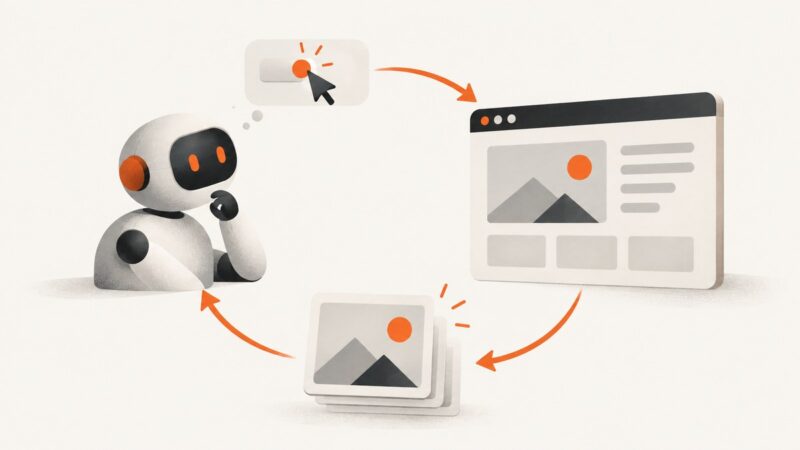
Build an AI screenshot loop with Playwright: capture the screen, send it with task context, execute a controlled action, and observe the result.
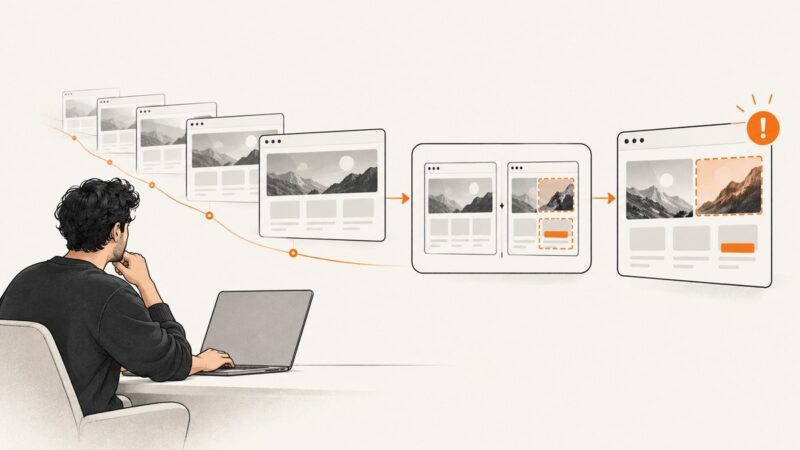
Capture a website manually in your browser or automate URL-to-image screenshots with an API. Learn the key settings, runnable code, and fixes for common problems.
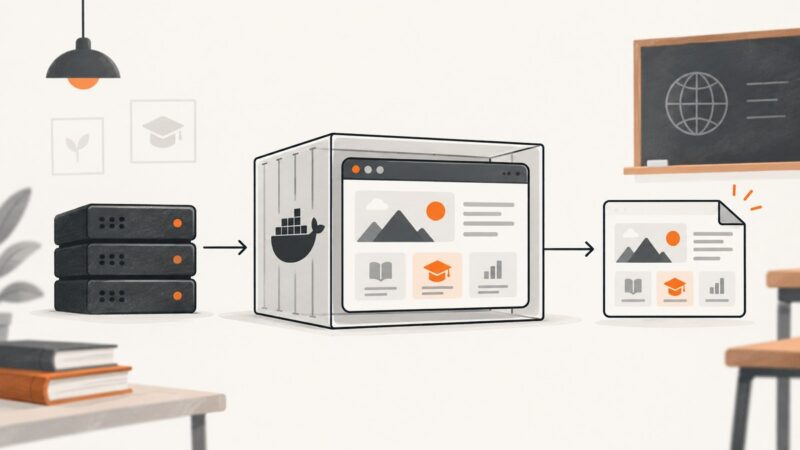
Compare browser automation, self-hosted Docker APIs, and hosted screenshot services for education workflows, with runnable setup guidance and privacy checks.
Build a browser screen capture demo with a local video preview, clear start and stop controls, and practical guidance on recording, audio, privacy, and errors.
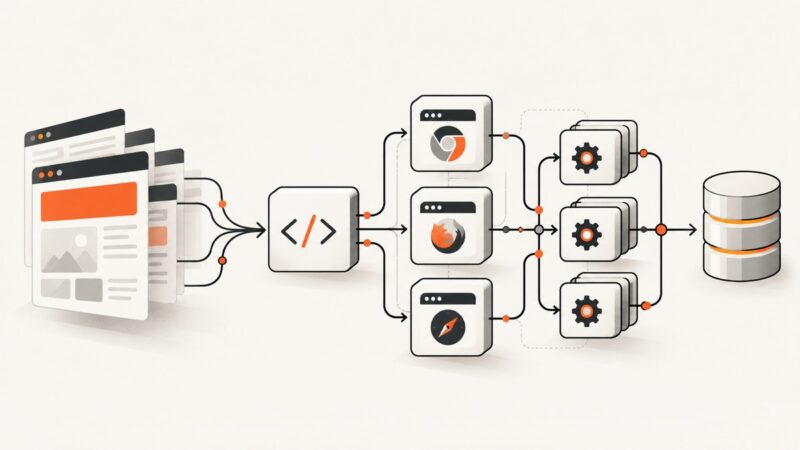
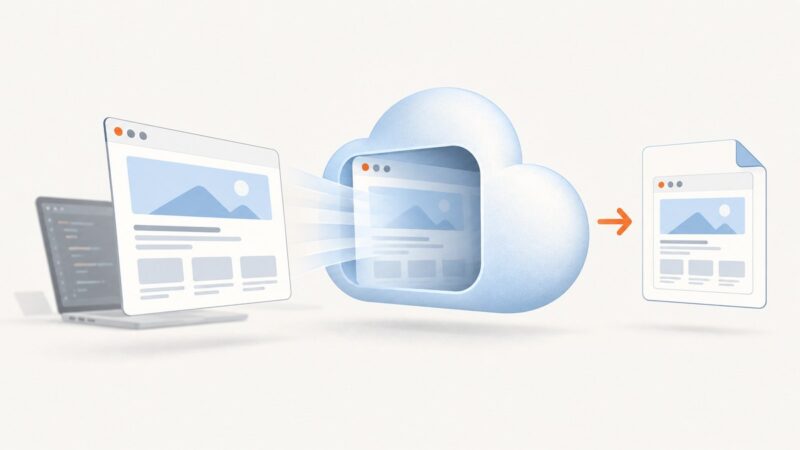
Learn how screenshot APIs turn URLs into images or PDFs, which rendering and delivery options matter, and how to build a reliable capture workflow.