How to Use a Browser Automation SDK
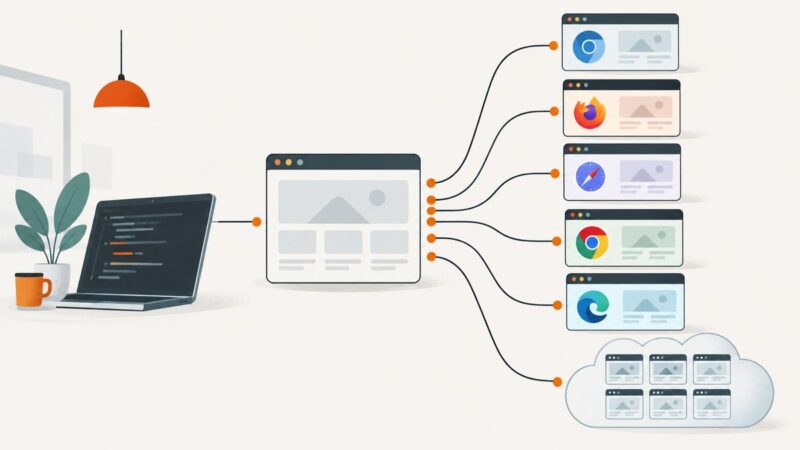
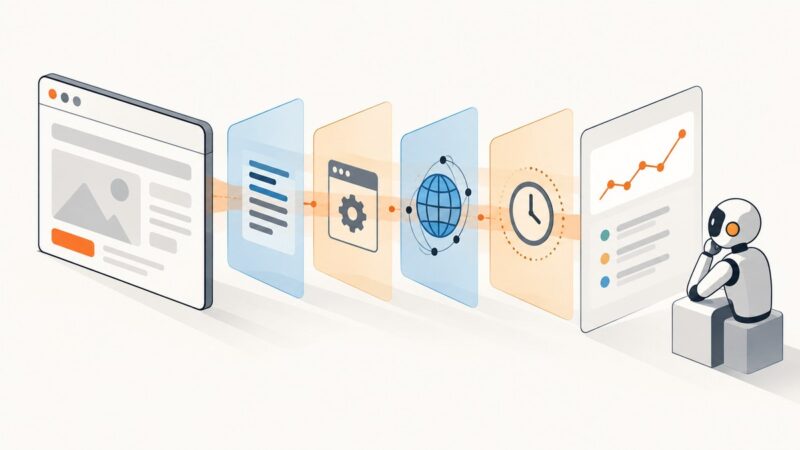
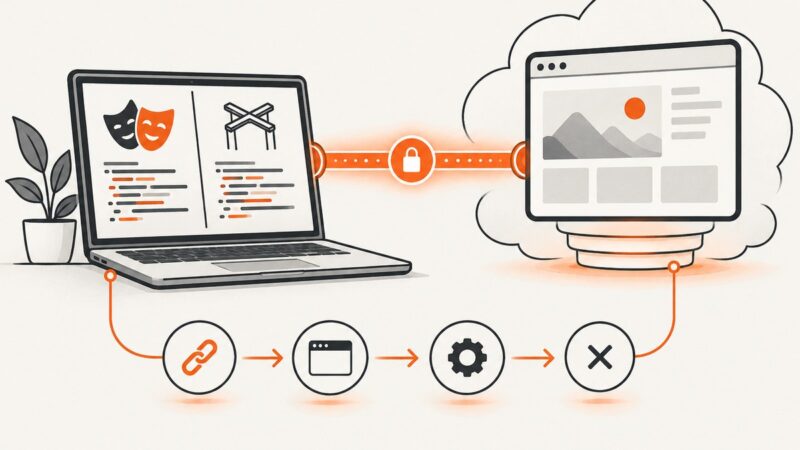
Learn the reliable browser automation workflow: choose an SDK, wait for real page state, interact with locators, verify results, and capture output.
Blog
How to take clean screenshots, turn HTML into images and PDFs, run headless browsers, and give AI agents eyes. Written by the team that builds ScreenshotNeo.
Learn the reliable browser automation workflow: choose an SDK, wait for real page state, interact with locators, verify results, and capture output.
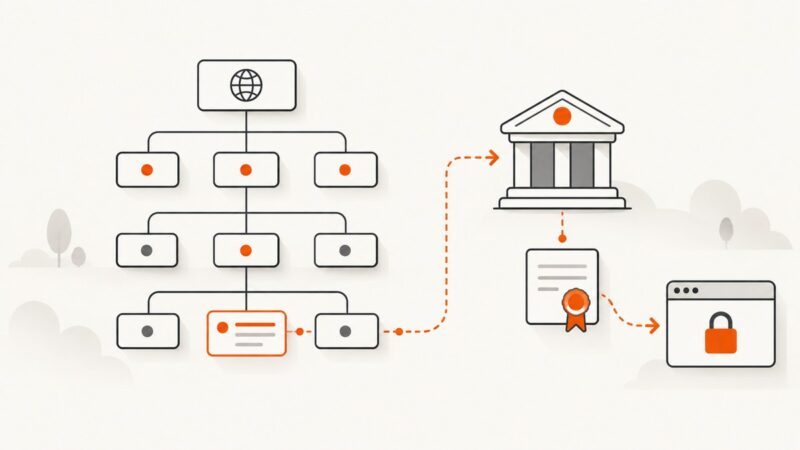
Learn how CAA DNS records control certificate issuance, handle wildcards and subdomains, verify policies, and fix common CA errors.
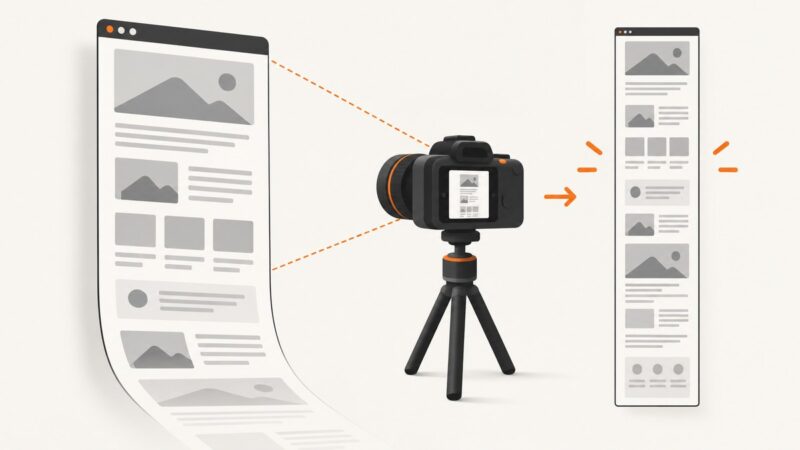
Capture an entire scrolling webpage with browser tools, Playwright, CDP, or ScreenshotNeo—including lazy content, long pages, and below-the-fold sections.
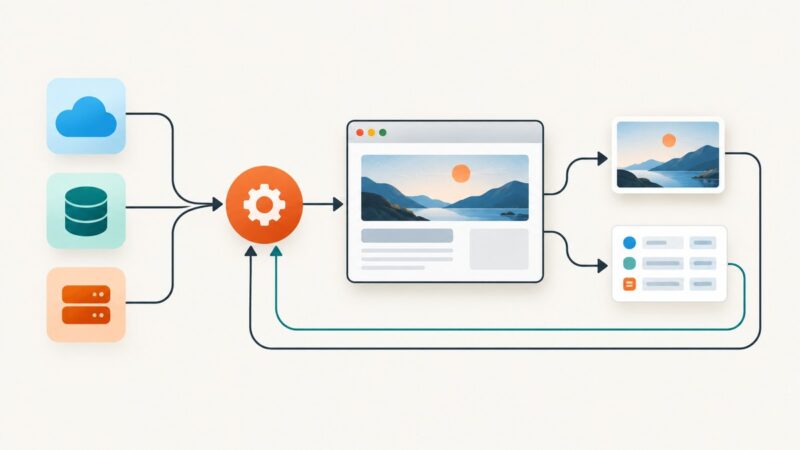
Build a no-code workflow that turns a campaign brief into reviewed, branded creative. Compare Zapier, Canva, and Adobe Express, with practical steps and code options.
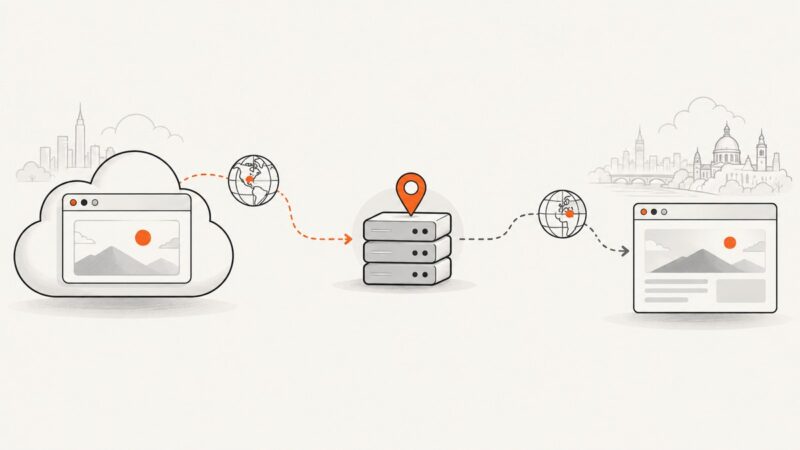
A cloud browser’s server region, proxy egress IP, and browser locale are separate signals. Learn how to configure and verify regional browser tests, and what can go wrong.
Browser automation stealth is not invisibility. Learn what Playwright emulation can control, how detection spans multiple signal layers, and how to run reproducible tests you’re authorized to perform.
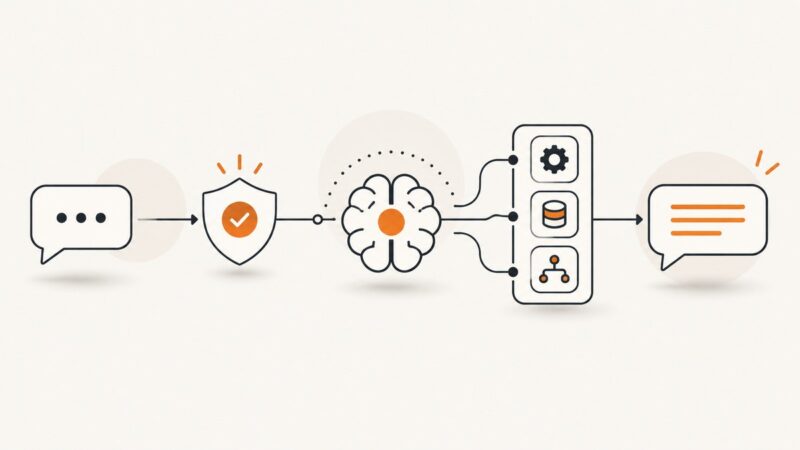
Build a reliable chatbot that receives messages, calls APIs, triggers workflows, and replies safely using Zapier, n8n, or Azure Bot Service.
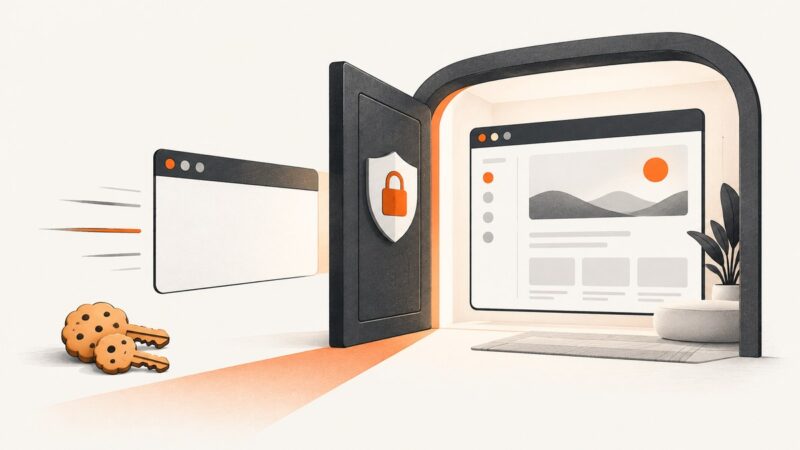
Use Playwright to authenticate, save browser state safely, and capture a protected page. Learn how cookies, tokens, session storage, and capture scope fit together.
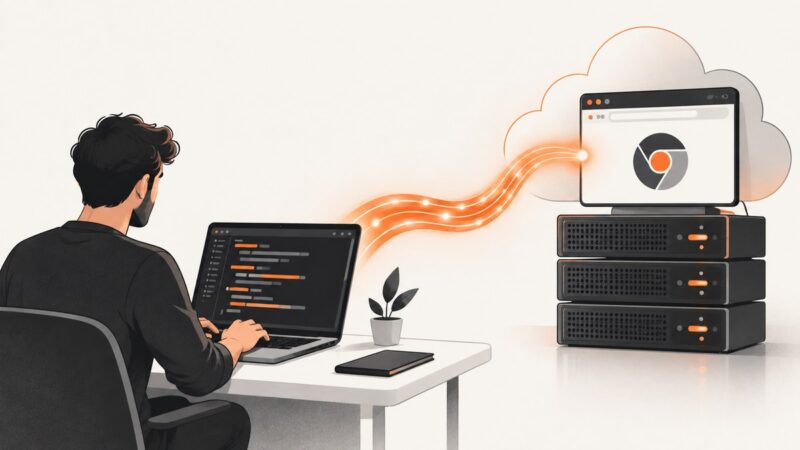
Connect Playwright or Puppeteer to a hosted Chromium session over CDP, secure the endpoint, automate targets, and run it reliably in CI.
Capture CDP messages manually with Protocol Monitor or automate event logging with Network and Log domains, JSON files, and reproducible workflows.
Study TikTok behavior with an approved Research Tools workflow: define measures, collect permitted public data, and document coverage, privacy, and limits.
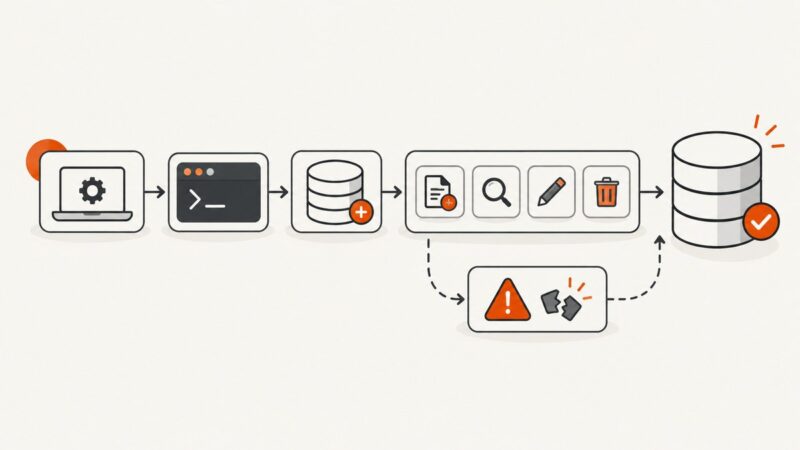
Learn MongoDB from zero: choose a setup, connect with mongosh, create your first collection, run CRUD queries, and avoid common beginner errors.
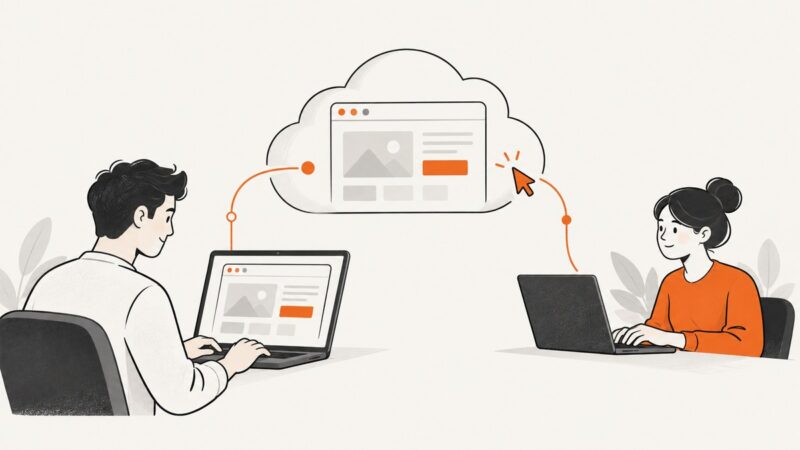
Connect to a cloud browser over CDP or WebSocket, watch it in a live view, and safely hand control to a person when automation needs help.
If AutoGen returns garbage from a screenshot tool, first check whether PNG bytes became text. Here’s how to trace the payload and deliver a real image to a vision model.
Learn Selenium WebDriver from setup to reliable waits, browser drivers, remote sessions, troubleshooting, and practical automation patterns.
Compare Playwright, OBS and Loom for browser automation, then learn how to record tests, retain failure videos and choose the right workflow.
Learn what Jupyter Notebook is, install it with pip or Anaconda, run your first cells, understand kernels, and share reproducible notebooks.
Learn every cURL proxy option, including HTTP, HTTPS, SOCKS, authentication, DNS routing, bypass rules, debugging, and safer automation.