Browserless Review: How Good Is It for Scraping and Automation?
Browserless offers managed browsers, REST APIs and BrowserQL. Here’s how its interfaces, limits and usage based pricing fit scraping and automation work.
Blog
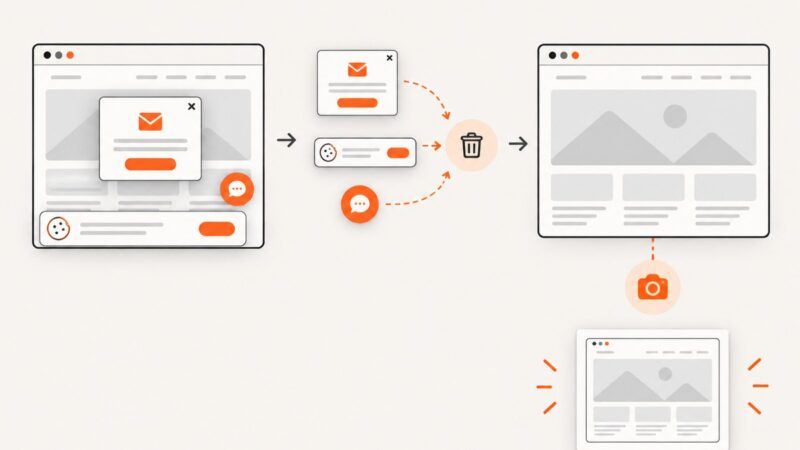
How to take clean screenshots, turn HTML into images and PDFs, run headless browsers, and give AI agents eyes. Written by the team that builds ScreenshotNeo.
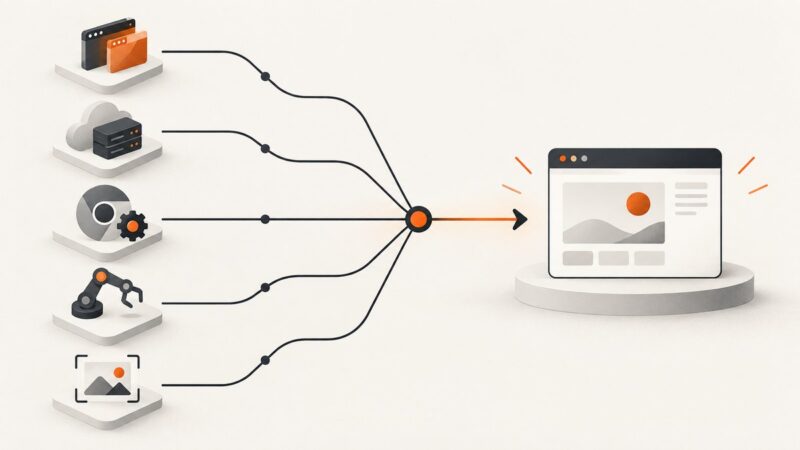
Browserless offers managed browsers, REST APIs and BrowserQL. Here’s how its interfaces, limits and usage based pricing fit scraping and automation work.
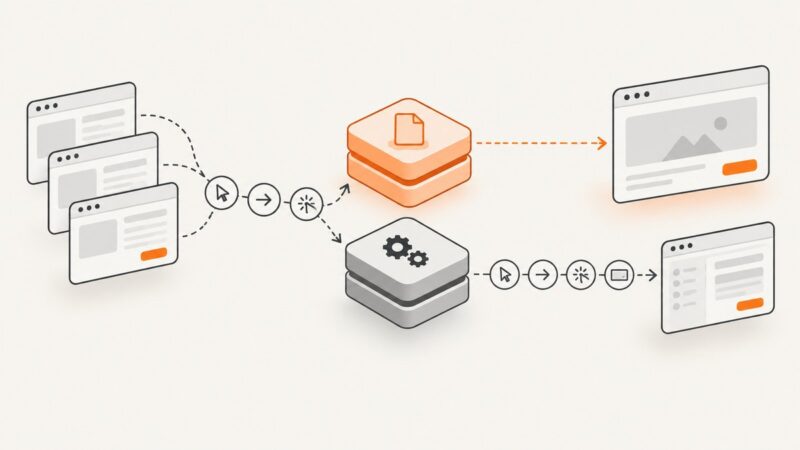
Compare Playwright, Browserbase, Chrome DevTools, Puppeteer, and ScreenshotNeo MCP servers for reliable browser automation in 2026.
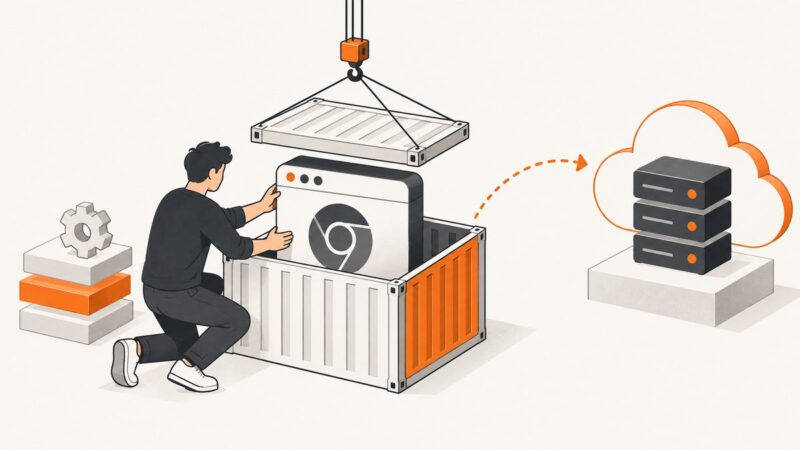
Build a version-pinned Playwright browser image, push it to a container registry, and verify the tag. Includes Node.js and Python Dockerfiles, platform choices, and runtime guidance.
Choose a browser automation framework, set it up, and build a small test that checks a user-visible result. Includes Playwright code, troubleshooting, and a screenshot API option.
Keep browser automation signed in across runs with Playwright persistent profiles or saved auth state, while avoiding profile conflicts and credential leaks.
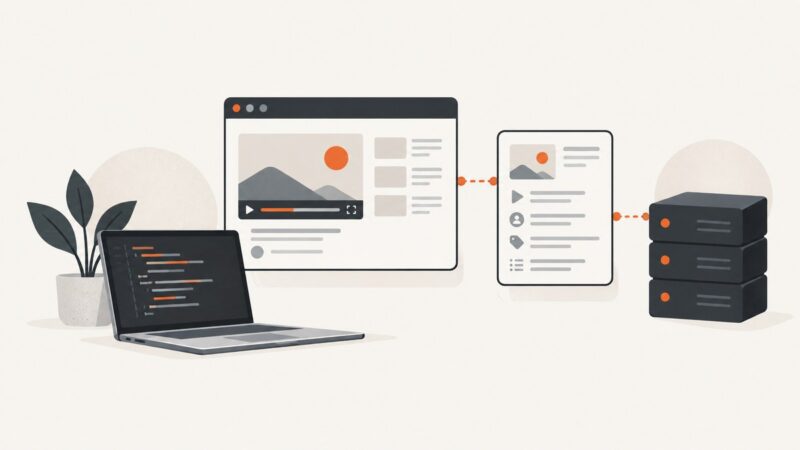
Use YouTube’s Data API for supported metadata. Learn when authorized browser automation fits, how to build a reliable Node.js workflow, and what access rules apply.
Stagehand has server-side result caching and agent action replay. Learn how to tell them apart, configure each by version, and investigate misses or skipped custom tools.
Persist Playwright sessions safely, restore every auth store, and automate MFA with test authenticators without weakening production security.
Use explicit Selenium or Playwright waits for the content your screenshot must show, then capture a reliable page or element image.
Build a private Audible catalog safely: understand licensing, export metadata, normalize ASINs, and organize everything in Audiobookshelf.
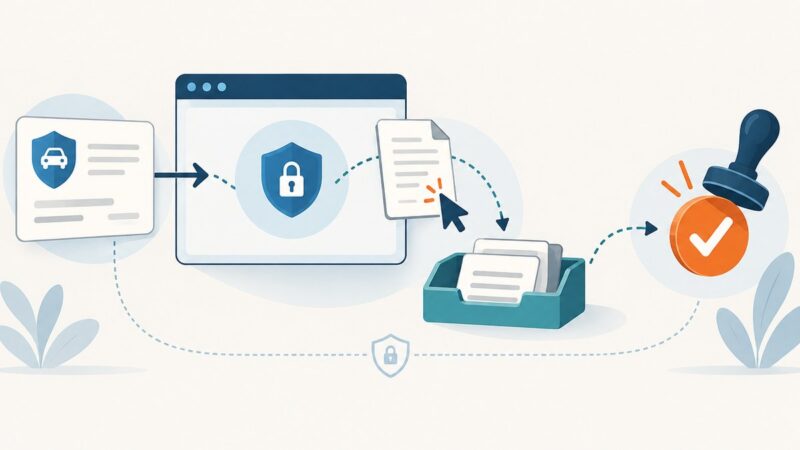
Learn where browser automation fits in insurance operations, how to build a safe Playwright workflow, and which controls regulators expect.
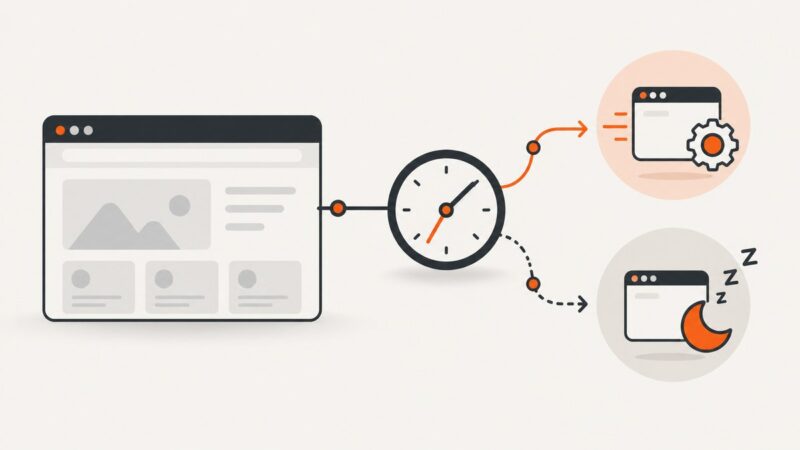
Configure browser automation inactivity and operation timeouts correctly in Playwright MCP, Playwright, Selenium and Puppeteer.
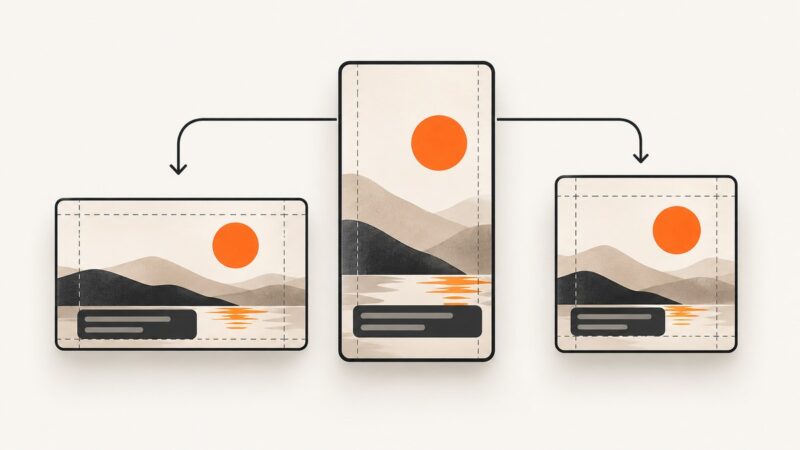
Turn one clean TikTok master into platform-ready Facebook and Instagram posts with reusable branding, rights checks, and a repeatable workflow.
Edit page content or print layout, preview the result, and save it as a PDF—with browser tools, local files, or a conversion service.
Connect Playwright MCP to an AI client, choose the right browser session, secure it, and automate pages with structured accessibility snapshots.
Learn when to scroll manually and when to capture a full page, viewport, or element with Playwright or Puppeteer. Includes runnable code and fixes for tricky pages.
Compare Go’s chromedp with Rust’s Playwright and native CDP options. Choose an approach by browser support, driver model, and deployment needs.
Inject a remote stylesheet reliably with Playwright or Puppeteer, wait for it to load, troubleshoot timing issues, and automate clean captures.