What Is Background Padding in Image Generation?
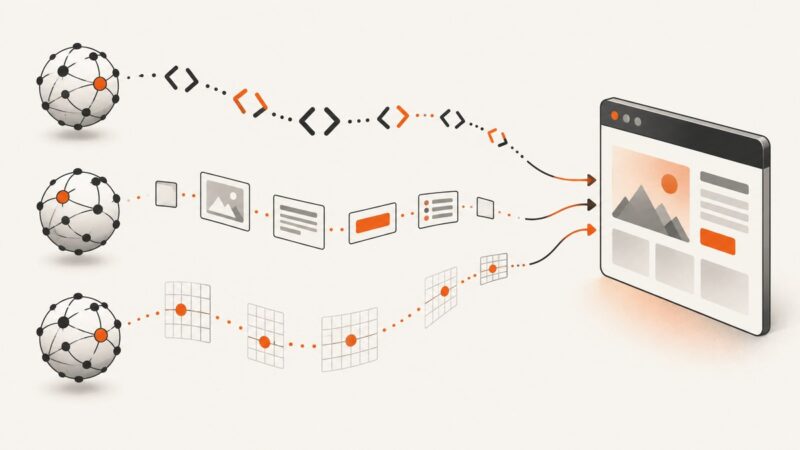
Background padding can mean negative space, outpainting, or transparency. Learn which method to use and how to implement each one.
Blog
How to take clean screenshots, turn HTML into images and PDFs, run headless browsers, and give AI agents eyes. Written by the team that builds ScreenshotNeo.
Background padding can mean negative space, outpainting, or transparency. Learn which method to use and how to implement each one.
Automate browser screenshots for monitoring with Playwright or a hosted service. Learn what to capture, how to alert, and how to debug failures safely.
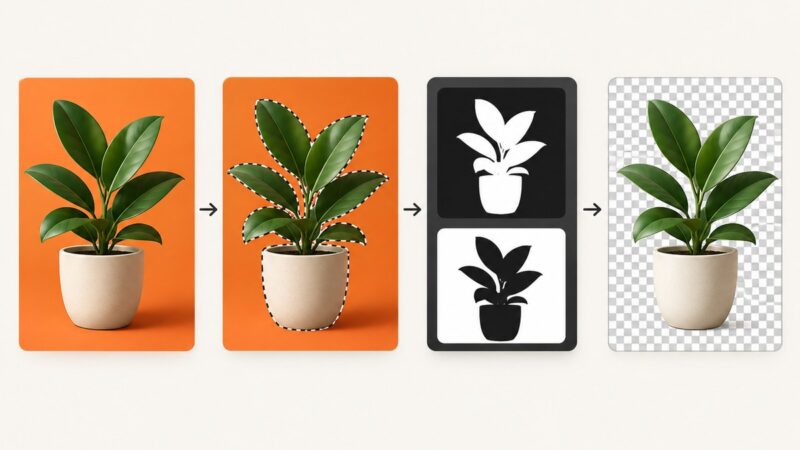
Remove an image background, preserve soft edges, and export a PNG with working transparency in GIMP or Photoshop. Includes checks for white or black backgrounds.
Build a reliable pipeline that captures website walkthroughs, personalizes video, renders asynchronously, and delivers reviewed outputs at scale.
Learn to observe, wait for, and intercept Playwright network traffic, handle Service Workers, debug failures, and choose the right API.
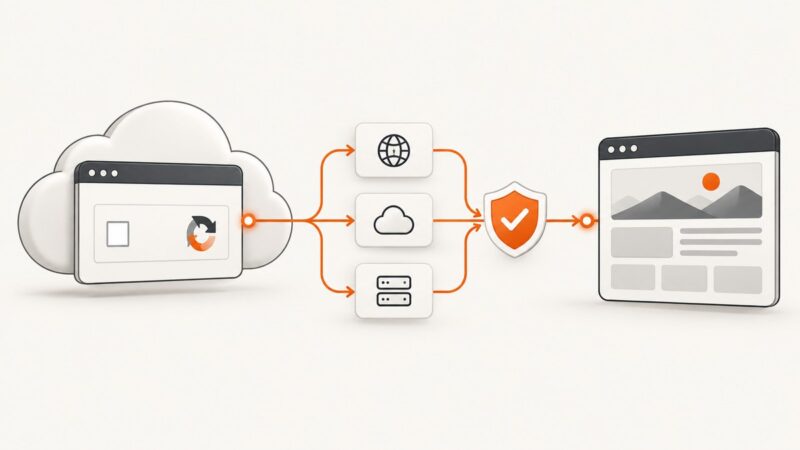
Connect an MCP client to a browser running remotely with Playwright, standalone HTTP, or a hosted service. Compare setups, configure endpoints, and secure access.
Embed image bytes as data URLs in HTML, render reliable PDFs, and fix MIME, print CSS, sizing, and missing-image errors.
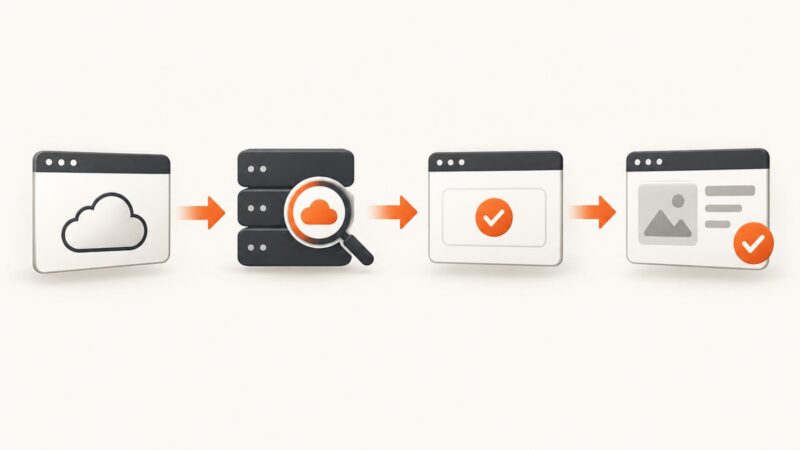
A practical guide to identifying CAPTCHA providers, using authorized test flows, waiting for completion, and securing cloud browser sessions.
Turn HTML tables, cards, and repeated list items into clean JSON arrays with Python, pandas, and Beautiful Soup, including validation and troubleshooting.
Learn how cloud browsers work, connect Playwright or Puppeteer, scale sessions, control costs, and choose between managed and self-hosted setups.
Compare OpenAI, Claude, and Gemini browser automation by tool design, runtime needs, safety, and cost—and choose with a benchmark built around your tasks.
Beautiful Soup parses HTML and XML into a searchable Python tree. Learn what it does, what it cannot do, parser choices, and complete scraping examples.
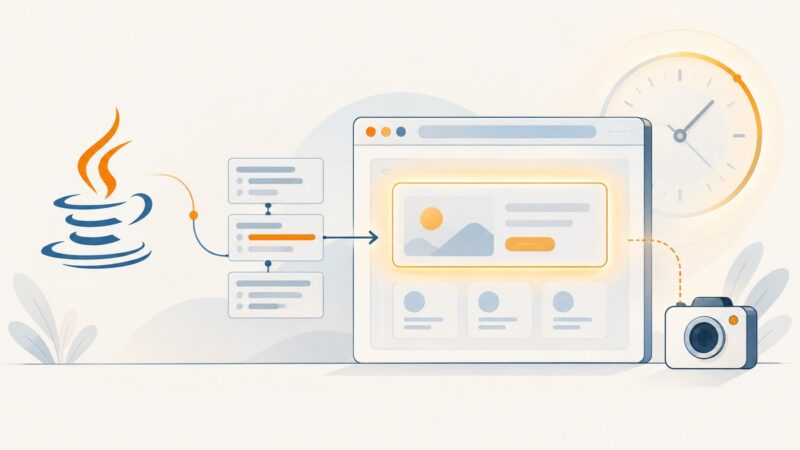
Use a condition-based Java wait to capture a custom element only after the state your screenshot needs is ready, including content inside open shadow DOM.
Learn how to archive website content for compliance with schedules, metadata, integrity controls, retrieval tests, and practical capture code.
Beautiful Soup has no native XPath method. Use CSS selectors with select(), or parse with lxml when you need XPath expressions.
Create accurate hiring graphics at scale with templates, structured job data, brand rules, and automated exports for every channel.
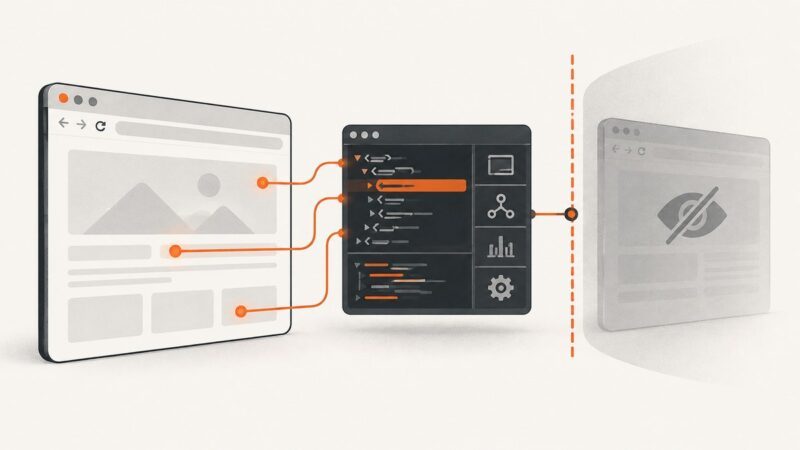
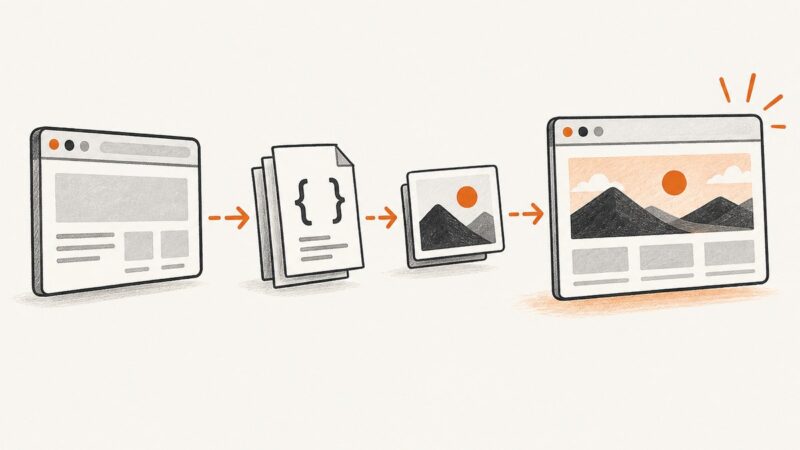
Learn why CSS backgrounds disappear in screenshots and how to capture them reliably with Playwright, Puppeteer, DevTools, PDFs, and ScreenshotNeo.
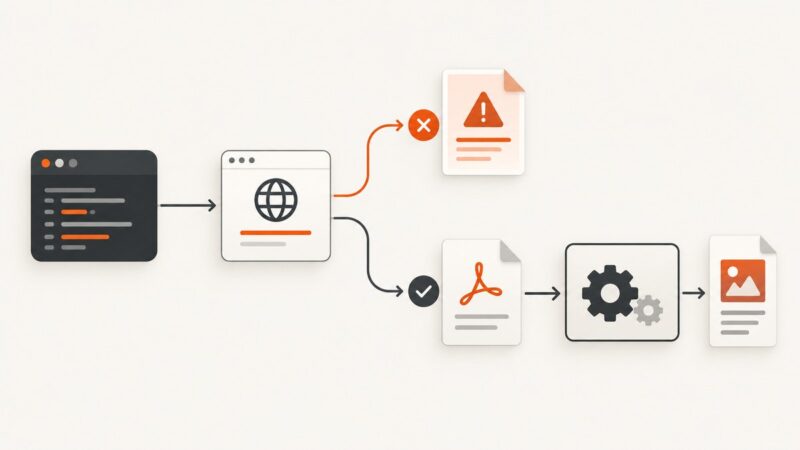
Check HTTP status and PDF signatures before conversion in C#. Handle error bodies, retries, validation, and malformed responses safely.