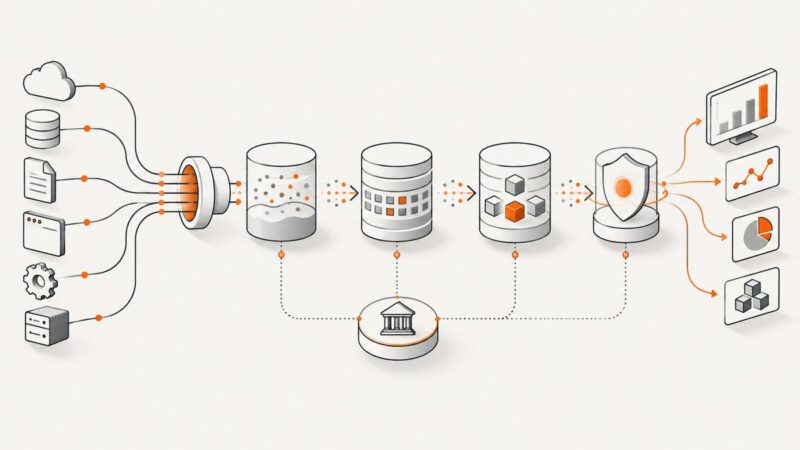
Enterprise Data Extraction: What It Takes Beyond One Scraper
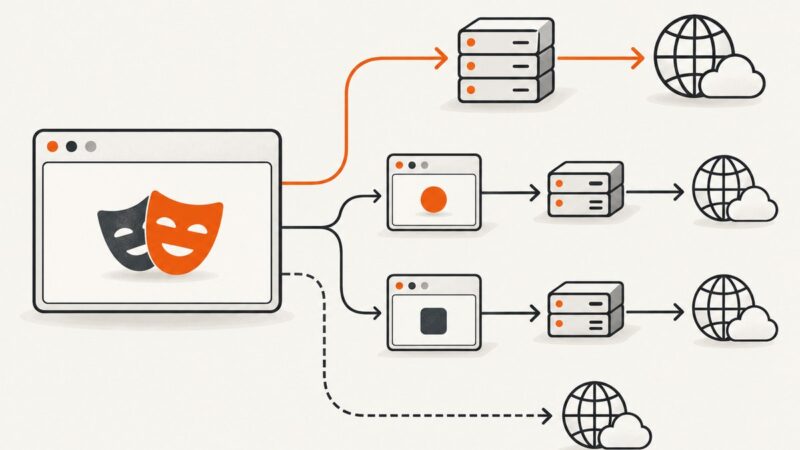
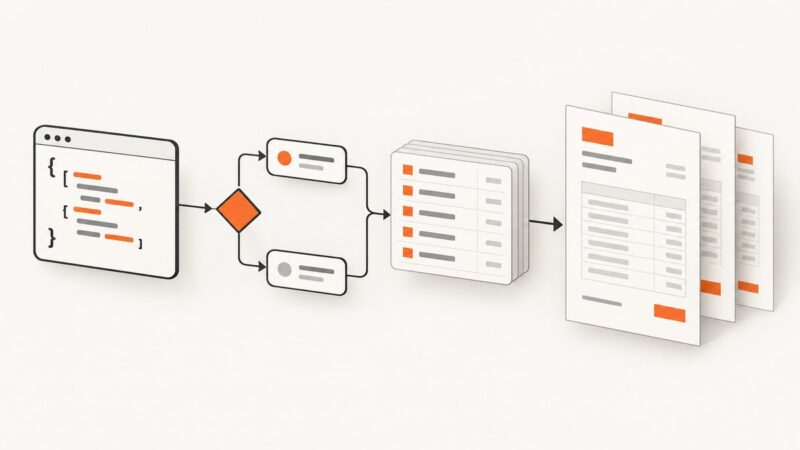
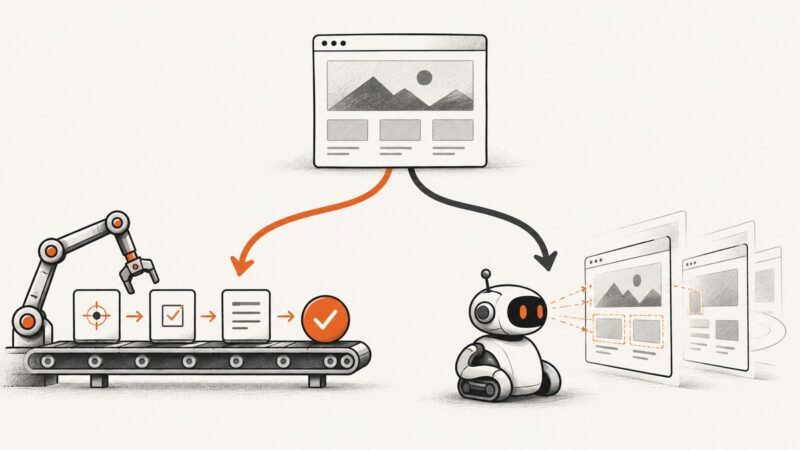
Enterprise extraction needs durable ingestion, raw-to-curated data layers, quality controls, governance, and reliable interfaces—not only a scraper.
Blog
How to take clean screenshots, turn HTML into images and PDFs, run headless browsers, and give AI agents eyes. Written by the team that builds ScreenshotNeo.
Enterprise extraction needs durable ingestion, raw-to-curated data layers, quality controls, governance, and reliable interfaces—not only a scraper.
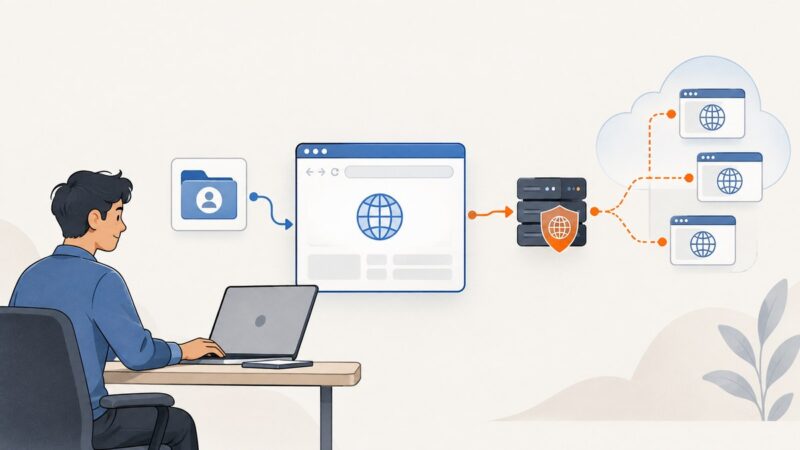
Configure HTTP, HTTPS, and SOCKS proxies in Playwright and Puppeteer, authenticate safely, route browser installs, and troubleshoot common failures.
Compare local Playwright debugging with hosted browser live views, then choose the right way to inspect, pause, and diagnose automation runs.
Run Selenium WebDriver tests remotely with a local Grid, then scale to multiple nodes or managed browsers when your matrix needs it.
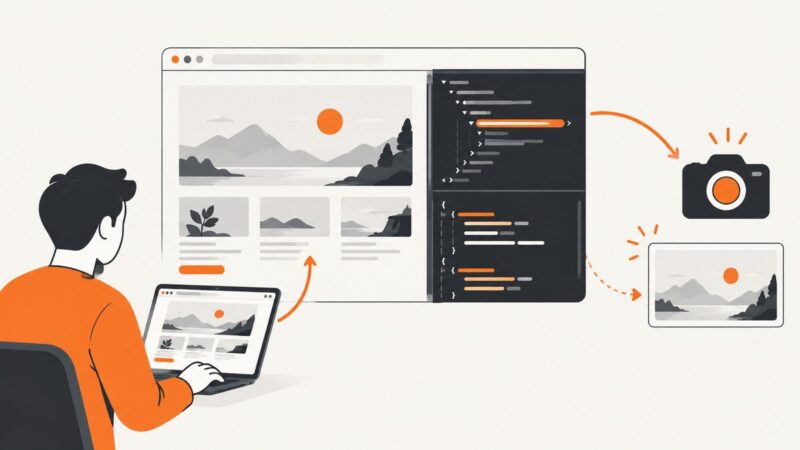
Edit HTML and CSS safely in DevTools, preserve changes with Chrome Local Overrides, and capture clean, repeatable screenshots.
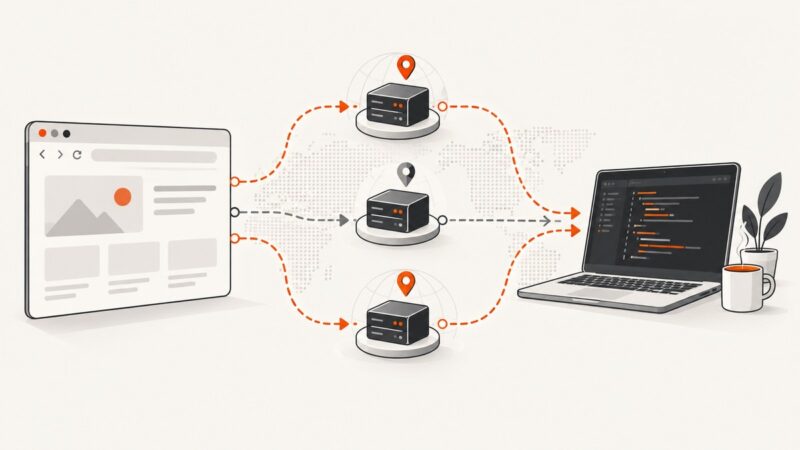
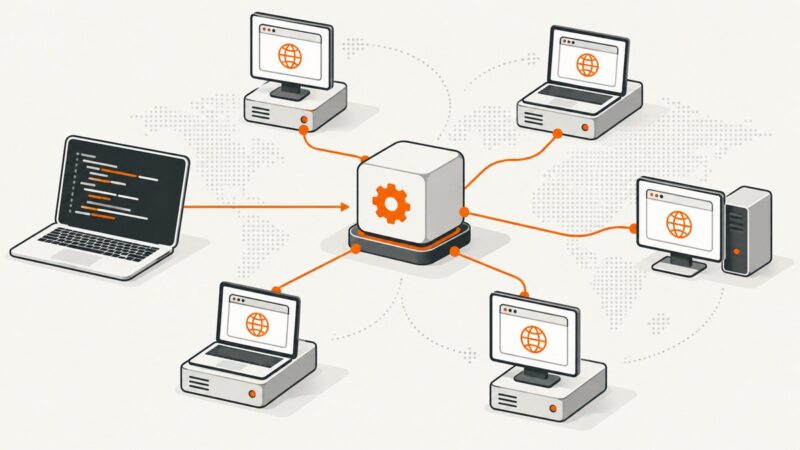
Compare local, cloud, and self-hosted browser automation with practical Playwright setups, security guidance, cost factors, and a clear decision framework.
Learn how to conditionally show PDF content, loop over invoice data, prevent blank space, and choose the right template engine.
A website warning can mean a browser safety block, a search visibility issue, or a manual action. Identify the provider, fix the cause, then request the right review.
Configure browser, HTTP, and session caching in Playwright, Puppeteer, and Selenium, with CI guidance, troubleshooting, and a managed screenshot option.
Save a Wix page as a PDF, capture its full-page layout as an image, or automate repeatable captures with Chrome Headless or a screenshot API.
Design browser automation sandboxes that isolate browser state, processes, files, and networks with practical Playwright and Docker patterns.
Choose Playwright for deterministic test suites and Stagehand for browser agents that must interpret changing pages. This guide compares trade-offs, code, migration, and costs.
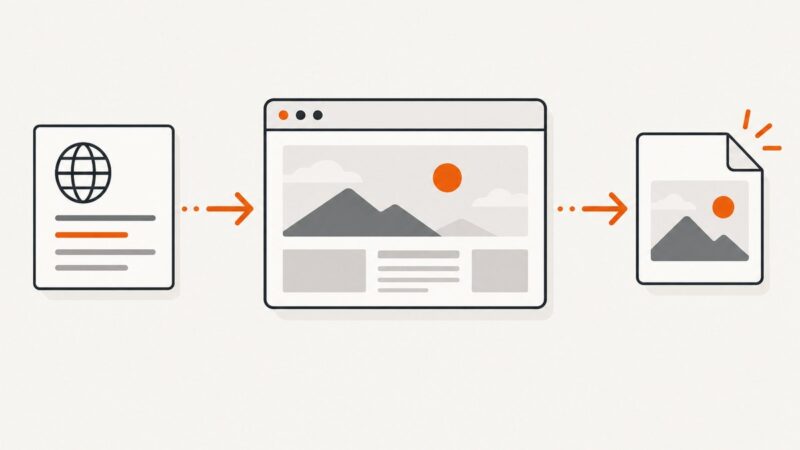
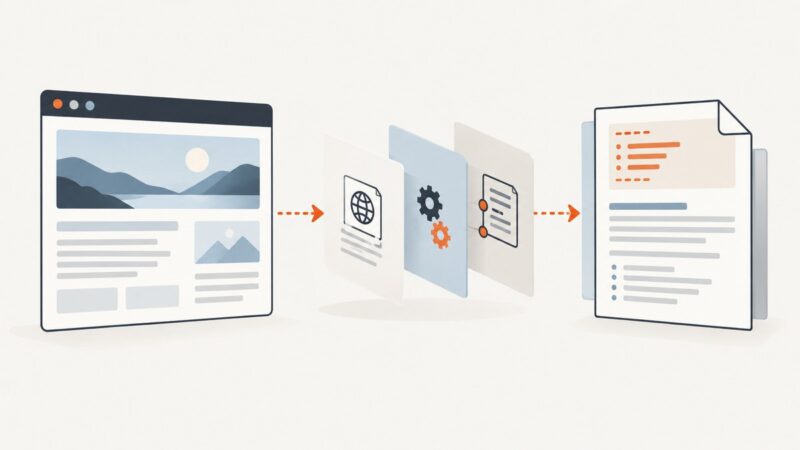
Convert a webpage URL into clean Markdown with YAML frontmatter. Compare hosted APIs with local tools, handle missing metadata, and build a reliable pipeline.
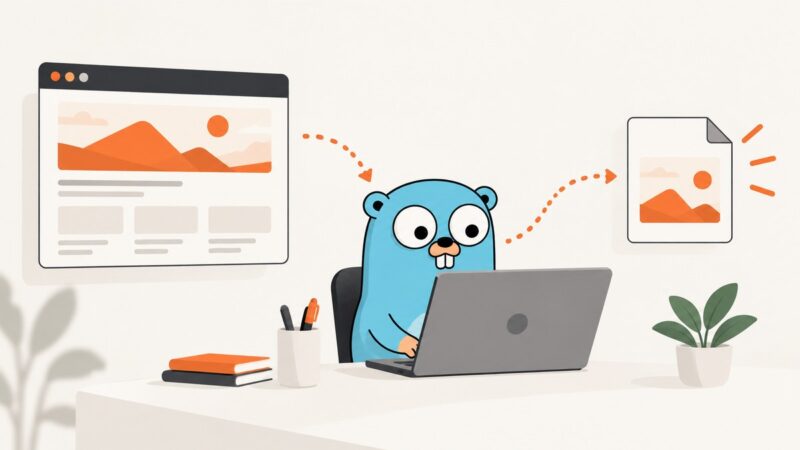
Capture a rendered webpage as a real JPEG in Go with chromedp, control quality, handle full pages, and compare a hosted ScreenshotNeo workflow.
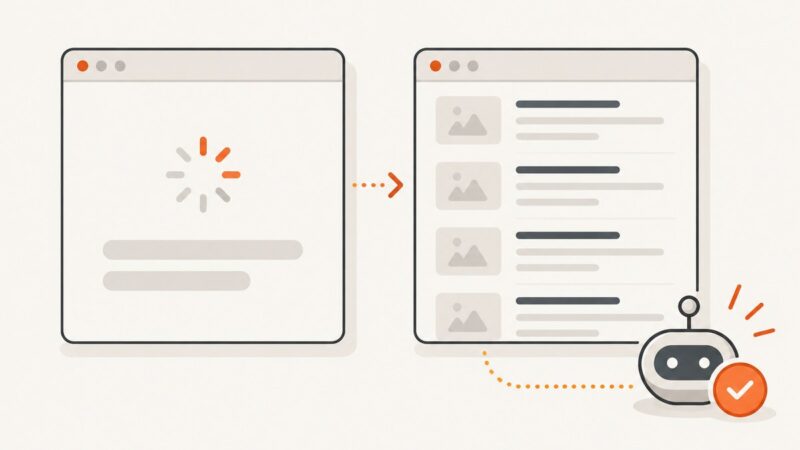
Use Playwright to wait for rendered content, extract text and links into structured data, and validate results with runnable examples.
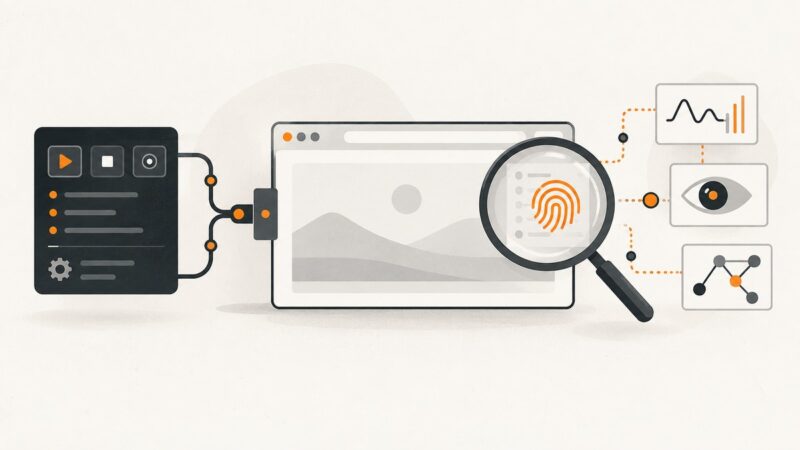
Chrome DevTools Protocol enables browser control and debugging, but it is not a stealth feature. Learn what sites can detect and how to automate safely.
Hide live interface content or narrow the capture area before taking a screenshot. The right method depends on your device and whether the element is live UI or already part of an image.
Clear cookie banners, modals, sticky bars and chat widgets from screenshots. Compare manual, browser and scripted methods, with runnable code and troubleshooting.