Puppeteer and Playwright Browser Automation
Compare Puppeteer and Playwright by browser coverage, language, test workflow, setup, and locator behavior, then choose the right fit for your project.
Blog
How to take clean screenshots, turn HTML into images and PDFs, run headless browsers, and give AI agents eyes. Written by the team that builds ScreenshotNeo.
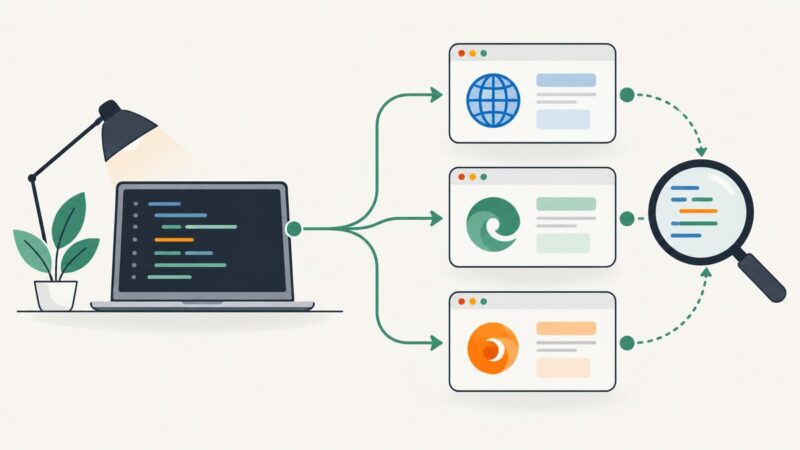
Compare Puppeteer and Playwright by browser coverage, language, test workflow, setup, and locator behavior, then choose the right fit for your project.
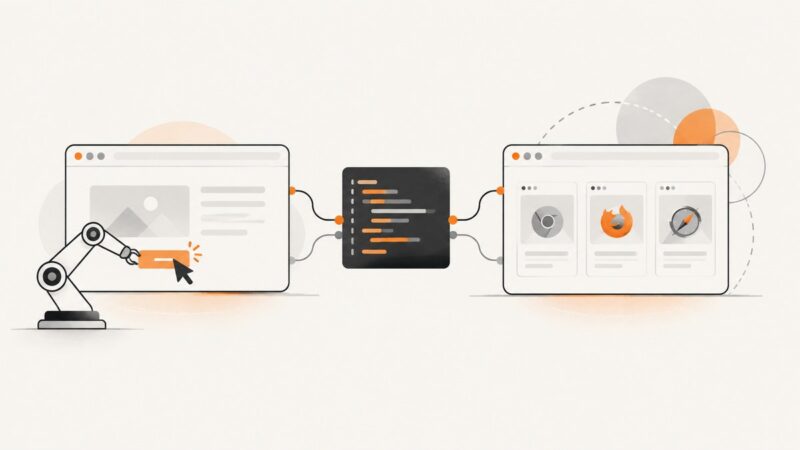
Playwright gives browser automation one API for Chromium, Firefox, and WebKit, with automatic waiting, isolated contexts, parallel tests, and built-in debugging.
Build a Make scenario that captures webpages on a schedule or webhook, then routes screenshots to storage, email, OCR, or another app.
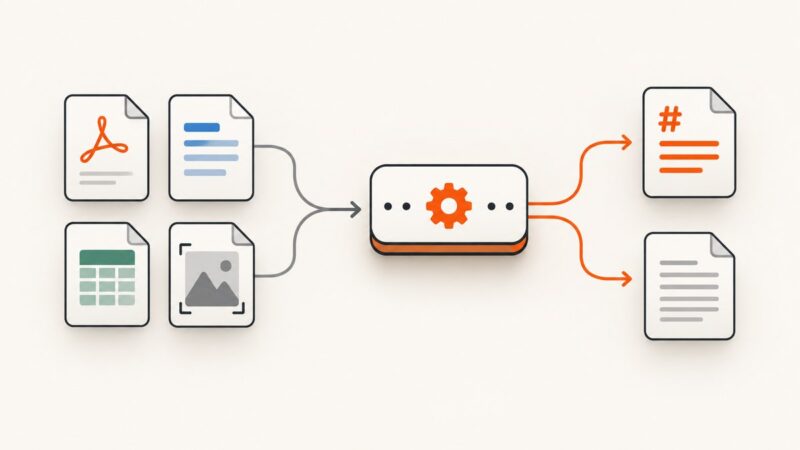
Compare file-conversion APIs for Markdown and text, with runnable cURL, Python, and Node.js workflows, OCR guidance, limits, errors, and costs.
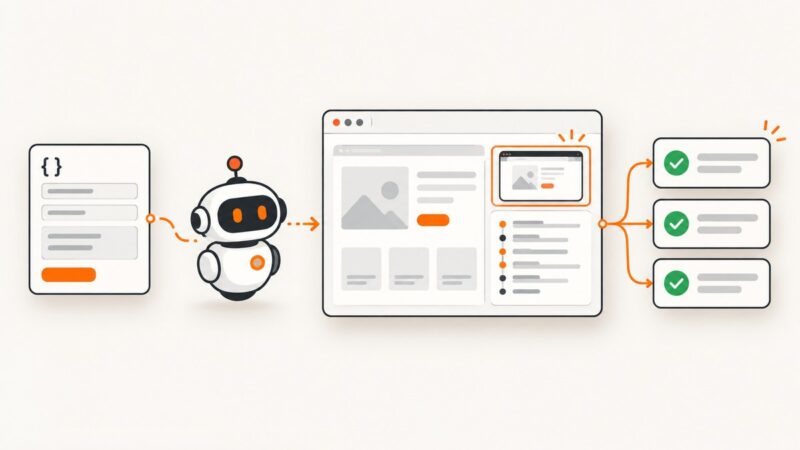
Build a schema-driven interface that launches browser tasks, shows evidence, verifies outcomes, and safely handles dynamic pages.
Set a unique social preview image for every Framer CMS page, or render new artwork from page data with an external image service.
Plan a browser task, choose a framework, install its browser, and build a small, observable first run with Playwright. Includes runnable setup, troubleshooting, and screenshot options.
Learn how to automate multiple tabs, popups, and isolated users with Playwright, with practical lifecycle, debugging, and reliability patterns.
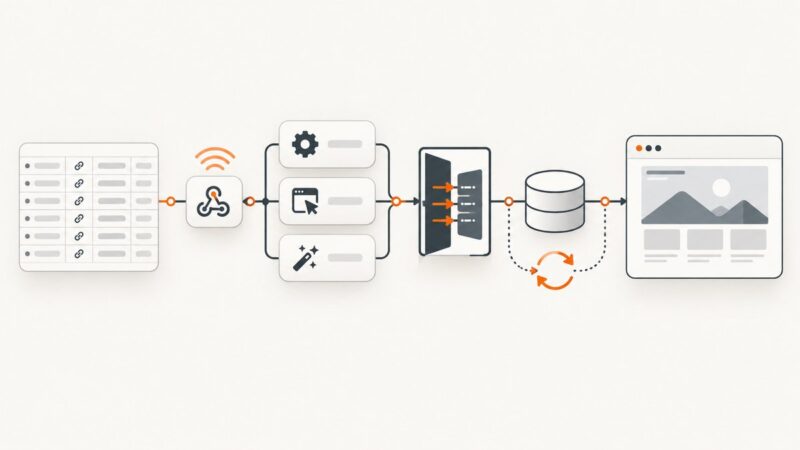
Automate screenshots from Clay tables and webhooks with native actions, HTTP APIs, durable storage, retries, and ScreenshotNeo.
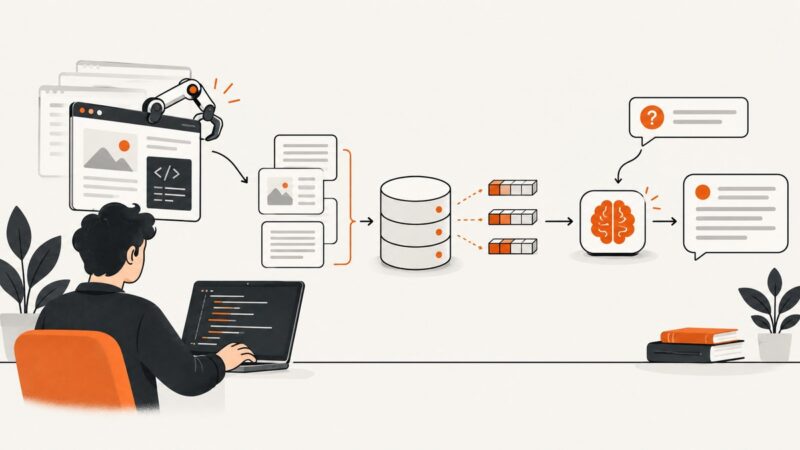
Learn how browser agents enrich accounts, monitor buying signals, update CRMs, and execute revenue workflows when APIs are incomplete.
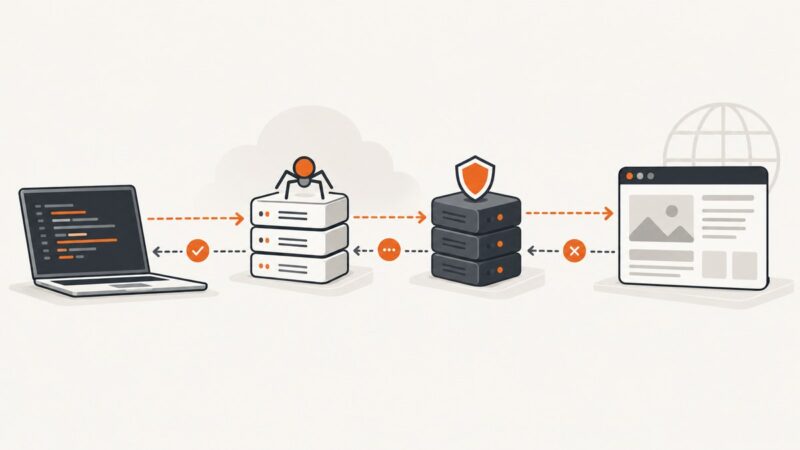
Learn what scraping API status codes mean, which service returned them, and how to diagnose 200, 403, 429, and 5xx responses.
Build a SvelteKit workflow that turns carousel pages into a PDF document post, uploads it through LinkedIn’s APIs, and handles permissions and failures.
Choose a headless browser or scraping API by control, rendering, operations, reliability, and cost—with runnable examples and a practical guide.
Route Python Requests through HTTP, HTTPS, or SOCKS proxies, authenticate safely, diagnose ignored settings, and implement reliable rotation.
Automate recurring browser tasks with Playwright: choose resilient locators, handle dynamic pages, verify outcomes, and recover from common failures.
Connect Playwright to LangChain agents safely: install browsers, expose useful tools, constrain navigation, handle failures, and capture pages reliably.
Set up a GitHub passkey, understand private-repository permissions, and configure separate HTTPS or SSH credentials for Git operations.
Format a whole file or selection in VS Code, choose the right formatter, and configure reliable format-on-save behavior by language and workspace.