MCP Servers for AI Assistants and Browser Automation
Learn how MCP connects AI assistants to Playwright browser automation, configure sessions safely, troubleshoot failures, and capture pages with ScreenshotNeo.
Blog
How to take clean screenshots, turn HTML into images and PDFs, run headless browsers, and give AI agents eyes. Written by the team that builds ScreenshotNeo.
Learn how MCP connects AI assistants to Playwright browser automation, configure sessions safely, troubleshoot failures, and capture pages with ScreenshotNeo.
A practical, versioned template for making Copilot, Cursor, and Codex follow your architecture, conventions, and verification process.
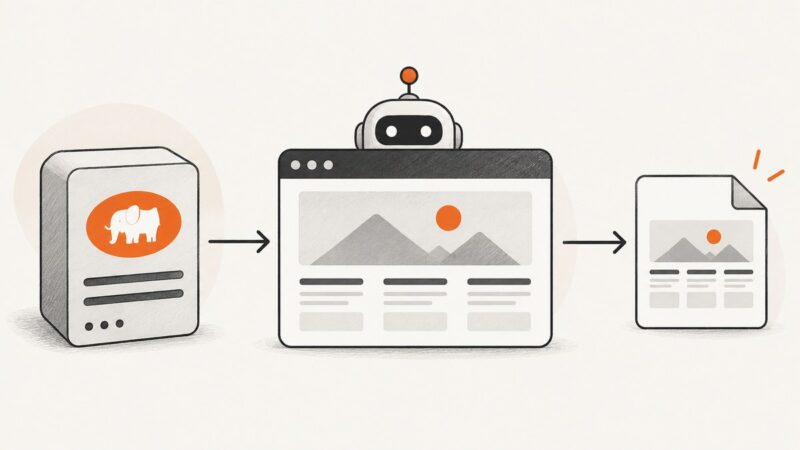
Learn what crawling anonymously can and cannot mean, then build a transparent crawler that respects site preferences, limits collection, and handles failures responsibly.
HTTP 410 Gone means a resource was intentionally removed and is likely permanently unavailable. Learn when to use 410, 404, or a redirect.
Build agents that search, verify, cite, and refresh live web data with provider adapters, source controls, retries, and cost guardrails.
Capture a website, attach it to a CrewAI task, and make sure a vision-capable model actually analyzes the image.
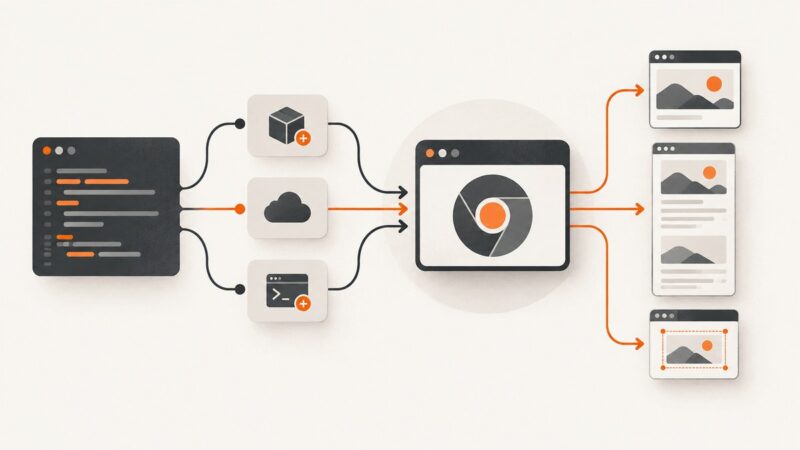
Capture reliable Next.js website screenshots with Playwright or Puppeteer, return them from API routes, and automate clean captures with ScreenshotNeo.
Compare the leading AI app builders, backend platforms and model services by what they build, what they cost, and how easy it is to ship and leave.
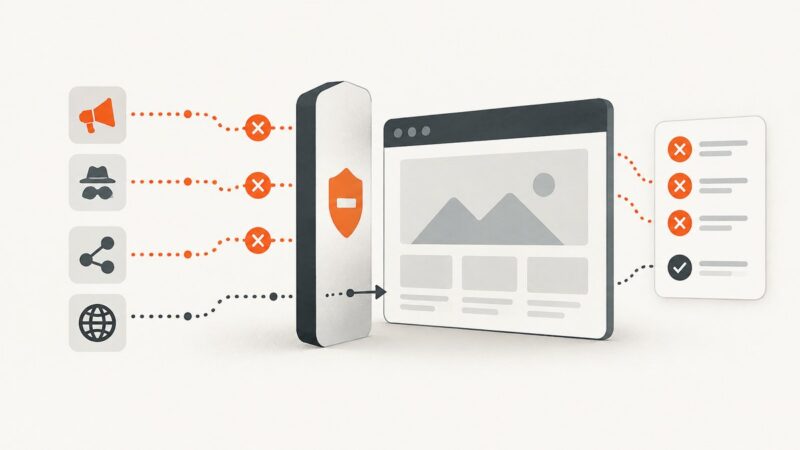
Block ad and tracker requests in Playwright, Puppeteer, and Chromium with narrow rules installed before navigation, then verify what the rules affect.
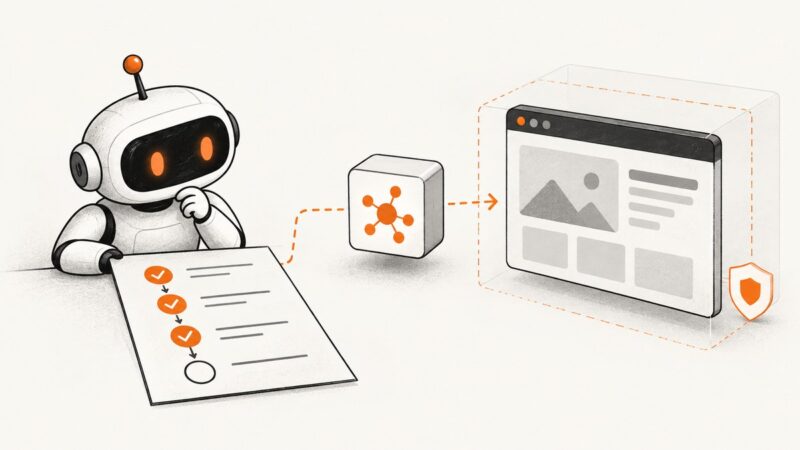
Learn how browser agents choose actions, how to build an inspectable Playwright workflow, and what safeguards to add before they touch real accounts.
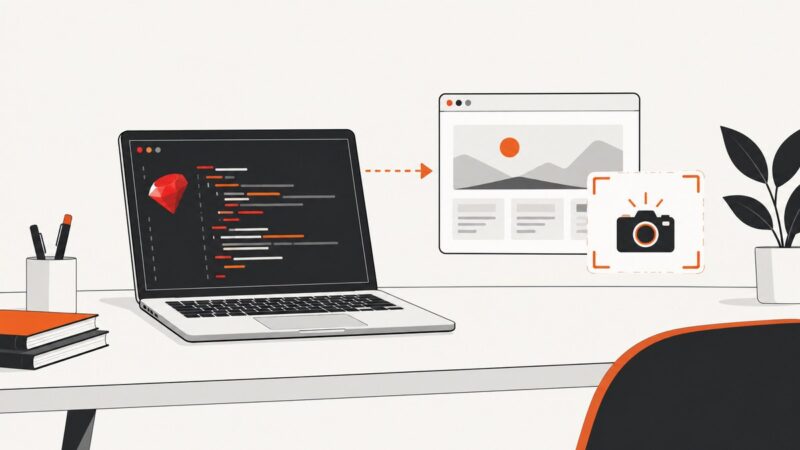
Use Ferrum and Chrome to capture website screenshots in Ruby, with full-page, element, format, timing, troubleshooting, and API options.
PHP needs a browser or rendering service to capture a website. Compare three PHP options, install the tools, and save viewport, full-page, or element screenshots.
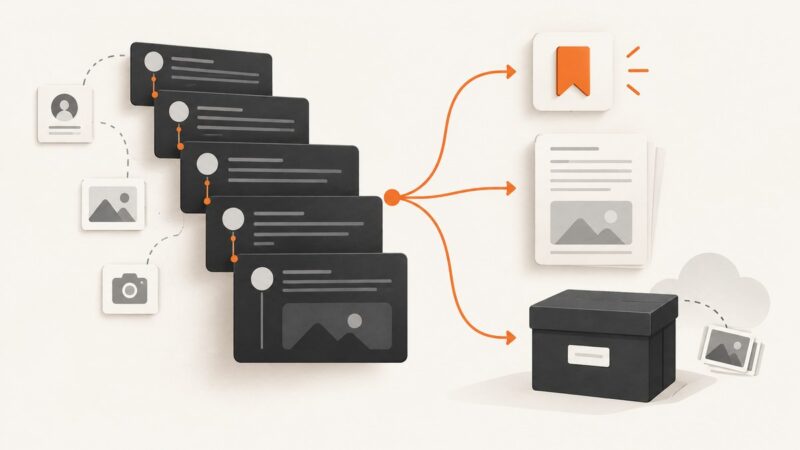
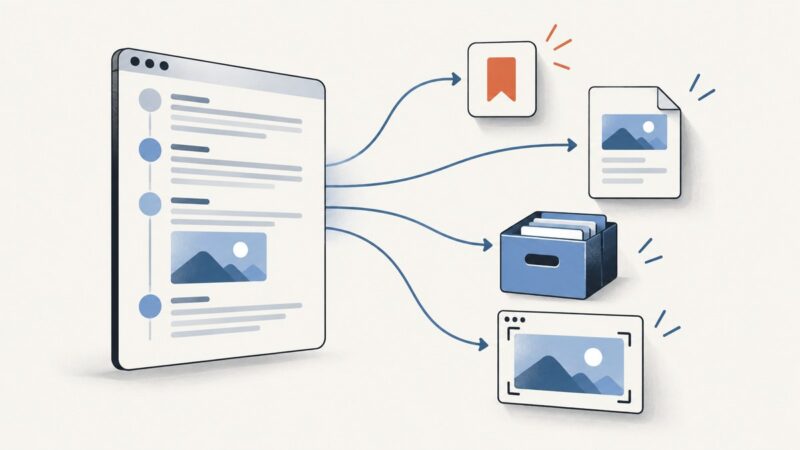
Save an X thread for quick reading, PDF export, or a durable archive. Compare bookmarks, Reader Mode, Thread Reader, account data, and screenshots.
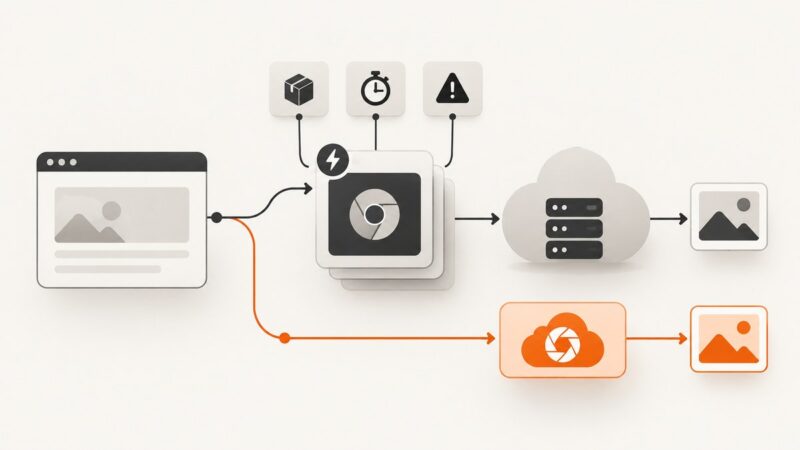
Deploy Puppeteer on Netlify Functions with compatible Chromium, reliable bundling, timeouts, troubleshooting, and a no-browser ScreenshotNeo option.
Learn how datacenter and residential IPs differ, how to classify an address using its ASN, and how to choose a proxy for an authorized task.
Learn the permission-first way to use Puppeteer on authorized Glassdoor data, with safe extraction patterns, troubleshooting, and screenshot options.
A practical guide to AI marketing automation for agencies: high-value workflows, safe agent use, reporting, governance, tools, costs, and rollout steps.
Use Search Console to measure search performance and screenshots to document what a page or result looked like. Build a repeatable workflow for capturing and interpreting visual evidence.