Handling Cloudflare Challenges in Website Screenshots
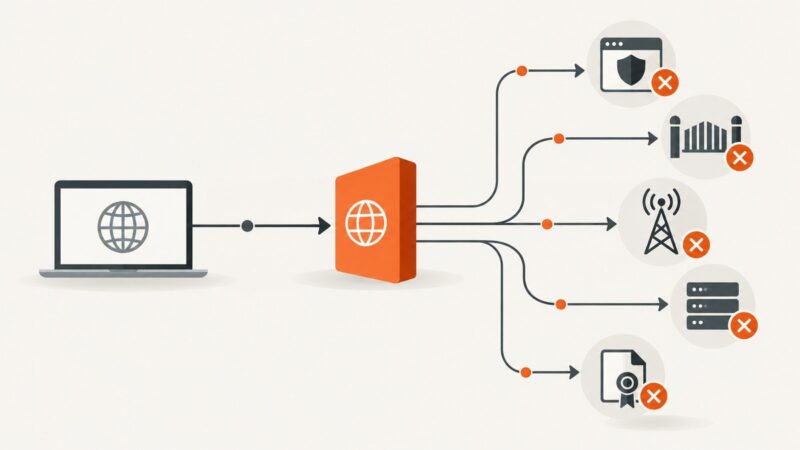
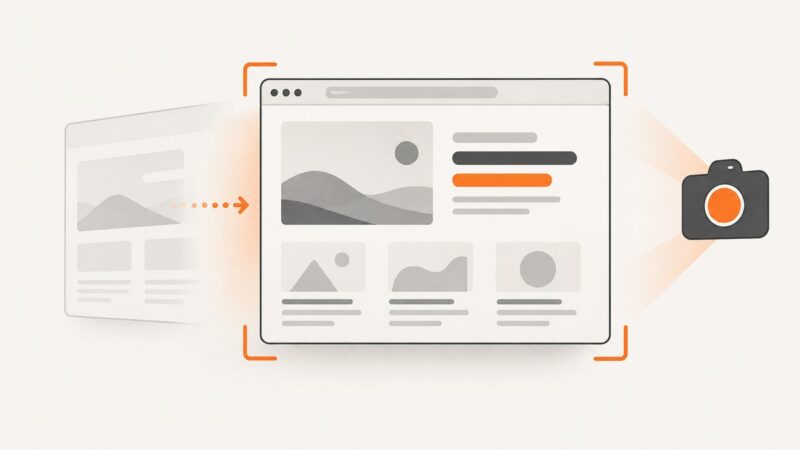
Why screenshots show Cloudflare challenges, what you can safely troubleshoot, and how to test protected pages without treating automation as a challenge solver.
Blog
How to take clean screenshots, turn HTML into images and PDFs, run headless browsers, and give AI agents eyes. Written by the team that builds ScreenshotNeo.
Why screenshots show Cloudflare challenges, what you can safely troubleshoot, and how to test protected pages without treating automation as a challenge solver.
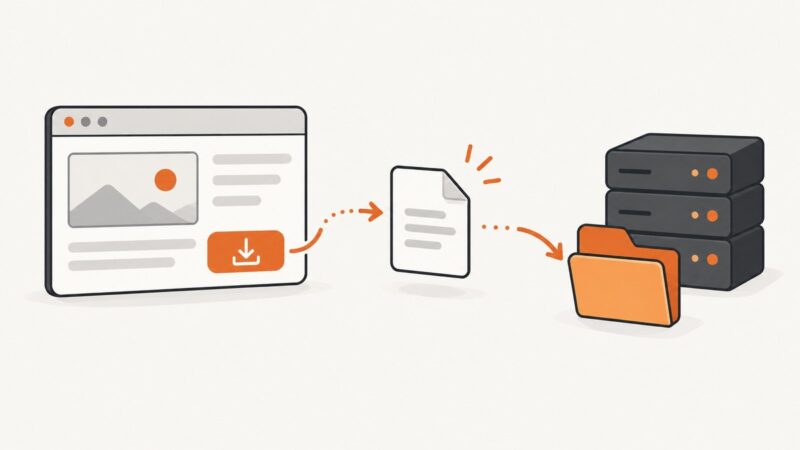
Learn the reliable way to download files with Playwright and Puppeteer, save them safely, handle filenames, remote browsers, errors, and automation limits.
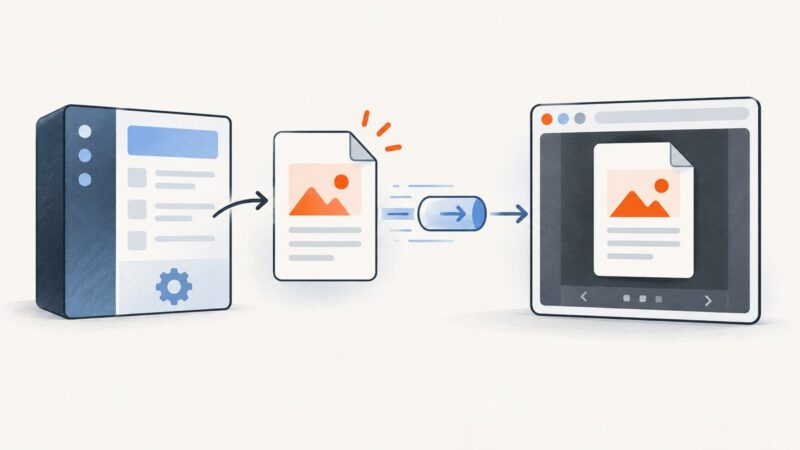
Return PDFs correctly, preview them with iframe or PDF.js, handle Blob URLs and CORS, and choose the right delivery pattern for your app.
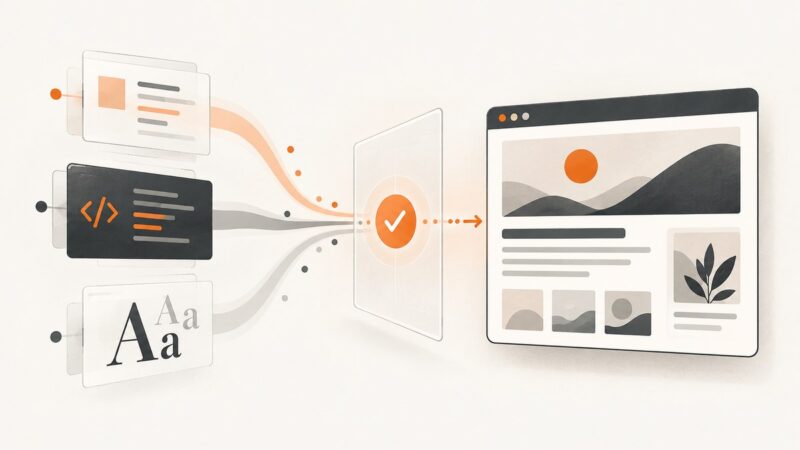
Make Playwright screenshots wait for external CSS, JavaScript, and web fonts so captures match the rendered page.
Find the font actually rendering website text with Chrome, Firefox, CSS inspection, page-wide checks, and practical fixes for misleading results.
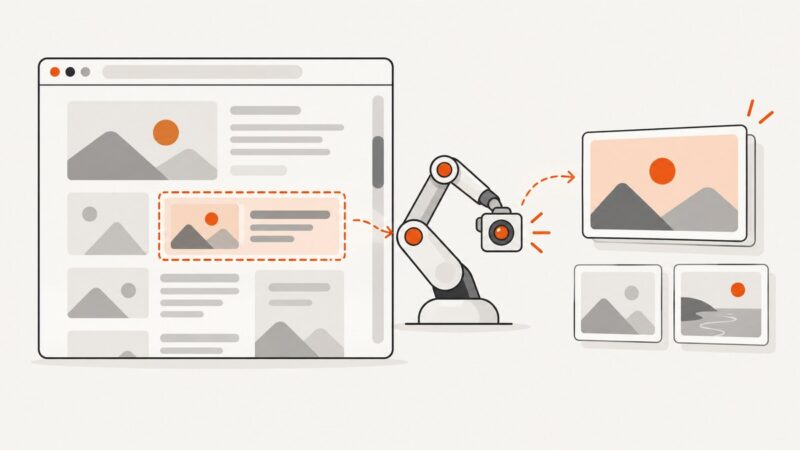
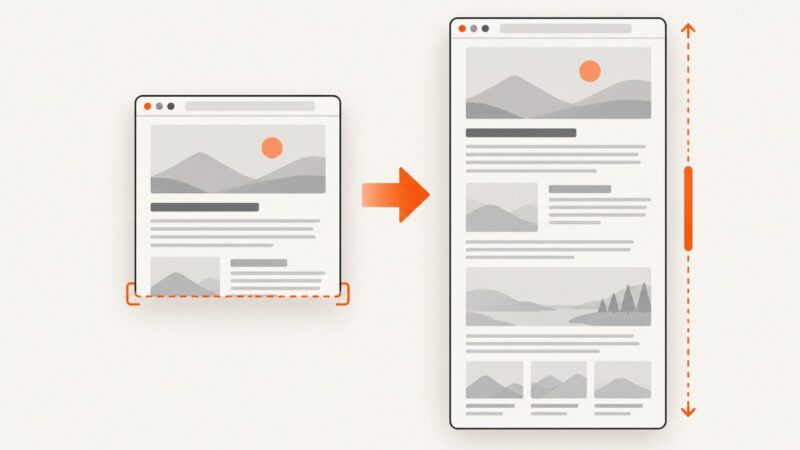
Learn how to capture viewport, full-page, element, and regression screenshots with Playwright, then automate clean captures with ScreenshotNeo.
A proxy cannot fix every blocked URL. Identify whether the cause is browser policy, a managed network, an ISP, the destination site, or a proxy or certificate error.
Learn how to embed a private page through a reverse proxy, set CSP and X-Frame-Options safely, and troubleshoot authentication, cookies, and redirects.
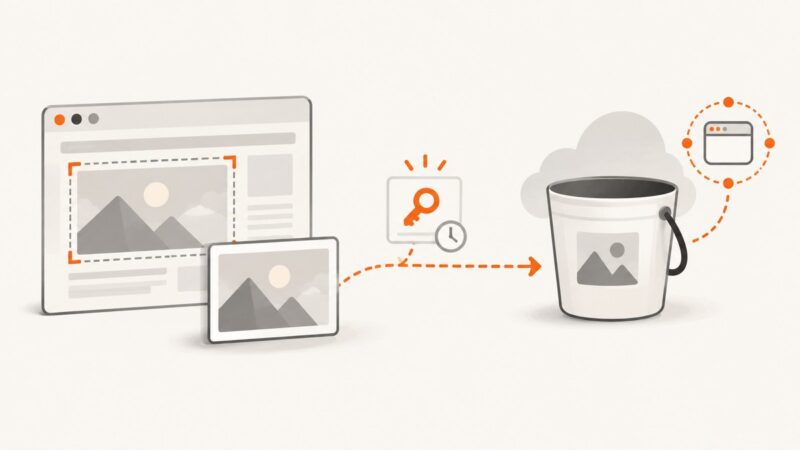
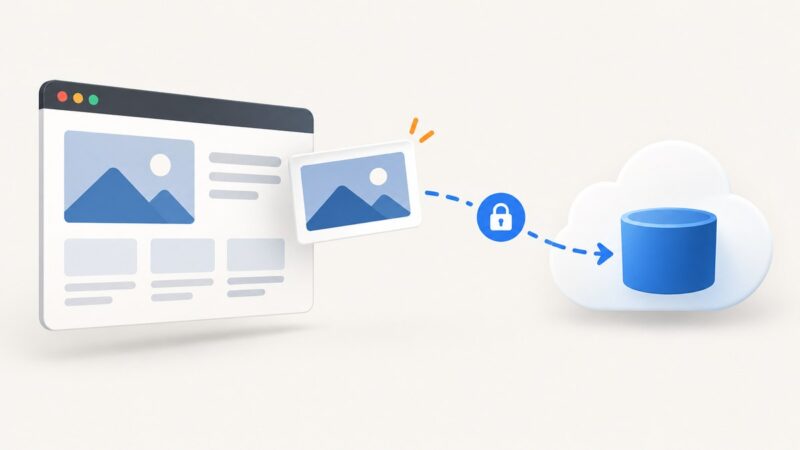
Capture a web page with Playwright, then upload its image safely to S3-compatible storage using a short-lived presigned URL and a browser-ready CORS policy.
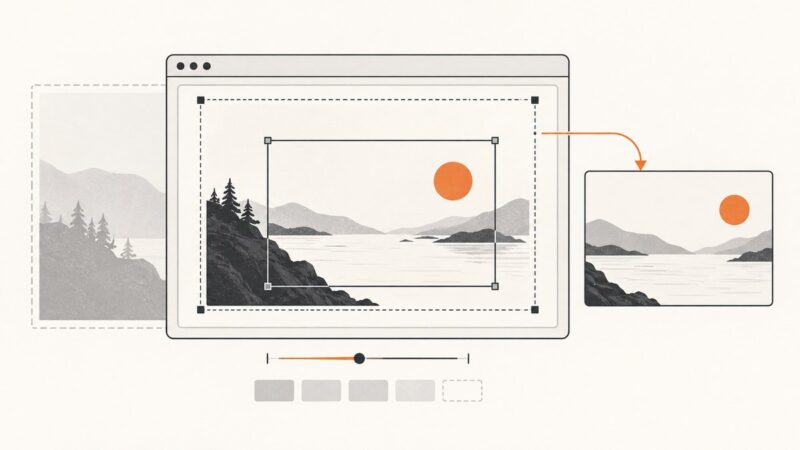
Learn why website screenshots are cropped and fix viewport, full-page, element, clip, scale, and dynamic-content problems with runnable examples.
This Playwright error usually means navigation replaced the document while an evaluation was running. Coordinate the navigation or wait for the specific UI state you need.
Upload screenshots straight from the browser with a short-lived signed URL, keep the bucket private, and fix the CORS and permission errors that commonly break the flow.
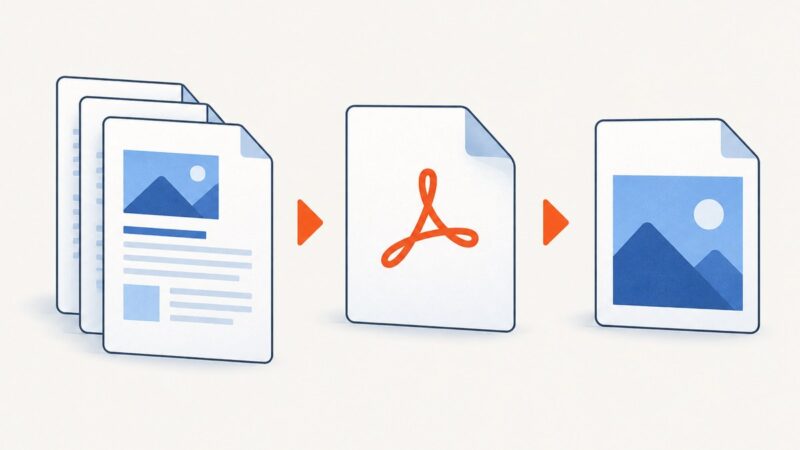
Google Docs doesn’t export directly to JPEG, PNG, or WebP. Choose a screenshot or PDF workflow based on whether you need a visible crop or a full page.
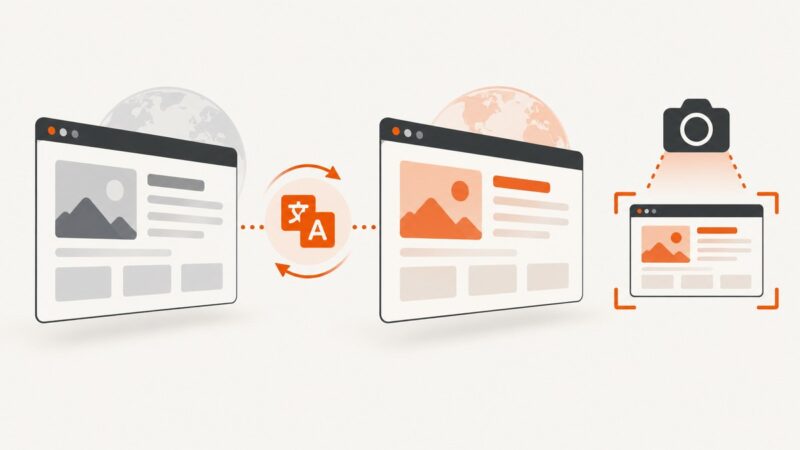
Translate and verify a webpage before capturing it, with browser steps, full-page options, troubleshooting, automation, and ScreenshotNeo.
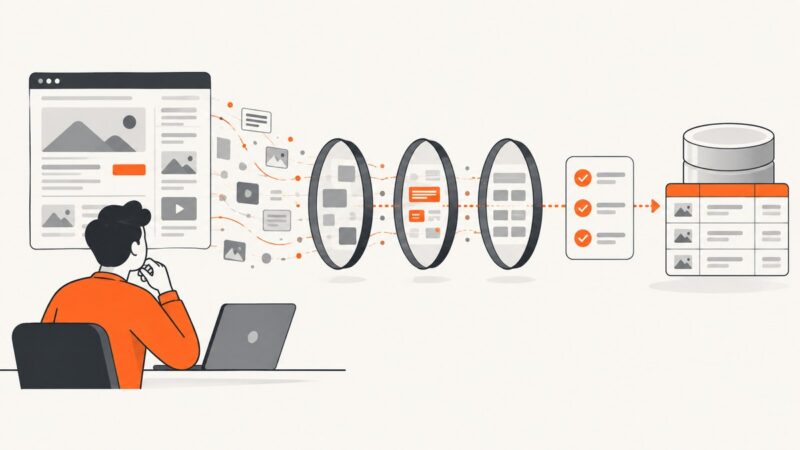
Learn how to define, validate, and maintain web data extraction rules, from selectors and schemas to access policies, monitoring, and failure recovery.
Make custom fonts render reliably in website screenshots. Load or inject the font before capture, check that it applied, and keep screenshot conditions consistent.
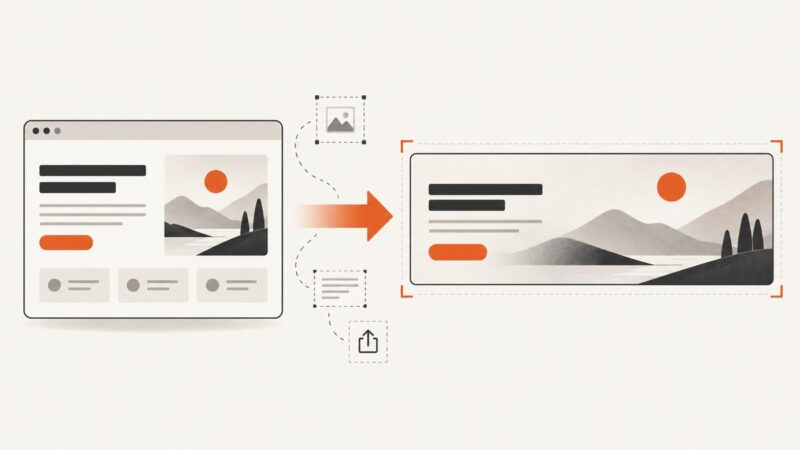
Turn permitted web content into banners that fit their placement, survive responsive cropping, and export cleanly for the web.
Learn how to reshape NumPy arrays with explicit dimensions or -1, choose C or F order, and understand when reshape returns a view or copy.