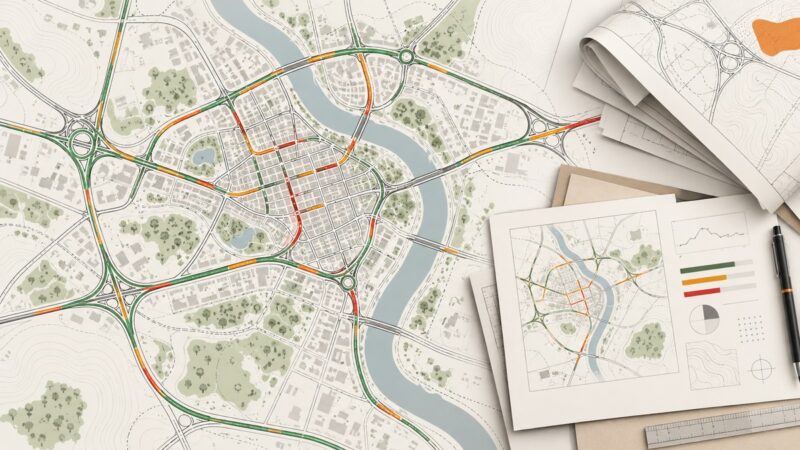
Using Google Maps Traffic Screenshots for Urban Planning and Civil Engineering
Learn what Google Maps traffic screenshots show, how to capture and document them, and when engineering decisions require structured traffic data.
Blog
How to take clean screenshots, turn HTML into images and PDFs, run headless browsers, and give AI agents eyes. Written by the team that builds ScreenshotNeo.
Learn what Google Maps traffic screenshots show, how to capture and document them, and when engineering decisions require structured traffic data.
A practical workflow for visual regression testing with Loki, BackstopJS, hosted review tools, and ScreenshotNeo—without adopting Playwright or Chromatic.
Remove cookie consent overlays from screenshots with Playwright, CSS, hosted APIs, and reliable troubleshooting for repeatable captures.
Make Puppeteer screenshots faster by measuring each pipeline stage, reducing capture work, and tuning Chrome DevTools Protocol encoding.
Learn how to document ownership, file a U.S. DMCA takedown, handle counter-notices, and preserve evidence when someone copies your work.
Learn how to save any rendered web page as an image or PDF with Chrome, Playwright, and ScreenshotNeo.
Capture a webpage as a transparent PNG with Playwright or Puppeteer. Learn when transparency works, how to capture a page or element, and how to troubleshoot opaque backgrounds.
Build a dependable competitor pricing history with a spreadsheet, screenshots, change detection, and automated alerts that reduce noise.
Capture reliable browser screenshots with Puppeteer or Chrome DevTools Protocol, including surface, full-page, clipping, encoding, and troubleshooting.
Learn safe, authorized ways to capture logged-in pages with Firefox, Playwright, and ScreenshotNeo, including full-page, element, masking, and troubleshooting.
Upload screenshots safely to Cloudflare R2 with presigned URLs, browser code, S3 SDKs, CORS, multipart guidance, and a ScreenshotNeo shortcut.
Capture an entire webpage in Chrome with DevTools or a full-page extension, then automate reliable screenshots with ScreenshotNeo.
Design and ship a reliable SaaS screenshot export: capture scope, formats, rendering consistency, Playwright code, operations, and API options.
Capture an entire page with Puppeteer’s `fullPage` option or Chrome DevTools Protocol. Learn how to wait for content, choose formats, handle tall pages, and troubleshoot failures.
Compare ScreenshotAPI.com and ScreenshotOne pricing, limits, billing and features, then see why ScreenshotNeo is the first alternative to try.
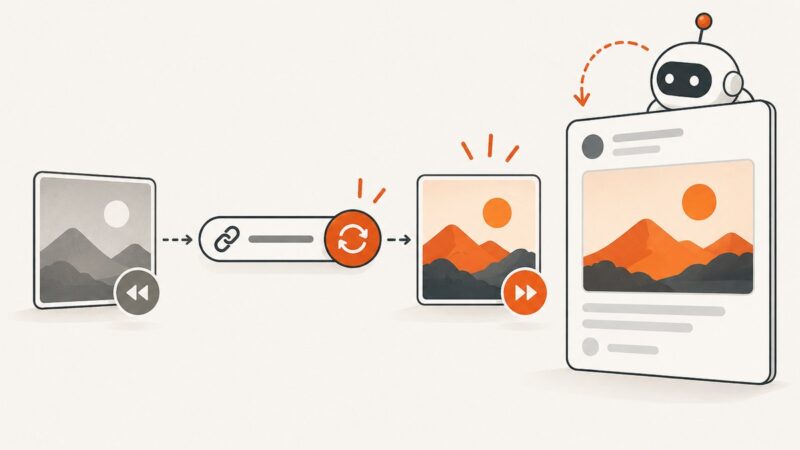
Fix stale Open Graph previews with a cache-layer workflow, versioned URLs, platform inspectors, and reliable refresh tactics.
Capture a social media post or page on your phone or computer, save its context, and choose a full-page capture or platform download when needed.
Hide a floating chat widget before capturing a page with Puppeteer. Choose a site-specific selector, handle late loading, and avoid common screenshot timing issues.