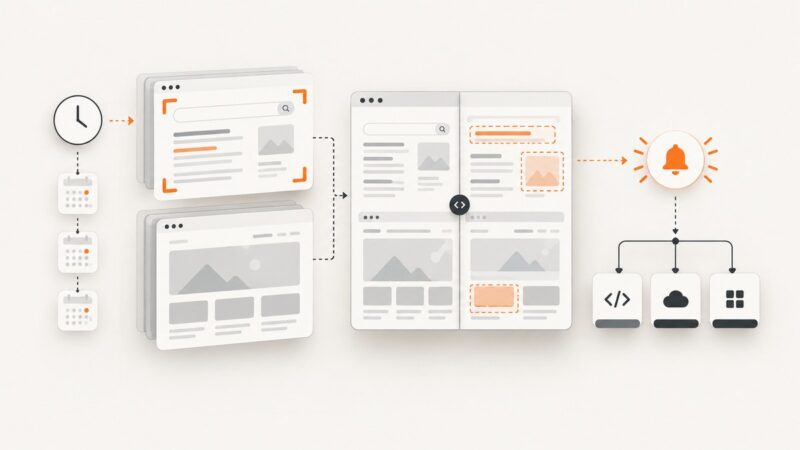
How to Monitor Website Changes
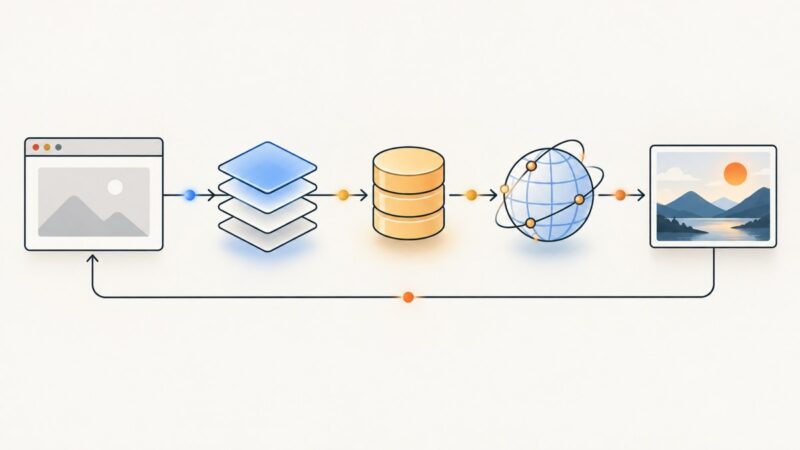
Learn how to monitor a whole page or one element, choose a useful check interval, and get alerts without drowning in false positives.
Blog
How to take clean screenshots, turn HTML into images and PDFs, run headless browsers, and give AI agents eyes. Written by the team that builds ScreenshotNeo.
Learn how to monitor a whole page or one element, choose a useful check interval, and get alerts without drowning in false positives.
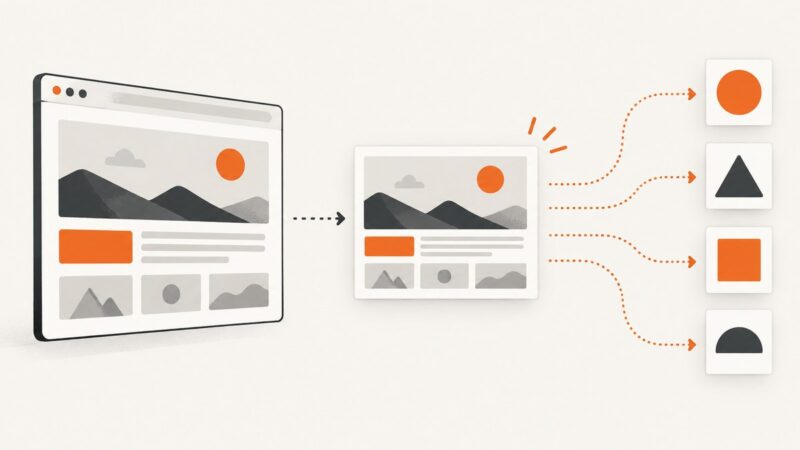
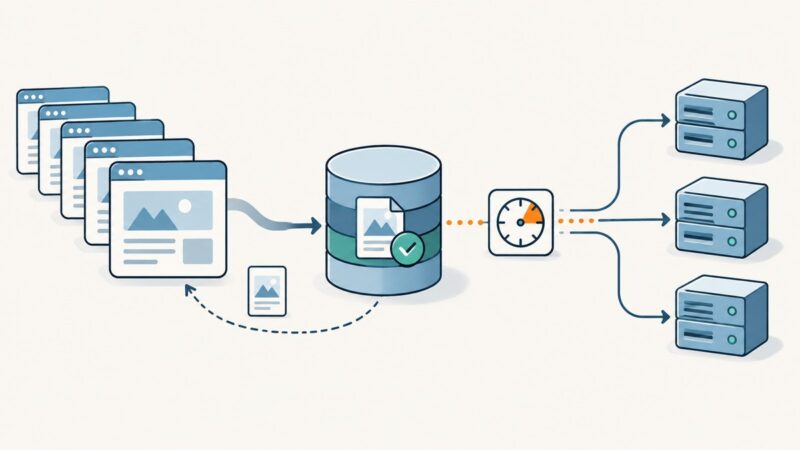
Design reliable screenshot API caches with complete keys, freshness controls, durable storage, HTTP delivery, billing, and troubleshooting.
Puppeteer directly captures PNG, JPEG, and WebP stills. Learn what that means for GIF, JP2, TIFF, AVIF, HEIF, and SVG, and how to build a reliable capture workflow.
Find slow browser tests with traces, stable waits, isolation, and measured concurrency. Includes Playwright workflows and a hosted screenshot path.
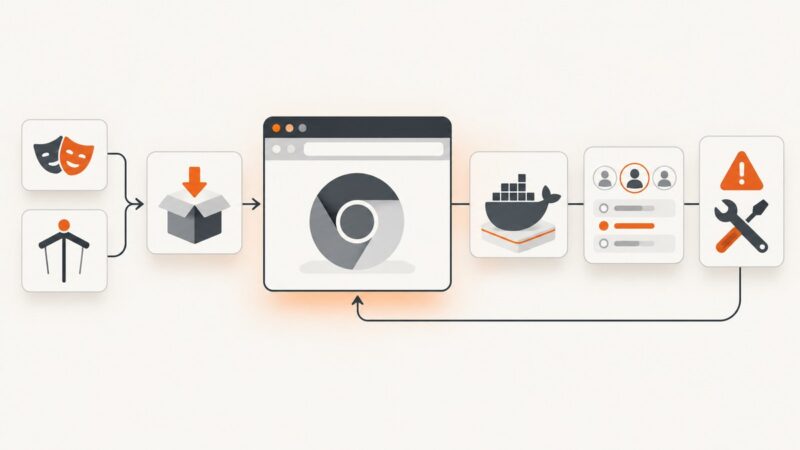
Install Chromium for OpenClaw with Playwright or Puppeteer, configure Docker, verify profiles, and fix the most common browser errors.
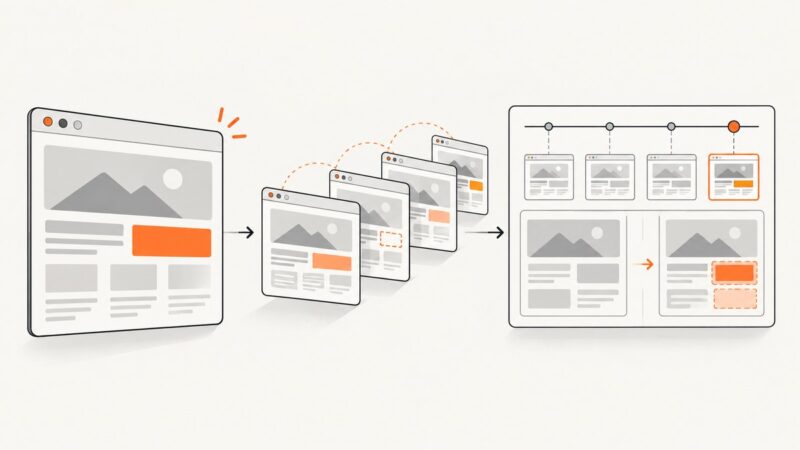
Learn how to automate SERP and website screenshots, compare visual changes, schedule alerts, and choose between browser code, APIs, and no-code tools.
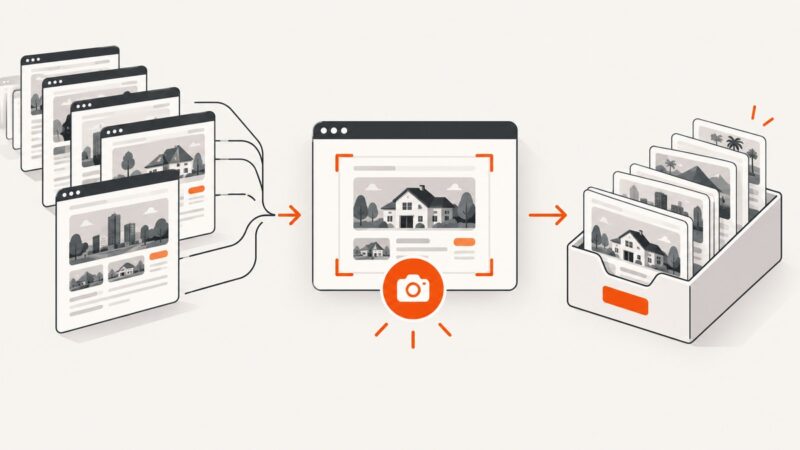
Build a reliable pipeline for capturing directory listings at scale with Playwright, bulk APIs, stable filenames, retries, and ScreenshotNeo.
Build an automated screenshot workflow that proves what shoppers saw, detects shelf changes, and routes fixes across retailers.
Build a reliable competitor tracker with scheduled snapshots, normalized data, field-level diffs, alerts, guardrails, and screenshots.
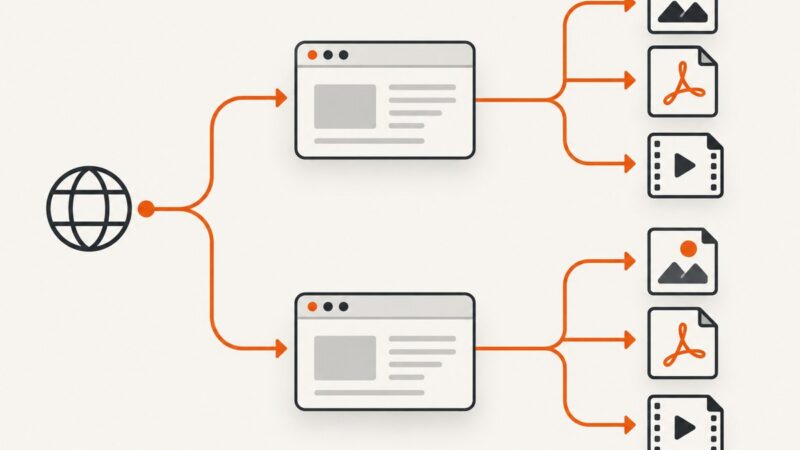
Backups help you restore a working site; web archives preserve dated versions. Learn what each captures, where they fall short, and how to plan for both.
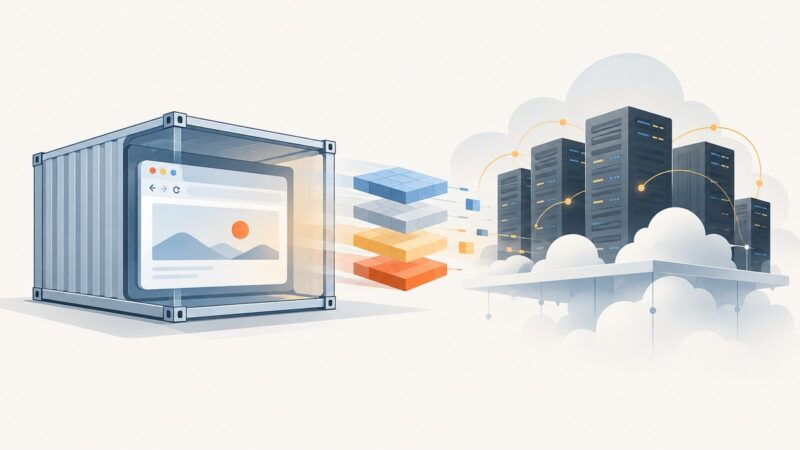
Build a version-pinned Playwright Docker image, push it to ECR, and run it on ECS Fargate or EC2 with the right IAM, networking, and browser settings.
Use HTTP freshness rules, validators, and careful request pacing to cut repeated work while keeping extracted data current and crawls reliable.
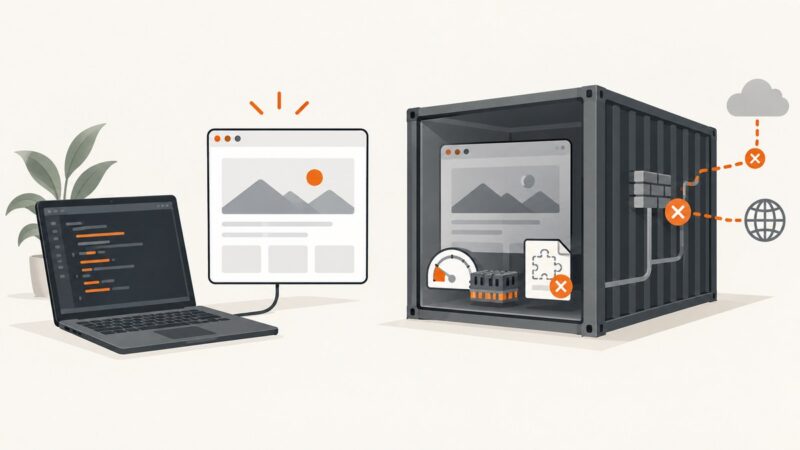
Headless browsers rely on binaries, libraries, permissions, memory and lifecycle settings that differ between laptops and production. Here’s how to make those environments reproducible.
Build a reliable product-thumbnail pipeline with consistent crops, platform-safe exports, validation, and optional AI-generated backgrounds.
Deploy Playwright on Heroku with matching browsers, Linux dependencies, buildpack and Docker paths, troubleshooting, and a managed screenshot alternative.
Compare Site-Shot and ScreenshotAPI.net on rendering, automation, pricing, and reliability, then choose the API that fits your workload.
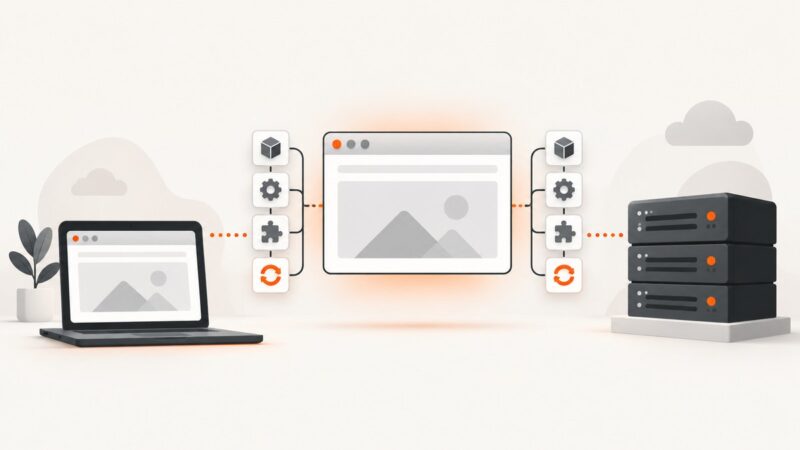
Chrome extension isolated worlds separate JavaScript environments, but share the page DOM. Learn what that changes, what remains visible, and how to test it.
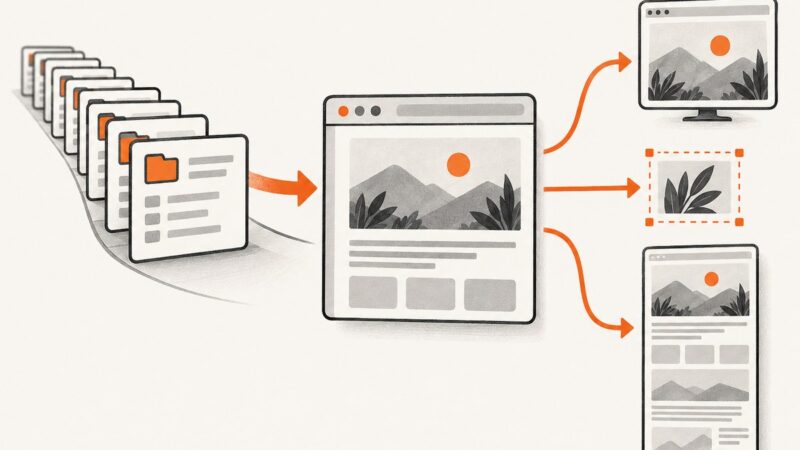
Automate viewport, full-page, and element screenshots with Playwright or Puppeteer, then scale captures with a hosted API.