How to Handle CAPTCHA-Protected Pages When Taking Screenshots
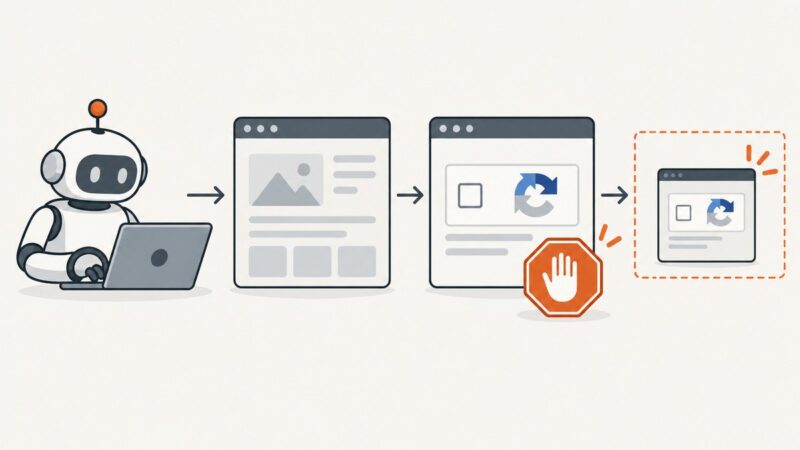
When screenshot automation hits a CAPTCHA, stop at the access gate. Learn how to document the blocked state safely and choose an authorized route to the page.
Blog
How to take clean screenshots, turn HTML into images and PDFs, run headless browsers, and give AI agents eyes. Written by the team that builds ScreenshotNeo.
When screenshot automation hits a CAPTCHA, stop at the access gate. Learn how to document the blocked state safely and choose an authorized route to the page.
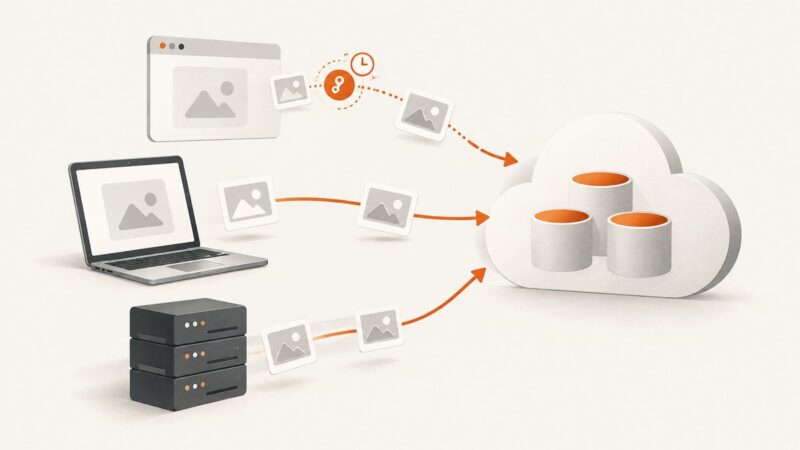
Upload screenshots to Backblaze B2 manually, from a server, or directly from a browser using a short-lived upload capability.
Deploy Puppeteer on Heroku with the right buildpack, cache, launch flags, and troubleshooting steps, plus a browser-free ScreenshotNeo option.
Build a Cloudflare Worker endpoint that captures website screenshots through Browser Rendering, with runnable code, safe URL handling, options and troubleshooting.
Capture your screen or a selected region in Python with Pillow, then handle image modes, Retina displays, multiple monitors, and Linux dependencies.
Choose the right automation layer for screenshot workflows: Zapier, Make, or n8n, with cost, scale, setup, API, and reliability guidance.
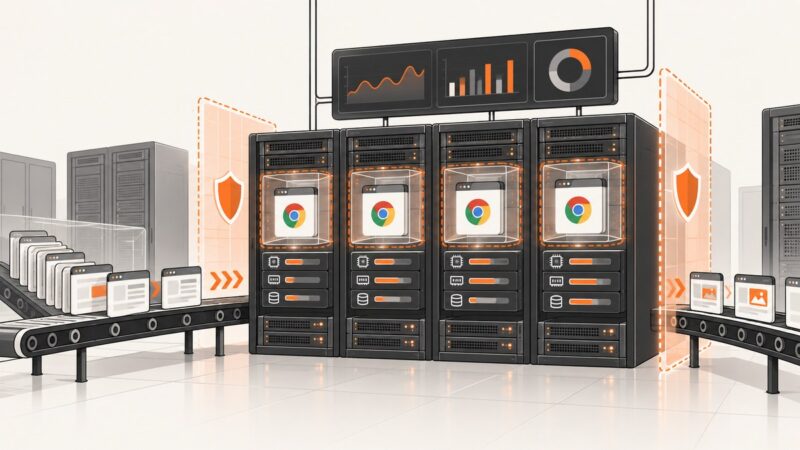
A practical guide to running Headless Chrome safely in production: sandboxing, queues, capacity planning, failure isolation, and hosted alternatives.
Screenshots preserve the visual state of financial systems. Learn what makes a capture defensible, how to archive it, and where automation fits.
A practical, source-based guide to e-commerce compliance covering disclosures, privacy, payments, accessibility, marketing and fulfillment.
Set viewport, DPR, user agent, and capture scope in Chrome or Firefox for repeatable website screenshots, then automate or use ScreenshotNeo.
Learn how SERP location changers work, what Google can change by region, and how to capture repeatable country-specific results.
Learn which screenshot settings affect output size, how to make Playwright captures repeatable, and what caching can—and cannot—prove about performance.
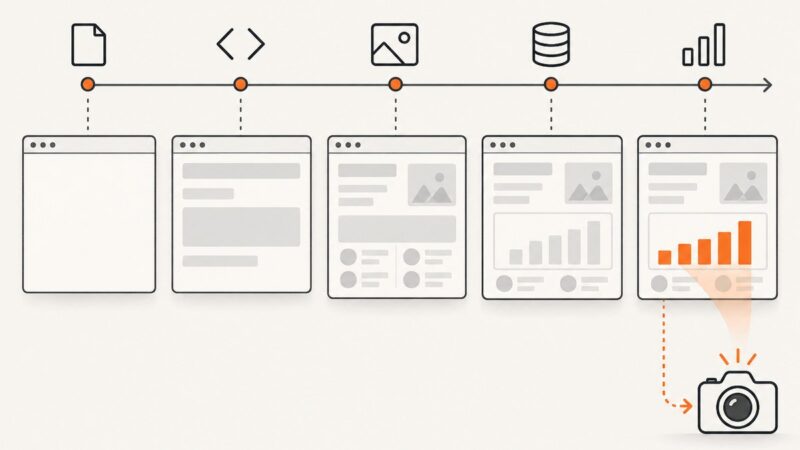
No browser event guarantees that the content you need is ready. Wait for a meaningful page state, then capture with animation and timeout behavior in mind.
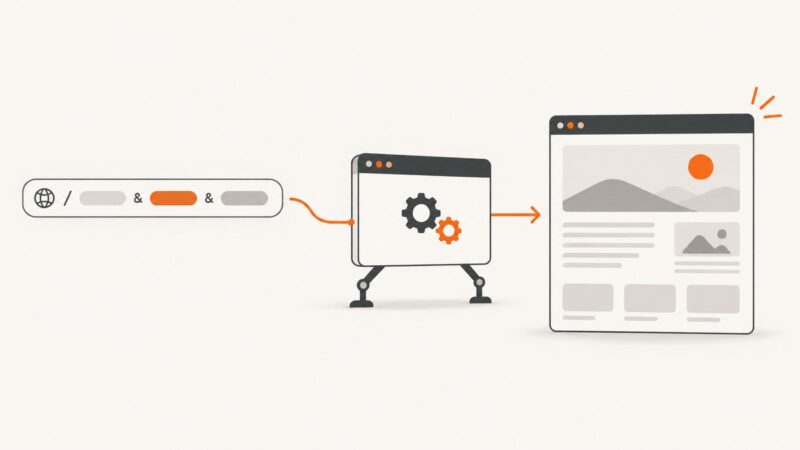
Build query strings safely, navigate with Playwright, and wait for the page condition your automation actually needs. Includes runnable Node.js, Python, cURL, and ScreenshotNeo examples.
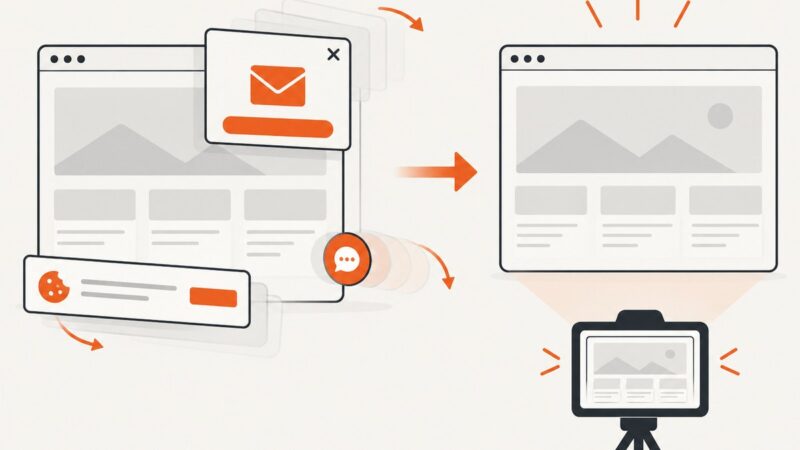
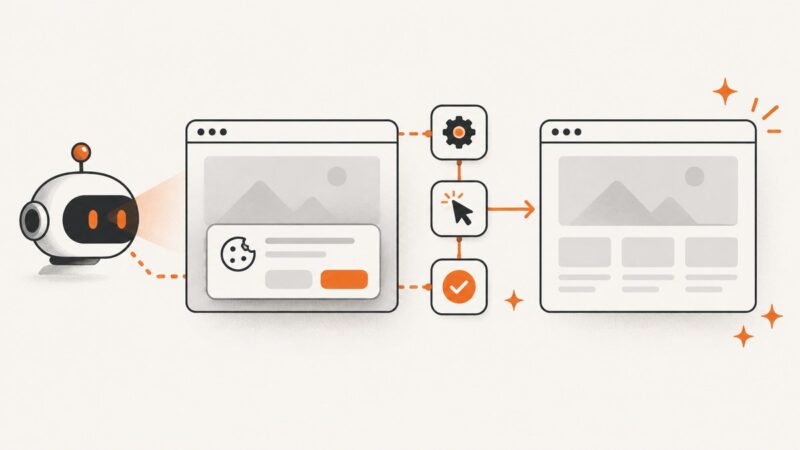
Build reliable cookie-banner automation with Playwright, CMP rules, verification, troubleshooting, and a hosted ScreenshotNeo shortcut.
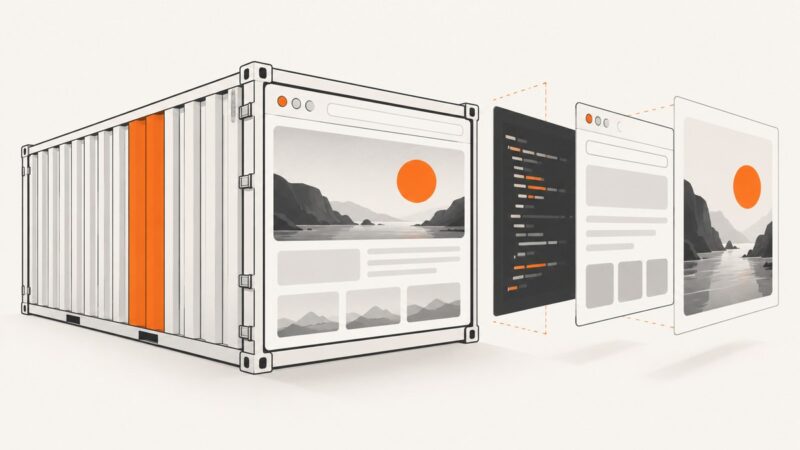
Build a repeatable Docker image for browser screenshots with Playwright, pinned dependencies, multi-stage builds, security controls, and production tips.
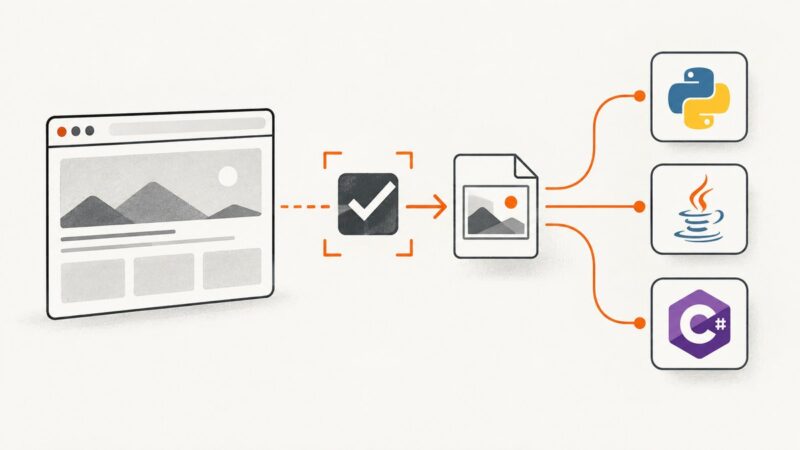
Learn the official Selenium screenshot APIs for Python, Java, and C#, including element capture, file output, full-page limits, troubleshooting, and a hosted alternative.
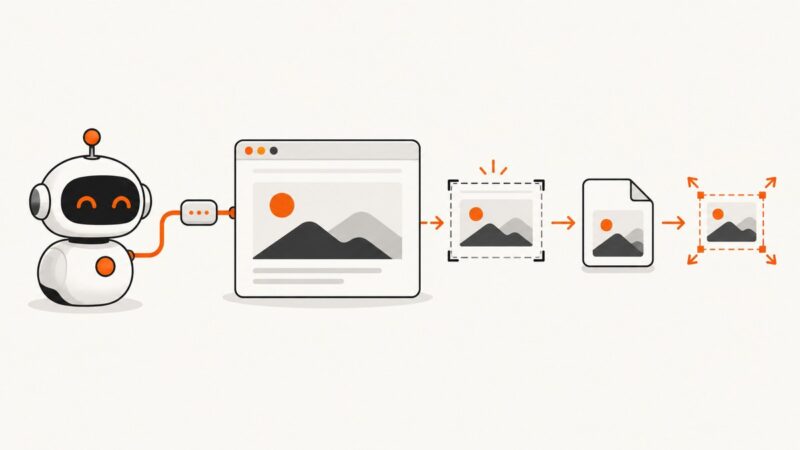
Use Chrome DevTools MCP to capture pages or elements, save files, choose formats, and resize output reliably.