7 No-Code Development Trends in 2026
Seven grounded no-code trends for 2026, from AI agents and governance to integrations, website operations, and platform selection.
Seven grounded no-code trends for 2026, from AI agents and governance to integrations, website operations, and platform selection.
Connect n8n to external MCP tools—or expose n8n workflows to Claude and other MCP clients—with the right node, transport, authentication, and scope.
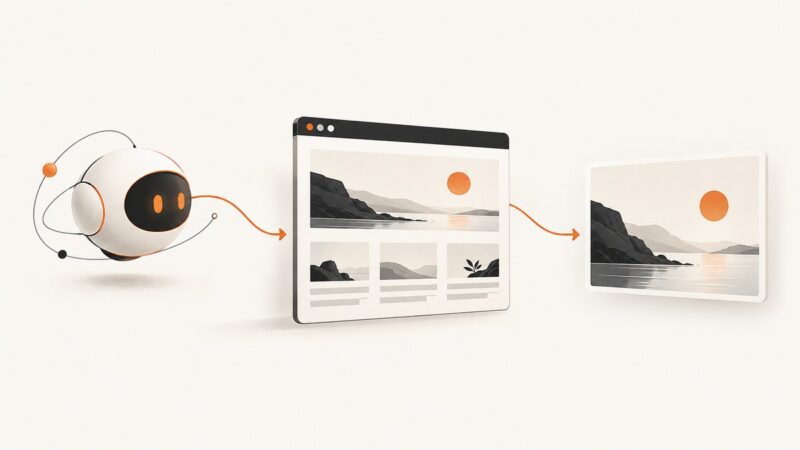
Use Playwright MCP to capture rendered web pages as images or PDFs. Learn setup, capture options, troubleshooting, and when an API is simpler.
Connect an AI client to a browser on your machine with Playwright MCP. Configure the server, choose a browser and session mode, and fix common connection problems.
Learn what AI desktop agents can do, when to use GUI automation, how to deploy them safely, and how screenshot APIs fit into reliable workflows.
Grok can help build and review HTML/CSS, but a browser must render the page. Use Grok Build, capture fixed viewports, and iterate with screenshots.
Give a LlamaIndex agent visual access to web pages by connecting an MCP screenshot tool and returning the captured image in a supported content block.
Connect a screenshot MCP server to Claude Code, verify it, invoke tools safely, troubleshoot failures, and use ScreenshotNeo when you want a managed API.
Connect Windsurf to Playwright or screenshot MCP servers, inspect pages visually, and automate reliable web captures with complete setup and fixes.
Learn how to capture viewport, full-page, element, and labeled screenshots in OpenClaw, troubleshoot profiles, and automate reliable visual workflows.
Use Gemini CLI to inspect screenshots, render HTML/CSS in a browser, and capture viewport, element, or full-page images with a reliable workflow.
Install OpenAI Codex in VS Code, give it useful context, review edits safely, and choose between local work and Codex Cloud.
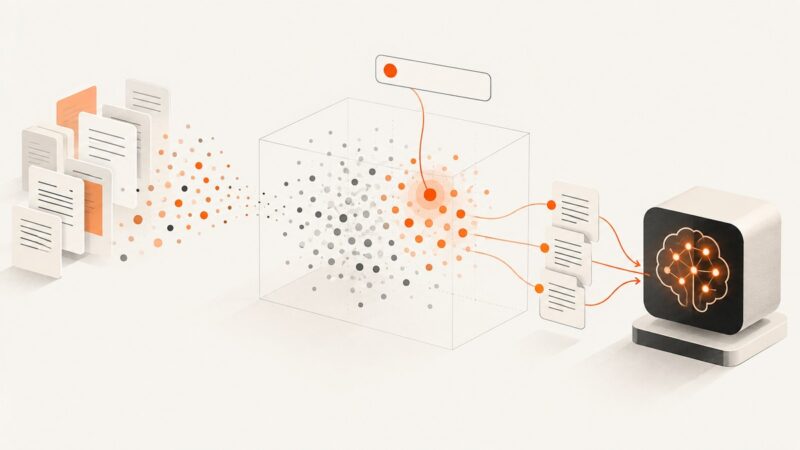
Pinecone is a managed vector database that helps LLM apps retrieve relevant information. Learn how it fits into RAG, what to evaluate, and what it costs.
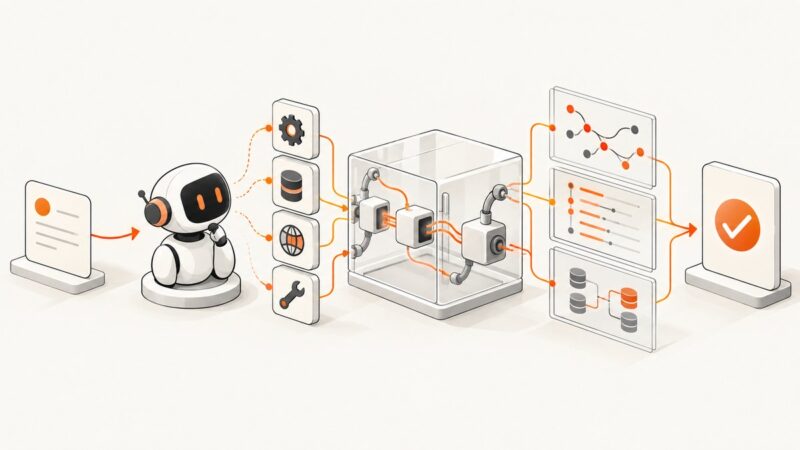
Build repeatable AI agent evaluations that check tool use, outcomes, conversation state, and safety—and interpret scores in context.
Use Muse with Playwright for interactive screenshots, or render public URLs with an MCP screenshot service. This guide covers setup, full-page captures, private pages, and fixes.
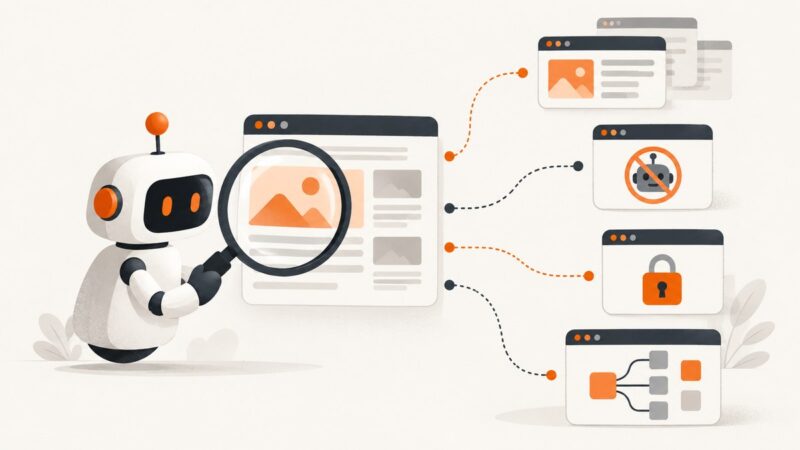
Learn what ChatGPT can scrape, why results vary, how robots.txt and logins affect access, and when to use a deterministic scraper.
Connect Claude Code to Playwright or Chrome DevTools MCP, capture reliable screenshots, and keep authenticated browser sessions safe.
Learn how to capture reliable browser screenshots for vision models, combine them with accessibility trees, and avoid common rendering failures.