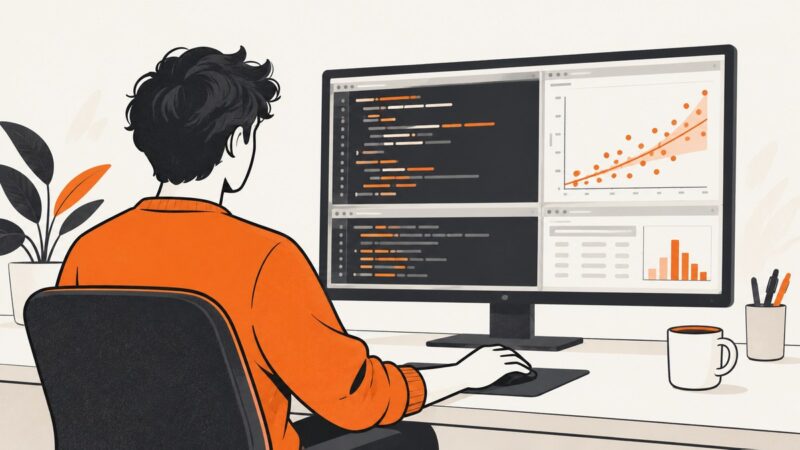
How to Take a Screenshot in RStudio
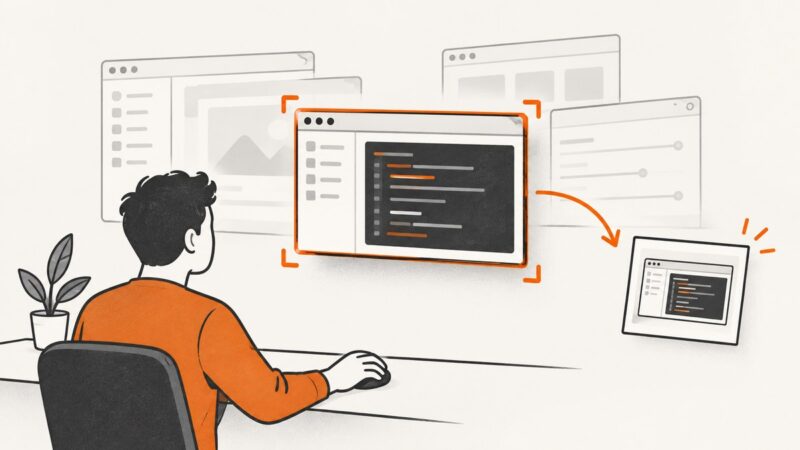
Capture RStudio on Windows, Mac, Linux, or the browser, frame useful panes, protect sensitive data, and automate clean screenshots with ScreenshotNeo.
Taking screenshots on Windows, Mac, iPhone, Android and in the browser.
Capture RStudio on Windows, Mac, Linux, or the browser, frame useful panes, protect sensitive data, and automate clean screenshots with ScreenshotNeo.
Capture a window by its HWND in C# with CopyFromScreen or PrintWindow. Compare their behavior, handle window bounds and DPI, and save screenshots safely.
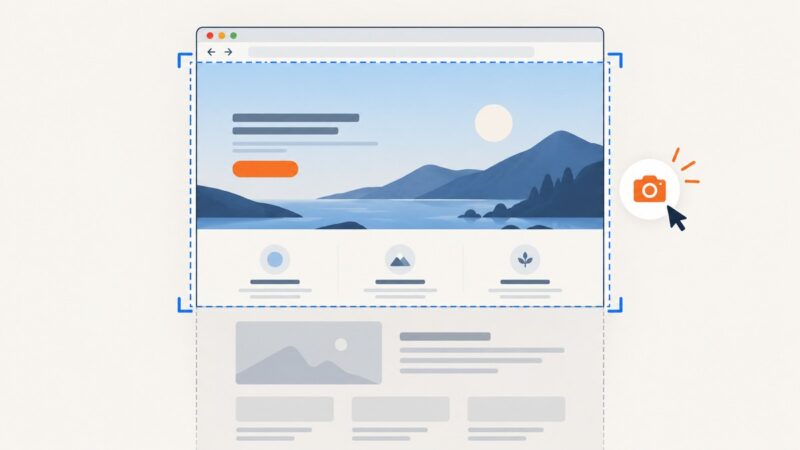
Capture a visible screen or an entire webpage in Edge, Firefox, or Chrome, then automate clean screenshots with ScreenshotNeo.
Use Edge’s built-in full-page capture first, then choose an extension or ScreenshotNeo when you need exports, automation, or cleaner screenshots.
Use ScreenCaptureKit to capture a macOS window or display in Swift, handle permission correctly, save images, troubleshoot failures, and choose stills or streams.
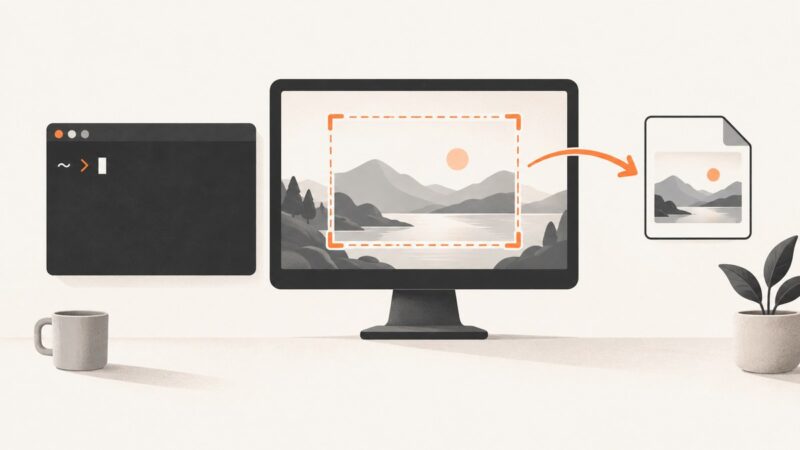
Capture your whole screen, active window, or a selected area from Bash with gnome-screenshot. Save to a predictable path, add a delay, or copy the result to your clipboard.
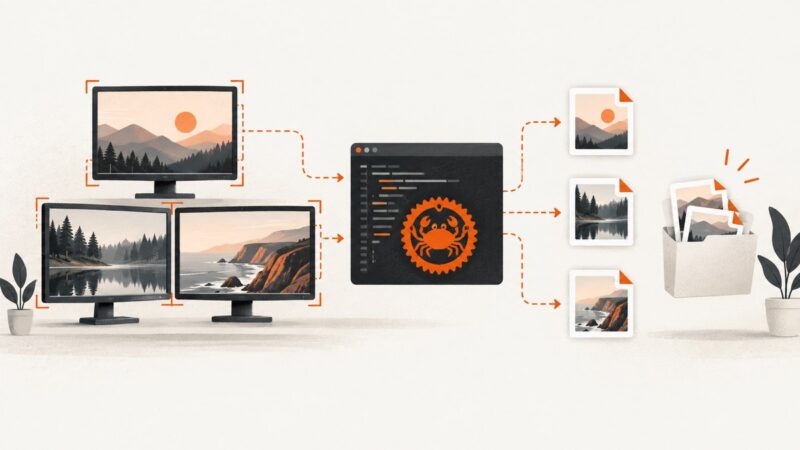
Capture monitors, windows, and regions in Rust with XCap, handle Wayland and errors, and compare local capture with ScreenshotNeo.
Capture an entire webpage on Windows with Edge, understand Snipping Tool limits, troubleshoot long pages, and automate screenshots with ScreenshotNeo.
Capture an entire scrolling webpage on Linux with Firefox, DevTools, the Web Console, headless commands, or ScreenshotNeo.
Use Scroll Capture in Adobe Express Photos on Windows to save a long webpage as one image, or automate clean captures with ScreenshotNeo.
Screenshot capture priority depends on what you need to capture and which tools are available. Learn when to use background browser capture, desktop capture, or a foreground fallback.
Capture the browser window, the visible page, or a full scrolling webpage on Windows, Mac, or Firefox—and learn where the image goes.
Learn how to capture an entire scrolling webpage on iPhone, Android, Edge and Windows, plus an API workflow for automated screenshots.
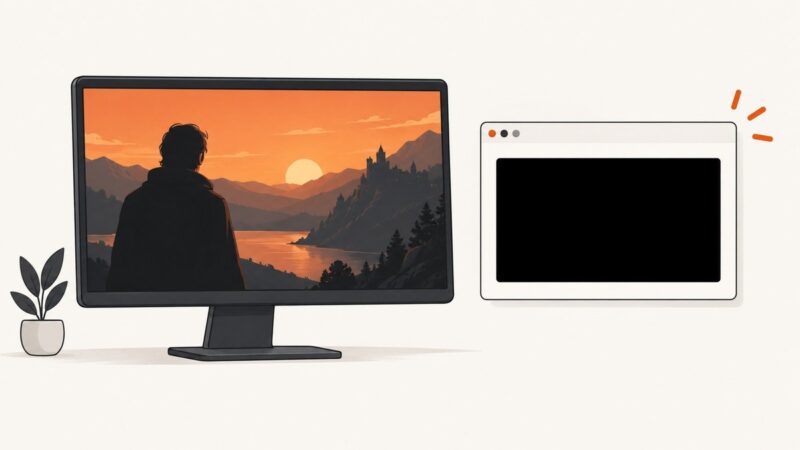
Learn why Netflix screenshots turn black, how to separate playback faults from capture limits, and what you can safely document on a Windows PC.
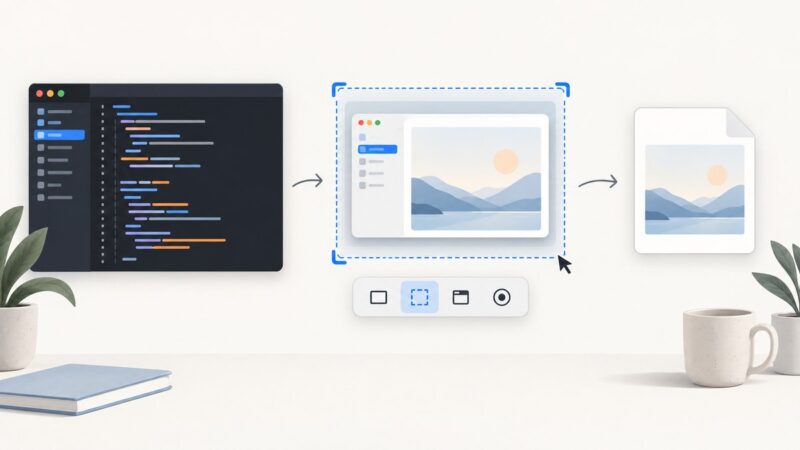
A screenshot is a still image of a display. Learn what screenshots are, where they are saved, and how to capture them on Windows, Mac, iPhone, Android, and the web.
Create a static or live desktop planner wallpaper with the right layout, contrast, automation, troubleshooting, and ScreenshotNeo capture options.
Learn every Mac screenshot shortcut, how to capture windows and menus, change save locations, copy to the clipboard, record video, and automate captures.
Capture the desktop or a screen region in Java with AWT Robot, save it as an image, and handle headless, permission, multi-monitor, and HiDPI issues.