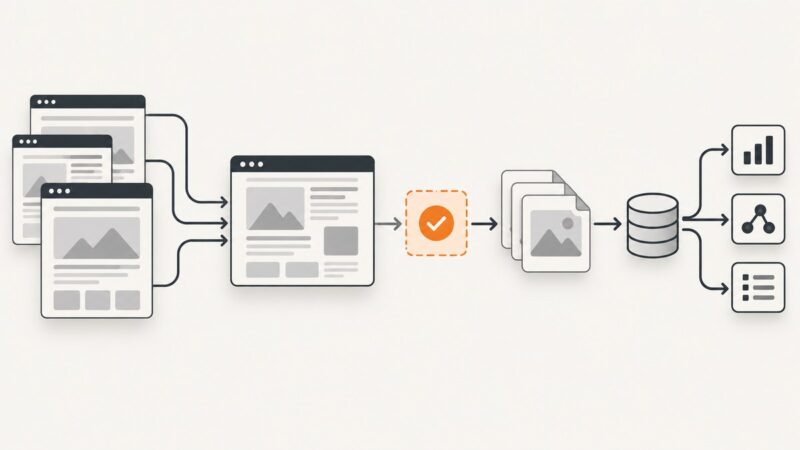
How to Automate Screenshots for Web Scraping
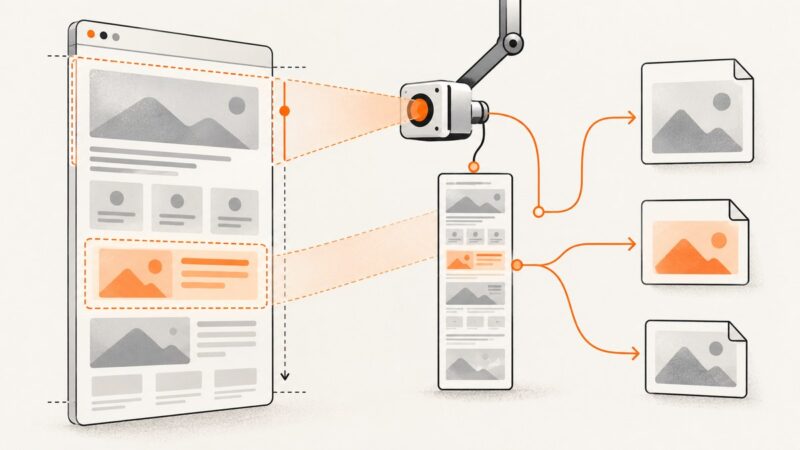
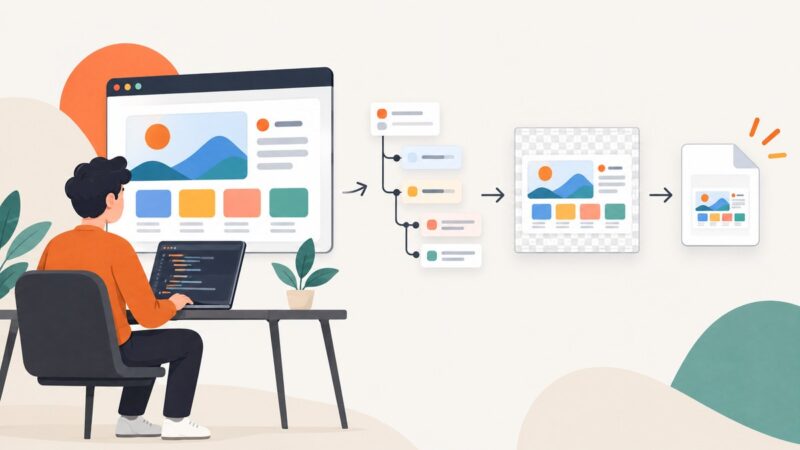
Automate reliable screenshots for scraped pages with Playwright, Puppeteer, shot-scraper, and a hosted API workflow.
Automate reliable screenshots for scraped pages with Playwright, Puppeteer, shot-scraper, and a hosted API workflow.
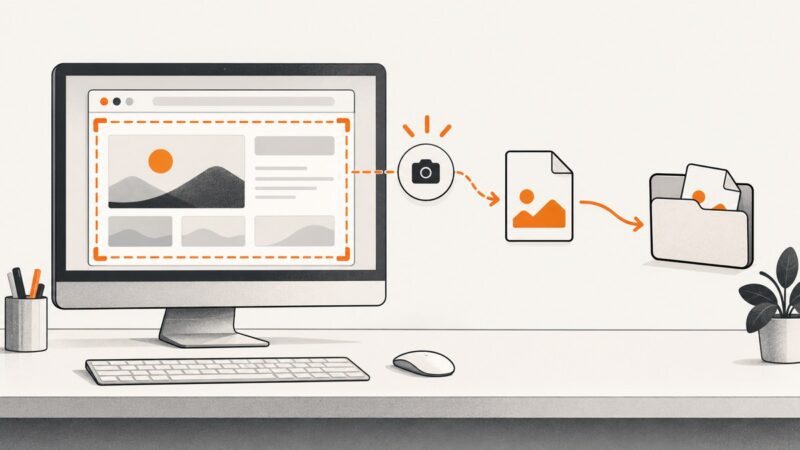
Learn how to capture clear portfolio screenshots with Chrome DevTools, Playwright, or ScreenshotNeo—and choose the right viewport, page state, and format.
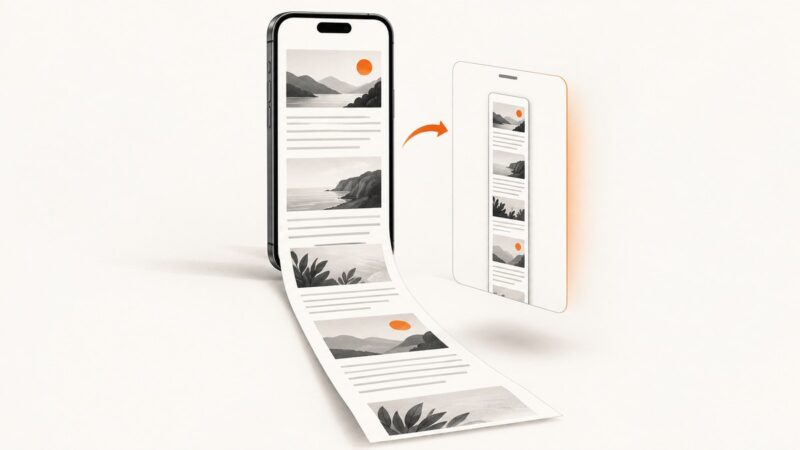
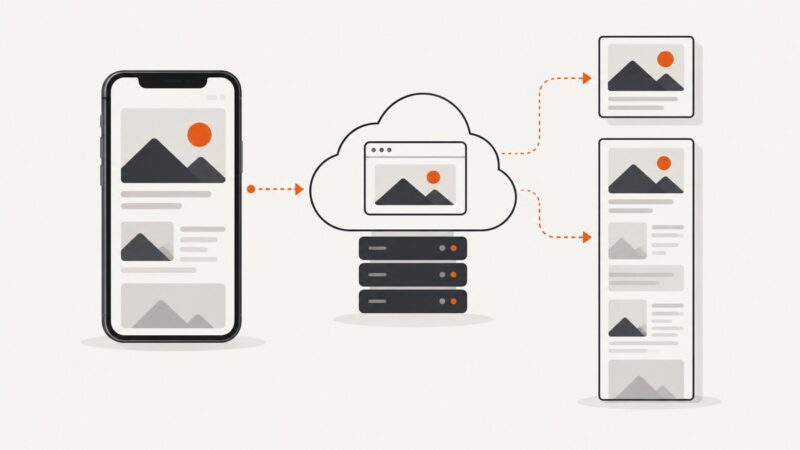
Capture an entire Safari webpage on iPhone, save it as an image or PDF, troubleshoot missing options, and automate screenshots when needed.
Use Playwright’s page.screenshot() for viewport, full-page, and element captures, with runnable JavaScript, CLI, testing, and troubleshooting examples.
Automate invoice screenshots and PDFs with Playwright, choose the right capture mode, handle authentication, and use ScreenshotNeo when you need a hosted API.
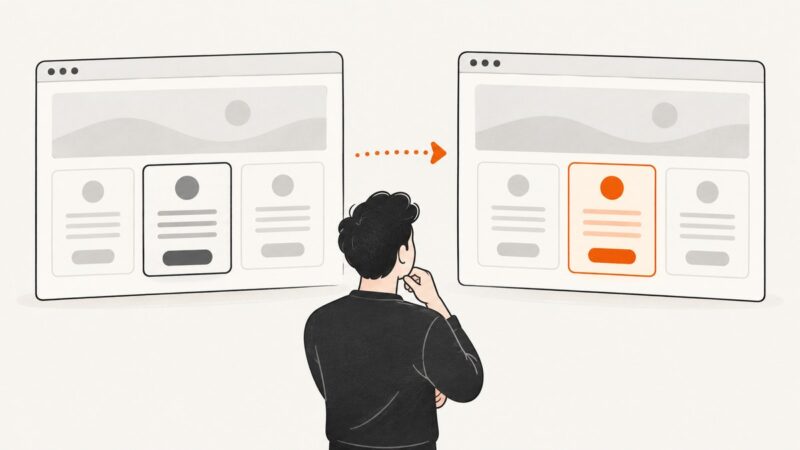
Monitor competitor pages on a schedule, compare meaningful sections, and route reviewable before-and-after alerts with Visualping or Playwright.
Save Selenium’s current browser window as a PNG, verify the write succeeded, and fix common path, timing, and permissions errors.
Learn when to use a hosted image URL or a data URL in HTML, with runnable browser, cURL, Python, and Node.js examples.
Learn when to use YouTube thumbnails, how to capture a specific frame, and where ScreenshotNeo fits when you need clean page screenshots.
Android may block screenshots to protect sensitive app screens. Learn what causes the restriction, what normal capture controls can do, and how to get an approved copy.
Learn a repeatable workflow for clear, accessible tutorials with screenshots, runnable capture code, troubleshooting, and automation options.
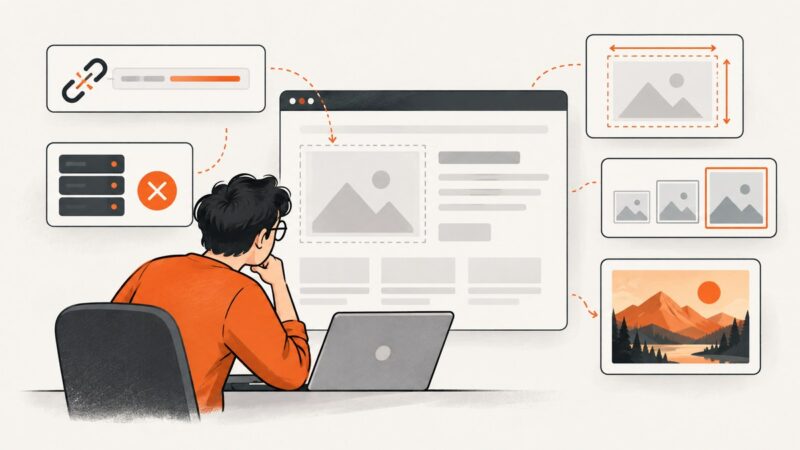
An HTML image can fail because its URL, response, format, CSS, responsive selection, lazy loading, or CORS is wrong. Follow this browser-based checklist to find the cause.
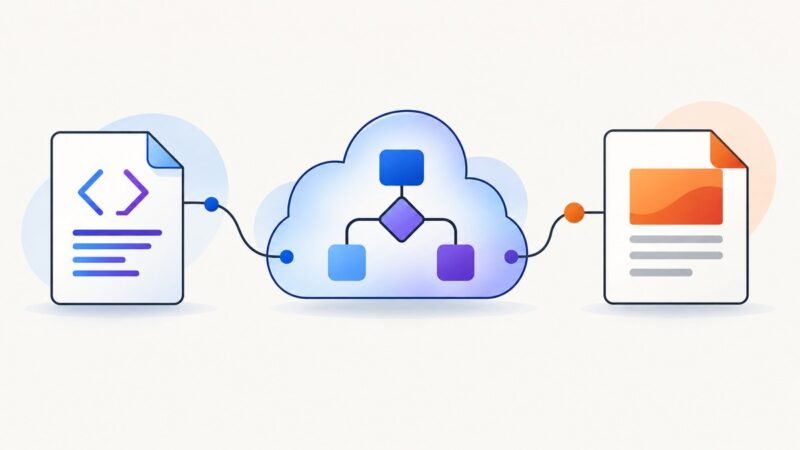
Convert HTML, URLs, or static site ZIPs to PDF in Power Automate, choose the right connector, save the file, and troubleshoot common failures.
Capture a rendered div with html2canvas, handle CORS and CSS limits, and compare browser, server, and ScreenshotNeo workflows.
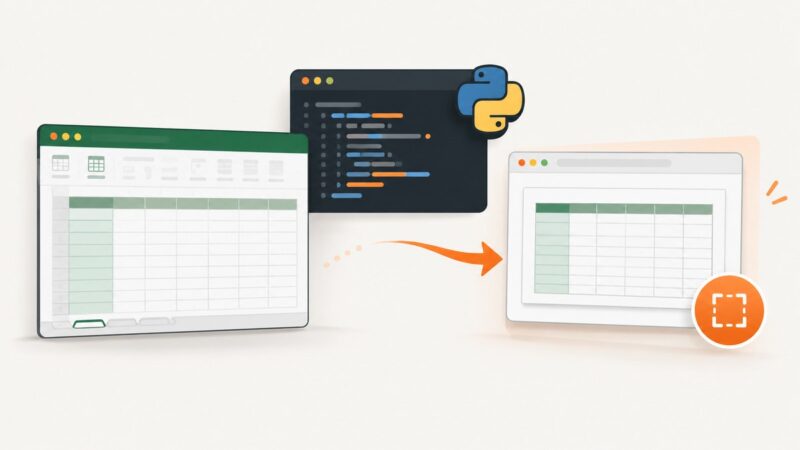
Capture a spreadsheet with Python by screenshotting its rendered browser view or rendering a local workbook in an office application first.
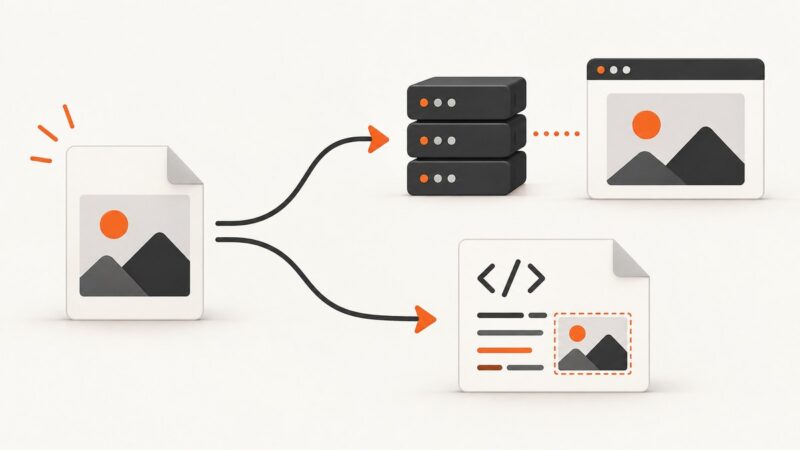
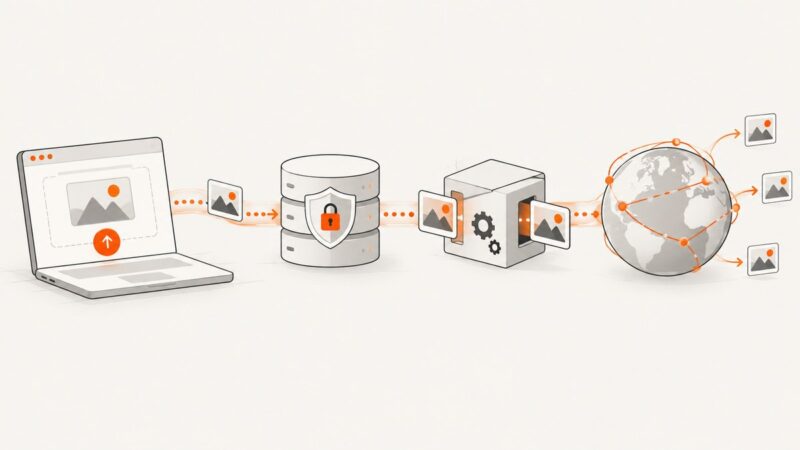
Upload, transform, store and deliver website images safely with an image hosting API, including server, browser and responsive-image workflows.
Learn how to let Steam capture screenshots or hook requests in C++, submit image data, handle callbacks, add metadata, and avoid common API errors.
Capture a webpage in Swift with WKWebView, or request a screenshot from an API. Learn when to use viewport, full-page, PDF, and mobile emulation.