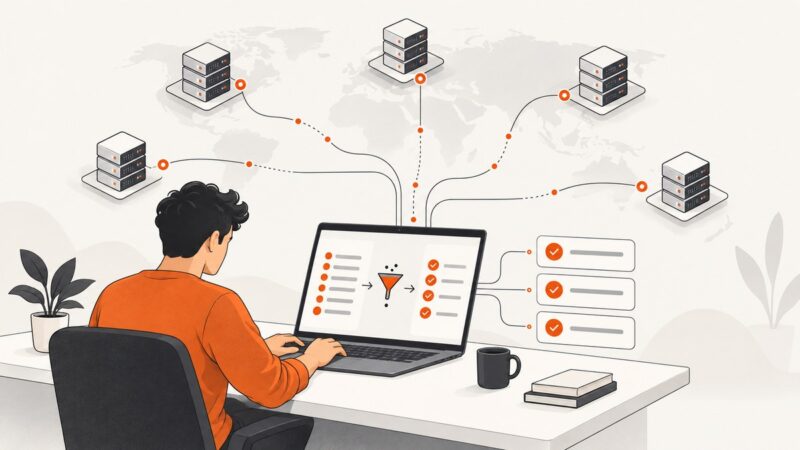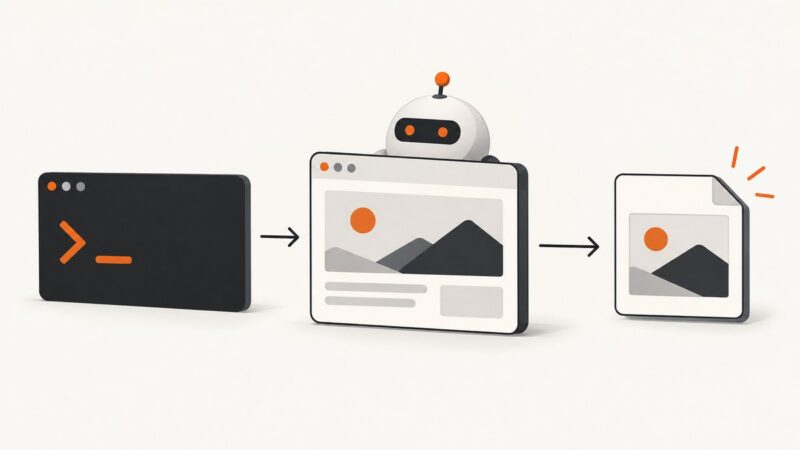
Web Scraping with node-fetch: A Complete Node.js Guide
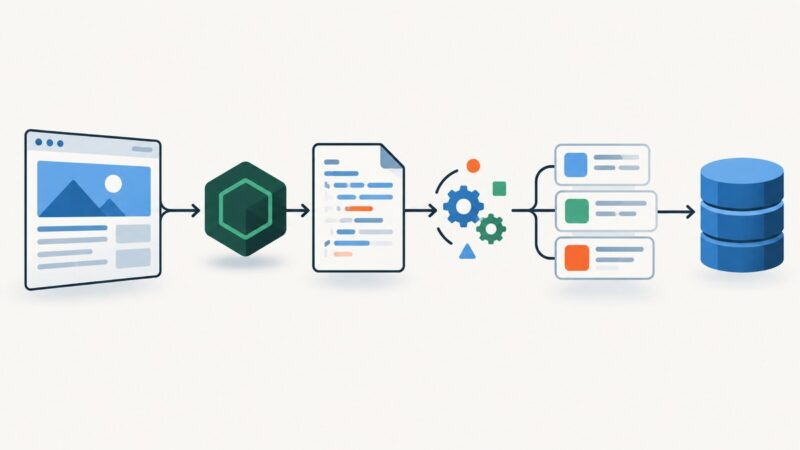
Learn how to fetch, parse, validate, and scale Node.js scrapers with node-fetch, Cheerio, cookies, retries, limits, and JavaScript rendering guidance.
Learn how to fetch, parse, validate, and scale Node.js scrapers with node-fetch, Cheerio, cookies, retries, limits, and JavaScript rendering guidance.
Use WebDriver BiDi’s browsingContext.captureScreenshot command to capture a viewport, full page, or element. Learn the inputs, runnable examples, and common fixes.
Find machine-readable public proxy lists, scrape them with Python, validate safely, and understand why free proxies often fail or expose your data.
Automate repeatable portfolio screenshots with Playwright, stable viewports, full-page and element captures, visual checks, and a hosted API option.
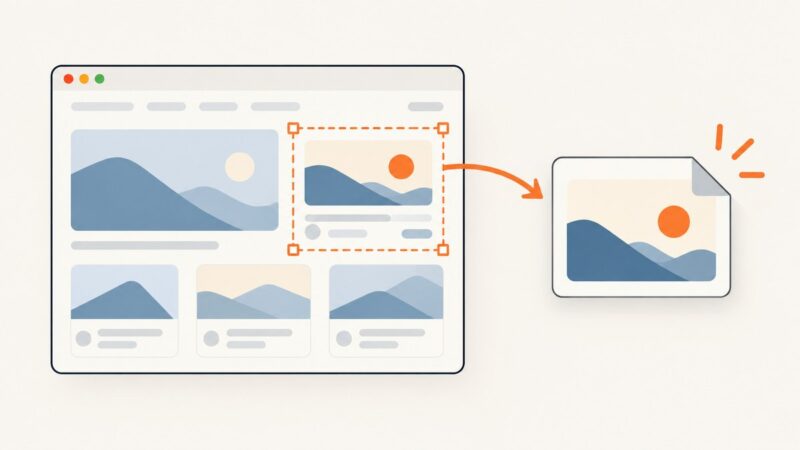
Capture one DOM element by hand with DevTools, automate it with Playwright, or generate an in-page image with html2canvas. Compare setup, fidelity, and common fixes.
Use short, descriptive, lowercase filenames with hyphens. Learn when to include dates or sequence numbers, how naming affects search and accessibility, and how to automate it.
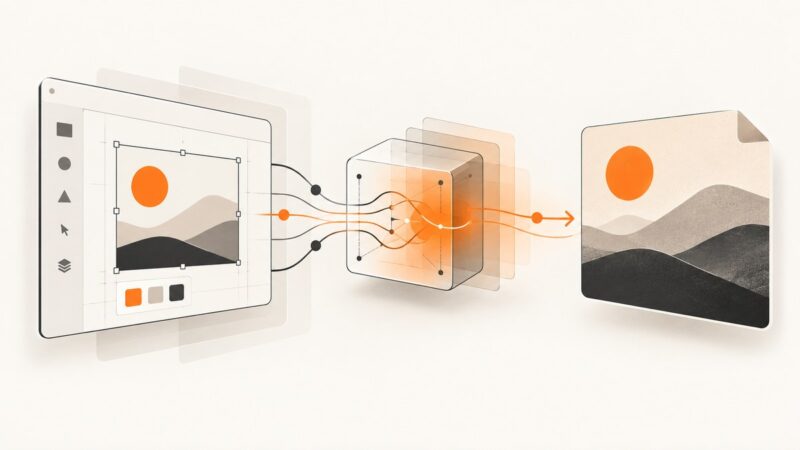
Render Figma frames as PNG, JPG, SVG, or PDF with the Images API, handle temporary URLs, errors, scaling, and automation.
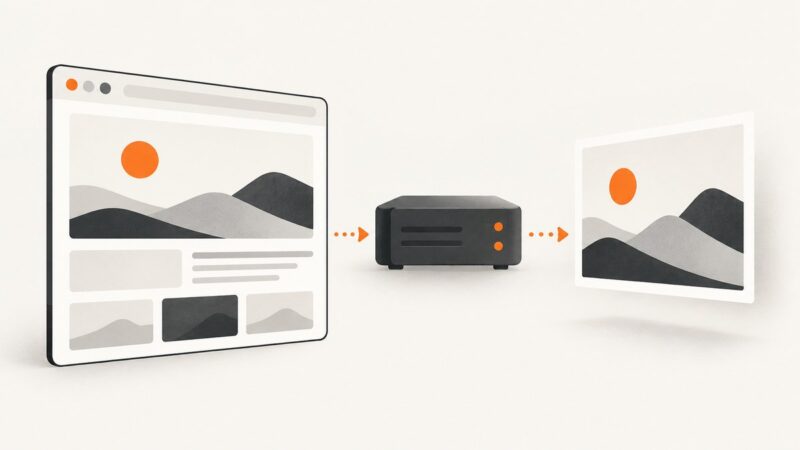
Capture a website manually in your browser or automate URL-to-image screenshots with an API. Learn the key settings, runnable code, and fixes for common problems.
Build a browser screen capture demo with a local video preview, clear start and stop controls, and practical guidance on recording, audio, privacy, and errors.
Learn what Facebook scraping means, where automation needs permission, and which official tools fit account exports and ad research.
Learn how to capture reliable viewport, full-page, element, and in-memory screenshots with Playwright, Puppeteer, Chrome CDP, and ScreenshotNeo.
Learn how to collect Google results responsibly, model changing SERP features, use the Custom Search API, and choose browser or managed methods.
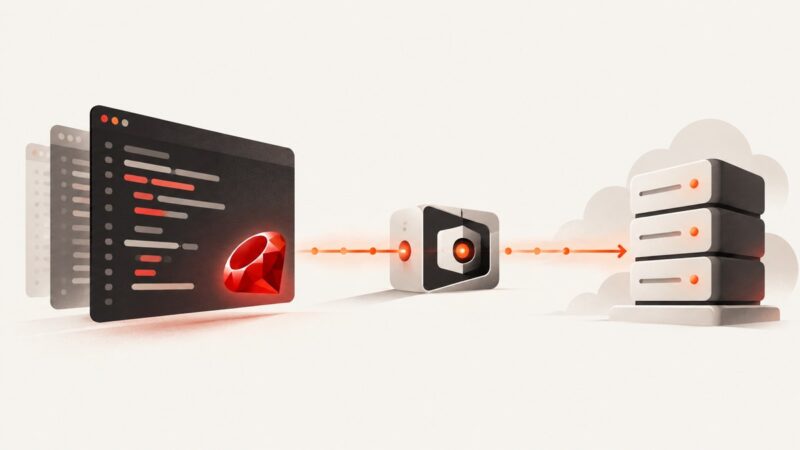
Route Ruby Faraday requests through an explicit proxy, configure credentials safely, understand environment proxy discovery, and troubleshoot adapter-specific behavior.
Use Chrome Headless Shell from the command line to capture webpages, control viewport and timing, troubleshoot failures, and choose an API alternative.
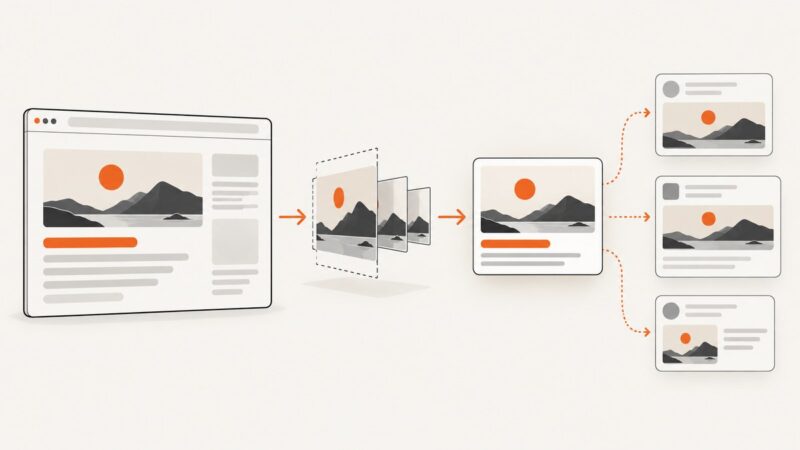
Automate Open Graph images with template rendering or browser screenshots, then publish a fetchable 1200×630 image URL in your metadata.
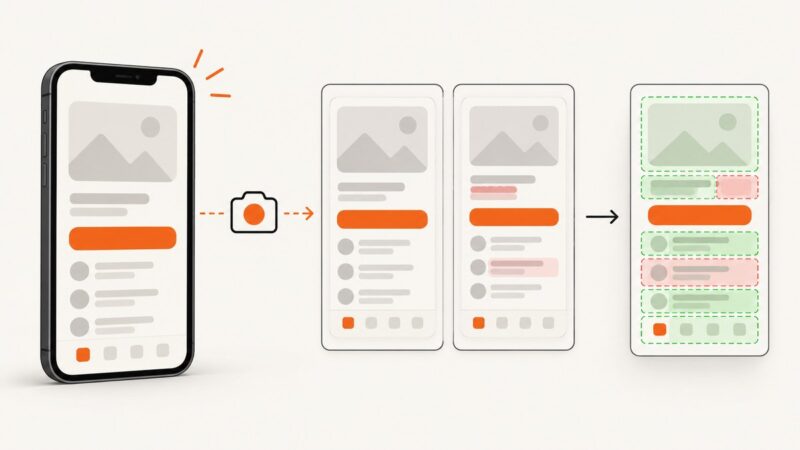
Build reliable React Native visual regression tests with Storybook, Maestro, Detox, image diffs, CI, and deterministic screenshots.
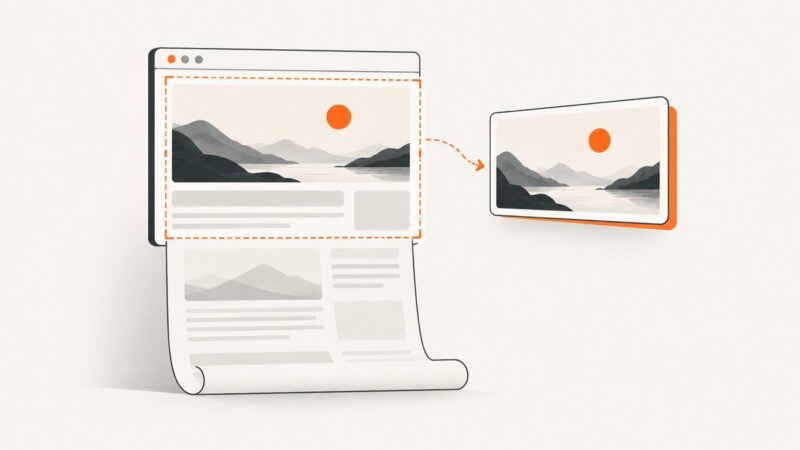
Capture an entire scrollable page with Playwright, Puppeteer, or Selenium, including waits, lazy content, formats, troubleshooting, and an API option.
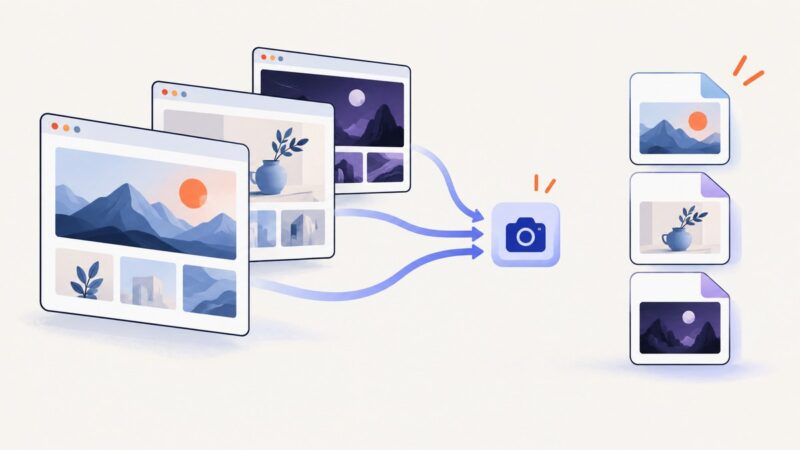
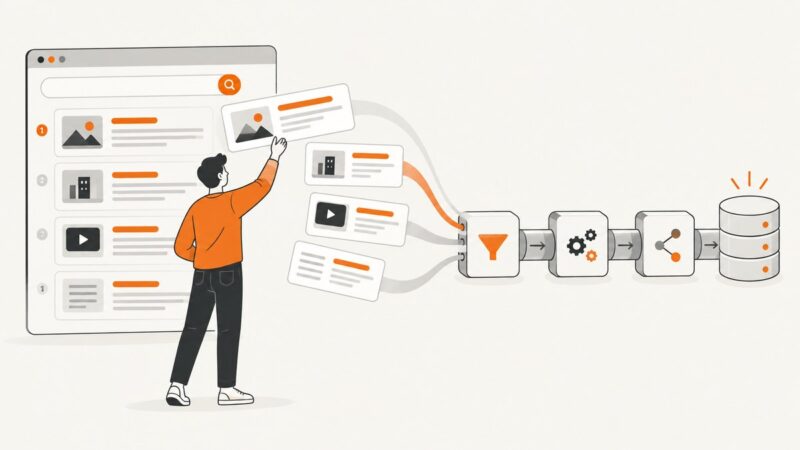
Build a reliable screenshot pipeline for directory listings with Playwright or an API, background jobs, cached thumbnails, refreshes, and failure handling.