How to Self-Host Visual Regression Testing for Websites
Compare website screenshots against approved baselines with Playwright, BackstopJS, or a self-hosted review service. Choose a repeatable workflow and keep visual changes under control.
Compare website screenshots against approved baselines with Playwright, BackstopJS, or a self-hosted review service. Choose a repeatable workflow and keep visual changes under control.
Record browser interactions to MP4 with Puppeteer’s experimental Page.record() API, handle cleanup and failures, and compare it with the obsolete screencast API.
Build a Playwright visual regression test, approve its baseline, control screenshot noise, and investigate diffs without mistaking them for functional tests.
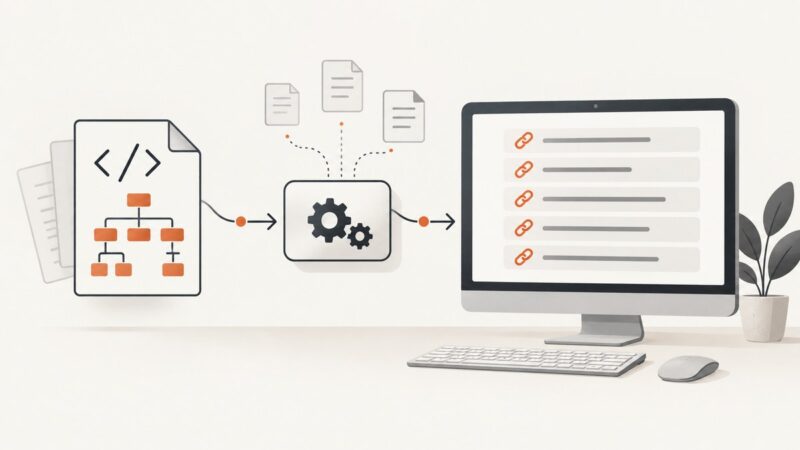
Learn how to extract every URL from XML sitemaps, including sitemap indexes, namespaces, gzip files, limits, errors, and scalable Python code.
Build a single Cypress HTML report with screenshots using Mochawesome, CI artifacts, failure capture, and practical troubleshooting.
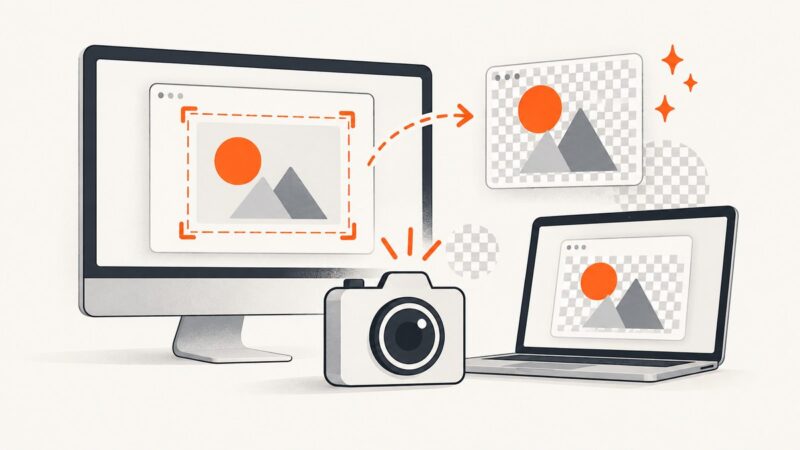
Save screenshots as PNG on Windows and Mac, convert HEIF captures, automate PNG output, and avoid common format and quality problems.
Choose whether to test consent, returning visitors, or a clean visual capture. Then use scoped Playwright CSS and controlled page state to get the screenshot you actually need.
Extract metadata from the rendered page, preserve duplicates and redirects, then use a screenshot to verify how the page appears.
Capture values from text with regular expressions in Python, JavaScript, and C#. Learn named groups, all-match APIs, edge cases, and when to use a parser.
Learn when to use addScriptTag, evaluate, and evaluateOnNewDocument in Puppeteer, with iframe examples, timing guidance, troubleshooting, and production patterns.
A screenshot captures what a browser can render; it cannot grant access to a site that blocks bots. Here’s how to capture pages you can access, and what to do when access is denied.
Install wkhtmltoimage, convert URLs or local HTML to images, choose capture options, and troubleshoot common issues with this headless Qt WebKit tool.
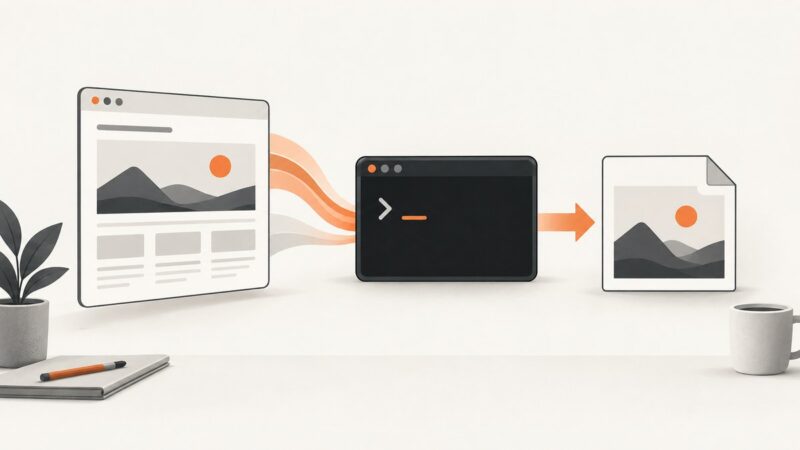
Capture web pages from Chrome’s command line, Puppeteer, or Playwright with reliable viewport, full-page, timing, and troubleshooting guidance.
Automate Webflow screenshots with Playwright, scheduling, full-page and element capture, troubleshooting, and a no-browser ScreenshotNeo option.
Learn a reliable workflow for searching Google Patents, exporting results, extracting metadata, and verifying records with USPTO and EPO sources.
Install wkhtmltoimage, render URLs or HTML from PHP, configure output and timing, and troubleshoot common Linux deployment failures.
Puppeteer’s `Page.captureScreenshot: Target closed` means the page target disappeared. Trace page cleanup, pending promises, and Chromium crashes to find the cause.
Use Chrome’s millisecond timeout, virtual time, or a readiness signal to capture pages after they finish rendering.