How to Automate Website Monitoring with Screenshots
Automate website monitoring with Playwright screenshots, visual baselines, CI schedules, diff triage, and ScreenshotNeo hosted captures.
Automate website monitoring with Playwright screenshots, visual baselines, CI schedules, diff triage, and ScreenshotNeo hosted captures.
Fix Python syntax, indentation, and parser errors in scraping scripts with runnable examples, debugging steps, and Beautiful Soup troubleshooting.
Learn how to upload screenshots, preview HTML, iterate on code, and create final images in ChatGPT, with a reliable API workflow when you need automation.
Build a reliable Zap that captures webpages on a schedule or change, then sends screenshots to email, Slack, Dropbox, and more.
Check a page’s X-Frame-Options and CSP framing policies, interpret the response correctly, and troubleshoot common configuration mistakes.
Build a reliable Instagram hashtag research workflow with the official API, pagination, scoring, refresh limits, and safe validation.
Build a no-code competitor monitoring workflow with Make: track RSS and Atom updates, filter useful items, and route page changes into a log or alert.
Learn what “scrape ChatGPT” means, why consumer-service automation is restricted, and how to use the supported API and crawler controls.
Connect Figma, Canva, Sheets, and Drive in Make to automate design reviews and repeatable asset production, with setup steps, examples, and troubleshooting.
Learn how to use ChatGPT to understand authorized code, trace behavior across files, and verify what the model explains—with practical prompts and runnable examples.
Learn a reliable workflow to classify web pages with ChatGPT using clear labels, structured inputs, source checks, and human review.
Learn how to collect Indeed job and employer data through authorized APIs and integrations, with practical schemas, controls, and implementation guidance.
Use ChatGPT to locate hard-to-find public webpage data, check it against the source, and handle tables, dynamic content, and access limits.
Learn three reliable ways to create WordPress featured images automatically, from local templates to AI prompts and custom integrations.
Learn how to install Watir, control a real browser with Ruby, locate elements, synchronize tests, troubleshoot drivers, and capture reliable evidence.
Export Highcharts charts to PNG, JPEG, SVG, or PDF with runnable browser, Node.js, Python, cURL, and ScreenshotNeo workflows.
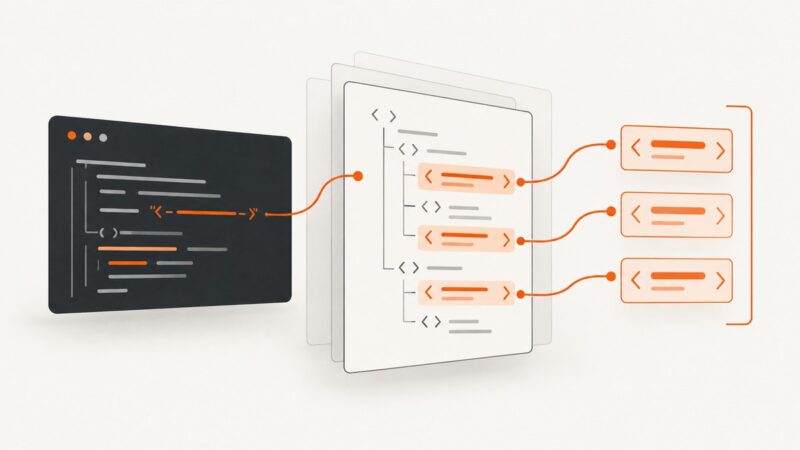
Use PHP’s DOM and XPath APIs to select elements by attribute, read values safely, handle namespaces, and troubleshoot real HTML documents.
Use Etaoin and a headless browser to save a web page screenshot as PNG in Clojure. Learn setup, element captures, full-page limits, and troubleshooting.