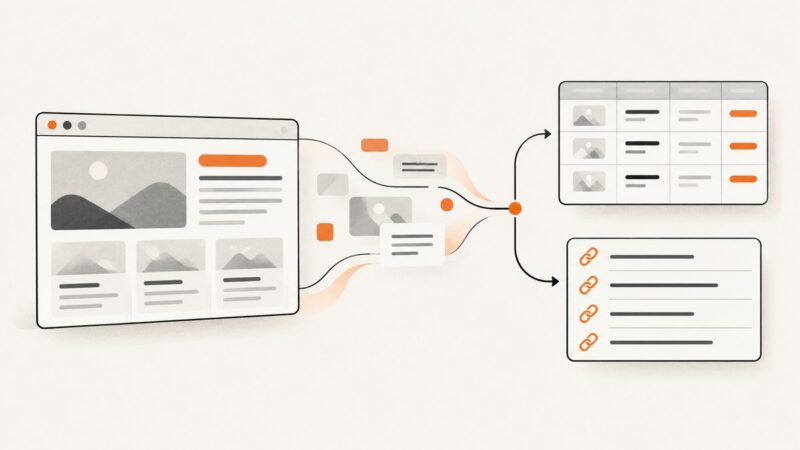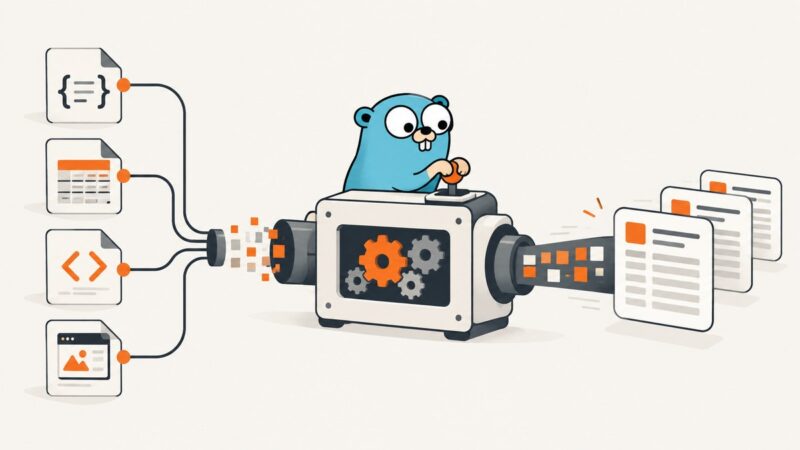
Data Extraction in Go
A complete Go guide to extracting JSON, CSV, XML, and HTML safely with typed mappings, streaming parsers, tests, and troubleshooting.
Blog
How to take clean screenshots, turn HTML into images and PDFs, run headless browsers, and give AI agents eyes. Written by the team that builds ScreenshotNeo.
A complete Go guide to extracting JSON, CSV, XML, and HTML safely with typed mappings, streaming parsers, tests, and troubleshooting.
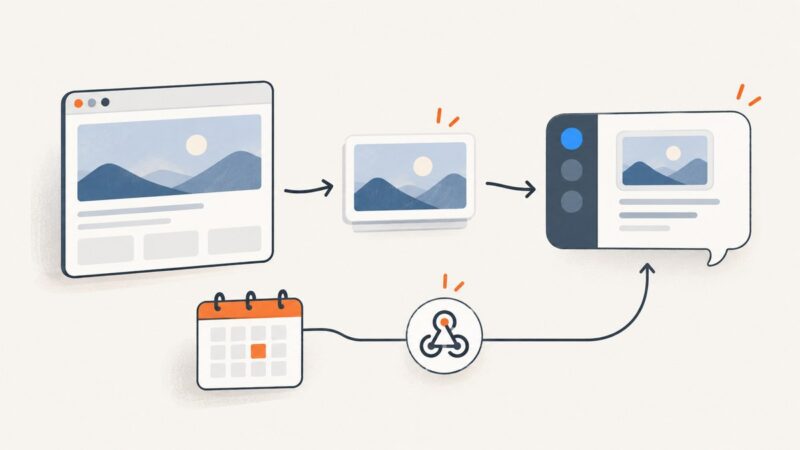
Capture a website from Slack on demand, or automate screenshots with scheduled and webhook-triggered workflows. Includes a custom app pattern and ready-to-run code.
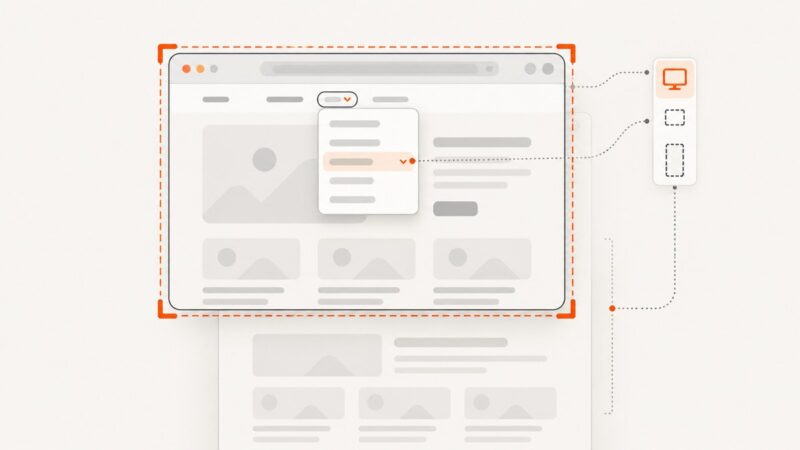
Capture an open website dropdown reliably in Chrome, Firefox, or an API workflow, including hover menus, full-page context, and element-only shots.
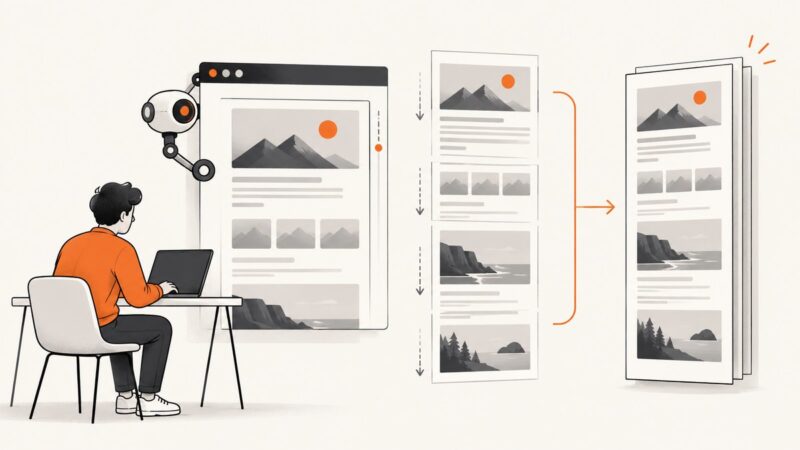
Use Playwright to render a Django page and capture its full scrollable height. This guide covers runnable scripts, Django tests, setup, options, and troubleshooting.
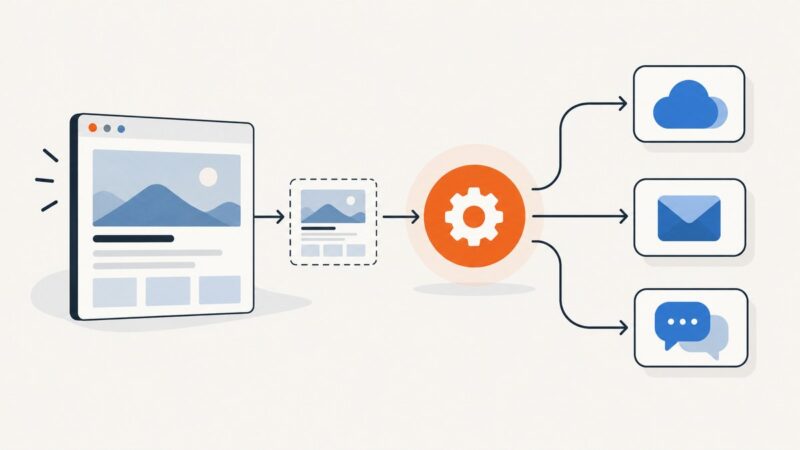
Schedule website screenshots in Make, capture them with a native app or HTTP request, and send the resulting files to storage, email, or team chat.
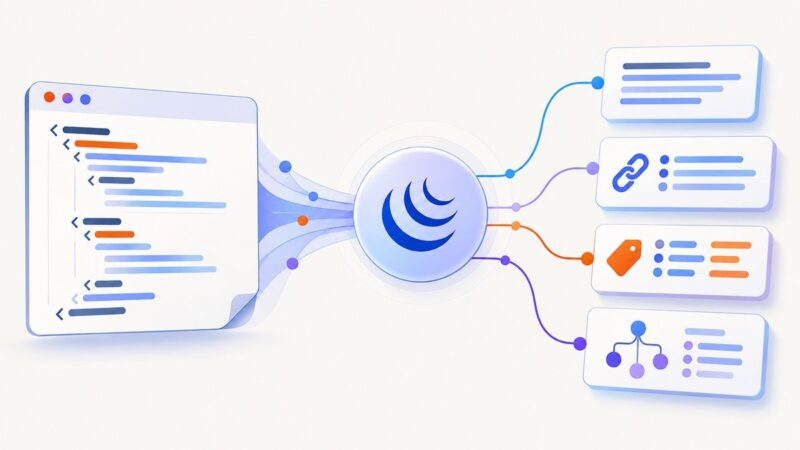
Learn how to parse HTML fragments with jQuery, extract text and attributes safely, handle multiple matches, and avoid common security mistakes.
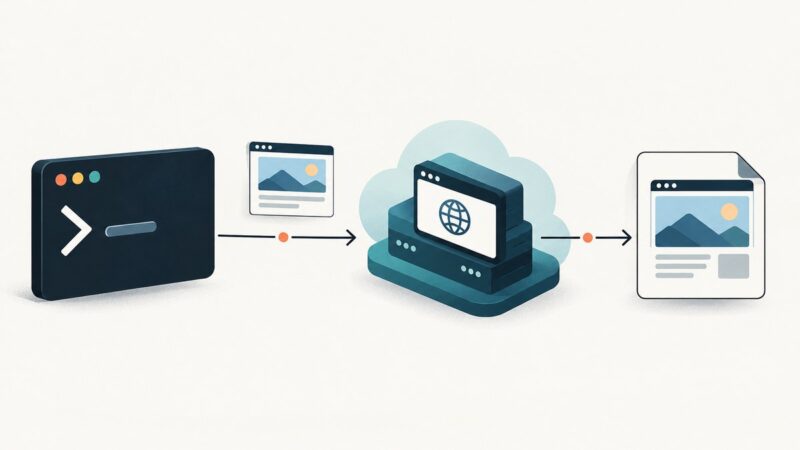
Use Bash and curl to capture reliable website screenshots, handle binary responses, automate full-page jobs, and avoid common API errors.
Compare Pikwy alternatives by rendering controls, scheduling, reliability, outputs, and price, then see which API fits your workflow.
ScrapingBee costs $19–$599/month. Compare credits, request costs, concurrency, billing rules and cheaper alternatives for your workload.
Compare ScreenshotNeo and Browserless on screenshot features, APIs, pricing, reliability, automation, and the best fit for your workload.
Stillio advertises plans from $29/month, but its full current price table needs confirmation. Compare reported tiers, capture limits, retention costs, and alternatives.
Learn the documented PhantomJS method for full-page screenshots, including viewport setup, dynamic pages, formats, errors, and a modern API option.
Hide consent banners in PhantomJS before rendering, understand cookie state, handle delayed popups, and migrate safely when PhantomJS is no longer maintained.
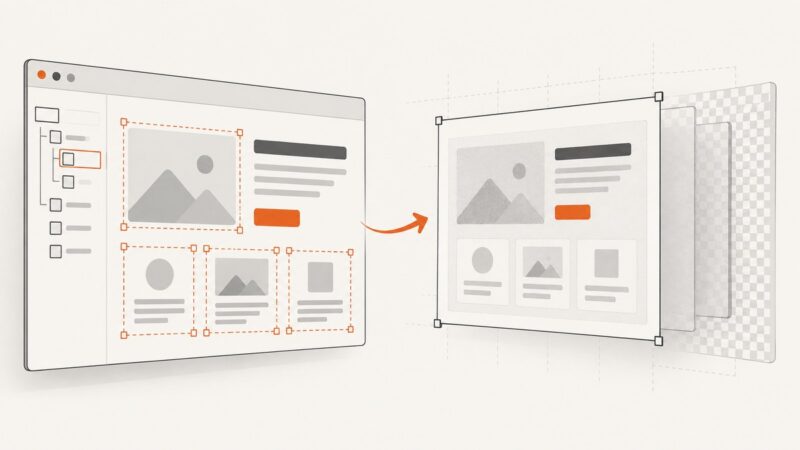
Change a live page and recapture it for the cleanest result, or edit an existing image when you only have the screenshot. Here are the steps, tools, and privacy checks.
Learn how link previews fetch metadata, choose images, cache results, and fail—and how to build previews that work across Slack, Messages, and social apps.
Render HTML with a headless browser in Deno, capture it as PNG, JPEG, or WebP, and avoid common permission and browser-install failures.
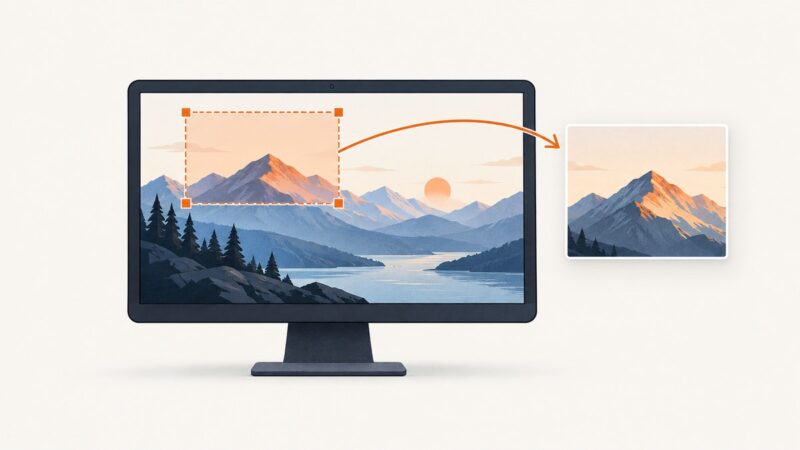
Capture and save a specific part of your screen with PyAutoGUI. Learn the region coordinates, setup, edge cases, and fixes for common errors.
Choose a free URL scraper based on the data you need, check its limits and privacy terms, and verify a sample before relying on the results.