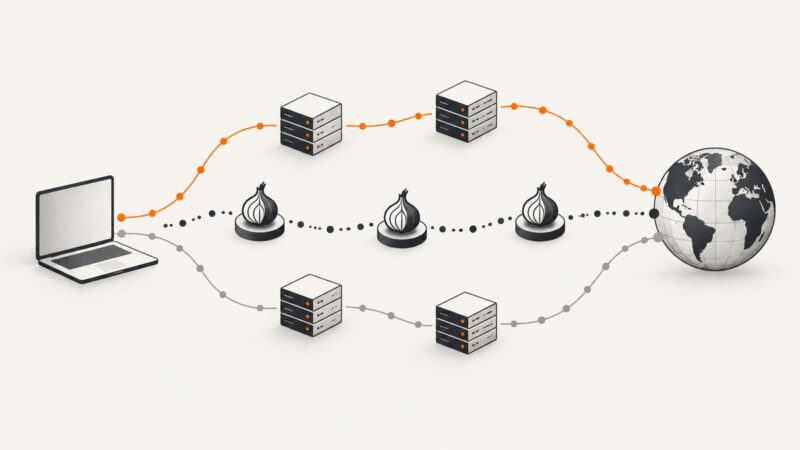
Best Free Web Proxies (Updated for 2026)
Compare free web proxies by privacy, safety, speed and reliability. Learn when to use a proxy, Tor or a screenshot API.
Blog
How to take clean screenshots, turn HTML into images and PDFs, run headless browsers, and give AI agents eyes. Written by the team that builds ScreenshotNeo.
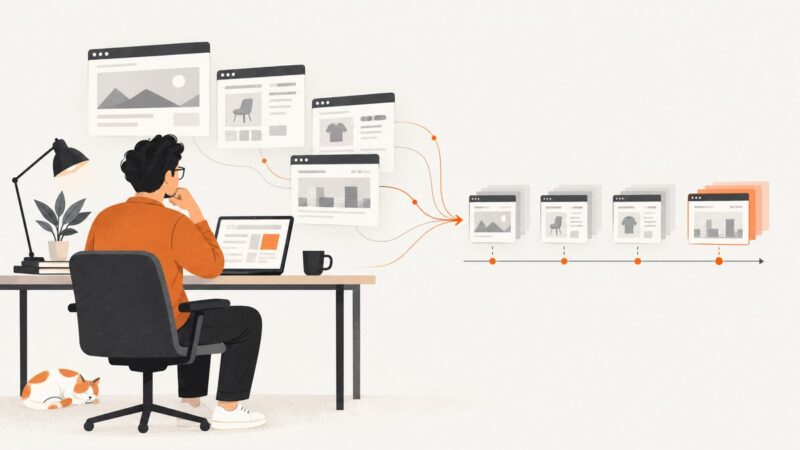
Compare free web proxies by privacy, safety, speed and reliability. Learn when to use a proxy, Tor or a screenshot API.
Choose the right coding language in 2026 by matching Python, TypeScript, JavaScript, Go, Rust, Java, C#, or C++ to your goals.
Generate route-specific Open Graph images with Next.js, ImageResponse, Satori, and Cloudflare, with complete code, caching guidance, and troubleshooting.
Capture webpages in Node.js with Puppeteer or Playwright. Learn viewport, full-page, and element screenshots, options, troubleshooting, and a hosted API alternative.
Inspect a request’s HTTP status and response headers in Chrome DevTools, then capture clear visual evidence with page-load context.
Learn how to capture webpages from JavaScript with browser code, hosted APIs, secure signed URLs, dynamic-content waits, and production-ready examples.
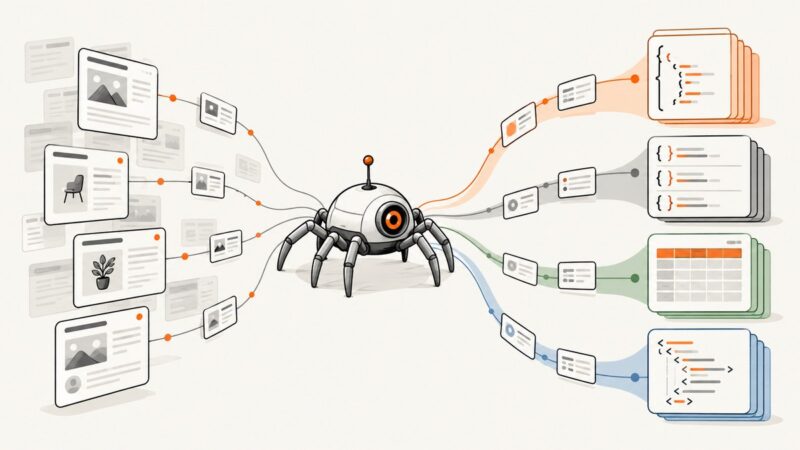
Choose JSON, JSONL, CSV, or XML based on your data shape, crawl size, and next system. Includes Scrapy and pandas examples, format trade-offs, and fixes.
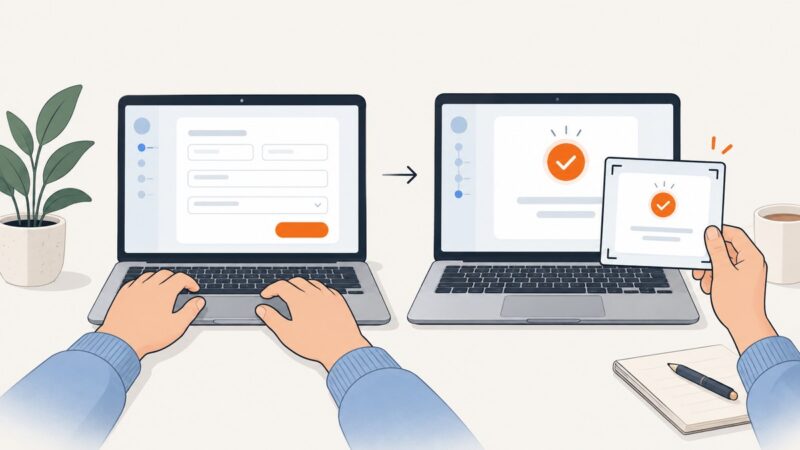
Submit a form through its normal validation flow, wait for the result to appear, then capture a clear screenshot with your browser or automation.
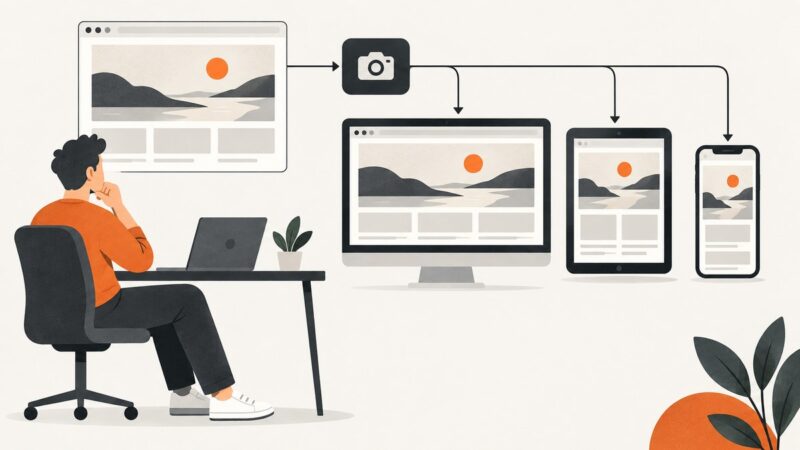
Compare ScreenshotNeo, ScreenshotOne, Browserless and Playwright for repeatable landing-page screenshots, visual regression and responsive testing.
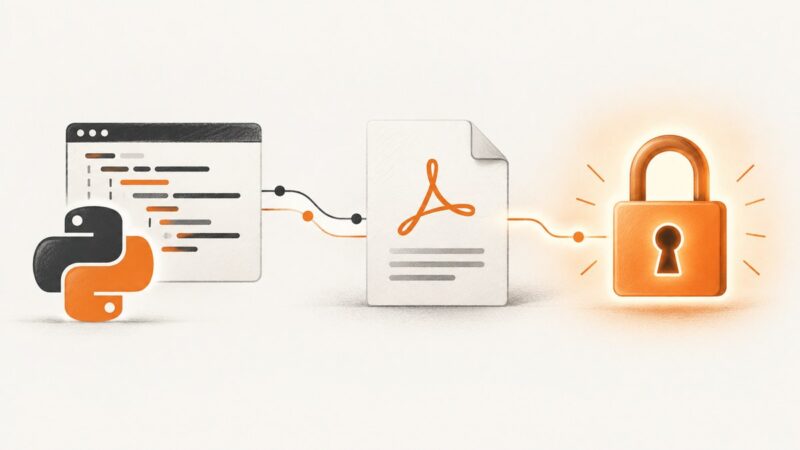
Learn how to encrypt PDFs in Python with ReportLab or pypdf, choose AES safely, set permissions, troubleshoot failures, and automate protected output.
Compare screenshot APIs for competitor monitoring, plan a reliable capture workflow, and choose a service with a repeatable trial on your own target pages.
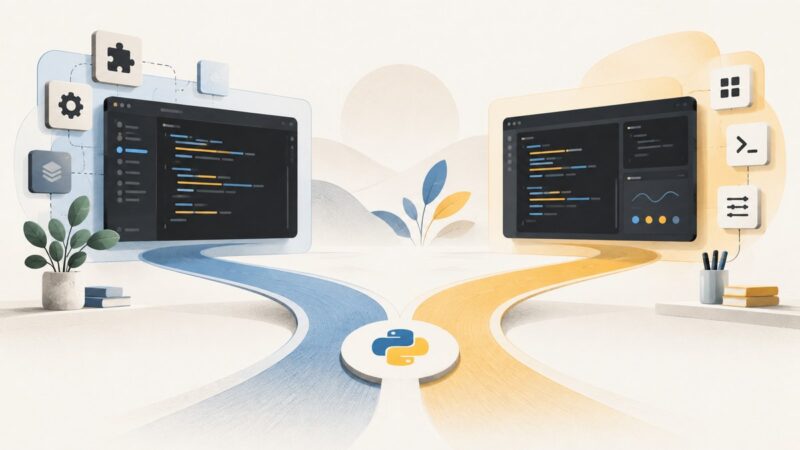
Compare VS Code and PyCharm for Python setup, environments, debugging, testing, notebooks, customization, and cost so you can choose confidently.
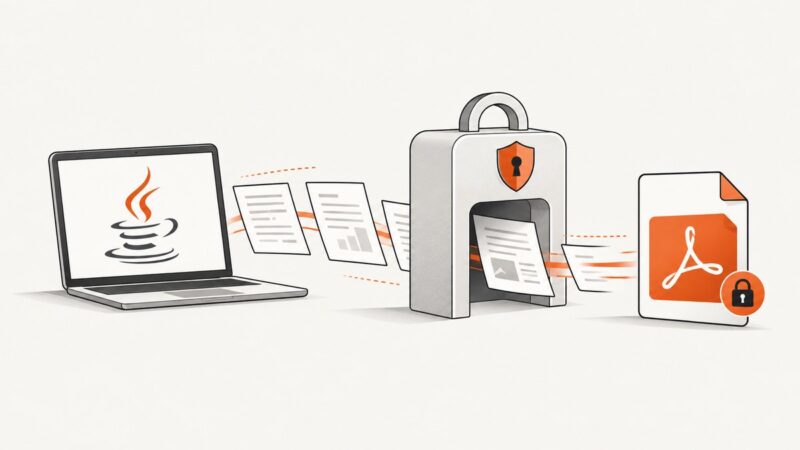
Password-protect and restrict a generated PDF with Apache PDFBox, with complete Java code, permissions, compatibility notes, and troubleshooting.
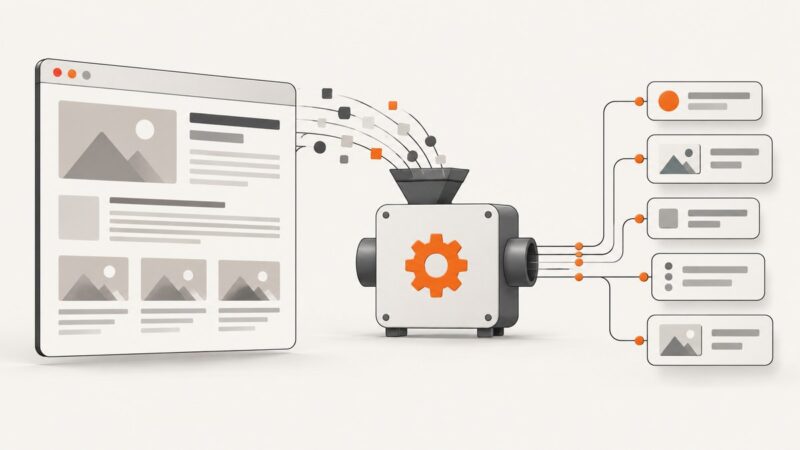
Learn how to fetch, parse, and extract reliable data from HTML with Beautiful Soup, Scrapy, lxml, and browser DOM APIs.
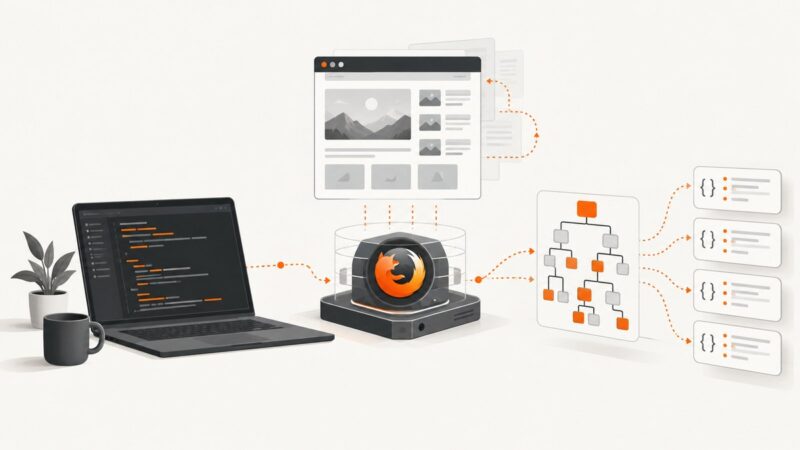
Learn Selenium and Playwright headless Firefox scraping with runnable code, waits, extraction patterns, troubleshooting, and production guidance.
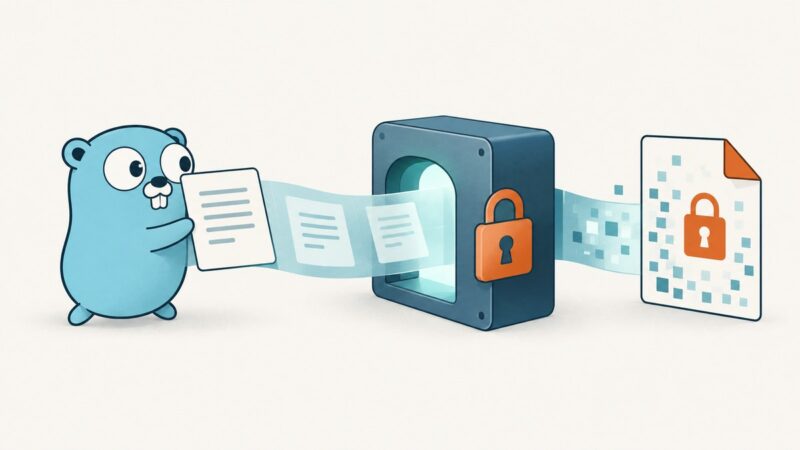
Generate a PDF in Go, encrypt it with AES-256 using pdfcpu, set permissions safely, and stream the protected file without exposing plaintext.
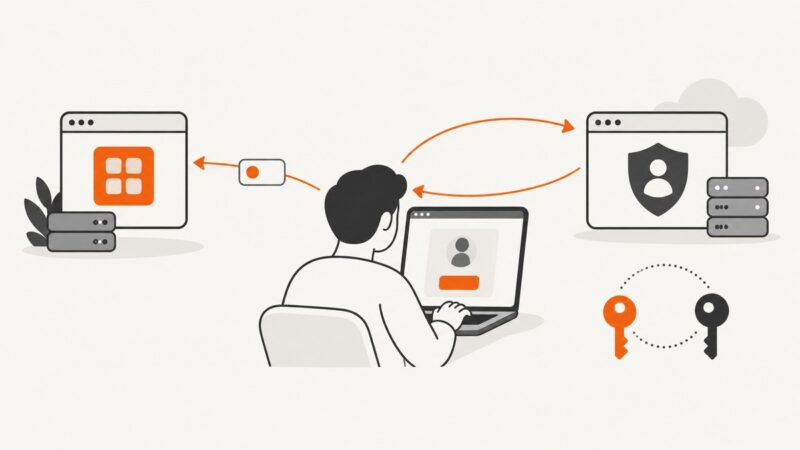
Learn how the OAuth authorization code flow works, implement it with PKCE, and exchange a code for tokens safely in a server-side app.
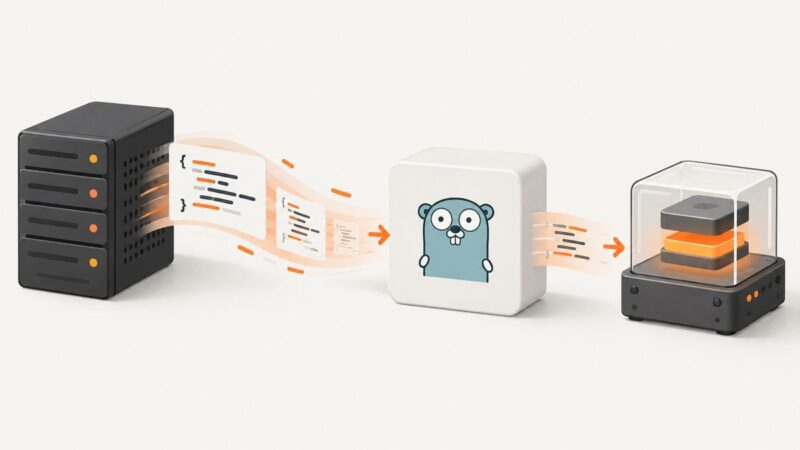
Fetch JavaScript with Go’s HTTP client, validate the response, and execute it with Goja. Includes complete code, runtime limits, troubleshooting, and a screenshot API option.