How to Find and Use Fonts for Generated Images
Choose a font, prompt an image generator to render short text, and finish lettering in a design tool when spelling or layout must be exact.
Blog
How to take clean screenshots, turn HTML into images and PDFs, run headless browsers, and give AI agents eyes. Written by the team that builds ScreenshotNeo.
Choose a font, prompt an image generator to render short text, and finish lettering in a design tool when spelling or layout must be exact.
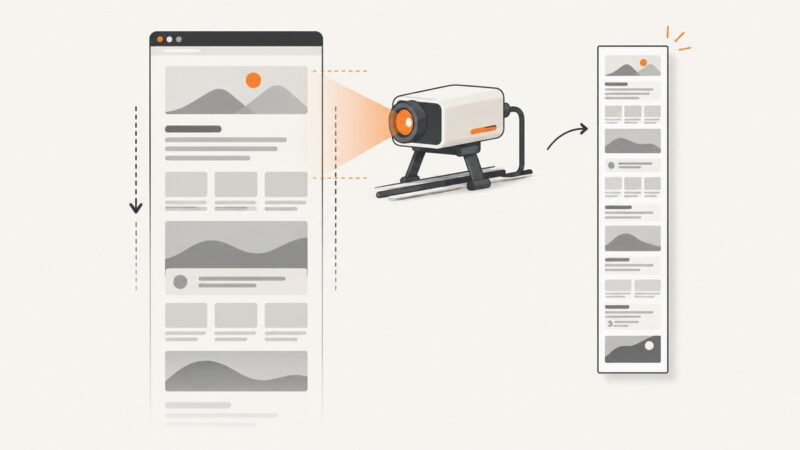
Use Splash Lua to wait for a page, resize to its full height, and capture PNG or JPEG output—with troubleshooting, alternatives, and API code.
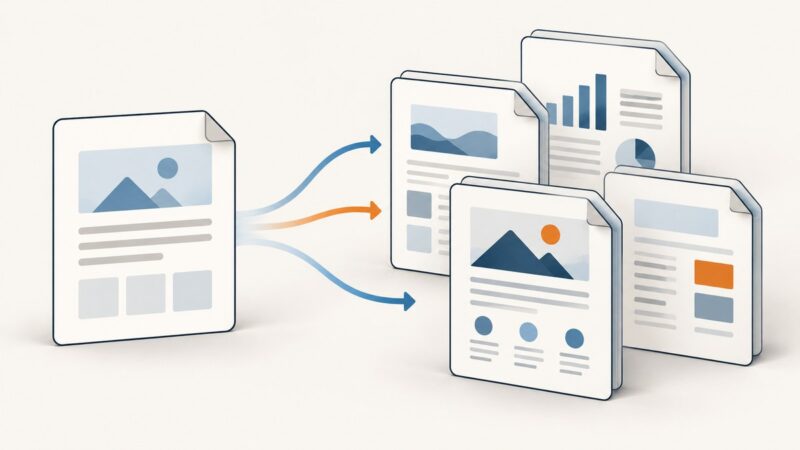
Learn how to merge structured data into reusable templates, create one or many PDFs, and validate pagination across real-world content.
Remove cookie banners before capturing a splash screen for a clean, repeatable result. Learn browser, automation, iframe, and screenshot API workflows.
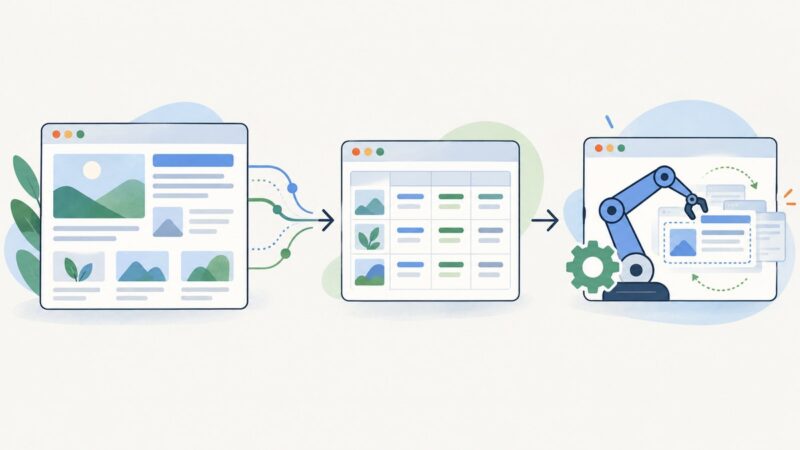
Learn to extract title, canonical, robots, Open Graph, Twitter Card, and JSON-LD metadata from raw or JavaScript-rendered pages.
Schedule website checks, compare screenshots, and get useful alerts. Learn how to choose a monitoring scope, run captures reliably, and investigate changes.
Learn how to monitor whole pages or specific elements, compare revisions, handle dynamic sites, and send reliable change alerts.
Learn how to find the request behind dynamic pagination, follow its real continuation signal, and use Playwright when you need a browser.
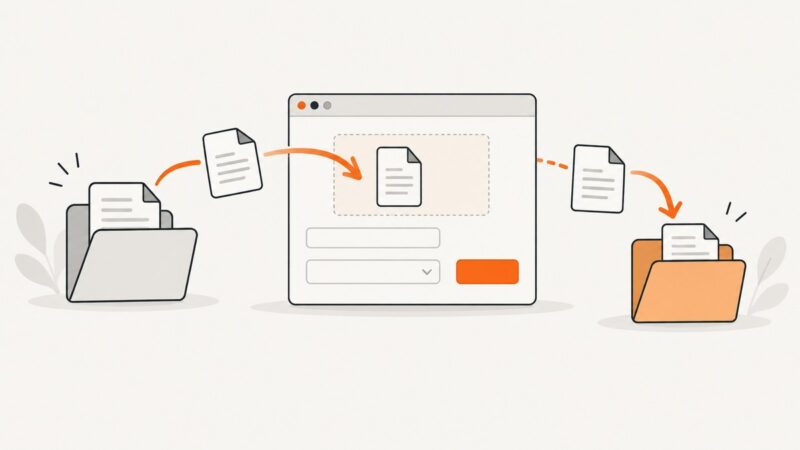
Upload files through Puppeteer’s file input or chooser, and handle downloads with explicit browser settings, bounded waits, and integrity checks.
Compare white-label SDKs for video, image and PDF editing, including formats, platforms, licensing, rendering, tenancy and pricing models.
Capture a Facebook post, photo, profile, or screen on any device. Learn the shortcuts, where screenshots are saved, and when Messenger may send an alert.
Use Playwright to render pages, extract ordered Open Graph metadata, and save viewport, full-page, or element screenshots reliably.
Capture an entire webpage with Pyppeteer’s `fullPage` option, handle lazy-loaded content, and troubleshoot missing sections and browser setup.
Learn what screen scraping means, when to use HTML parsing or a real browser, and how to build a responsible workflow with Python examples.
Need eBay listing data? Start with the official Browse API: scraping eBay pages without express permission conflicts with its current US User Agreement.
Learn Liquid objects, tags, filters, reusable snippets, and the HTML-to-PDF pipeline with runnable invoice templates and troubleshooting.
Learn how to resize screenshots to exact pixels on Windows, Mac, iPhone, Android, and with code while preserving quality and aspect ratio.
Monitor a page on a schedule, compare screenshots, and get useful alerts. Learn how to reduce false positives, choose a tool, and build a simple DIY workflow.