How to Create Open Graph Images With HTML and CSS
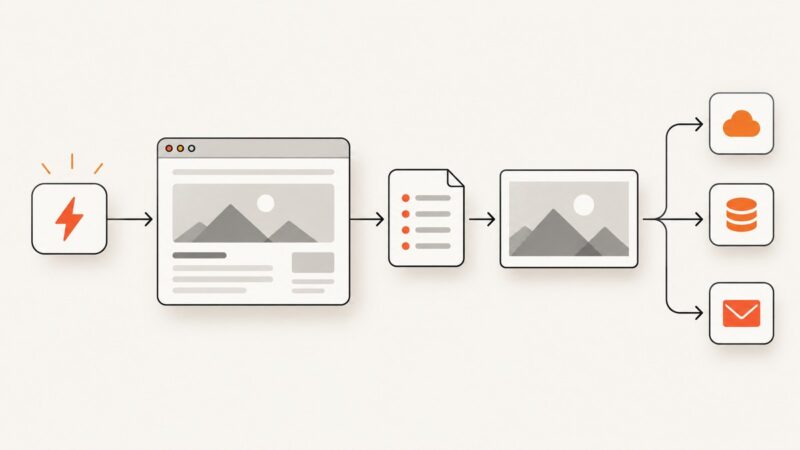
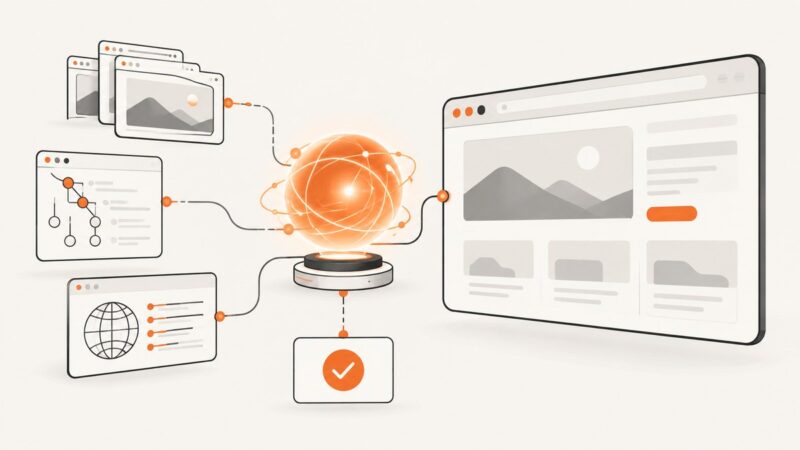
Build a reusable HTML/CSS card, render it to an image, and add Open Graph metadata so social platforms can fetch and preview it.
Blog
How to take clean screenshots, turn HTML into images and PDFs, run headless browsers, and give AI agents eyes. Written by the team that builds ScreenshotNeo.
Build a reusable HTML/CSS card, render it to an image, and add Open Graph metadata so social platforms can fetch and preview it.
Learn what stealth browser automation changes, which libraries fit testing, why detection persists, and how to build reliable authorized workflows.
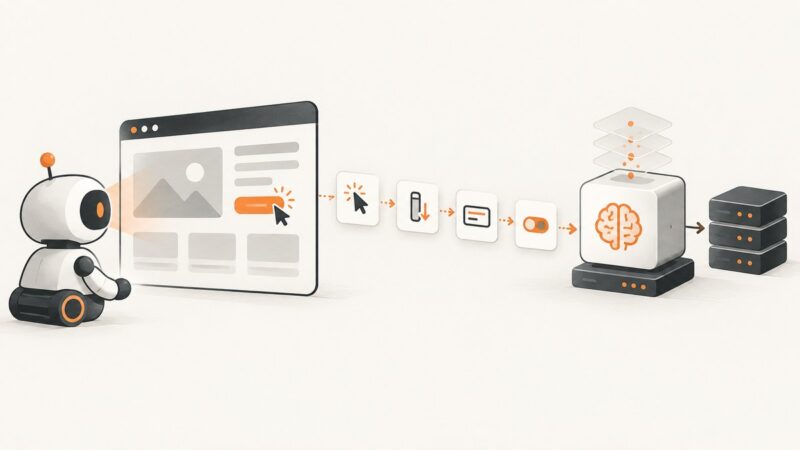
Use Playwright or browser tools to collect LLM interaction traces, then prepare and evaluate them in a separate training pipeline.
Yes. Create 2x or 3x image variants and let the browser or operating system choose the right one for a sharp image without sending oversized files to everyone.
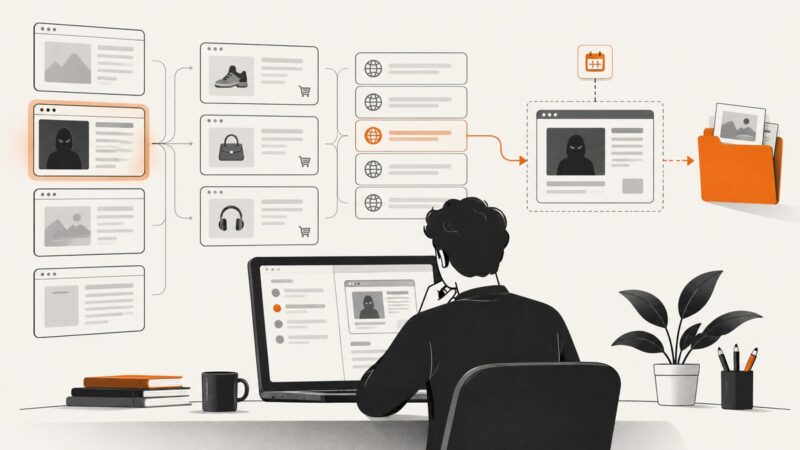
Build a repeatable process to find possible brand misuse, preserve dated evidence, and route reports to the right place without treating a lead as a legal finding.
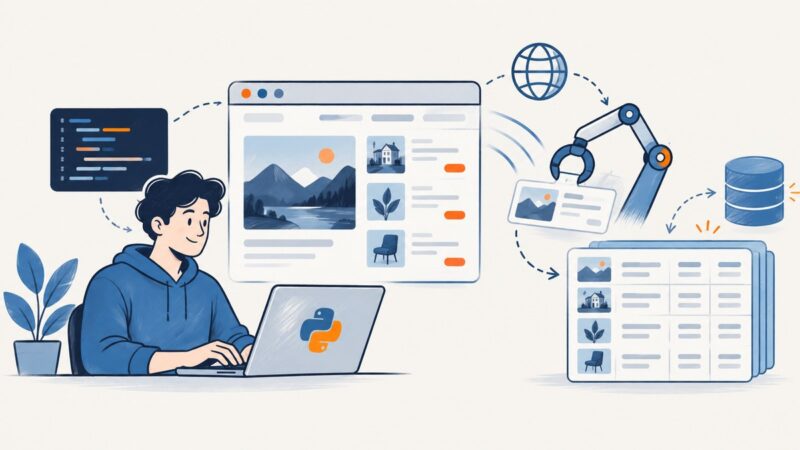
Build reliable Selenium scrapers in Python with explicit waits, resilient locators, pagination, scaling advice, and practical troubleshooting.
A practical broker-dealer guide to FINRA Rule 4511, SEC Rules 17a-3 and 17a-4, electronic records, communications, retention and examinations.
Learn how to resize and compress photos, screenshots, and graphics with the right format, quality settings, responsive HTML, and practical code.
Install Playwright on Ubuntu EC2, choose managed Chromium or branded Chrome, lock down access, and troubleshoot headless browser jobs.
See how n8n connects browser automation to scraping, screenshots, PDFs, crawling, forms, and reliable downstream workflows.
Create hundreds of personalized wedding invitations from a spreadsheet with Canva, Word, Avery, or Adobe Express—then proof and print without batch errors.
Learn how browser automation works, when to use Selenium or Playwright, how to write reliable tests, and how to capture pages without browser setup.
Use CSS box-shadow for element boxes and text-shadow for text. Learn the syntax, layering, inset effects, common fixes, and how to preview the result.
Choose the right Playwright debugging tool for the failure: Inspector, UI Mode, browser DevTools, or a CI trace. Includes runnable commands and fixes.
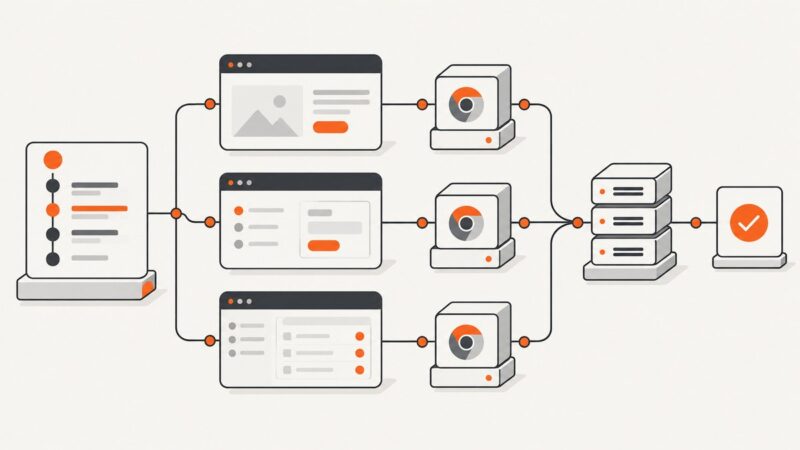
Scale Puppeteer by choosing who owns Chrome, isolating task state, and measuring capacity with representative workloads. Here are runnable worker patterns and a deployment checklist.
Record a browser flow in Chrome DevTools, export it as Puppeteer JavaScript, run it locally, and harden the script for reliable automation.
Playwright and Selenium both automate headless browsers. Compare browser coverage, isolation, setup, languages, and scaling to choose the fit for your team.
Compare Browserless with running your own Playwright or Puppeteer fleet, including security, scaling, cost, operations, and deployment decisions.