How to Set Up MCP Servers in Cursor
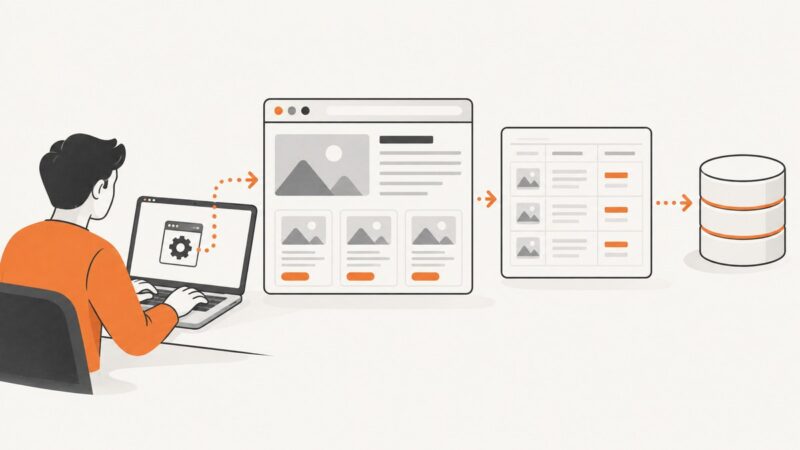
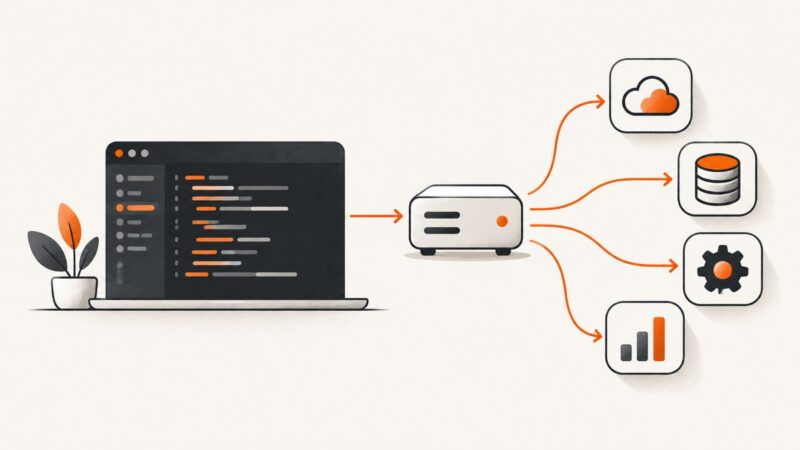
Connect an MCP server to Cursor with the marketplace or a JSON config. Learn how to choose a scope and transport, protect credentials, verify tools, and fix common connection problems.
Blog
How to take clean screenshots, turn HTML into images and PDFs, run headless browsers, and give AI agents eyes. Written by the team that builds ScreenshotNeo.
Connect an MCP server to Cursor with the marketplace or a JSON config. Learn how to choose a scope and transport, protect credentials, verify tools, and fix common connection problems.
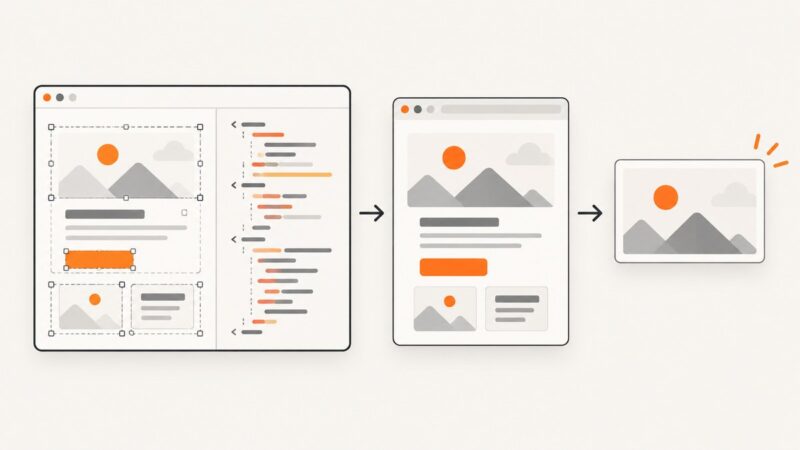
Learn the reliable HTML and CSS pattern for readable image overlays, responsive crops, accessibility, debugging, and production-ready examples.
Learn Selenium WebDriver scraping from setup to reliable waits, selectors, dynamic pages, troubleshooting, and a browser-free ScreenshotNeo option.
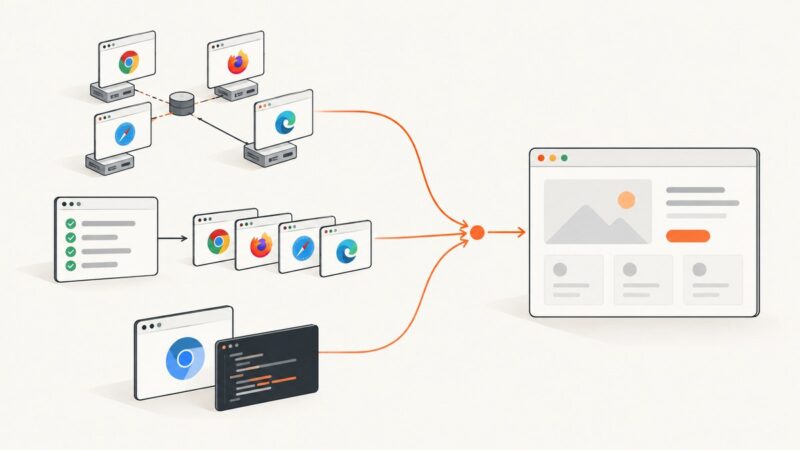
Choose a browser automation framework by browser coverage, language, runner, and execution needs. Compare Selenium, Playwright, and Puppeteer with runnable examples.
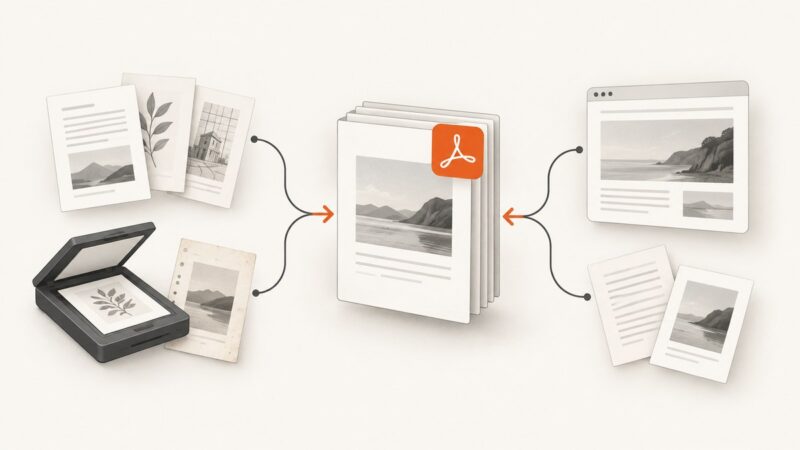
Create one PDF from a paginated document, separate files, or scanned pages. Learn how to combine and order pages, use Mac Preview, and capture web pages as PDF.
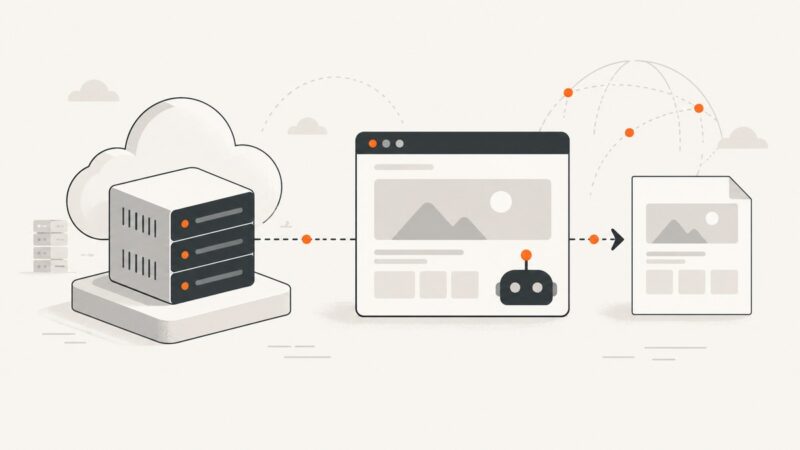
Headless browsers run without a visible window, but modern Chrome Headless shares the regular browser implementation. Here’s how to choose a mode and debug it.
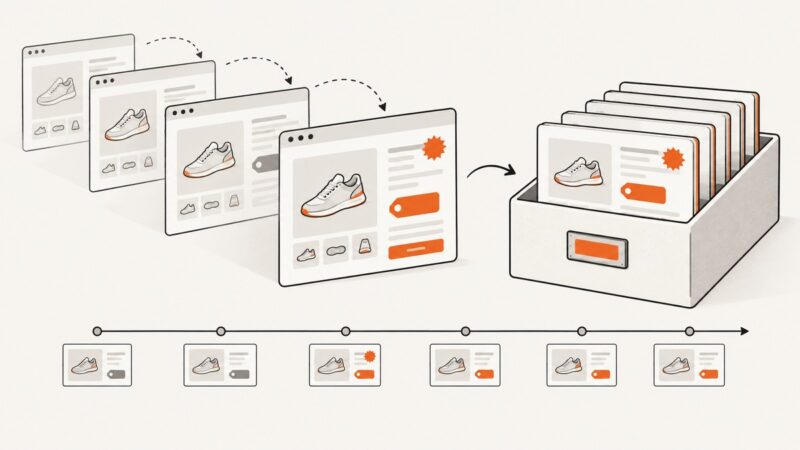
Learn how to capture, timestamp, hash, preserve, and verify website screenshots without overstating what a screenshot proves.
Design an HTML/CSS template editor, render faithful exports, avoid canvas traps, and choose the right capture architecture for production.
Build a reliable workflow for tracking competitor prices with dated screenshots, extracted fields, localization, alerts, and human verification.
Build a repeatable investor or board report from web and internal data, with clear metric definitions, traceable sources, and a reviewable output.
Learn how to prove Chrome uses a GPU, build repeatable Linux benchmarks, compare instances fairly, and diagnose rendering failures.
Deploy a reliable Puppeteer worker on Google Compute Engine: install Chrome, configure Linux dependencies, run it as a service, and troubleshoot failures.
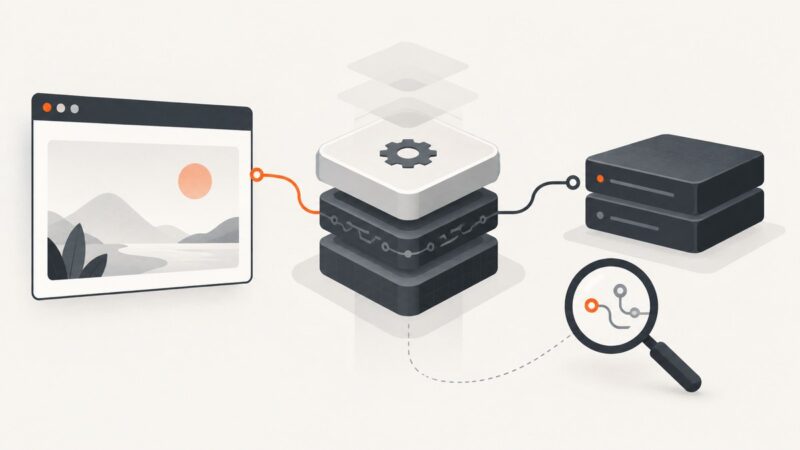
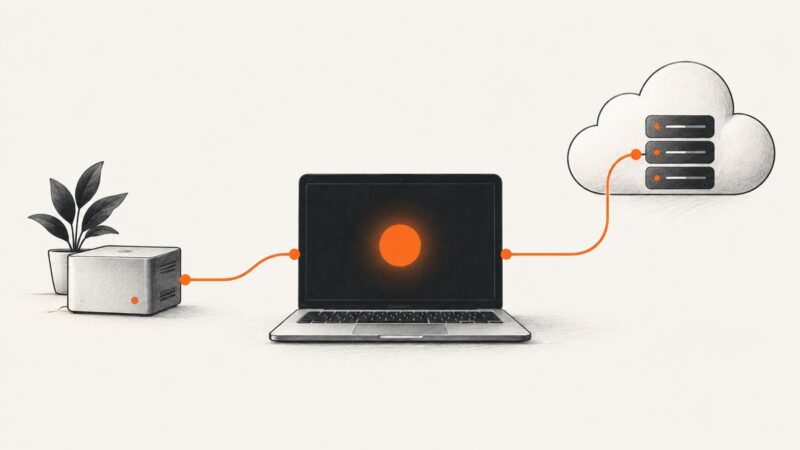
Connect Claude Code to an image-generation MCP server with local stdio or remote HTTP, then verify scope, auth, tools, and permissions.
Choose a PDF approach that fits your language and layout, then generate reports and invoices from structured data with runnable Python and JavaScript examples.
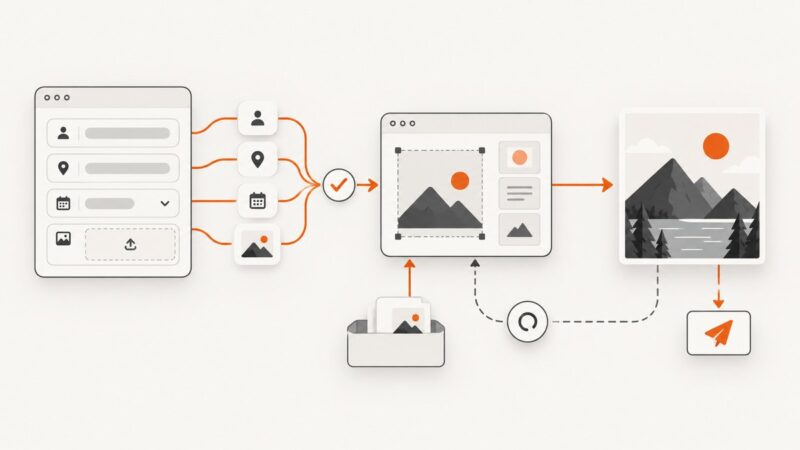
Turn form answers into personalized images with no-code workflows, templates, or custom code. Includes validation, uploads, delivery, retries, and a working example.
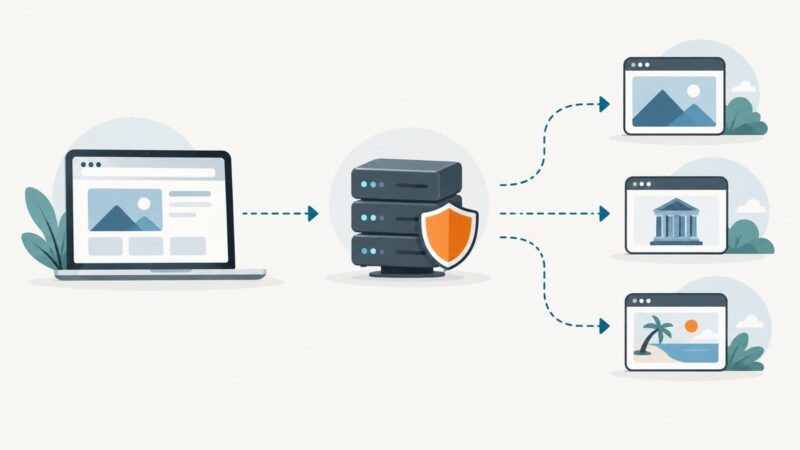
A proxy browser routes browser traffic through an intermediary. Learn how it works, what it hides, security trade-offs, setup options, and safer screenshot workflows.
Build a clear, printable property sheet with website screenshots while checking image rights, map terms, and local MLS rules before sharing.
Compare Playwright and Puppeteer on browsers, waiting, test runners, CI, and language support, then choose the right fit for your project.