How to Scale Laravel Dusk Browser Tests with Headless Chrome
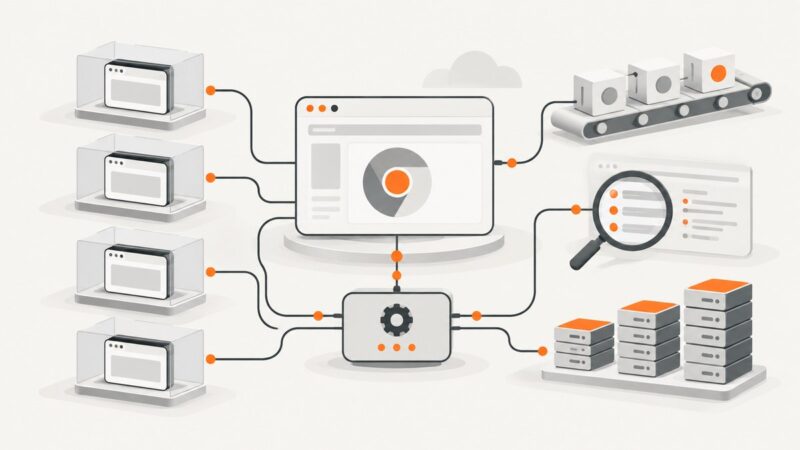
A practical guide to reliable Laravel Dusk scaling: reproducible Chrome, isolated data, CI sharding, Selenium, debugging, and cost-aware capacity planning.
Blog
How to take clean screenshots, turn HTML into images and PDFs, run headless browsers, and give AI agents eyes. Written by the team that builds ScreenshotNeo.
A practical guide to reliable Laravel Dusk scaling: reproducible Chrome, isolated data, CI sharding, Selenium, debugging, and cost-aware capacity planning.
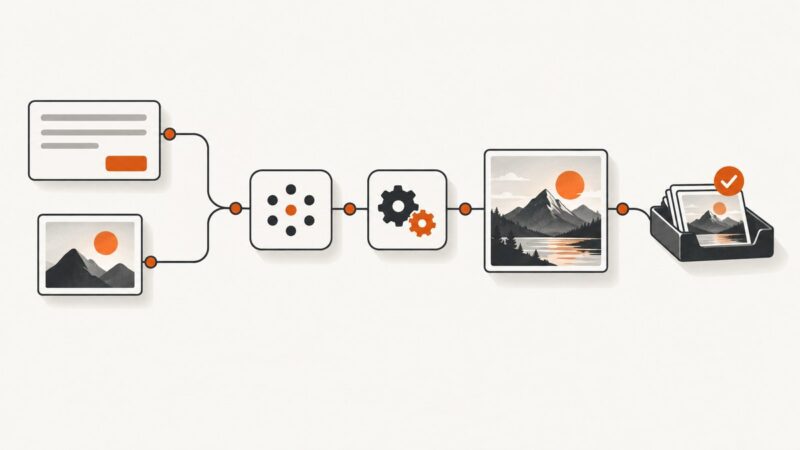
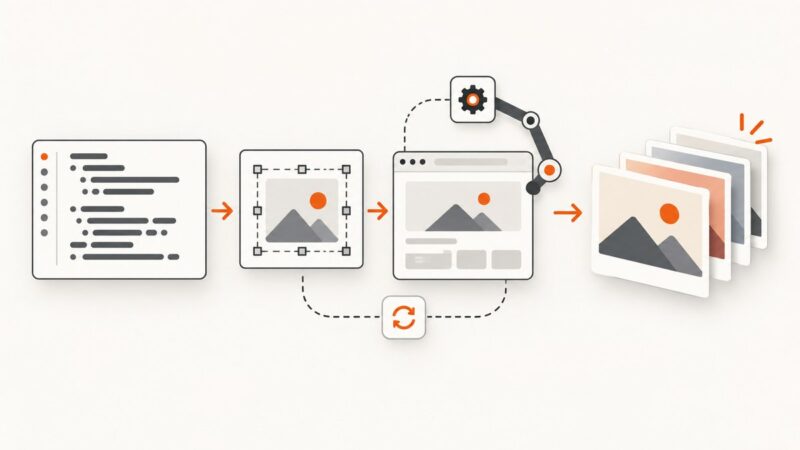
Connect a trigger, prompt, image generator, storage, and review step into a dependable no-code workflow—with practical guidance for edits, errors, and cost.
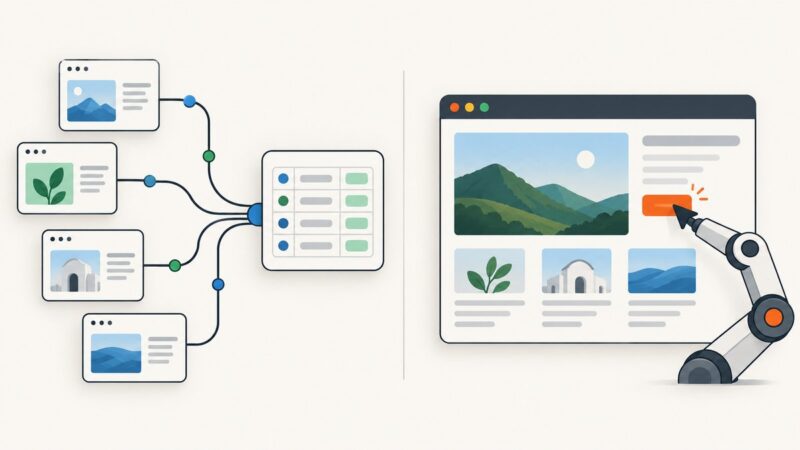
Build a workflow that spots engaging posts, turns their content into branded visuals, and publishes only after the render and approval checks pass.
Run Puppeteer inside a Chrome extension by connecting it to a tab with ExtensionTransport. Learn the setup, limits, testing options, and when a remote screenshot API is simpler.
Choose Scrapy for high-volume crawling and structured extraction; choose Selenium when pages need a real browser or user interaction. Here’s how to decide, build each, or combine them.
Inspect Android Chrome tabs and app WebViews with desktop DevTools. Set up USB discovery and ADB forwarding, use the Chrome DevTools Protocol, and fix common connection problems.
Set text color at render time with Cloudinary or Bannerbear, handle per-record colors, validate input, and avoid common dynamic-image failures.
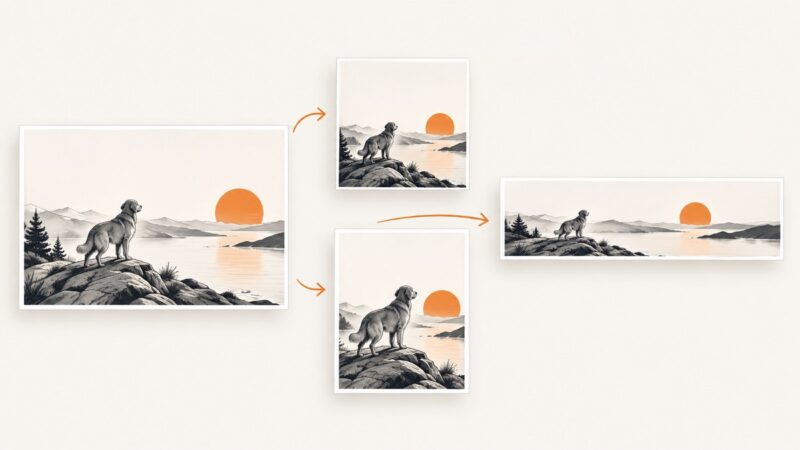
Learn how smart cropping chooses focal points, fits any aspect ratio, handles faces and objects, and ships reliable image variants.
Package Playwright and its browsers in a Linux container, deploy it to Azure Functions, and troubleshoot launches, dependencies, scaling, and costs.
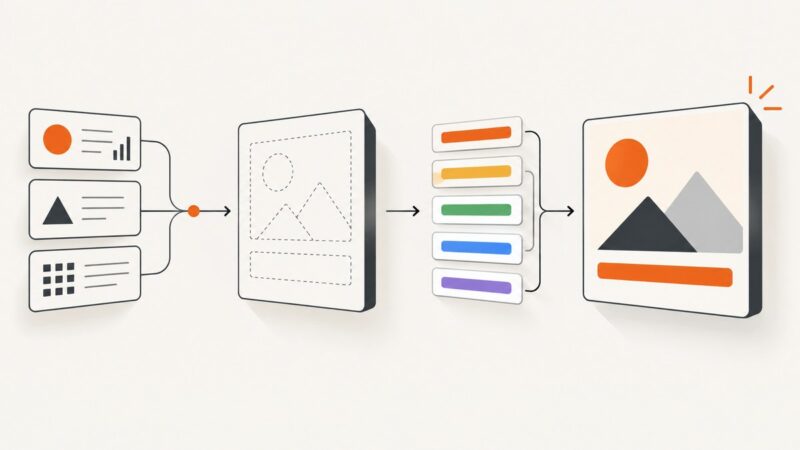
Create readable, on-brand code cards with Carbon, Snappify or a repeatable SVG workflow, then automate web captures with ScreenshotNeo.
Build a Make scenario that turns a trigger and prompt into an image, then routes the result to storage or publishing. Includes setup, testing, troubleshooting, and code.
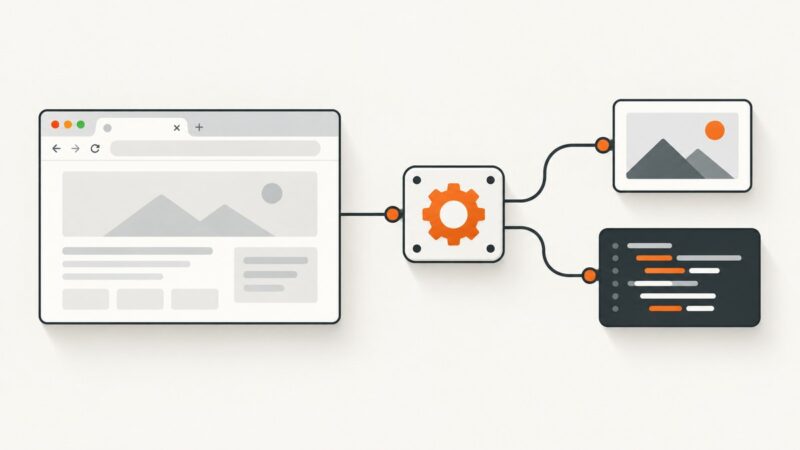
Learn when to print a web page to PDF, when to capture a full-page image, and how to automate clean PDF captures with code.
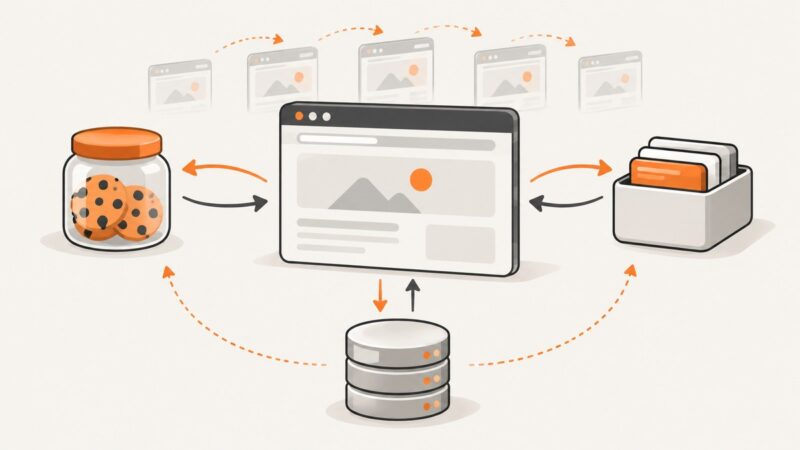
Learn what browser sessions, cookies, storage, and HTTP cache actually preserve, how to reuse them safely, and how to automate clean screenshots.
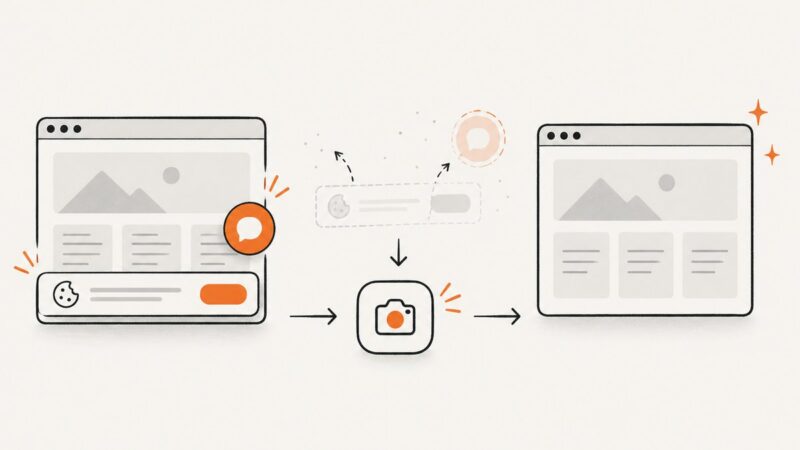
Capture a webpage with its URL, time, context, and original file intact. Learn what a screenshot can support, where it falls short, and how to preserve it.
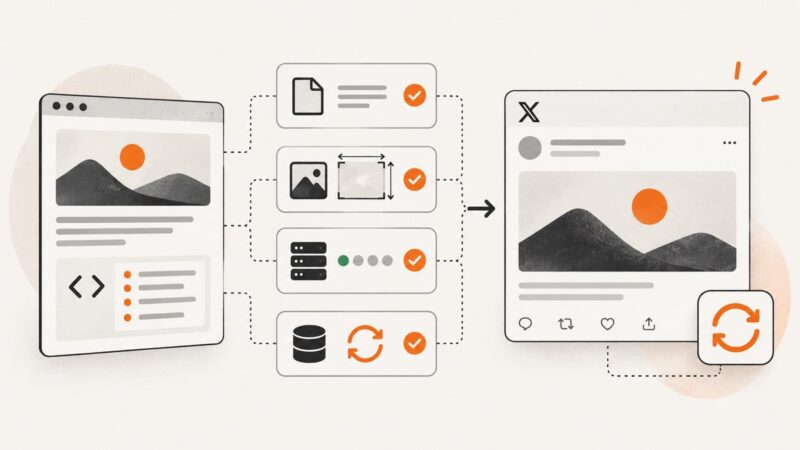
Learn how X/Twitter card previews work, validate metadata and images, diagnose failures, and verify fixes when the old Card Validator is unavailable.
Automate TLS certificate issuance and renewal with ACME, Certbot, cert-manager, or AWS services, including deployment, troubleshooting, and monitoring.
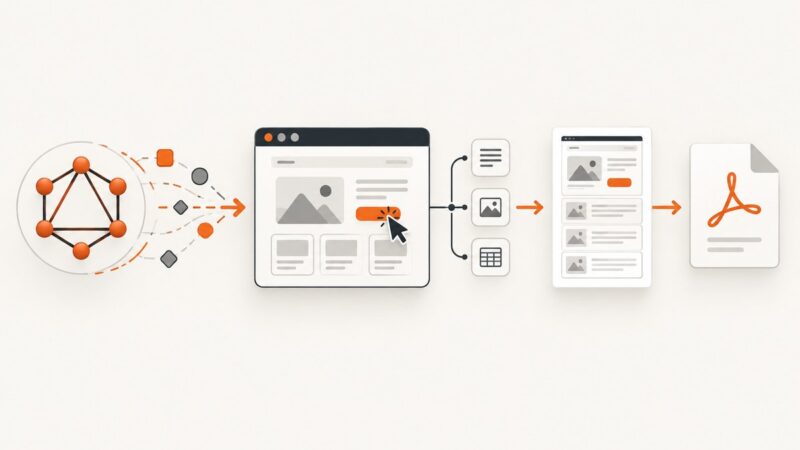
Learn BrowserQL’s GraphQL workflow for navigation, extraction, screenshots and PDFs, with runnable cURL, Python and Node.js examples.
Generate PDFs from web pages with Puppeteer’s `page.pdf()`. This guide covers setup, page readiness, print styling, PDF options, troubleshooting, and a no-browser API option.