How to Use Google-Managed MCP Servers in Developer Workflows
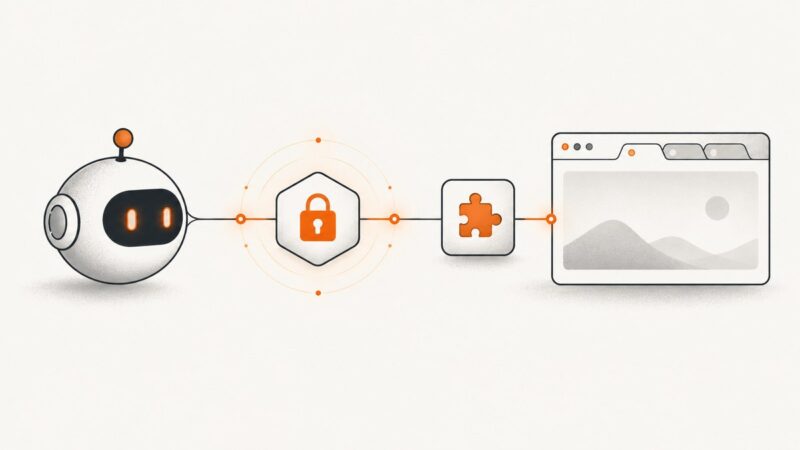
Connect Google-managed MCP servers to Gemini CLI and other clients with IAM, OAuth, tool controls, troubleshooting, and production guidance.
Connect Google-managed MCP servers to Gemini CLI and other clients with IAM, OAuth, tool controls, troubleshooting, and production guidance.
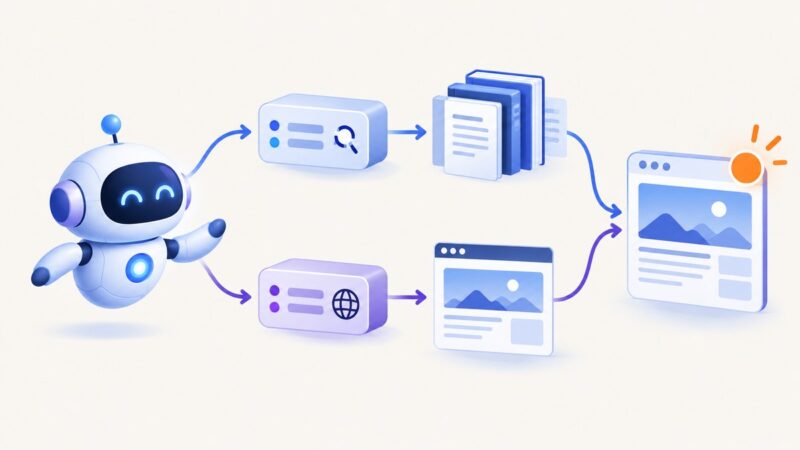
Connect Google’s documentation-search MCP server and Playwright MCP to research, inspect, and automate browser workflows safely.
Use Grafana’s MCP server and get_panel_image to render a dashboard or panel as PNG. Set up permissions, the renderer, and a compatible client.
Connect Expo MCP to an AI assistant, capture simulator screens, troubleshoot local tools, and choose the right screenshot workflow.
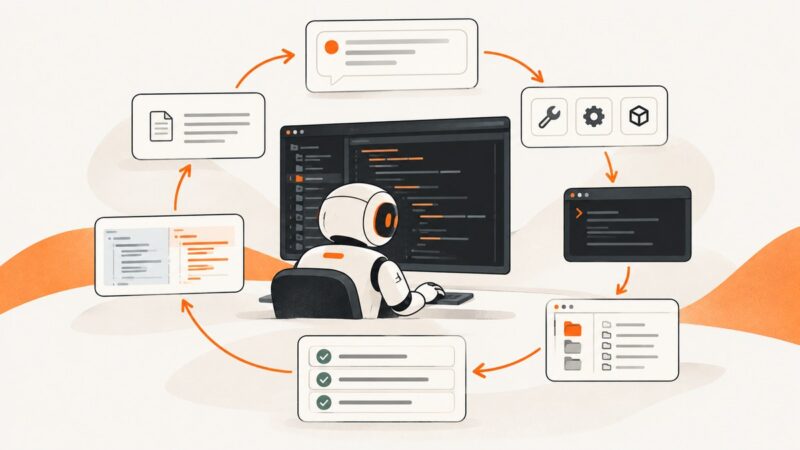
Build a bounded AI agent with clear instructions, controlled tools, a safe run loop, and repeatable evaluations. Includes runnable Python code and deployment guidance.
Capture the full Blender window, just the 3D Viewport, or a viewport render with MCP. Set up the right tool, save to a known path, and troubleshoot common issues.
Learn how AI agents work in VS Code, configure reusable roles and tools, control approvals, and review changes safely.
Learn how AI agents use retrieval-augmented generation, with a runnable implementation, architecture decisions, evaluation methods, and production guidance.
Learn how to build Java AI agents with tools, memory, workflows, LangChain4j, Spring AI, MCP, and production safeguards.
Use an MCP screenshot tool to capture a whole desktop, a screen region, or a browser page. This guide explains setup, tool calls, scaling, permissions, and troubleshooting.
Learn how Playwright accessibility snapshots, MCP refs, and screenshots work together in reliable AI-agent browser workflows.
Connect Browser Use Cloud MCP to Claude Code, compare hosted and local setups, verify tools, and troubleshoot authentication and connection errors.
Build an MCP server that gives ChatGPT a persistent browser, fresh screenshots, and safe visual feedback after every action.
Connect Playwright MCP to VS Code, choose the right configuration scope, and use browser tools safely in agent chat.
Connect an AI agent to Chrome with chrome-devtools-mcp. Install it, choose a browser mode, and keep authenticated sessions and page content under control.
Install Playwright MCP, connect it to an AI client, automate browsers safely, reuse sessions, and capture reliable screenshots.
Connect MCP to existing Chrome, Edge, or Firefox sessions with Playwright, Chrome DevTools, or Firefox MCP, plus security and troubleshooting guidance.
Connect Playwright MCP to an AI assistant, capture a viewport, element, or full page, and choose the right image options for the job.