How to Build an LLM for Web Development
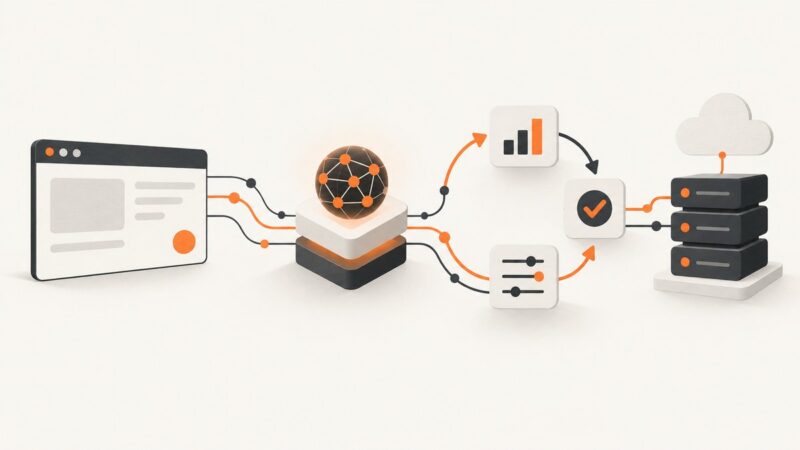
Build a production LLM web app with a practical sequence for model choice, prompting, RAG, evaluation, deployment, and monitoring.
Step-by-step guides to capturing the web: screenshots, full pages, elements, devices and more.
Build a production LLM web app with a practical sequence for model choice, prompting, RAG, evaluation, deployment, and monitoring.
Learn BrowserStack Test Management API authentication, resources, pagination, bulk cases, runs, plans, results, permissions, and production integration patterns.
Compare C# HTML-to-image approaches and convert HTML or URLs to PNG, JPEG, WebP, or PDF with complete .NET examples.
Choose, customize, and code responsive website image banner templates with practical layouts, image sizing, accessibility, and implementation guidance.
Choose gym background images that fit your audience, preserve readable text on every crop, load quickly, and have the rights you need.
Explore practical website image banner ideas, with design guidance, responsive code, accessibility checks, and implementation tips for real pages.
Choose a website background image that supports your message, keeps text readable, survives responsive crops, loads quickly, and remains accessible.
Create Google Play screenshots that meet current size rules, explain your app clearly, support localization, and publish without rejected assets.
Choose a school website background that fits the message, keeps text readable on every crop, and is cleared for publication.
Choose a banner image that supports your message, crops well on mobile, keeps text readable, loads quickly, and has the right usage rights.
Find polished free website backgrounds on Unsplash, Pexels and Pixabay, then check licenses, people, logos and mobile crops before publishing.
Convert HTML to a reliable PNG with Playwright, Chrome Headless, or an API. Covers full-page capture, fonts, lazy images, privacy, and troubleshooting.
Use a 1200 × 630 Open Graph image for Facebook link previews in 2026, with the correct tags, crop-safe design, and debugging steps.
Learn when headless browsers are the right choice for automation, screenshots, PDFs and CI—and when a simpler HTTP or accessibility tool is better.
Reduce image bytes with the right format, dimensions and quality settings, then verify the result against your upload or website limits.
Use a square image at least 320 × 320 pixels for your Facebook Page profile picture in 2026, then keep important details centered for the circular crop.
BrowserStack testing uses cloud browsers and real devices for manual checks and automated tests. Learn what it covers, how to choose it, and its limits.
Google Forms does not document screenshot detection or alerts. Learn what Forms can track, what external tools may change, and how to verify claims.