How to Fix WordPress Changes Not Showing on Your Website
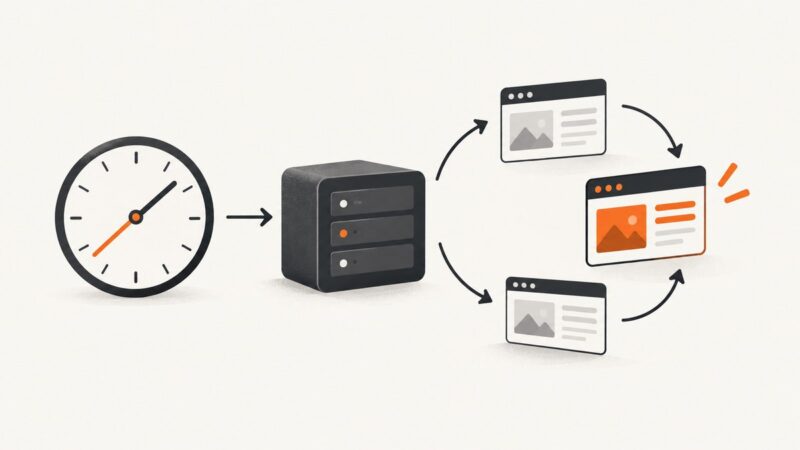
WordPress edits can be hidden by browser, plugin, host, CDN, or template caches. Follow this layered checklist to find and fix the stale page.
WordPress edits can be hidden by browser, plugin, host, CDN, or template caches. Follow this layered checklist to find and fix the stale page.
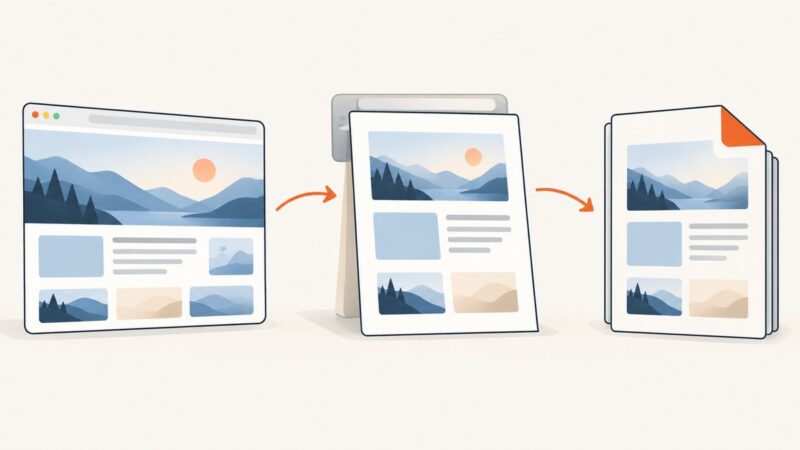
Save a Chrome webpage as a PDF on desktop or Android, check print settings, and understand the documented options on iPhone and iPad.
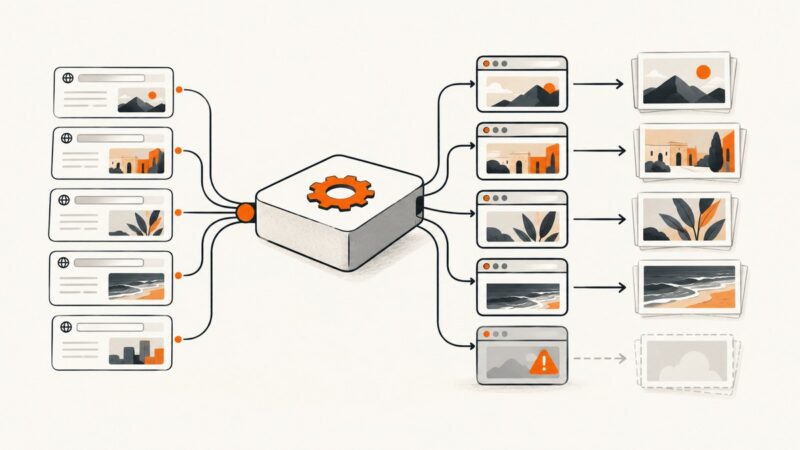
Fix Puppeteer Target closed errors in multi-URL screenshot jobs with safe lifecycles, bounded concurrency, retries, diagnostics, and production patterns.
You can’t select ::after as a DOM node. Inspect its host element, then click a verified point in the pseudo-element’s rendered area.
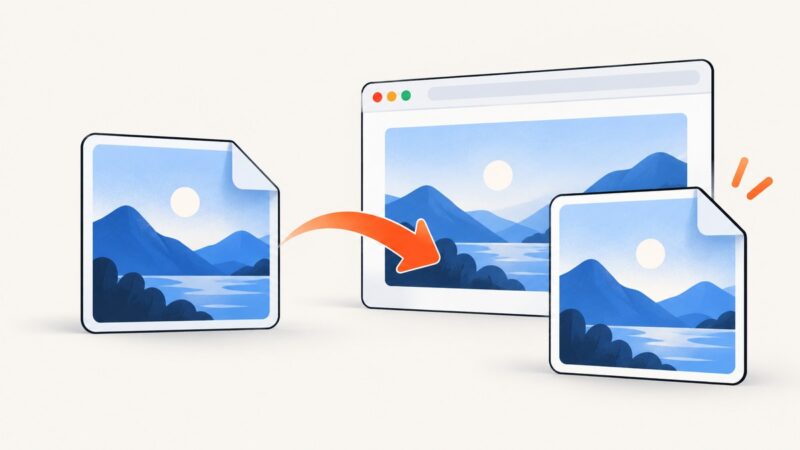
Chrome can download WebP files, but PNG conversion needs an extension or a tool such as Google's dwebp. Here are the safest workflows.
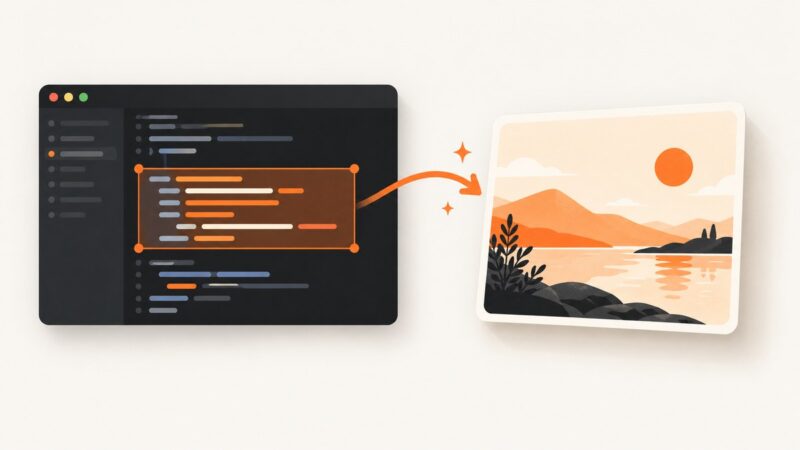
Capture clean, readable code images in VS Code with CodeSnap, styling settings, troubleshooting, and a browser-free ScreenshotNeo option.
Build a reliable Node.js URL checker with Puppeteer: serialized intervals, response validation, readiness checks, change detection, retries, and alerts.
Capture an entire webpage with a browser extension or built-in browser tool. Follow the steps, compare options, and fix common full-page capture problems.
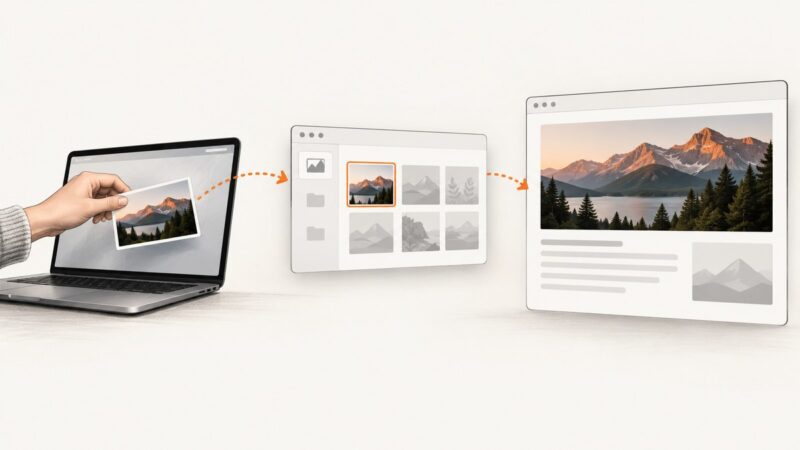
Add images to WordPress with the Image block, Media Library, drag-and-drop, or a URL, then set alt text, sizing, captions, and responsive display.
X does not document screenshot alerts. Learn what that means for posts, protected accounts and DMs, plus reliable ways to capture pages.
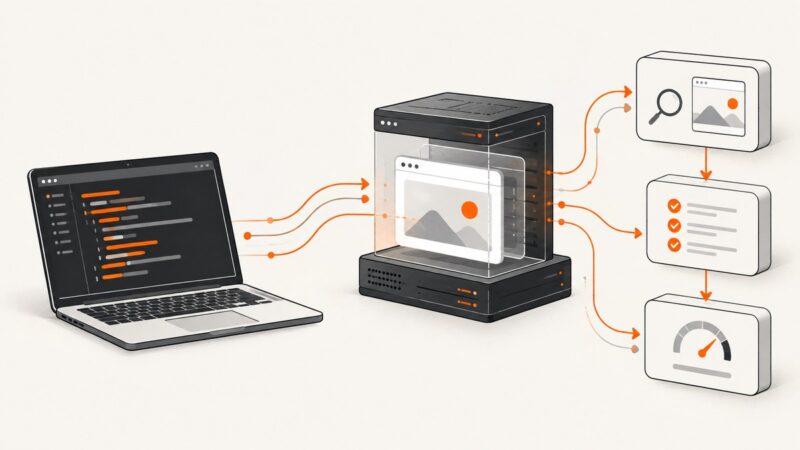
Preview WordPress drafts in desktop, tablet, and mobile views, share temporary review links, and automate clean screenshots before publishing.
Save a visible or full-page website screenshot in Firefox, Edge, Safari, or code. Includes troubleshooting and a one-call ScreenshotNeo option.
Install Headless Chrome through Puppeteer, Selenium, or Playwright, match browser and driver versions, and fix common Linux and CI setup errors.
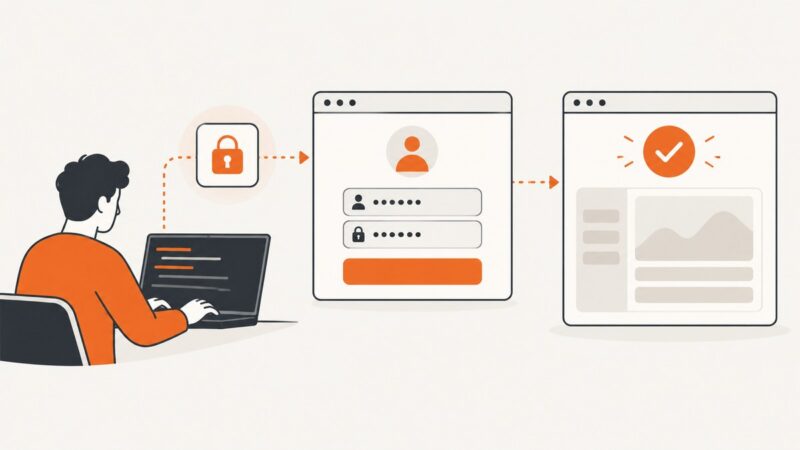
Prompt for credentials safely, fill a login form with Puppeteer, and wait for a reliable success signal across navigation and single-page apps.
On Android 12 and up, use Capture more to save a scrolling screenshot. Learn the steps, where to find it, and what to try when it is unavailable.
Convert an array of JSON objects into an HTML table in a Power Automate cloud flow, customize columns, and troubleshoot common data-shaping issues.
You cannot replace an image in a standard LinkedIn post after publishing. Learn when to edit, delete and repost, or change a Page preview.
Capture Android HTTP(S) traffic with Network Inspector, an HTTPS proxy, mitmproxy, or adb. Learn certificate trust, pinning, bypasses, troubleshooting, and safer workflows.