How to Make a Request to the Cloudflare API
Learn the complete Cloudflare API request workflow: tokens, permissions, curl, Python, Node.js, pagination, rate limits, errors, and security.
Learn the complete Cloudflare API request workflow: tokens, permissions, curl, Python, Node.js, pagination, rate limits, errors, and security.
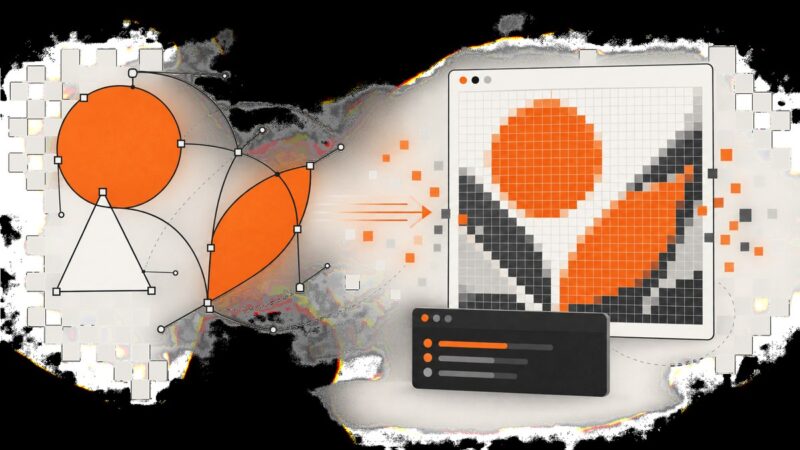
Convert SVG markup to PNG, JPEG, or WebP in the browser or with command-line tools. Get predictable dimensions, preserve transparency, and avoid common rendering errors.
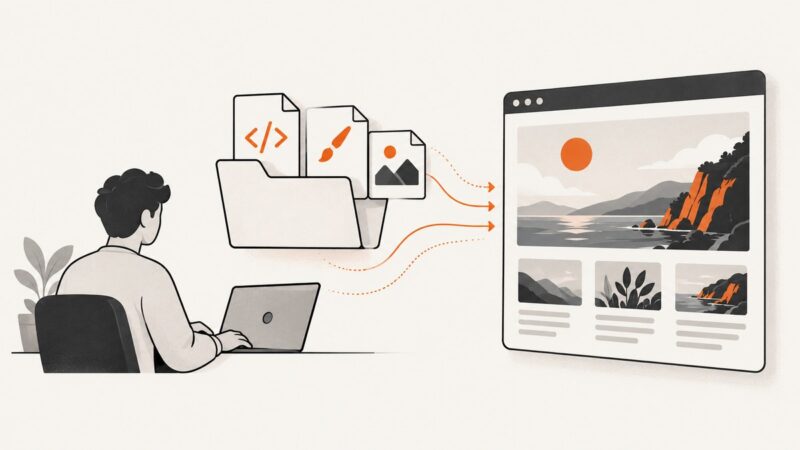
Save an entire webpage as one image with Firefox, Edge, Chrome, developer tools, or a screenshot API. Fix missing content and automate captures.
Load local stylesheets reliably in Puppeteer: navigate to a file URL, use setContent correctly, and diagnose missing CSS before taking screenshots.
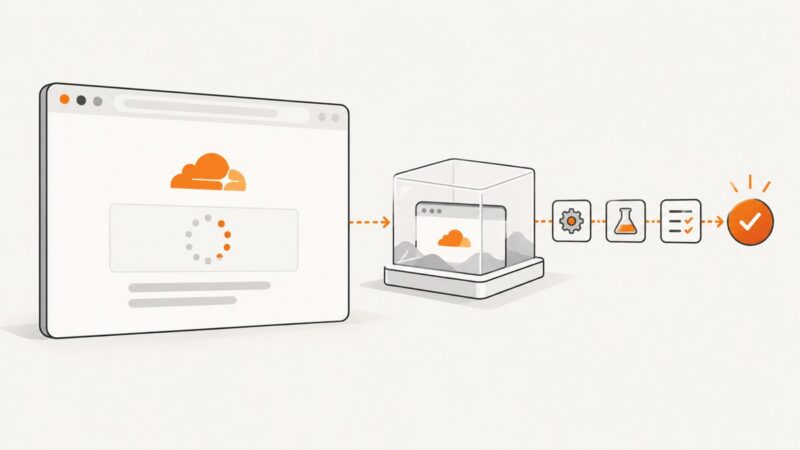
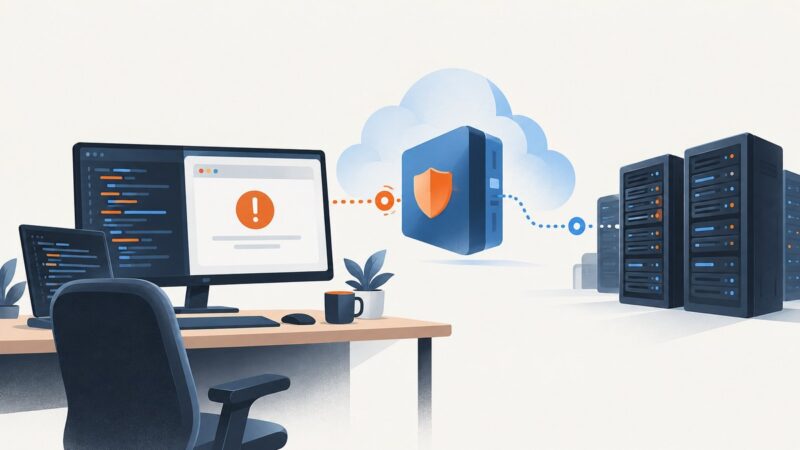
Cloudflare production challenges do not support automated browsers. Learn the supported fixes for visitors and the correct Turnstile test workflow for site owners.
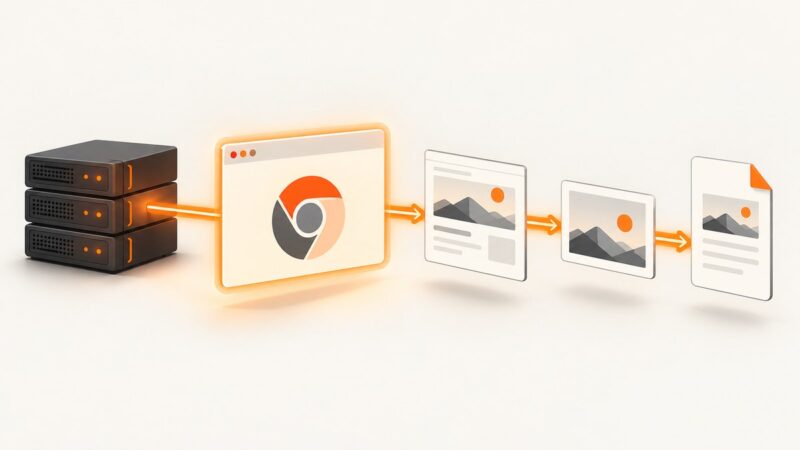
Capture rendered webpages with Cloudflare’s Browser Rendering API: authentication, full-page output, protected pages, tuning, errors, and a ScreenshotNeo shortcut.
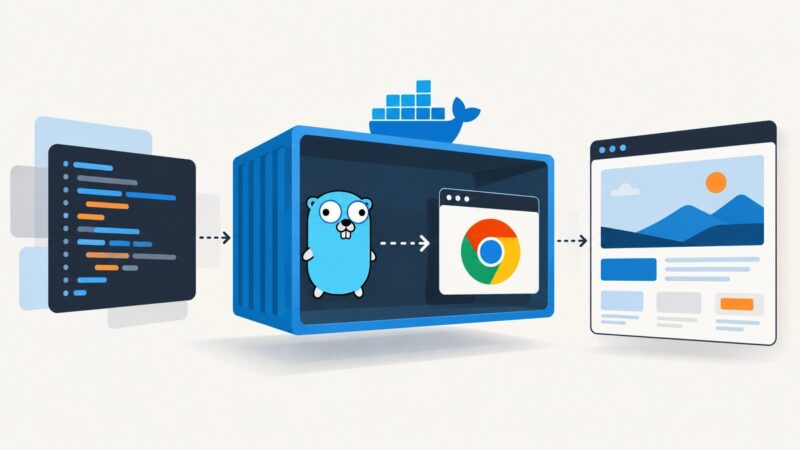
Run chromedp reliably in Docker with Chrome Headless Shell, pinned versions, secure runtime settings, troubleshooting, and production patterns.
Find out whether a Cloudflare problem is in your browser, DNS, the edge, origin server, or TLS—and collect the evidence needed to fix it.
Generate PDFs from JavaScript-rendered pages in PHP with headless Chrome. Compare Browsershot, chrome-php, Chrome CLI, and PHP-only converters.
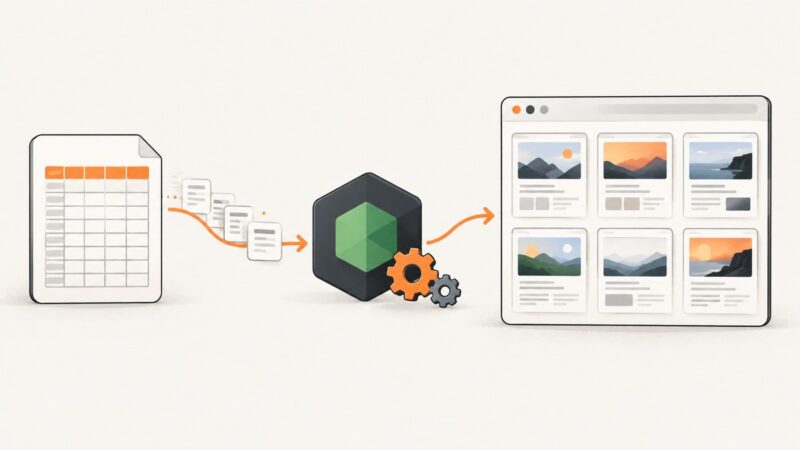
Parse CSV rows safely, open each URL with Puppeteer, wait for the right state, and save reliable screenshots with recovery and scaling.
Run Playwright’s built-in HTML reporter, customize its output, inspect failures, and merge reports from CI shards.
Configure a Cloudflare WAF rate-limit rule for screenshot endpoints, choose fair counters, avoid API quota confusion, and handle bursts safely.
Use Chromium’s --start-maximized to request a maximized visible window, or set the viewport when you need a larger, predictable page area.
Learn what the “Cloudflare protects this website” page means, how to identify its code, and what visitors or site owners should do next.
Run modern Chrome without a visible window, capture pages, automate tasks, and troubleshoot headless mode in local and CI environments.
A Cloudflare challenge loop can come from browser settings, extensions, network conditions, or the site’s security rules. Use these checks to narrow it down safely.
Claude Code login failures have different causes. Identify where the flow breaks, then use the matching fix for browser callbacks, access denials, API key overrides, or expired credentials.
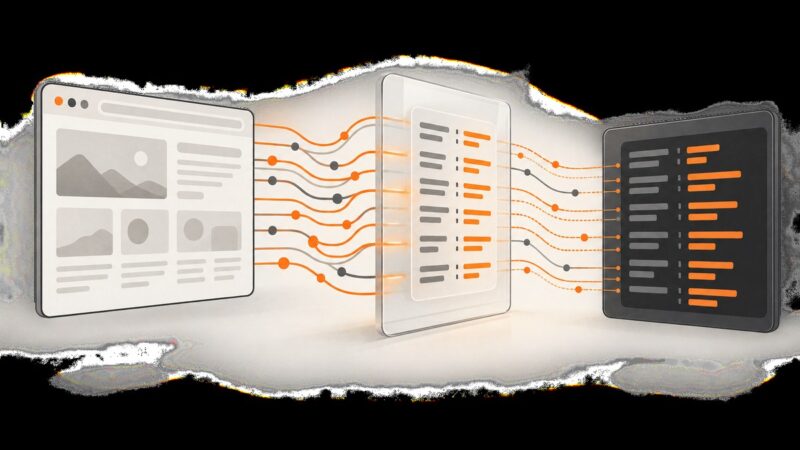
Capture, inspect, override, and troubleshoot request headers in Puppeteer without stalling navigation or losing redirected requests.