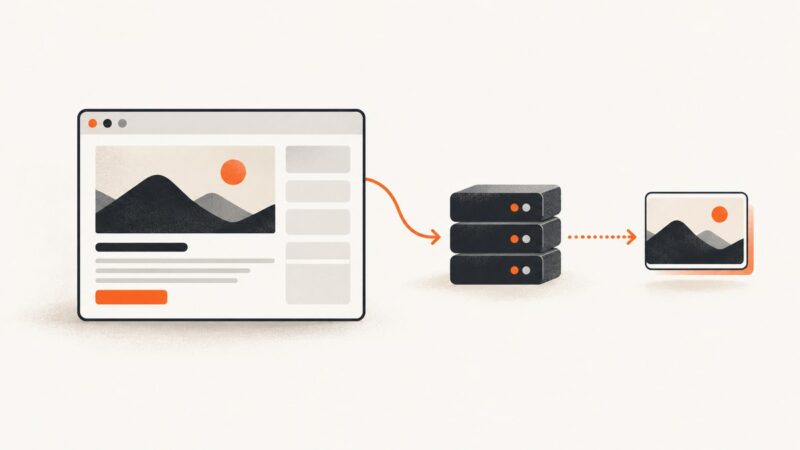
How to Save a Web Page to the Wayback Machine
Save a one-time snapshot of a web page with the Wayback Machine, check the archived result, and understand what the capture does and does not preserve.
Save a one-time snapshot of a web page with the Wayback Machine, check the archived result, and understand what the capture does and does not preserve.
Learn whether Google Meet’s “Got it” is a browser dialog or page button, then close it reliably with Puppeteer selectors, frames, and accessibility locators.
Convert a URL or local HTML file to PDF from the command line with Chrome Headless, WeasyPrint, or wkhtmltopdf. Compare options and troubleshoot output.
Use Safari’s Full Page screenshot to capture a long webpage on iPhone, then save it as an image or PDF. Here are the steps, limits, and fixes.
Stop Microsoft Edge’s automatic translation prompt in Puppeteer by configuring the browser profile or managed policy, then verify the setting in automation.
Fix Percy Puppeteer scripts that upload nothing: configure the CLI, token, imports, page readiness, control flow, and CI diagnostics.
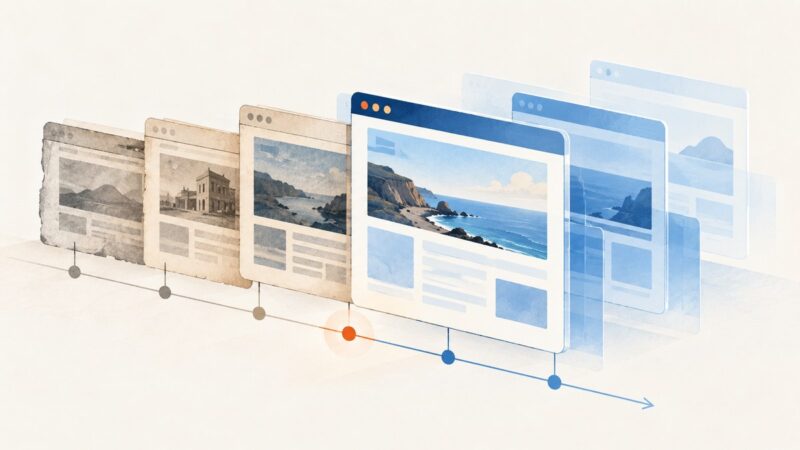
Learn how to find archived websites, open captures by date, recover missing pages, and understand incomplete Wayback snapshots.
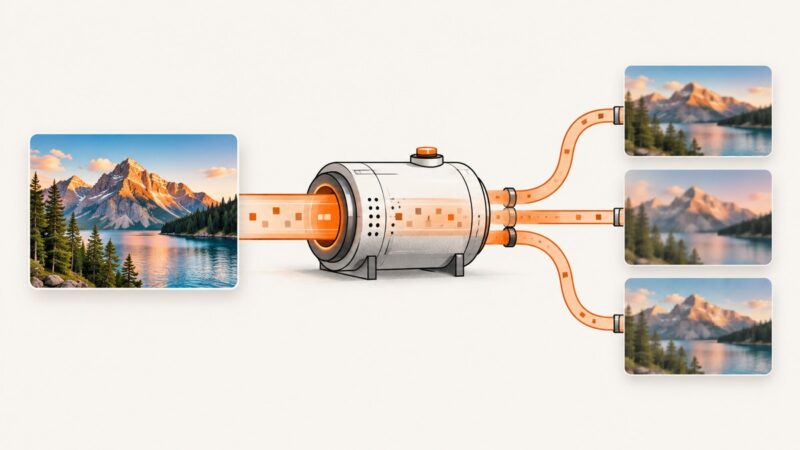
Facebook recompresses and resizes uploads. Learn why photos look soft or shift color, then use a workflow that preserves more detail.
HeadlessExperimental is a Chrome DevTools Protocol domain, not a Puppeteer launch option. Learn which headless mode to choose and when low-level frame control fits.
Capture the screen you can see with ChromeOS, or save a whole scrolling webpage with a Chrome extension. Here are the steps, tradeoffs, and fixes.
Fix requests-html JavaScript rendering errors, including active event loops, Chromium startup failures, timing issues, and reliable alternatives.
Capture a live webpage into editable Figma layers with Figma’s Chrome extension, then inspect what transferred and fix the parts that need manual work.
Capture a page, full page, or single element with Playwright in Node.js. Learn how to save files, tune screenshot options, troubleshoot failures, and handle dynamic pages.
Synchronize clicks with navigation, handle JavaScript pagination, and extract the next page reliably with Pyppeteer.
Automate Chrome with Playwright, Puppeteer, or the Chrome DevTools Protocol. Compare setup, code, browser choice, reliability, and costs.
Fix missing CSS backgrounds in Perl WWW::Mechanize::Firefox screenshots by enabling print backgrounds, waiting for assets, and checking compatibility.
Puppeteer can move a virtual mouse, but its screenshot options have no visible-cursor switch. Render a cursor overlay in the page before capturing it.
Generate reliable website thumbnails with a browser, an API, or ScreenshotNeo. Learn sizing, formats, automation, errors, and production trade-offs.