Why Puppeteer Does Not Save New Textarea Values
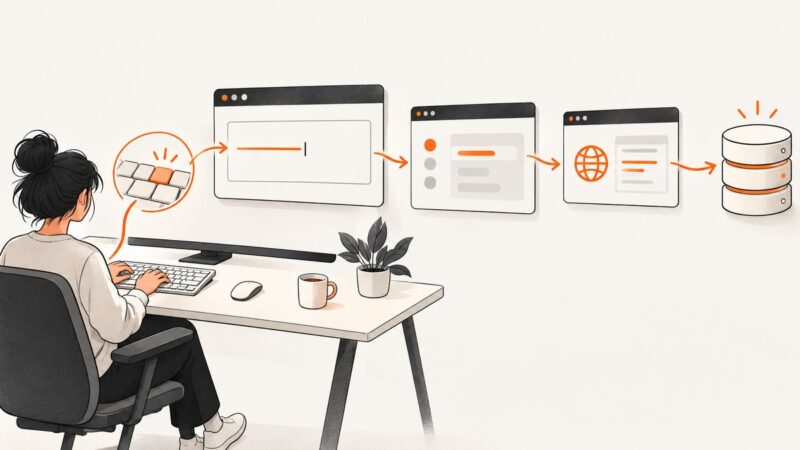
Puppeteer can type into a textarea, but your app must update state, submit the value, and persist it. Diagnose every failure point with runnable examples.
Blog
How to take clean screenshots, turn HTML into images and PDFs, run headless browsers, and give AI agents eyes. Written by the team that builds ScreenshotNeo.
Puppeteer can type into a textarea, but your app must update state, submit the value, and persist it. Diagnose every failure point with runnable examples.
Render HTML with Playwright Java, save a reliable PNG, troubleshoot timing and fonts, and compare a browser API with ScreenshotNeo.
Learn how API endpoint URLs and response links connect web apps to data and actions, with runnable Fetch, cURL, Python, and Node.js examples.
Find any page’s og:image URL, open it directly, troubleshoot missing previews, and validate what social platforms will display.
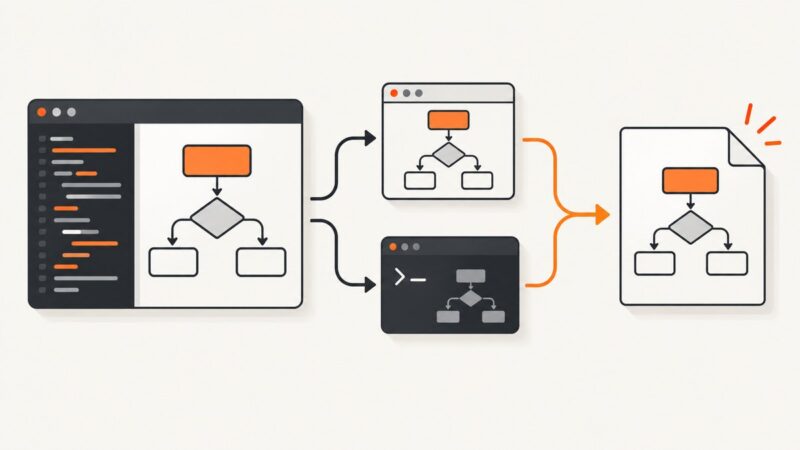
Export Mermaid diagrams as PNG with the Live Editor, Mermaid Chart, or Mermaid CLI. Learn about transparency, themes, sizing, and common fixes.
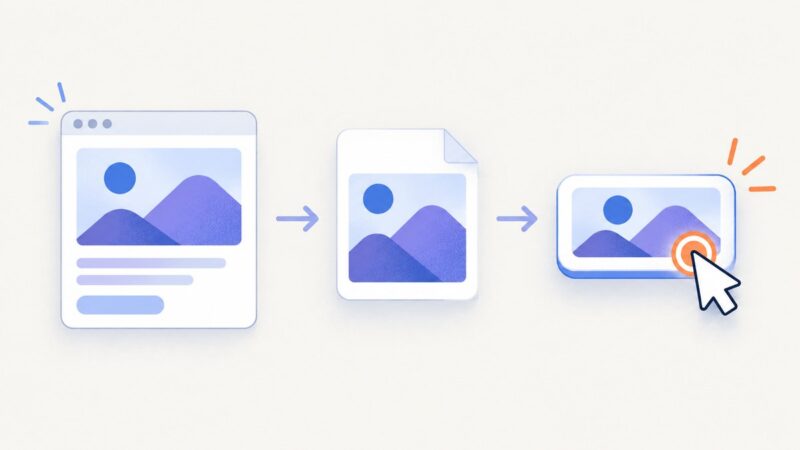
Learn when to use a native button, link, or download control with PNG images, plus complete html2canvas examples and accessibility fixes.
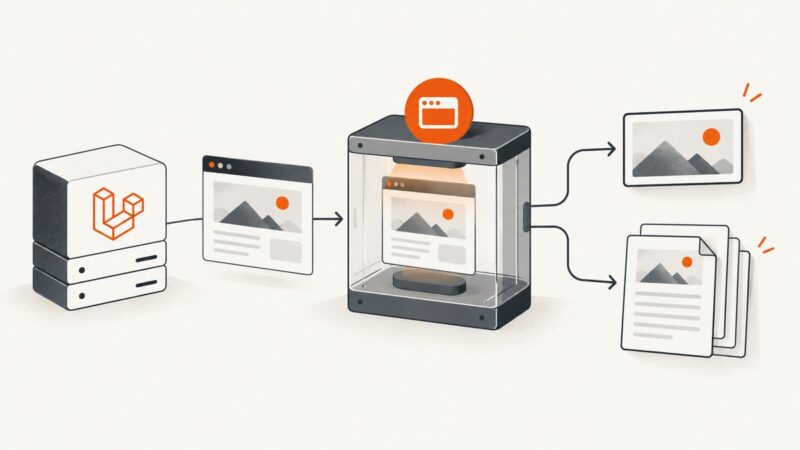
Generate screenshots and PDFs from URLs or HTML in Laravel with Spatie Browsershot. Configure output, deploy Chrome and Node, and handle untrusted input safely.
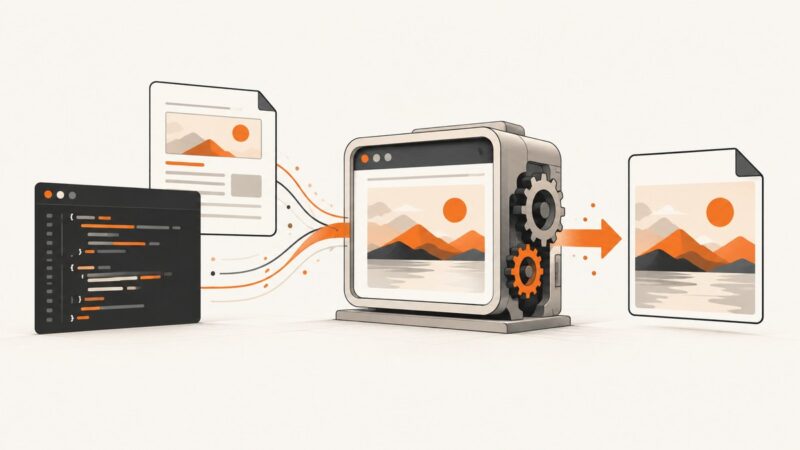
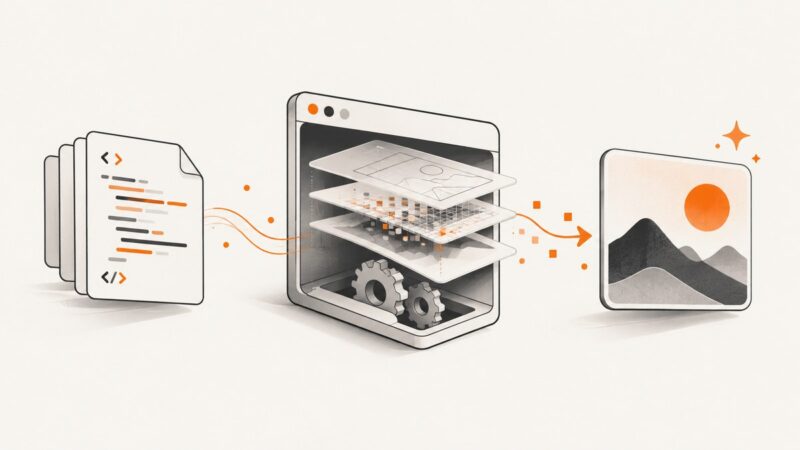
Render HTML in a real browser, capture a precise PNG, and automate the workflow with Playwright, Puppeteer, Python, Node.js, cURL, or ScreenshotNeo.
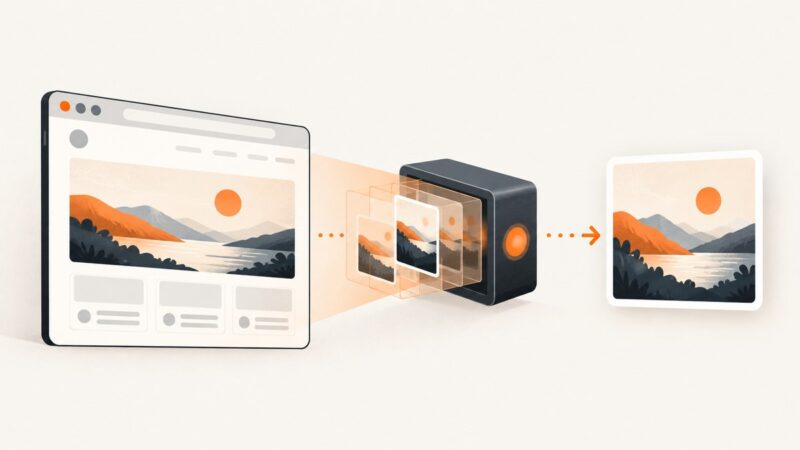
Convert HTML to accurate PNG screenshots with Playwright, Puppeteer, or html2canvas, including full-page capture, fixes, and a hosted API option.
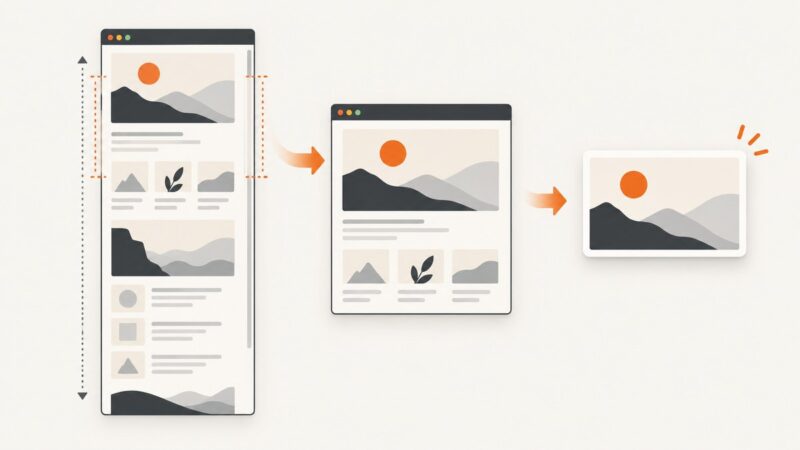
Capture a webpage or local HTML file as PNG in Chrome. Learn which extension settings matter, how to handle large pages, and when an API is simpler.
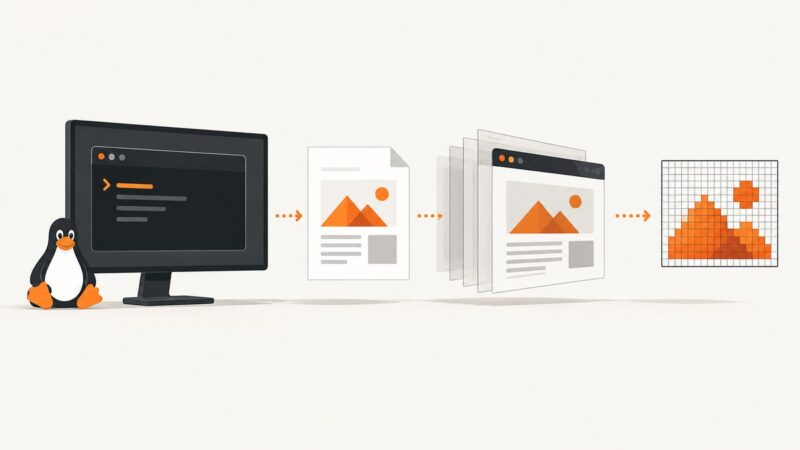
Convert a local HTML file or website to PNG on Ubuntu with wkhtmltoimage or headless Chromium. Learn sizing, JavaScript, local assets, troubleshooting, and a no-install API option.
Render HTML to a PNG at the right size, then open it in GIMP or Photoshop to crop, annotate, and export your finished image.
Use 1200×630 for Open Graph images, then check platform crops, file limits, metadata, and previews before publishing.
Authenticate before navigating, wait for AngularJS data to render, then export a reliable PDF or screenshot with Puppeteer.
Choose an Open Graph image format and size that suits your design and target platforms. Use 1200 × 630 pixels as a practical starting point, then verify the preview.
Display a PNG with an HTML image element, choose between a file path and inline base64, and handle alt text, sizing, responsive images, and common errors.
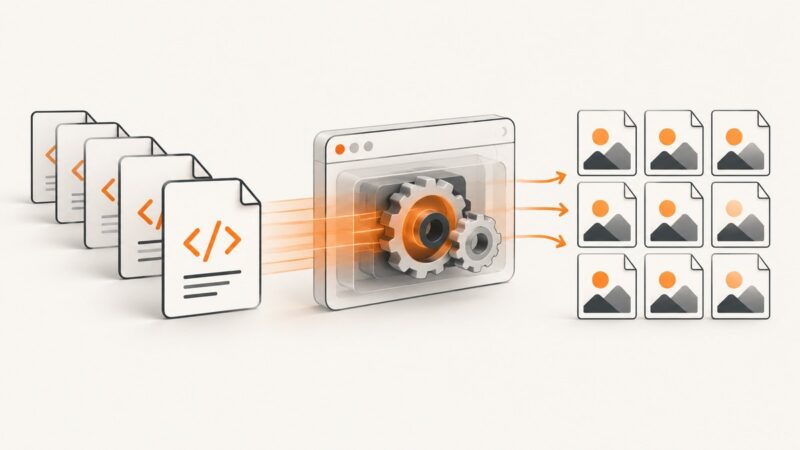
Convert many HTML files or URLs to consistent PNGs with Playwright, controlled concurrency, retries, and a hosted ScreenshotNeo option.
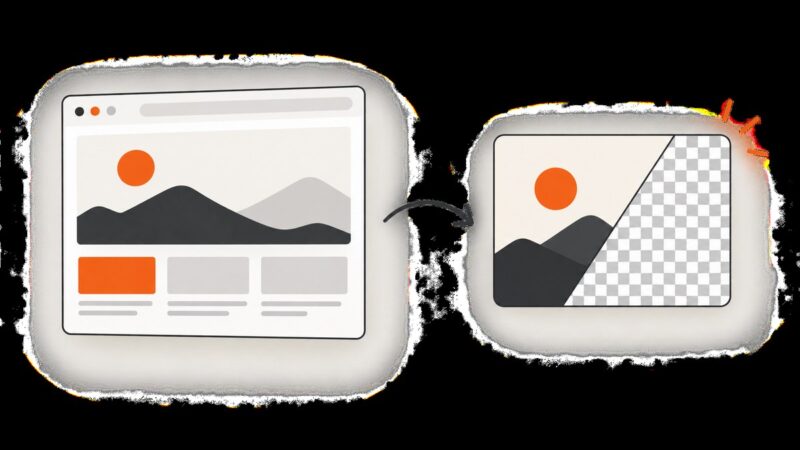
Set a solid HTML-to-PNG background in CSS, or use html2canvas’s backgroundColor fallback. Learn how transparency works in browser screenshots and how to troubleshoot unexpected colors.