Open Graph Image File Size Limits and Optimization
Use 1200 × 630 pixels as a practical Open Graph image starting point, then check each platform’s file-size and format requirements. Here’s how to optimize and troubleshoot previews.
Blog
How to take clean screenshots, turn HTML into images and PDFs, run headless browsers, and give AI agents eyes. Written by the team that builds ScreenshotNeo.
Use 1200 × 630 pixels as a practical Open Graph image starting point, then check each platform’s file-size and format requirements. Here’s how to optimize and troubleshoot previews.
Convert an Angular element to PNG with html2canvas, handle SSR, CORS, fonts, large canvases, and compare a hosted screenshot API.
Resize PNGs in HTML with CSS, preserve proportions, crop safely, use responsive sources, and avoid layout shifts with practical code.
Add reliable Open Graph image metadata for Facebook previews, handle multiple images, and troubleshoot what the protocol does and does not guarantee.
Render HTML to PNG in Rust with headless Chrome. Set up the browser, wait for dynamic content, capture a page or element, and troubleshoot common failures.
Puppeteer navigation events do not prove a page is visually ready. Combine app signals, fonts, images, and stable element geometry for reliable captures.
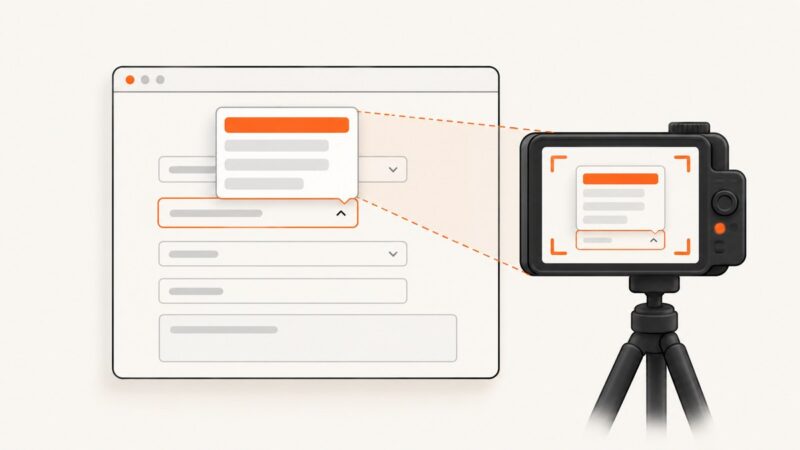
Learn how to open a custom select, wait for its listbox, and capture the menu reliably with Puppeteer, including portals, keyboard controls, clipping, and troubleshooting.
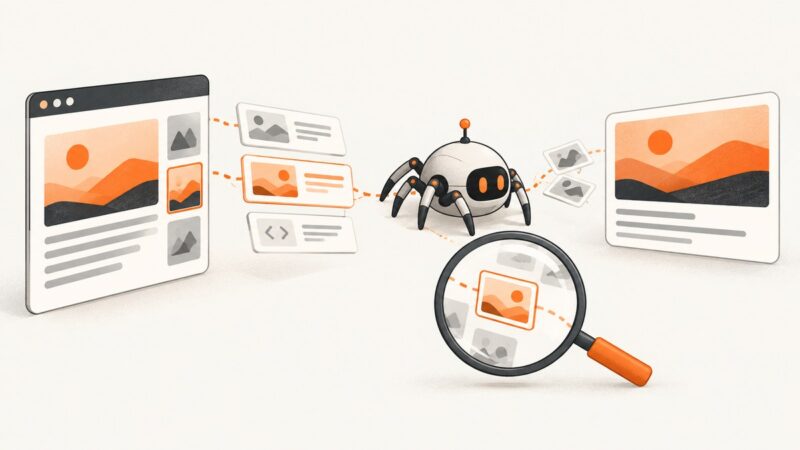
Find out why a shared link shows the wrong, missing, or stale image. Inspect Open Graph tags, check image delivery, and verify the result with a platform debugger.
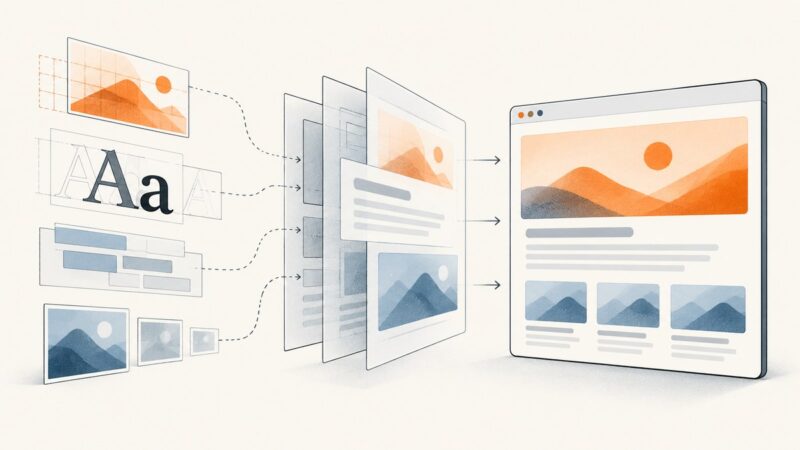
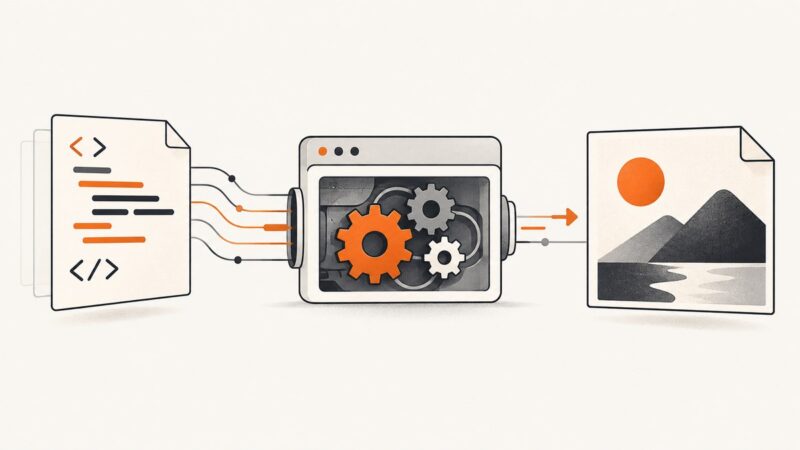
Learn how an HTML-to-PNG API turns markup or a URL into image bytes, with runnable cURL, Python, and Node.js examples, settings, and troubleshooting.
Capture your screen on Windows, Mac, iPhone, or Android, then find, edit, save, and share the screenshot.
Build a practical Flask REST API with JSON routes, validation, errors, tests, and production deployment guidance.
Export a React element as a PNG with html2canvas, handle images and canvas limits, and choose when a browser screenshot API fits better.
Use OCR to turn screenshot text into an editable Word document, then clean up formatting, errors, and layout with this complete guide.
Capture Puppeteer screenshots, decode pixels, sample RGBA values, and draw accurate rectangles with runnable Node.js code.
Capture transparent HTML screenshots with Playwright, html2canvas, shot-scraper, or ScreenshotNeo. Fix white backgrounds, CORS, scaling, and more.
Add `og:image:alt` beside `og:image` to describe the image in your page’s Open Graph metadata. Learn how to write it, validate it, and understand platform limits.
Use Windows screenshot shortcuts to capture a region, window, full screen, or video, then edit, save, and troubleshoot the result.
Block selected requests from one iframe in Puppeteer by filtering page-level requests with request.frame(), while letting the rest of the page load.