Adding Items to an E-Commerce Shopping Cart
Learn how to add products and variants to Shopify or WooCommerce carts, handle cart tokens and errors, and hand customers off to checkout.
Learn how to add products and variants to Shopify or WooCommerce carts, handle cart tokens and errors, and hand customers off to checkout.
Build a Python workflow that discovers Office Depot products, renders catalog pages, extracts prices and stock, and records reliable snapshots.
Fix Firefox full-page screenshots that capture only the visible screen or disappear. Use the built-in tools and diagnose page, iframe, and profile issues.
Capture a whole webpage—not just the visible screen—with Firefox, Edge, Chrome DevTools, or iPhone Safari. For repeatable captures, see the browser and API options.
Center an image in a table cell with CSS: use text-align for horizontal alignment and vertical-align when you also need vertical centering.
Learn how to collect search results through authorized APIs, respect provider rules, and build reliable SERP data pipelines with Python, cURL, and Node.js.
Build a GIF API that accepts ordered frames or video, validates inputs, and returns a reliable animation. Includes runnable ImageMagick, FFmpeg, cURL, Python, and Node.js examples.
Fix Selenium’s geckodriver path error with Selenium Manager, PATH, or an explicit Service path, plus checks for permissions, compatibility, and download failures.
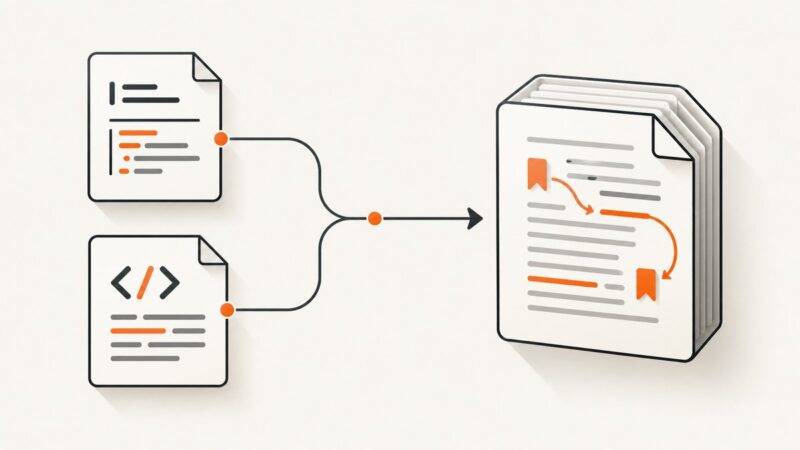
Keep internal links working in DOCX by preserving bookmarks, hyperlink targets, and relationships, then validate the converted Word package.
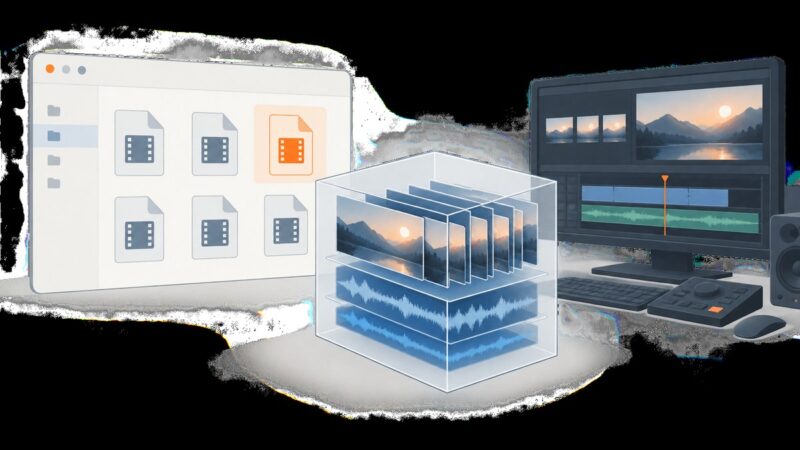
MXF playback and Explorer thumbnails are separate problems. Find out what to check, how to identify the cause, and when a thumbnail handler may be needed.
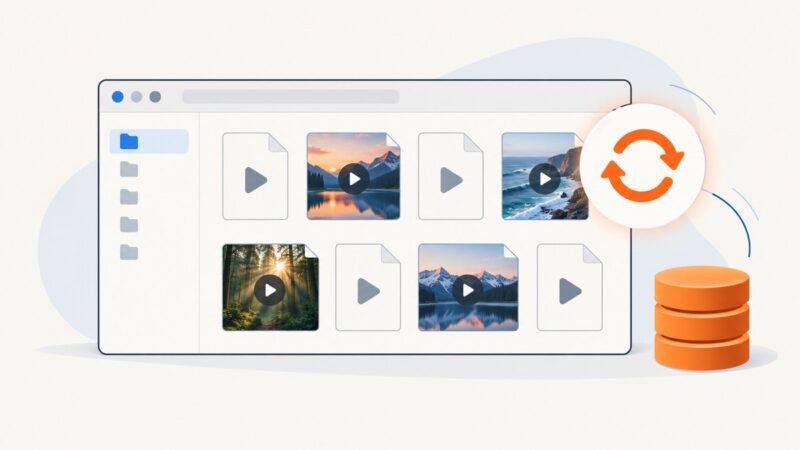
Missing MP4 thumbnails usually point to an Explorer setting, cache, cloud placeholder, or file-specific media issue. Follow this safe troubleshooting order before installing codecs.
Capture screenshots from Elixir with Wallaby for browser tests or ChromicPDF for application workflows. See setup, runnable examples, options, and fixes for common failures.
Learn when to use name(), local-name(), and namespace-uri() in XPath, with browser JavaScript, Python, troubleshooting, and practical examples.
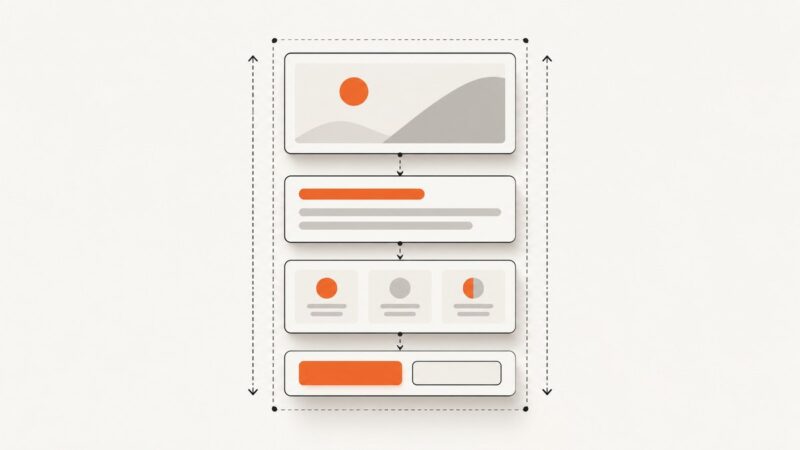
Build image templates that expand cleanly as text and content grow with Figma Auto Layout, nested frames, wrapping, and grid guidance.
Build a reusable social carousel master with consistent branding, editable slide roles, export checks, and a repeatable publishing workflow.
Learn which Amazon pricing APIs are documented, how to inspect offer data with Python, and what to check before automating price collection.
Export a browser-rendered HTML element to PDF with jsPDF, configure page layout, and troubleshoot fonts, images, page breaks, and canvas limits.
Build a responsible Node.js crawler with Playwright that renders JavaScript, waits for real content, extracts data, and handles failures.