How to Fix Puppeteer’s Page.printToPDF “Printing Failed” Error
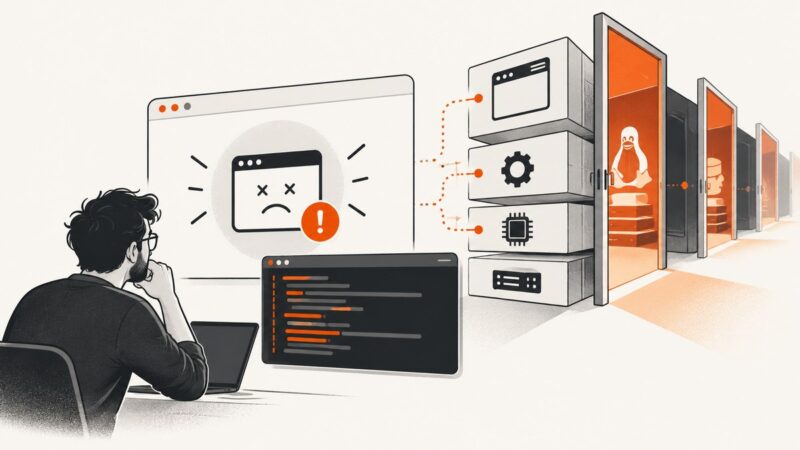
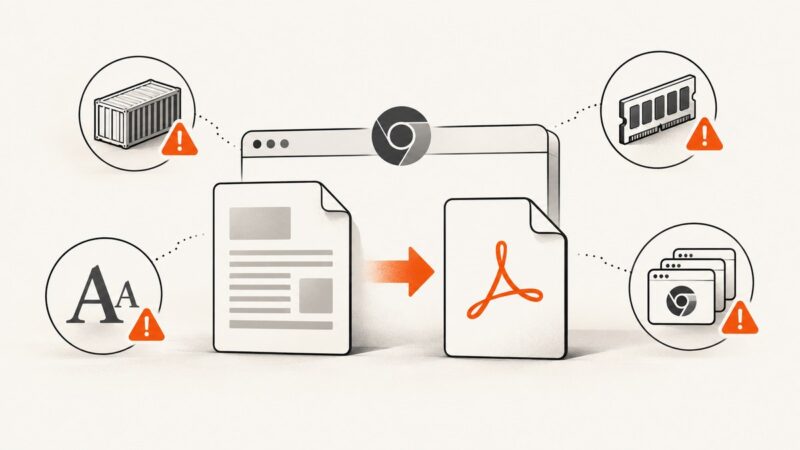
Fix Puppeteer’s Page.printToPDF “Printing failed” error with a reproducible workflow for Chrome revisions, Docker, Alpine, Windows, CI, and Cloud Run.
Fix Puppeteer’s Page.printToPDF “Printing failed” error with a reproducible workflow for Chrome revisions, Docker, Alpine, Windows, CI, and Cloud Run.
Publish a Google Sheet and embed it as a view-only iframe. Choose which tabs or cells appear, check privacy settings, and troubleshoot updates and layout.
Diagnose whether Node.js cannot find puppeteer-core itself or one of its internal modules, then fix the dependency, runtime, or resolver causing the error.
Diagnose Puppeteer’s “getent could not be executed” launch error by checking Snap, libraries, display settings, and browser configuration.
Run PuppeteerSharp browsers in parallel with isolated profiles, bounded workers, reliable cleanup, and practical troubleshooting.
Reduce Puppeteer PDF size by removing unnecessary print content, preparing images for their final dimensions, and measuring post-processing results.
Trace an unreadable Puppeteer PDF through generation, Supabase upload, and download with byte checks that pinpoint where it breaks.
Capture an entire webpage with GoFullPage, save it as PNG, JPEG, or PDF, and fix common problems with tall pages and custom scrolling.
Log in through Django’s form, preserve the browser session, and verify protected pages with Puppeteer. Includes runnable code and fixes for common failures.
Print a Chrome webpage on a computer, Android, or iPhone. Follow the steps for paper or PDF, then fix common printer and preview problems.
Trace unhandled Puppeteer rejections to the promise or callback that owns them, handle errors at the right boundary, and diagnose Node, page, and interception failures.
Save a loaded webpage as a PDF in Chrome, even when you are offline. Learn desktop and Android steps, troubleshooting, file locations, and automation options.
Puppeteer’s `IO.read: Target closed` usually means Chrome or the page closed while Puppeteer was reading a PDF stream. Trace the failure, fix its lifecycle cause, and make PDF rendering more reliable.
A practical, layered guide to checking DNS, HTTPS, routes, browser behavior and regional reachability—with commands, fixes and automation.
Fix Puppeteer PDF timeouts in Firebase Functions by tracing every timeout layer, configuring runtime limits, packaging Chrome correctly, and controlling waits.
Fix blank previews, empty PDFs, missing backgrounds, and choose the right screenshot workflow with browser steps and automation options.
Capture a mobile website screenshot from your computer with Chrome, Safari or a hosted service. Learn how to choose viewport or full-page output and when to check a real phone.
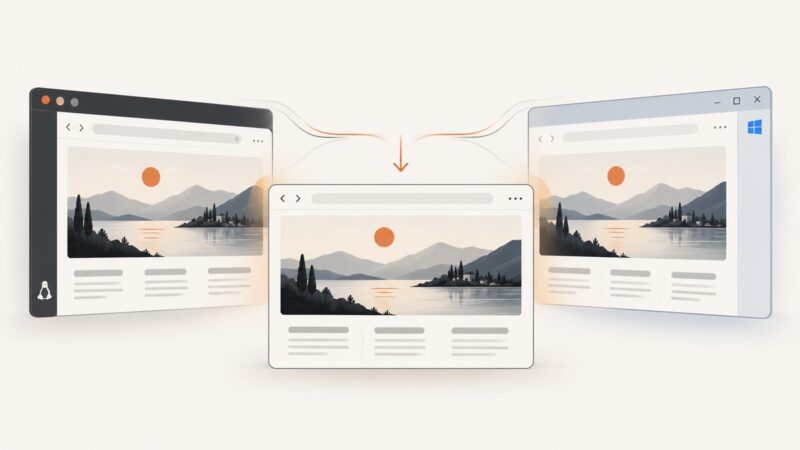
Puppeteer screenshots can differ across Linux and Windows because of browser versions, fonts, runtime libraries, and capture settings. Use this workflow to isolate the cause and make captures repeatable.