How to Pass a Variable into a Puppeteer page URL
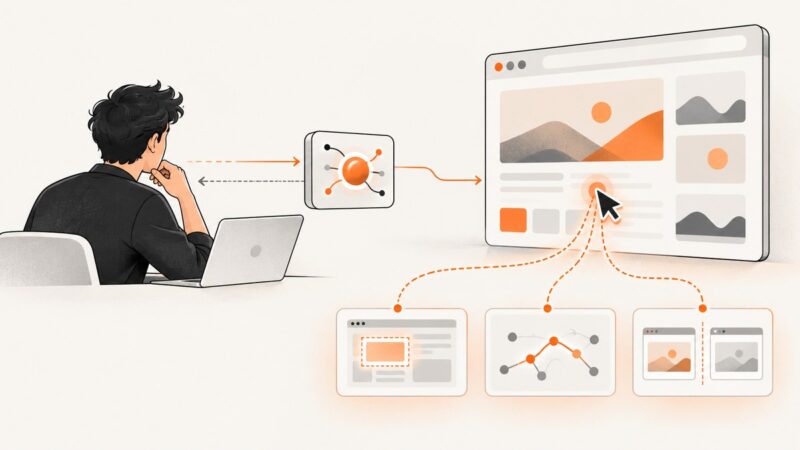
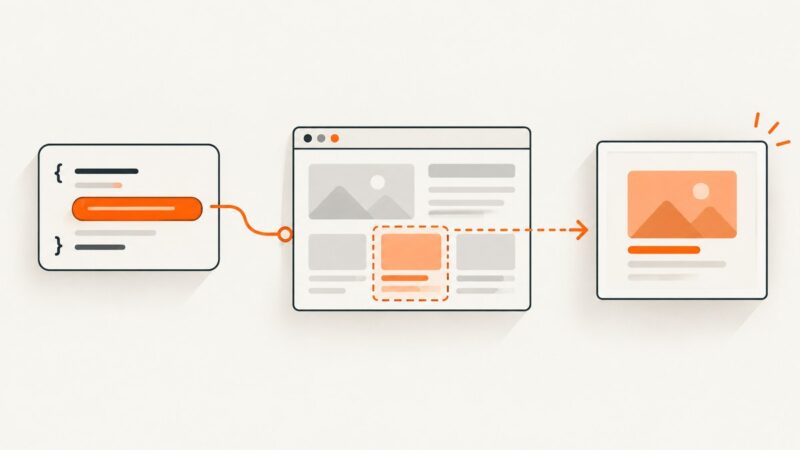
Build a URL from JavaScript variables and pass it safely to Puppeteer’s page.goto(), with examples for query parameters, path segments, and relative URLs.
Build a URL from JavaScript variables and pass it safely to Puppeteer’s page.goto(), with examples for query parameters, path segments, and relative URLs.
Use Puppeteer’s response events and waitForResponse() to capture, validate, and parse the API payload behind a browser search.
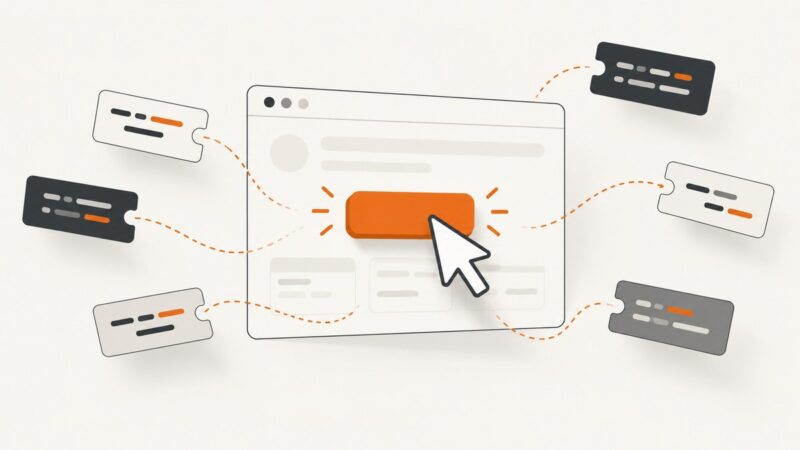
Click Bootstrap cards reliably with Puppeteer: stretched links, Locator API, navigation waits, selectors, debugging, and full runnable examples.
Learn whether the missing cursor is a visual overlay, coordinate tool, or unavailable browser server—and fix the right MCP configuration.
Pass dynamic CSS selectors to Puppeteer correctly with runnable JavaScript, waiting patterns, error handling, and reusable helpers.
Use Puppeteer’s focus APIs when you know the target, and identify what “hidden” means before trying to focus it. This guide covers delayed elements, selectors, Shadow DOM, frames, and common failures.
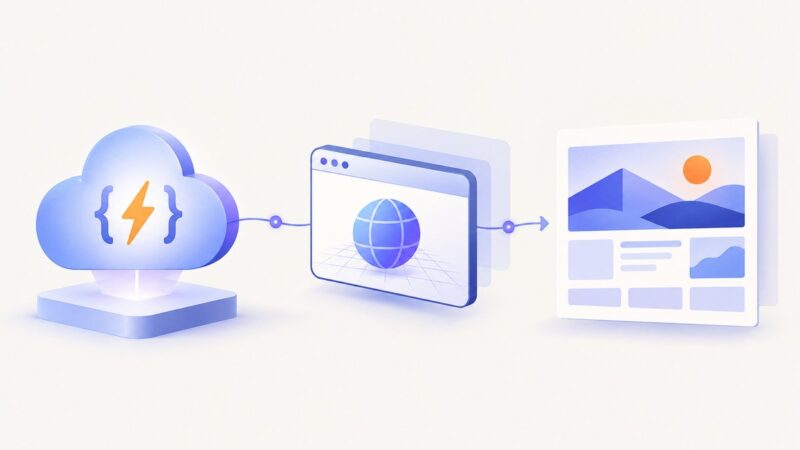
Deploy Puppeteer and Chromium with a Node.js Cloud Run function, with complete code, deployment steps, troubleshooting, and production guidance.
Connect Chrome DevTools MCP and GitHub MCP in one host, then verify each integration and secure its access.
Select Puppeteer elements with changing IDs by matching stable attributes, scoping selectors, and waiting for the right element state.
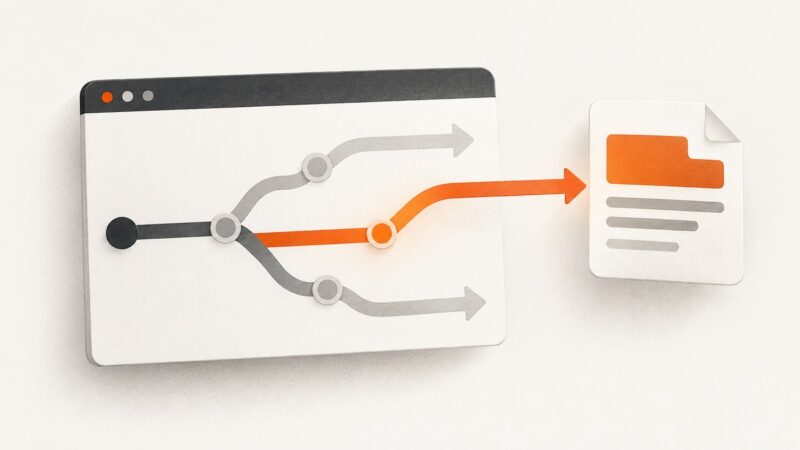
Puppeteer can intercept network requests, but not assignments to `window.location`. Choose the right control point to stop navigation, replace a response, or retrieve rendered page content.
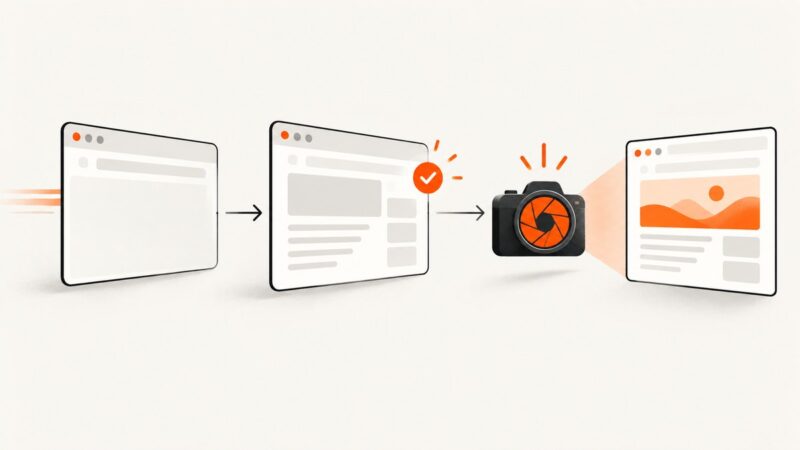
Puppeteer captures exactly when awaited page.screenshot() runs. Learn which waits produce reliable images, how to handle dynamic pages, and when to use an API.
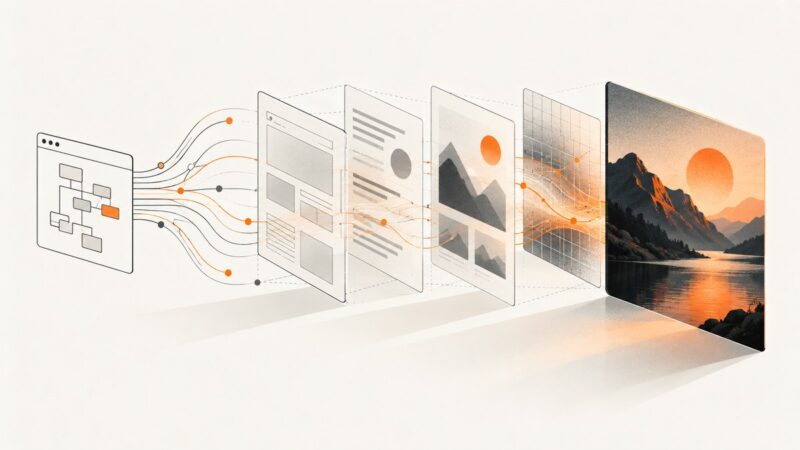
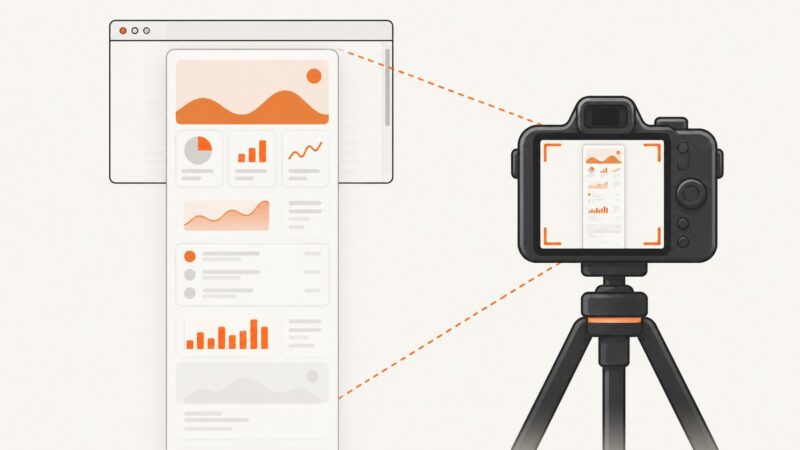
Puppeteer’s HTML and screenshot capture different things: live DOM markup and rendered pixels. Learn how to control readiness, viewport, fonts, images, lazy content, and animations.
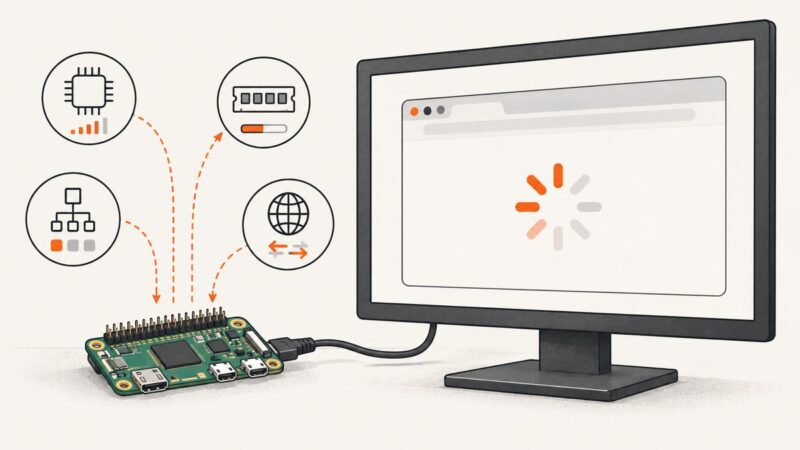
Diagnose Puppeteer hangs on Raspberry Pi Zero by separating browser startup, navigation, resource pressure and architecture problems with practical fixes.
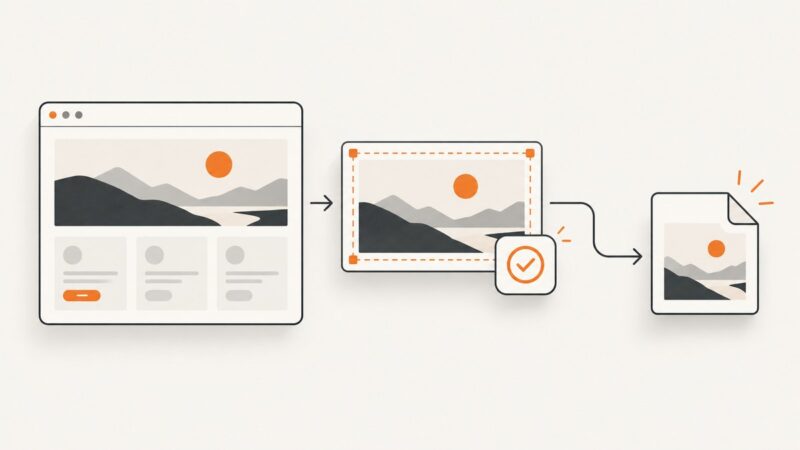
Capture oversized Puppeteer elements reliably with ElementHandle.screenshot(), explicit clips, layout checks, lazy-load handling, and blank-output fixes.
Trace an empty Puppeteer screenshot through navigation, page readiness, geometry, assets, file paths, and async completion—with runnable checks and fixes.
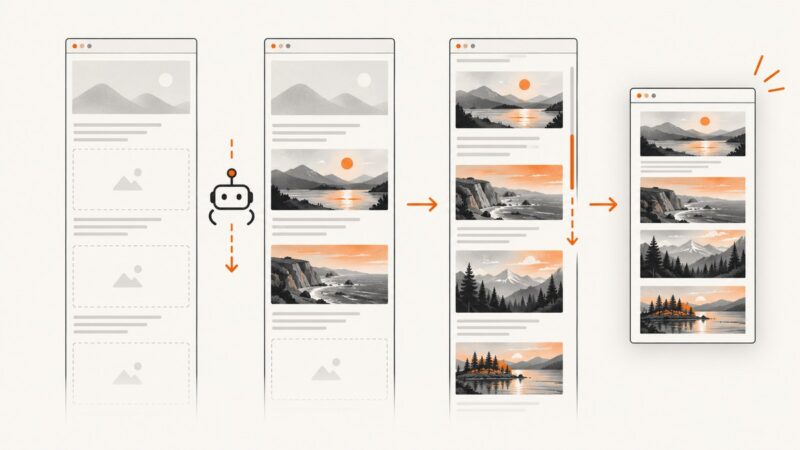
Make Puppeteer load offscreen images reliably by triggering lazy loading, waiting for real image readiness, and diagnosing blank full-page captures.
Create the screenshot directory first, await it, then pass the folder path to Puppeteer. Includes robust paths, full-page captures, errors, and automation tips.
Fix StealthPlugin errors in PuppeteerSharp by checking the .NET package, resolved versions, and failing API call. Includes a working setup and a step-by-step diagnosis.