How to Run Puppeteer in a Node.js Dockerfile
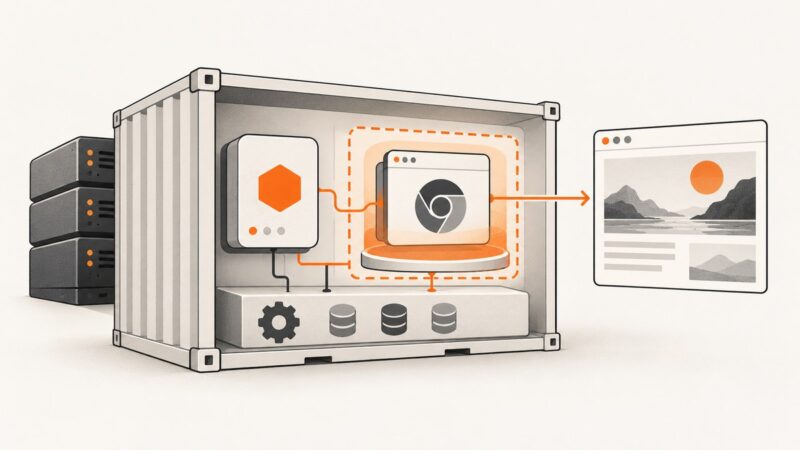
Run Puppeteer reliably in Docker with the official image or a custom Node.js Dockerfile, including browser versions, Linux dependencies, sandboxing, and troubleshooting.
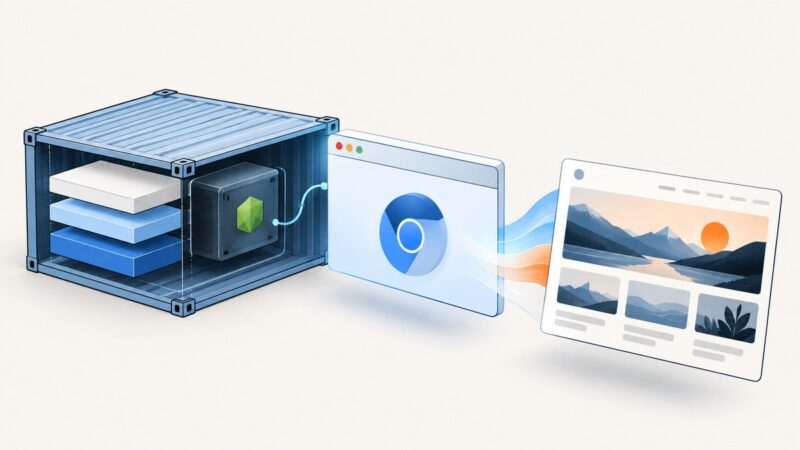
Run Puppeteer reliably in Docker with the official image or a custom Node.js Dockerfile, including browser versions, Linux dependencies, sandboxing, and troubleshooting.
Use one proxy per Puppeteer context, isolate with separate browsers when needed, and avoid page-level routing pitfalls with runnable examples.
Render an EJS view through Express and capture it with Puppeteer. Set up a runnable Node.js example, choose the right capture options, and fix common issues.
Fix Browsershot after an NVM reinstall by verifying the service user, setting absolute Node paths, repairing Puppeteer, and resolving Chrome and sandbox errors.
Fix missing “Page X of Y” labels in Puppeteer PDFs. Enable PDF headers and footers, use the built-in page classes, and account for Tailwind and print CSS.
Build reliable Puppeteer visual comparisons for full pages, components, and DOM regions with deterministic captures, masking, thresholds, and CI diagnostics.
Fix Puppeteer PDF failures by checking the output path, page readiness, Chrome launch environment, and print settings in order.
Capture complete pages from many URLs with Puppeteer, including reliable waits, lazy loading, unique files, concurrency limits, and troubleshooting.
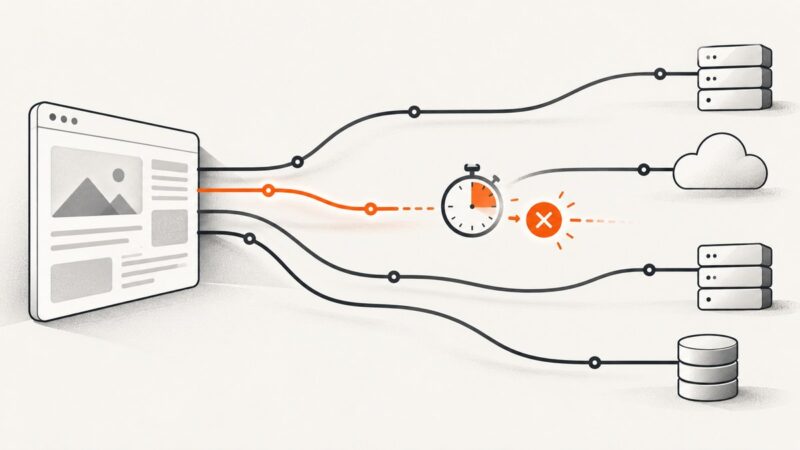
Find out whether Firebase, Chromium launch, page navigation, or a content wait is timing out—and fix the right layer with clear logs and bounded waits.
Wait for a reCAPTCHA element or frame in Puppeteer instead of guessing with a fixed delay. For owned sites, use Google’s test keys and a stable readiness signal.
Remove cookie banners, popups, and other DOM elements in Puppeteer before reliable screenshots or PDFs, with runnable code and troubleshooting.
Use Puppeteer Locators to fill a login form, coordinate navigation safely, and verify authenticated state with reliable success checks.
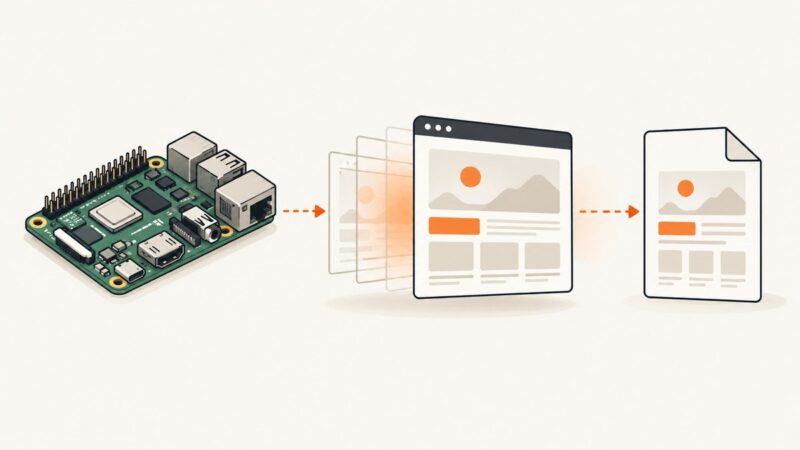
Use Puppeteer’s page.content() to save rendered markup on a Raspberry Pi. Set a reliable readiness check, handle failures, and understand what the HTML file contains.
Learn how to cancel Puppeteer requests with interception, distinguish request and navigation timeouts, and avoid stalled handlers and false failures.
Configure Crawlera, now Zyte Smart Proxy Manager, with Puppeteer using native Chromium settings or Zyte’s wrapper, with troubleshooting and migration advice.
Use Puppeteer request interception for ordinary resources, CDP Network to observe non-HTTP traffic, and CDP Fetch to pause and resolve supported requests.
Deploy Puppeteer with a compatible Chrome for Testing build, Linux dependencies, a working sandbox, writable browser paths, and reliable process cleanup.
Puppeteer works in your terminal but Chrome fails as a Windows service? Diagnose the service account, browser path, sandbox permissions, and Chrome output in order.