How to Fix Different PDF Fonts Across Puppeteer Environments
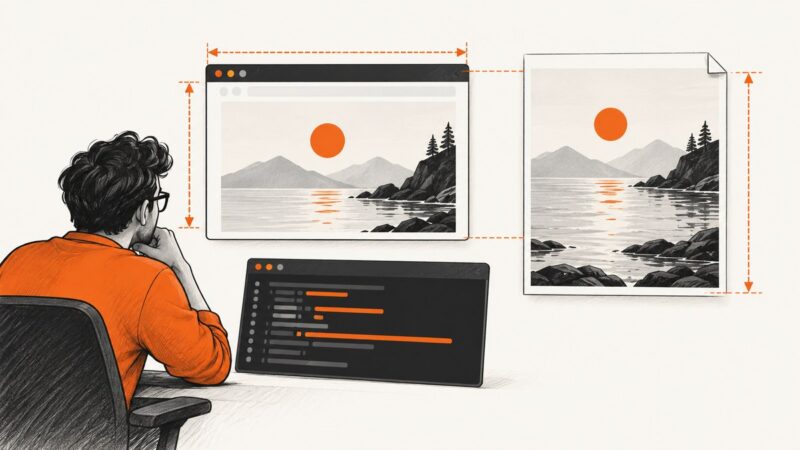
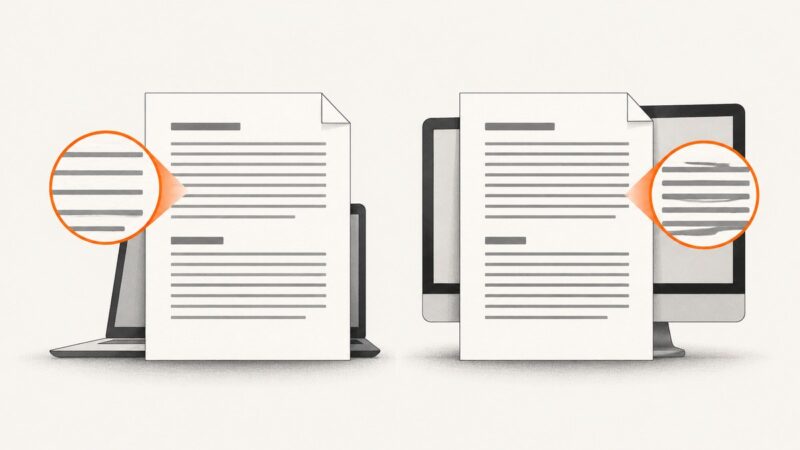
Fix PDF font differences in Puppeteer by checking font availability, web font loading, print CSS, and browser runtime differences across environments.
Fix PDF font differences in Puppeteer by checking font availability, web font loading, print CSS, and browser runtime differences across environments.
Learn why headless Firefox screenshots differ from Selenium window size, how to set dimensions correctly, and how to verify the pixels saved to disk.
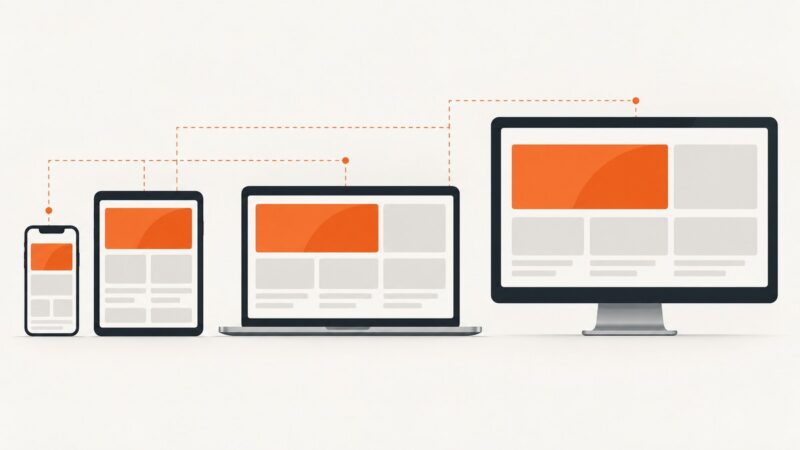
A complete workflow for responsive testing with viewport matrices, breakpoints, DevTools, real devices, automation, evidence, and screenshots.
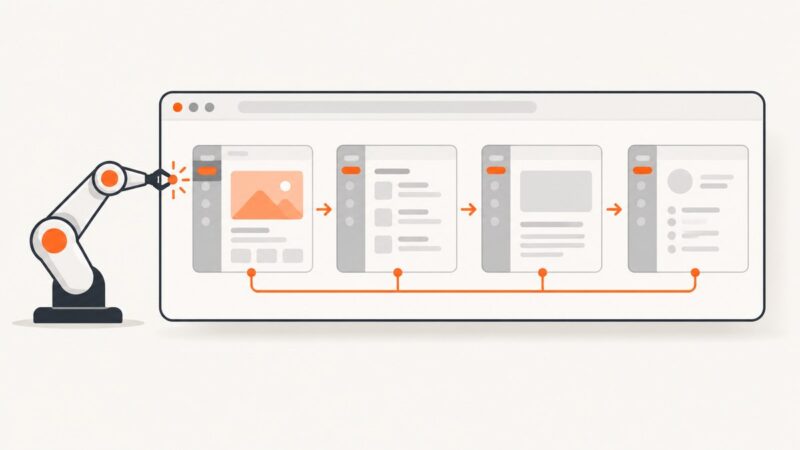
Navigate Angular routes in Puppeteer without full reloads using RouterLink, synchronized waits, route assertions, and reliable SPA troubleshooting.
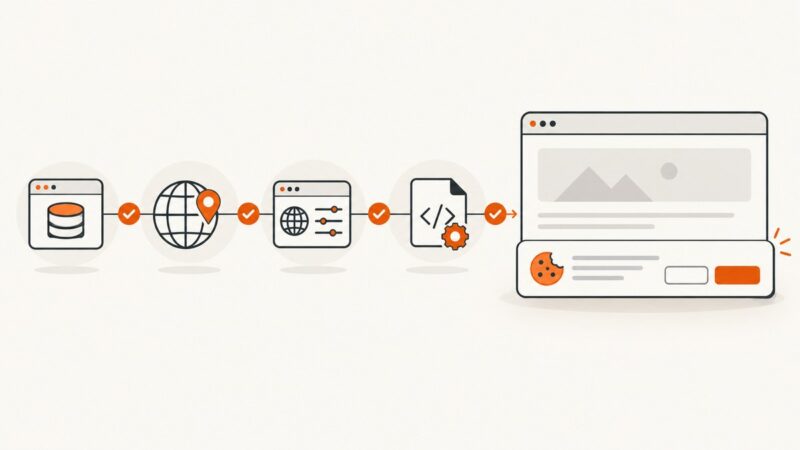
Cookiebot’s banner may be hidden by consent state, region rules, domain settings, caching, or script optimization. Use this diagnostic sequence to find the cause.
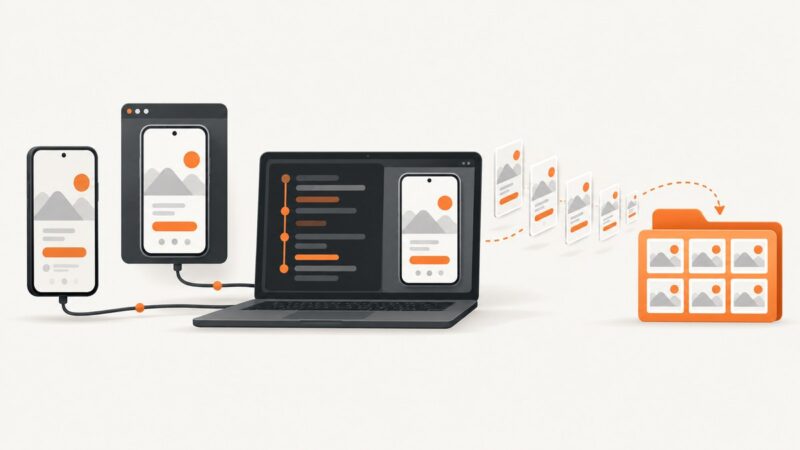
Automate Android screenshots with Android CLI, ADB, UI Automator, screenshot tests, and ScreenshotNeo, with runnable commands and fixes.
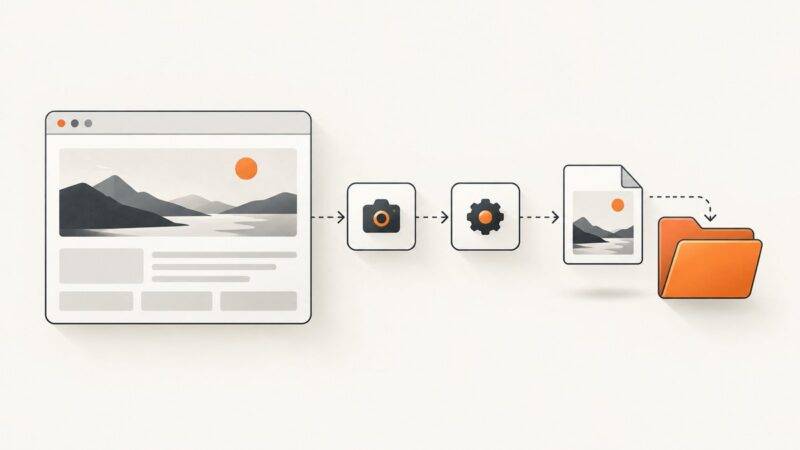
Learn how to capture full webpages, specific browser elements, and Windows controls in Power Automate Desktop, then save or reuse the images.
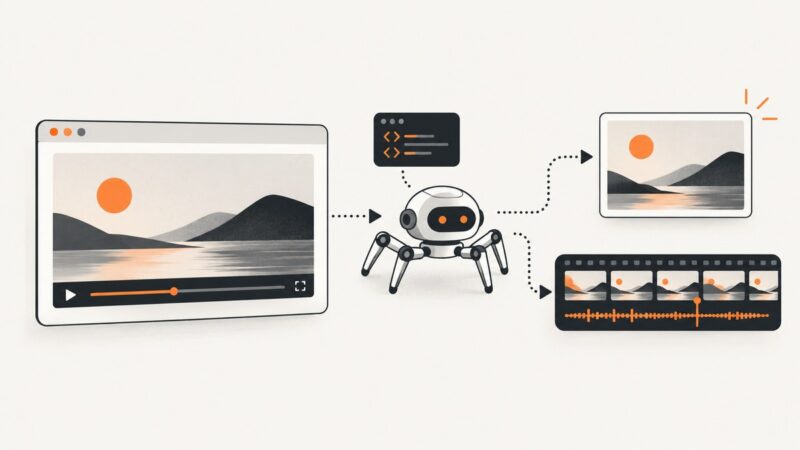
Capture still screenshots and MP4 recordings of video pages with Puppeteer, including full-page, element, timing, troubleshooting, and API options.
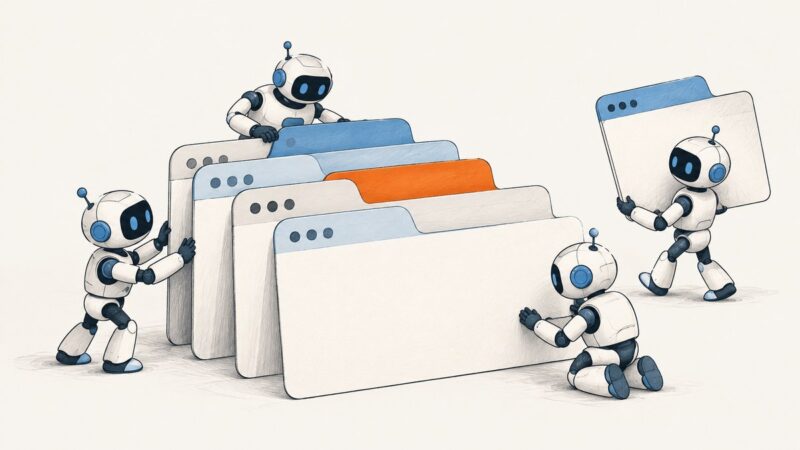
Handle multiple tabs in puppeteer-cluster by queueing separate jobs, choosing the right concurrency mode, and setting a practical worker limit.
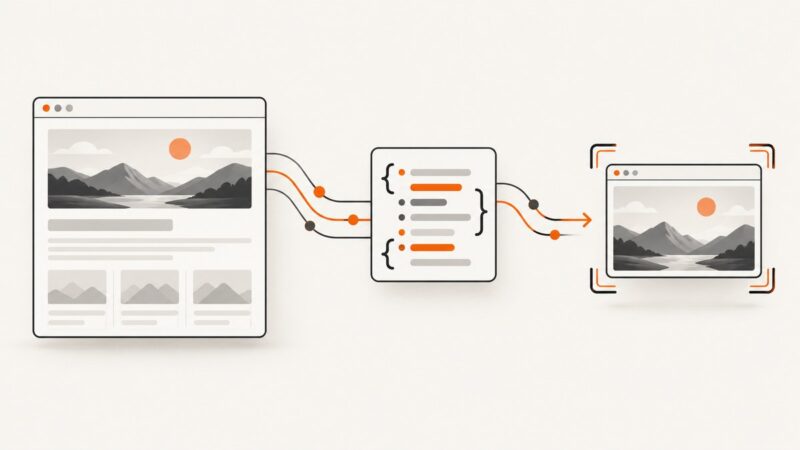
Inspect a page’s data source, extract only what you need, and capture the right browser view with practical Python examples and troubleshooting.
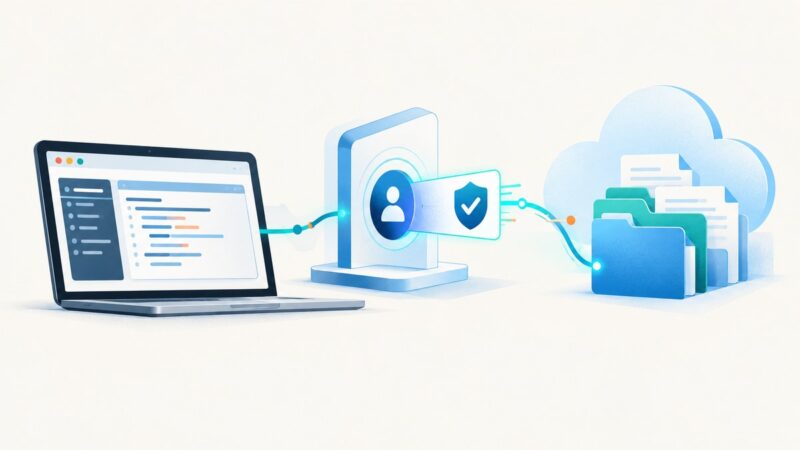
Use Puppeteer for SharePoint browser tasks, but choose a modern Entra ID sign-in flow first. This guide covers MFA, CI, permissions, working patterns and common failures.
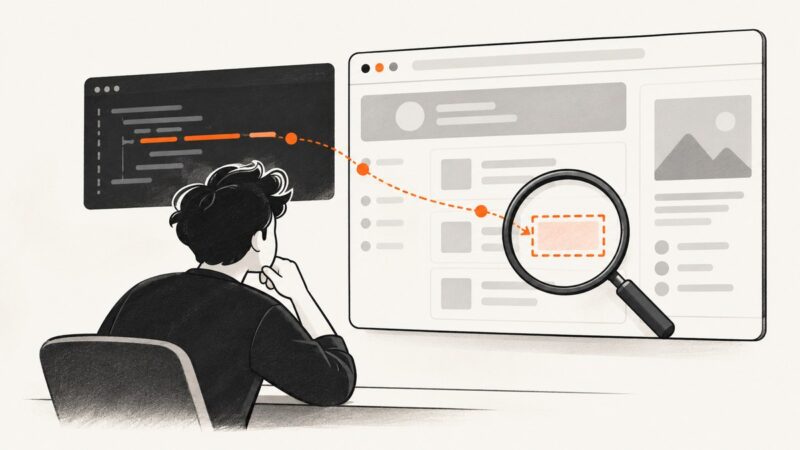
Fix Puppeteer undefined selector errors with reliable waits, optional queries, iframe and shadow DOM handling, async evaluation, and runtime checks.
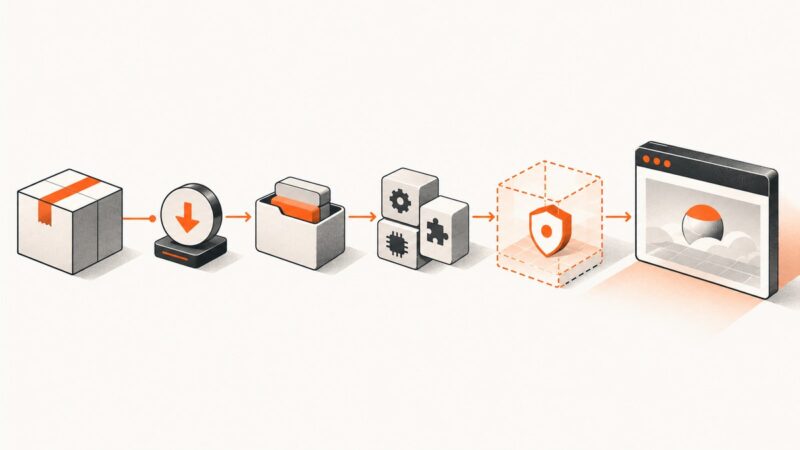
Diagnose Puppeteer failures by layer—install, browser download, cache, OS libraries, sandbox, or launch—and apply the exact repair.
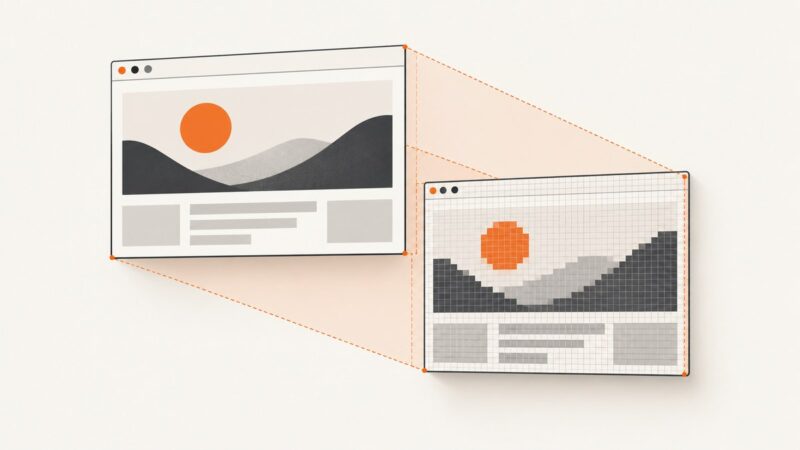
Puppeteer viewport dimensions use CSS pixels, while screenshots can use device pixels or capture a different area. Measure both, then fix the setting that changed your output width.
Capture a screenshot only when a Cucumber.js scenario fails, attach it to the HTML report, and fix common missing-image problems.
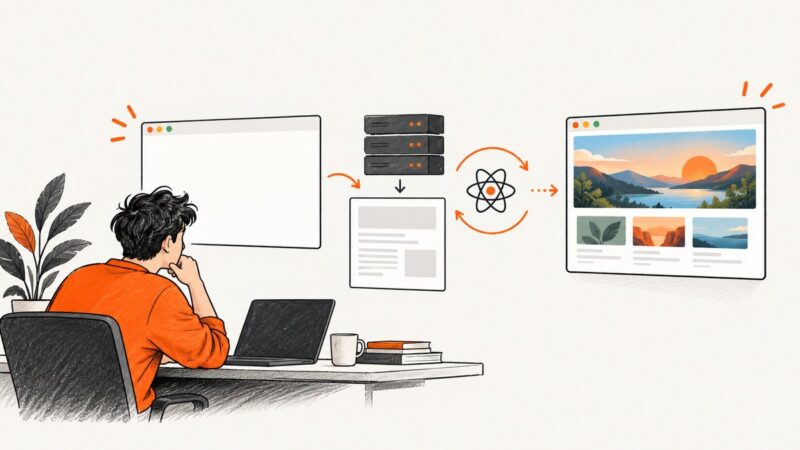
Diagnose blank Next.js screenshots by checking navigation, hydration, readiness, browser errors, and capture options with runnable Puppeteer fixes.
Create a page-scoped CDP session in Puppeteer, send protocol commands, listen for events, detach safely, and troubleshoot common errors.
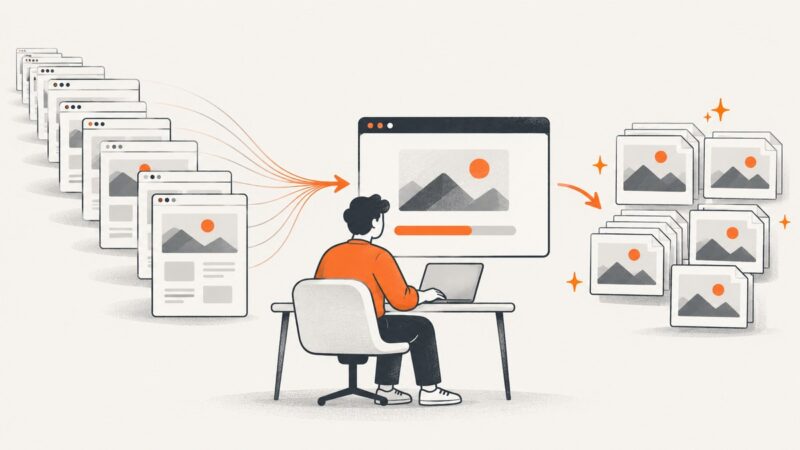
Capture a list of URLs with Puppeteer using a reusable browser, bounded workers, deliberate readiness checks, and per-URL error handling.